TVS-473e v5.2.7.3297
HBS3 v26.2.0.938
MyBook 4TB external formatted NTFS
I’ve been using HBS One way sync for many years without issue. (Both NAS devices in my sig) One thing I’ve noticed with HBS 3 is that it creates a different folder structure than previous versions. I would like to better understand it.
In previous versions you would create folder pairs up to 5 per job. I had 15 folder, so 3 jobs, and every month anything I added to the NAS got synced to the external drive. The folder hierarchy on the NAS matched the folder hierarchy that displayed on the external. They looked the same.
With HBS3 this has changed. Now a single job can contain all of the folders I want to one way sync. No issues there. 
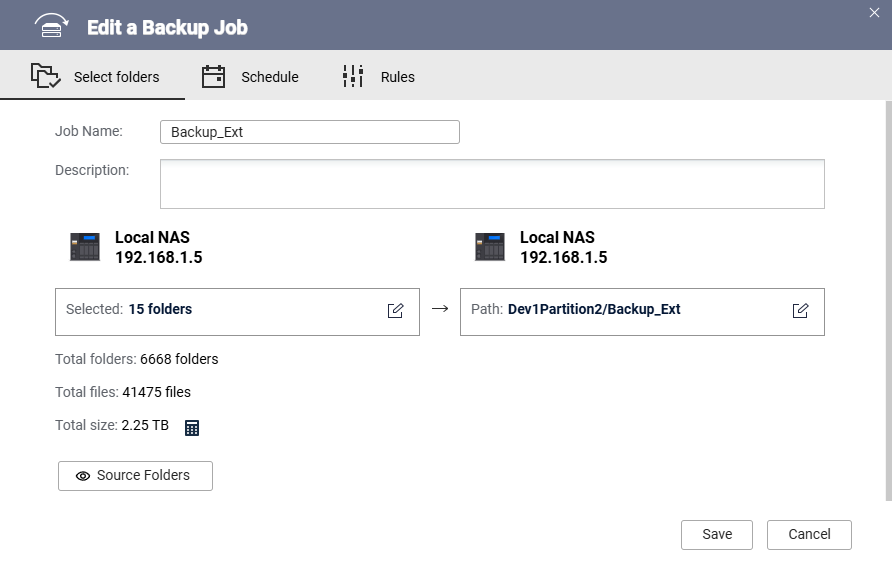
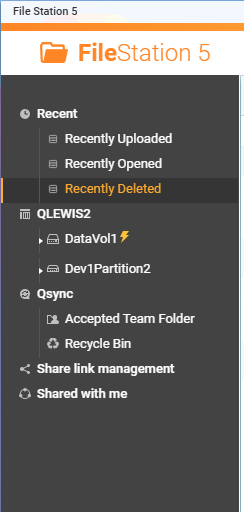
DataVol1 is RAID5 x4 disks (1 acts as hot spare)
Dev1Partition2 is the 4TB External
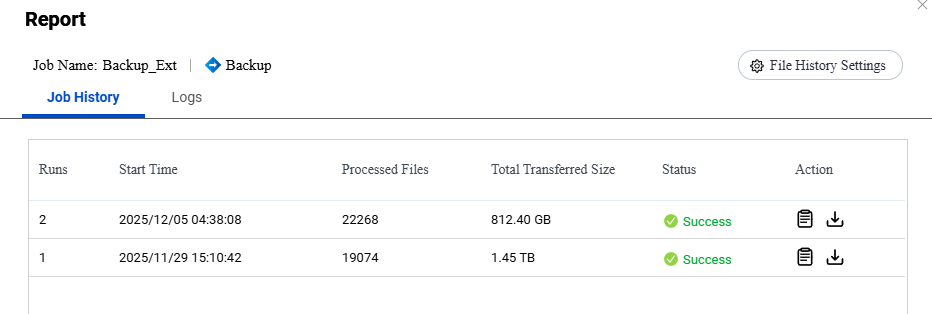
Since I have multiple copies of this data, (mostly archive) I formatted the external and created a brand new job. It included the same 15 folders with the external as the target. The back up is a few terabytes. I ran the job, took a few hours, no problem. It created a root folder with the name of the job “Backup_Ext”.
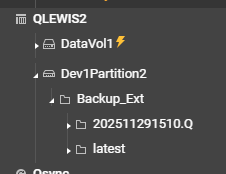
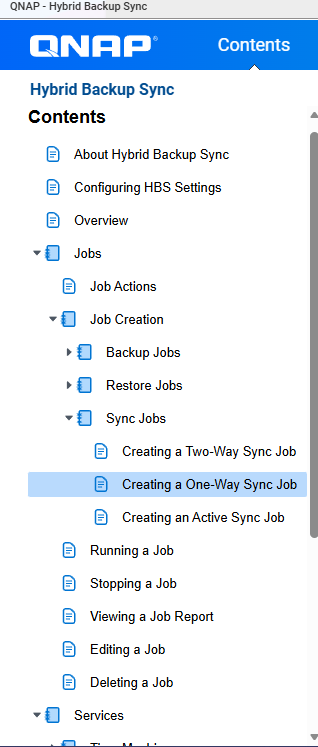
I’ve reviewed the documentation, but I didn’t see anything about the folder hierarchy being created by the jobs (did I miss it?). I just want to understand what I’m looking at.
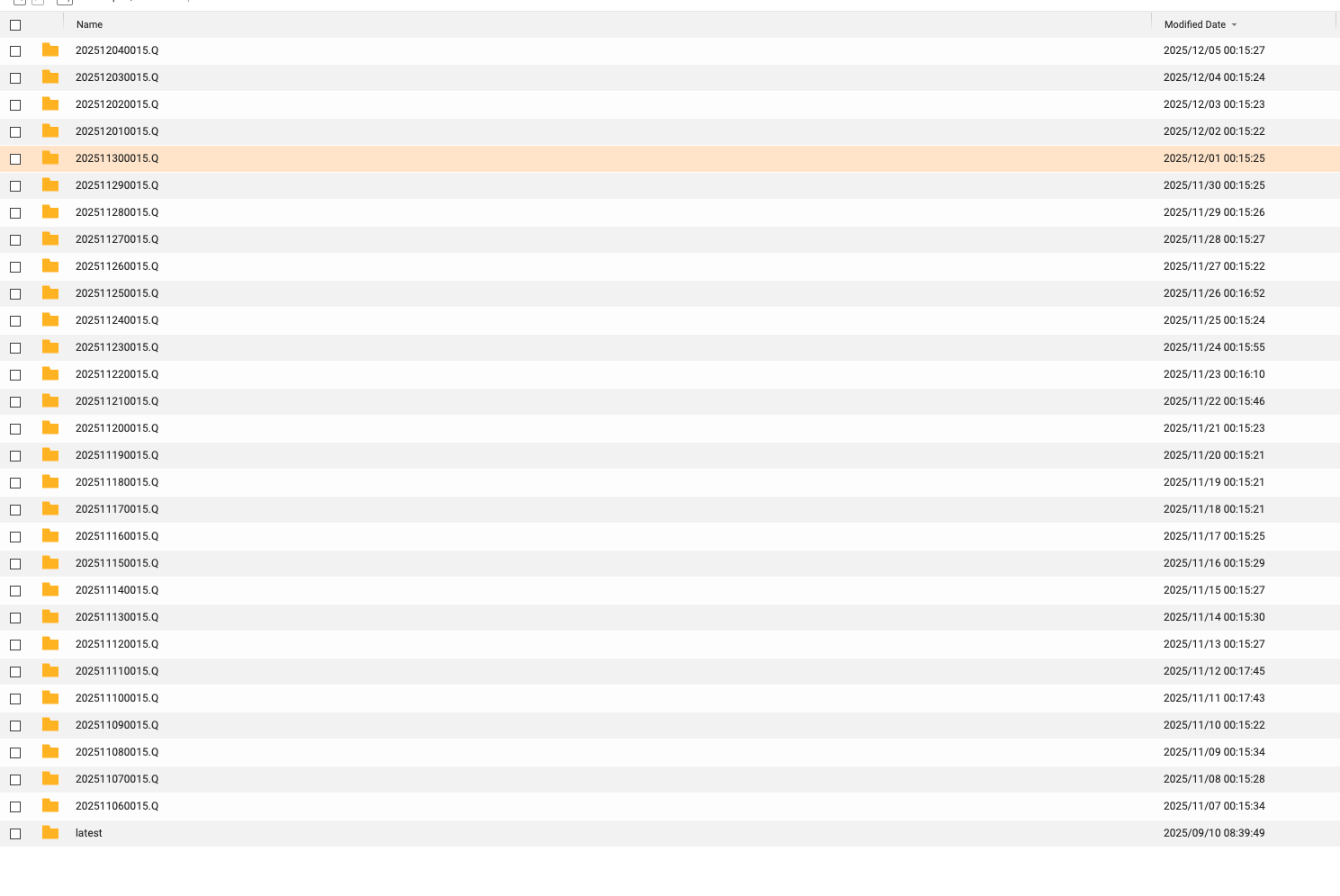
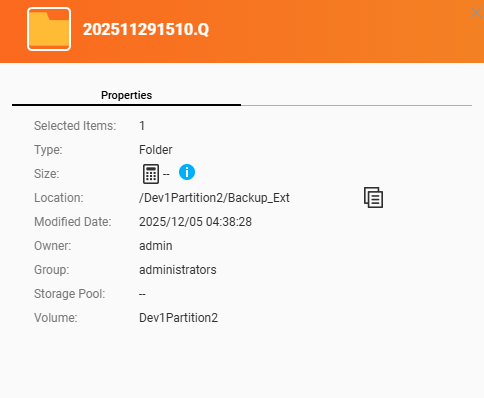
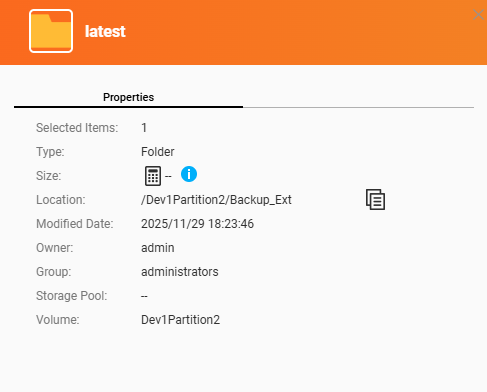
The “latest” folder has a timestamp of 11/29. It has the updated folders. While the contents makes sense, the timestamp does not. The “202511291510.Q” has a timestamp of 12/5, but it has the original data, not what was added. This is what I’d like to understand. I suspect this has to do with versioning, but I’m not finding documentation in order to confirm this.
Maybe it would be helpful if I ran the job again? I just want to understand what I’m seeing.
Thanks