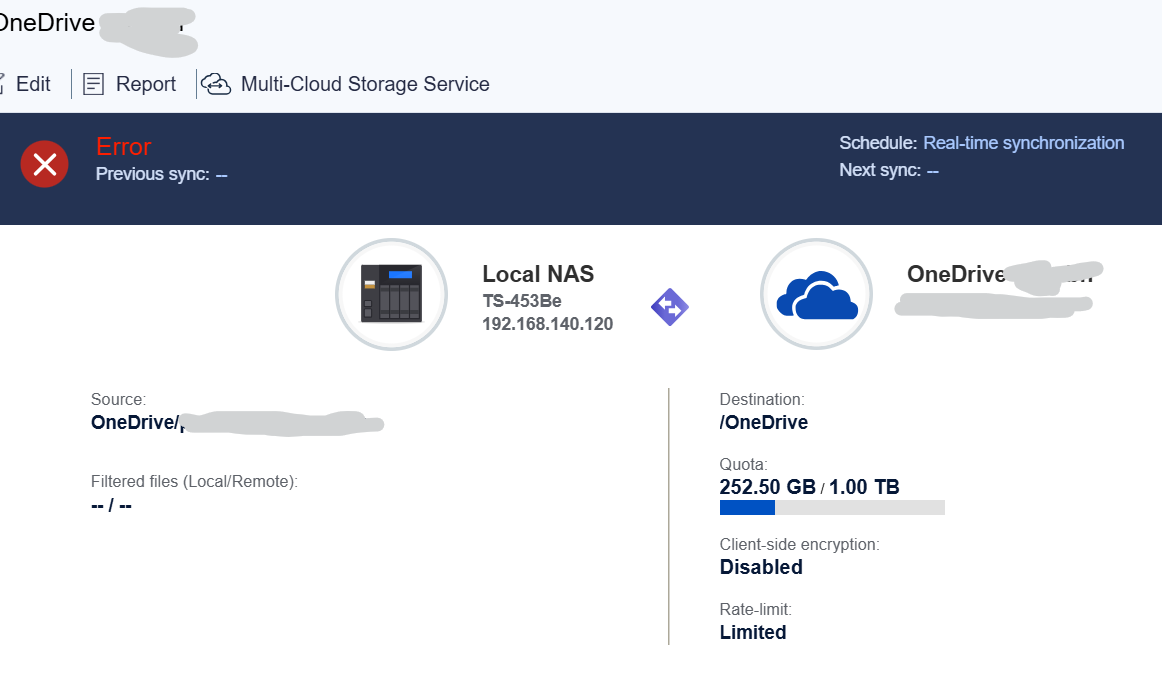
Your post isn’t too clear, but if you want to sync Onedrive (cloud) to Onedrive (NAS)
HBS3 > Sync > Create > Active sync job > Source storage space > Onedrive & Onedrive for business
Your Onedrive account (microsoft email) should show up and be selected by default, or you will be asked to sign in etc
Select the account.
You will be presented with options to add paired folders.
For the NAS, add a previously created root folder, say, “Onedrive”
For Onedrive (cloud), add the first subfolder “Onedrive”. You cannot add the top entry next to the cloud symbol as it is simply a title.
Set your conflict policy and click “Next”
Set your schedule, rules, check the summary and click “Create”
If you’d checked “Sync now” in “Schedule” it should start syncing straight away, if not, select your newly created job and click “Sync now”
DO NOT use Qsync Client to sync your Onedrive folder on your PC to the NAS if Onedrive is running on your PC, as this may cause endless duplications of files/folders.
EDIT: Just to add, Onedrive has a number of options for which folders you want to sync / backup…
Definitely don’t use Qsync with a OneDrive folder! I had that experience and was finding Qsync deleting Teams video recordings, etc. QNAP recommends against this!
To get it to work I edited both sides to only sync the “music” folder (ie /OneDrive/Music on the OneDrive side and added /Music to the other side). It then did a sync without problems.
Trying to replicate the issue I went back and removed the music folder from both sides so it would sync the whole tree. It seems to be working, at least it’s been running for over 10 minutes without giving an error (before it would error straight away).
So problem solved? Not sure what it’s issue was though, especially since it had been running ok between 2020 and Jan 2025 without anything changing.
The glitch could have been anything. I regularly get onedrive sync warnings, but I’m still on copper here and I know t’internet occasionally drops if only for a few seconds. It normally just corrects itself and resyncs.
Probably best to set up a notification rule to keep an eye on it.