Also, I have connected a keyboard (Japanese layout) via USB and am using it. However, since HD Station only provides applications, I cannot change the keyboard input settings, and as a result, I am unable to input Japanese.
(Of course, I can do this from QRemote, but I would like to be able to input from the keyboard as well.)
I don’t mind if it involves CLI operations, so if anyone knows how to enable Japanese input with a connected Japanese keyboard, I would appreciate your guidance.
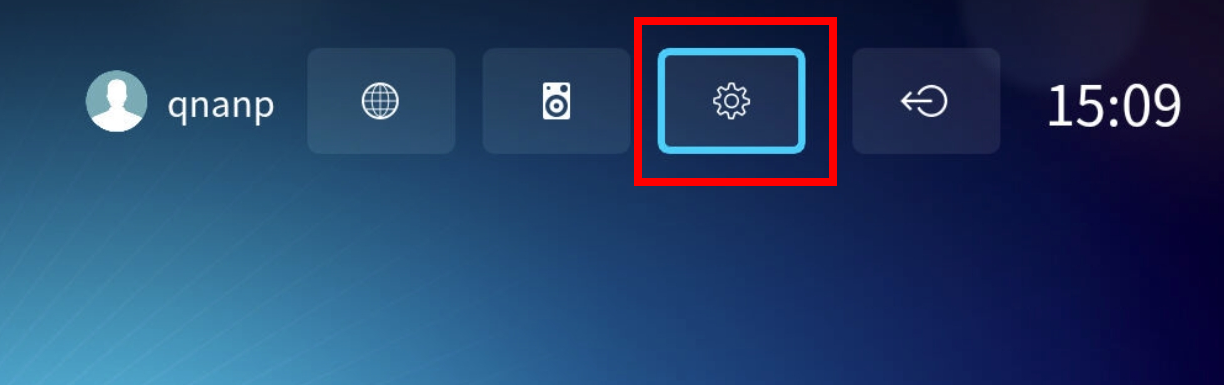
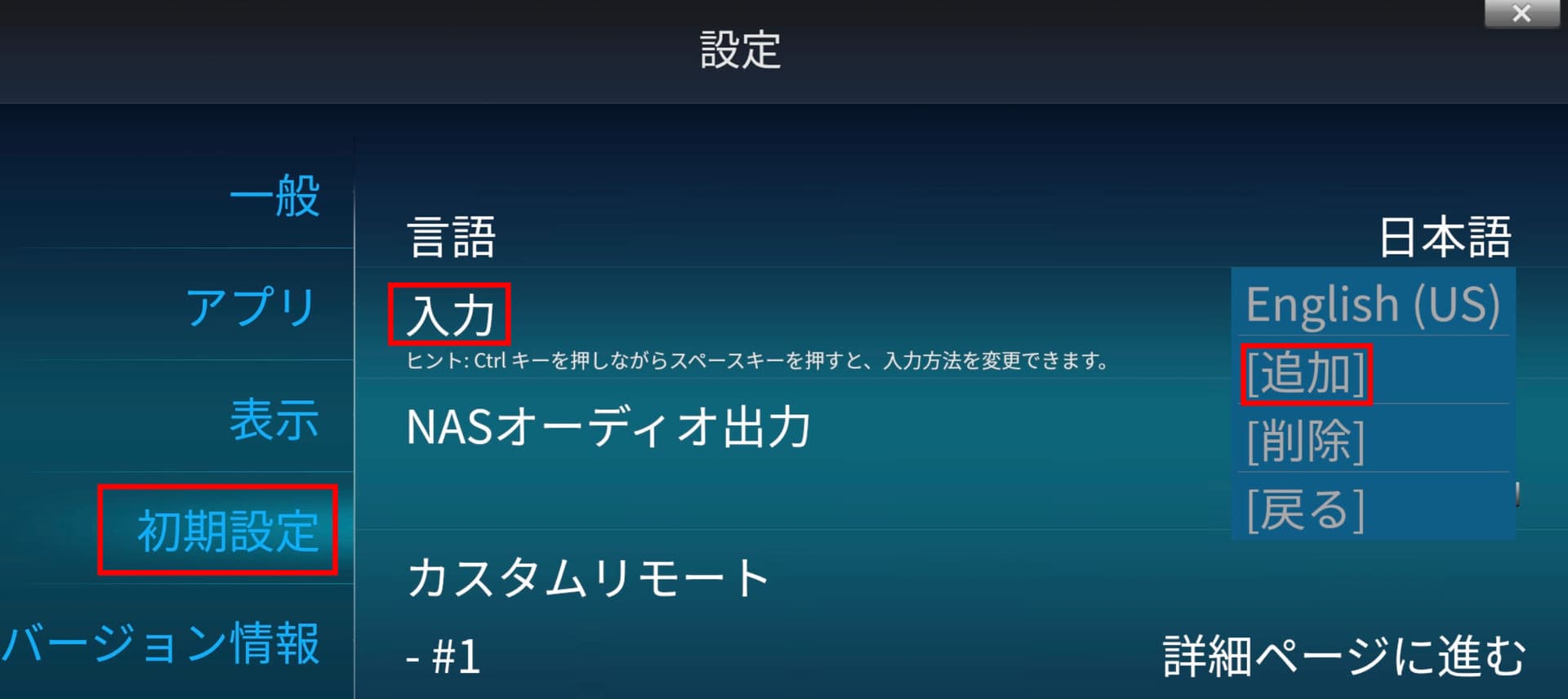
Hi @KSAN Since I don’t have a Japanese layout keyboard on hand, I can’t check it myself, but first, could you please open the settings from the gear icon at the top right and check if Japanese input has been added under “Initial Settings” → “Input”?
My language setting is set to Japanese in the screenshot, so the settings screen is in Japanese.
Also,I can also switch between JA and EN by pressing Ctrl and Space. However, even when I switch to JA, the Japanese keyboard language input switch is not enabled. I think this is because the Japanese language input function is not installed in HD Station.