Greetings,
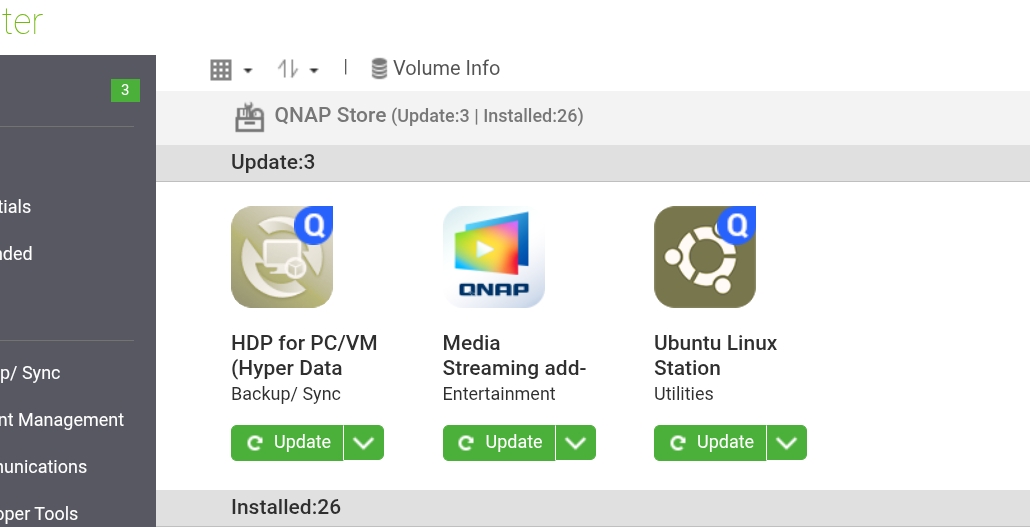
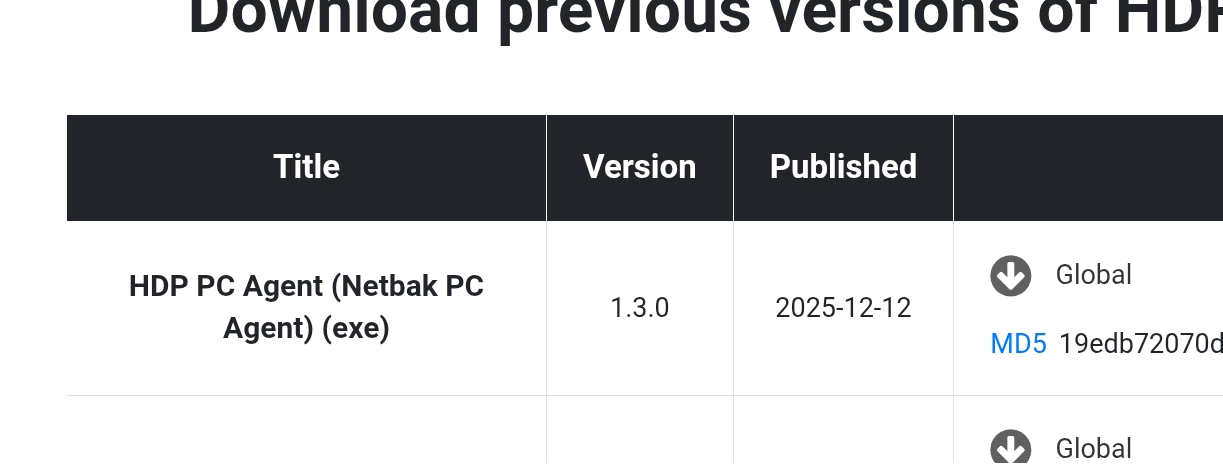
I’m still using v2.2.4 of HDP and v1.2.6 of the PC Agent. I did grab v1.3.0 that marcoi posted in anticipation of any issues that might arise. One thing I noticed that’s missing from the agent is its ability to wake the computer to perform a backup. There’s an option to have it run at login/off or shut down, but not wake if the computer is sleeping. This is a 10-year-old feature that I was surprised wasn’t present in the agent, so I opened a feature request with support. They told me it was being considered for the next release. Maybe they believe it should be an option also. So here’s the hoping. I know I can use the windows scheduler and wake the computer up and then call the task but, I think it should be included without jumping through hoops. This is a free solution though, so it is what it is.
The v1.2.6 agent installed on W11 25H2 without a problem. It properly configured firewall rules to allow it’s communication without any intervention on my part. I’ve run a few backups manually and they appear to be working fine. What I did have a problem with was USB boot drive creation. I found a few posts from others that said rebooting the system often resolves it so I did that but continued to have some problems. The system would hang on step four of five and then ask me to format the boot device a second time during the creation process. I was using an 8 GB stick but I see that the utility “likes” a 1 GB stick. (Typical for WinPE). I finally used diskpart from a command line and created my own 1 GB partition. This time USB boot disk creation was successful.
Having used these types of tools for years I know the importance of testing the boot and restore process. I quickly realized that the WinPE stick didn’t have a nic driver for my PC. It kept failing when I would enter an IP, SM and Gateway with DNS. I confirmed by running ipconfig and got nothing back so it was obvious the WinPE environment didn’t have a nic driver. It’s an older system so I’ll grab the driver and see if I can incorporate it without having to add it and the RAID Controller driver if needed. As before these things have been eradicated long ago in other products. Maybe it’s the age of my hardware but I chuckled because it brought me back to something we all had to deal with in a previous life.
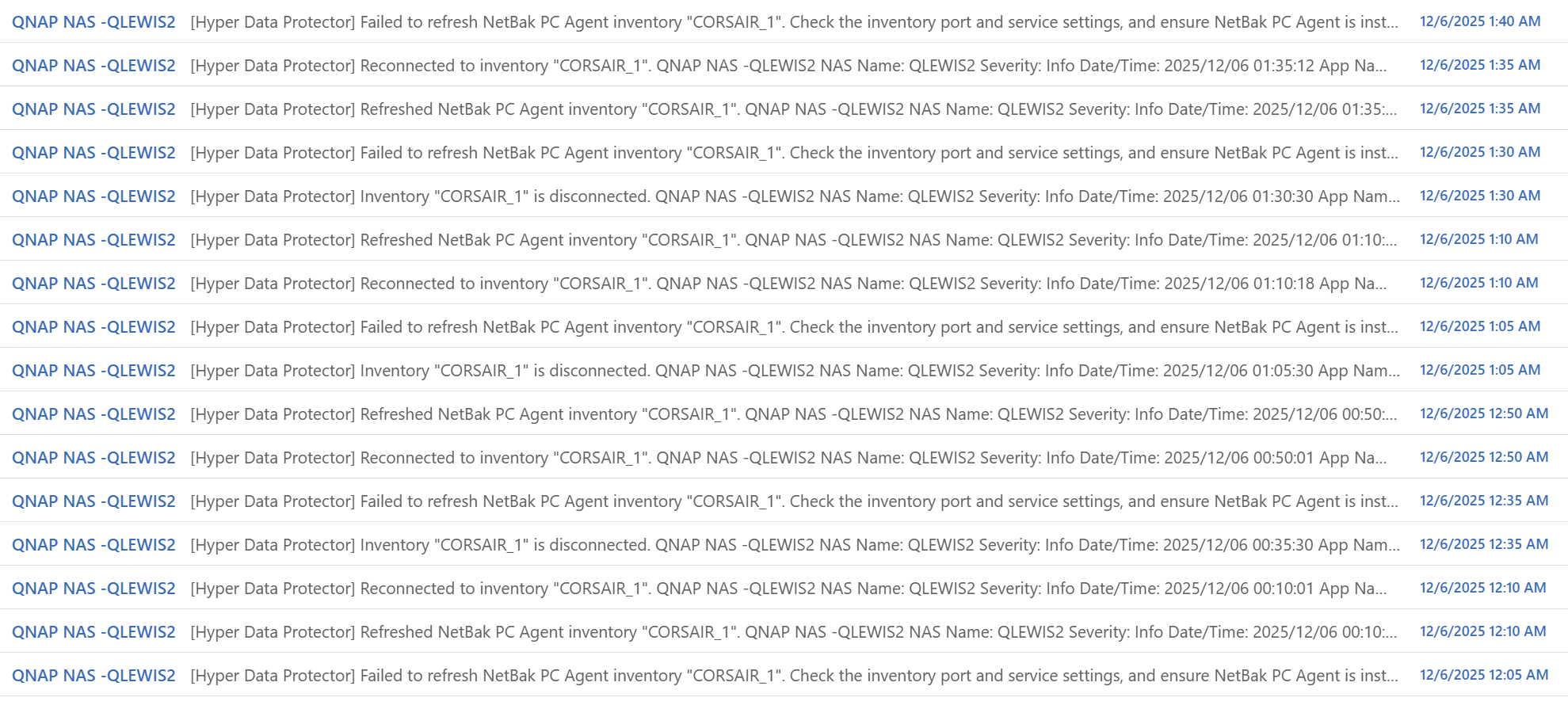
I’ll probably work on that later today. There’s only one other thing I have an issue with. With HDP running on the NAS, when the PC the agent is running on goes to sleep HDP generates an email for reconnection about every 15 minutes. I went into notifications and started disabling the checkboxes but removing all but one and then changing it to each didn’t resolve the behavior. So the HDP App could potentially generate thousands of emails if allowed to run in a "listening” state. I got over 350 emails in just half a day. If this is how it works, it’s going to be a deal breaker for me. I want an email notification when a job runs, completes or fails but I don’t need to get an email every 15 minutes telling me that it can’t connect to a PC that’s sleeping. Stopping the HDP App on the NAS is a workaround but defeats the purpose of an unattended backup.
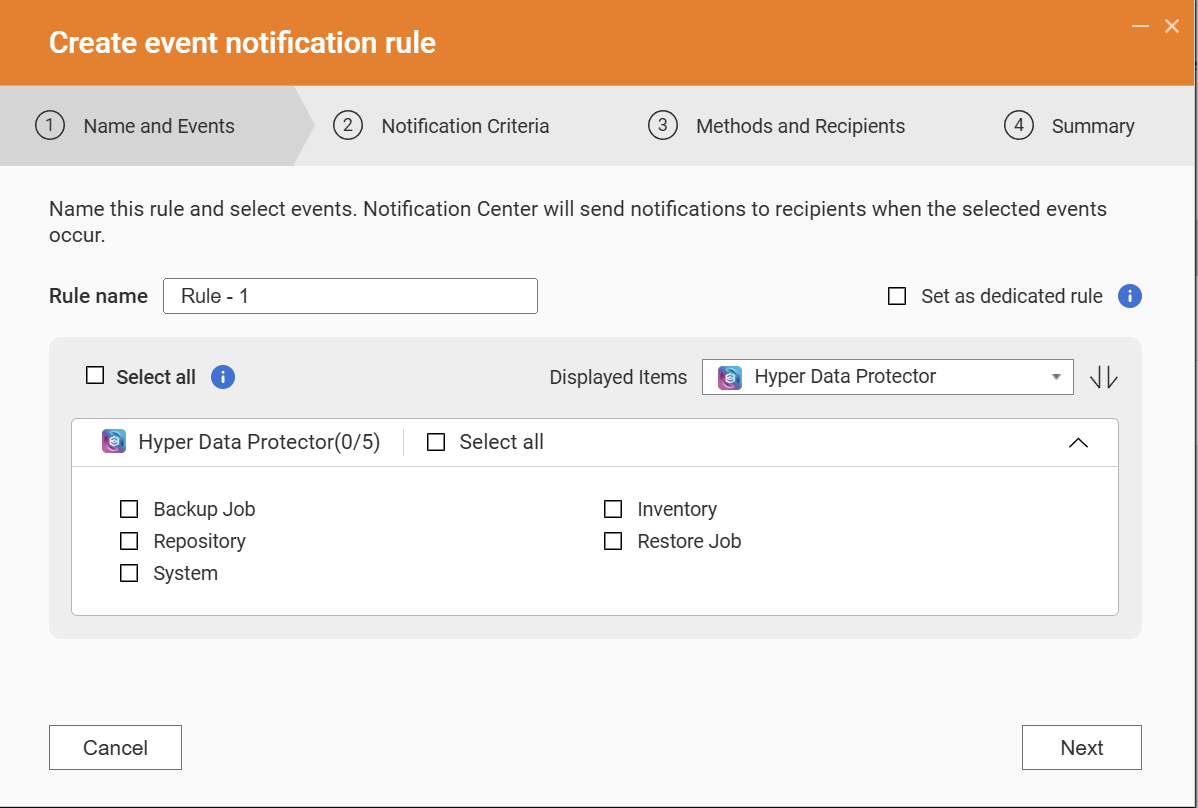
I have not modified Notification Criteria yet. It might be here?
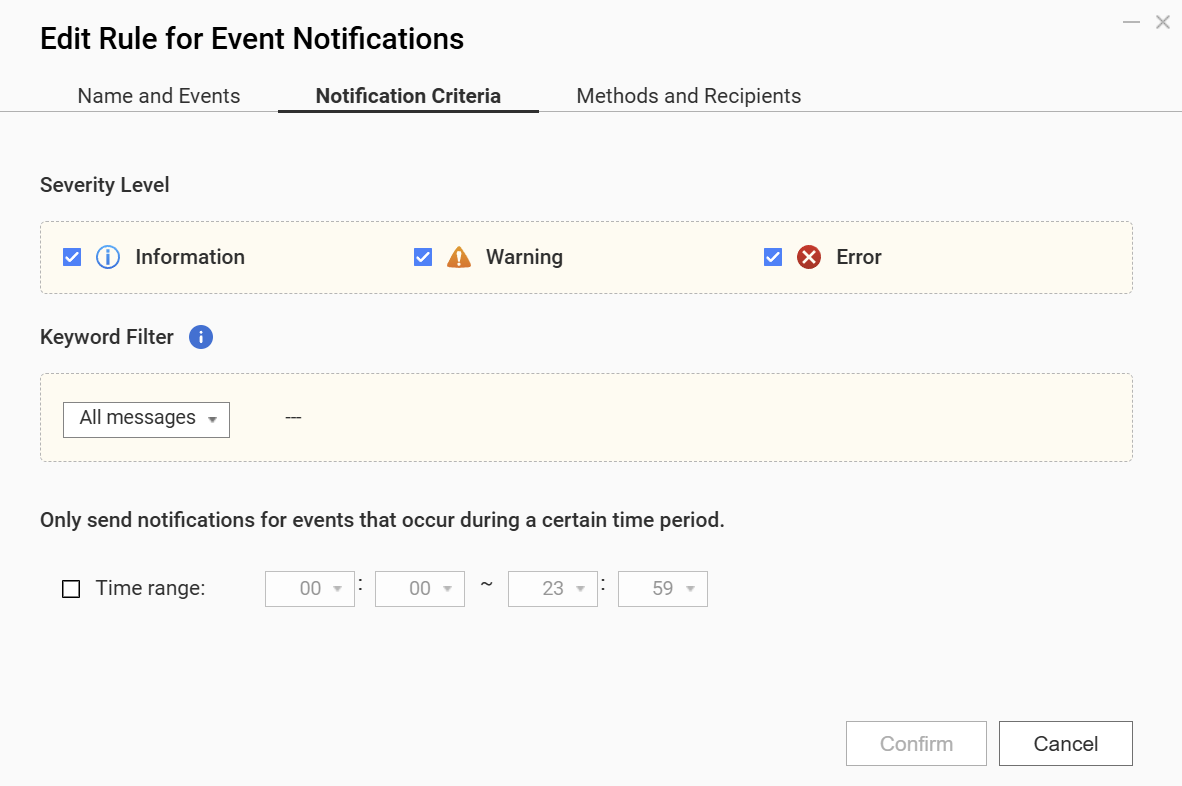
I opened a case with support tp see what they might comment or suggest. If anyone has tips, I’d appreciate it.
Cheers
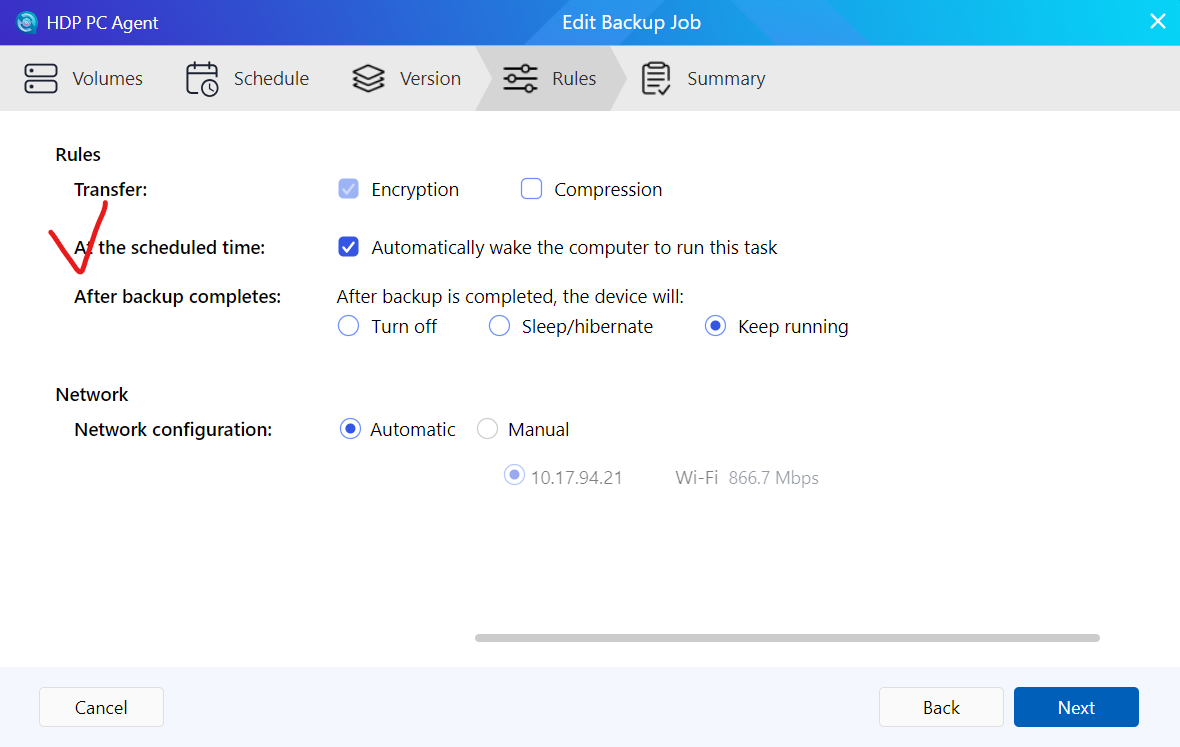

 and QNAP support is awesome.