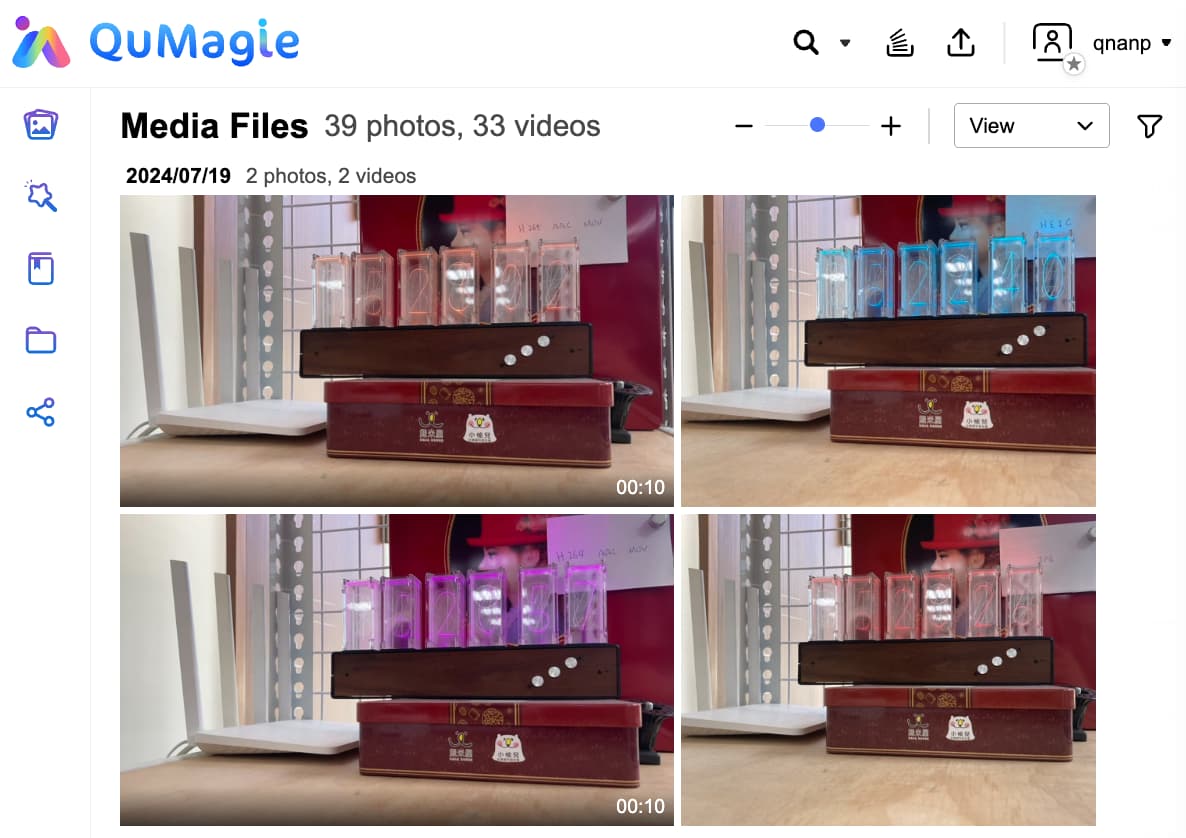
HEIC is a highly efficient image format that has become mainstream on smartphones in recent years. While maintaining the same image quality, it requires about half the storage space compared to JPEG. This not only significantly reduces smartphone storage usage, but also saves upload time and storage capacity when backing up to the cloud.
That said, while the advantages of HEIC are clear, compatibility issues may arise with older devices or applications that do not support this format. In fact, NAS users have voiced concerns such as:
“If I don’t buy a license to play on NAS, I can’t even view thumbnails.”
“I just want to view photos and videos taken on my smartphone, but I can’t open either HEIC or HEVC…”
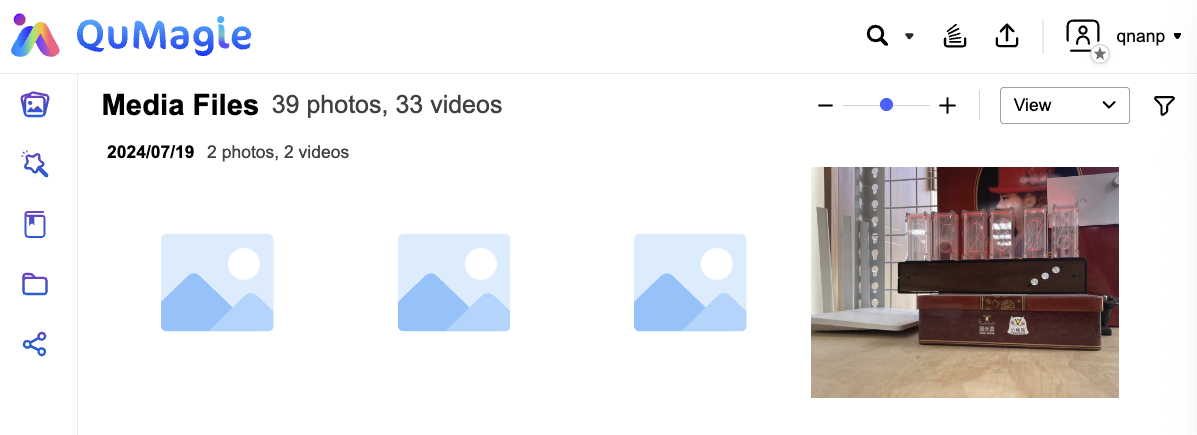
Previously, to view HEIC photos from File Station or QuMagie on QNAP NAS, users had to rely on a third-party app called CAYIN Media Sign Player and purchase a Plus license. However, with the arrival of CAYIN Media Viewer, many users’ needs can now be met with just the free basic version.
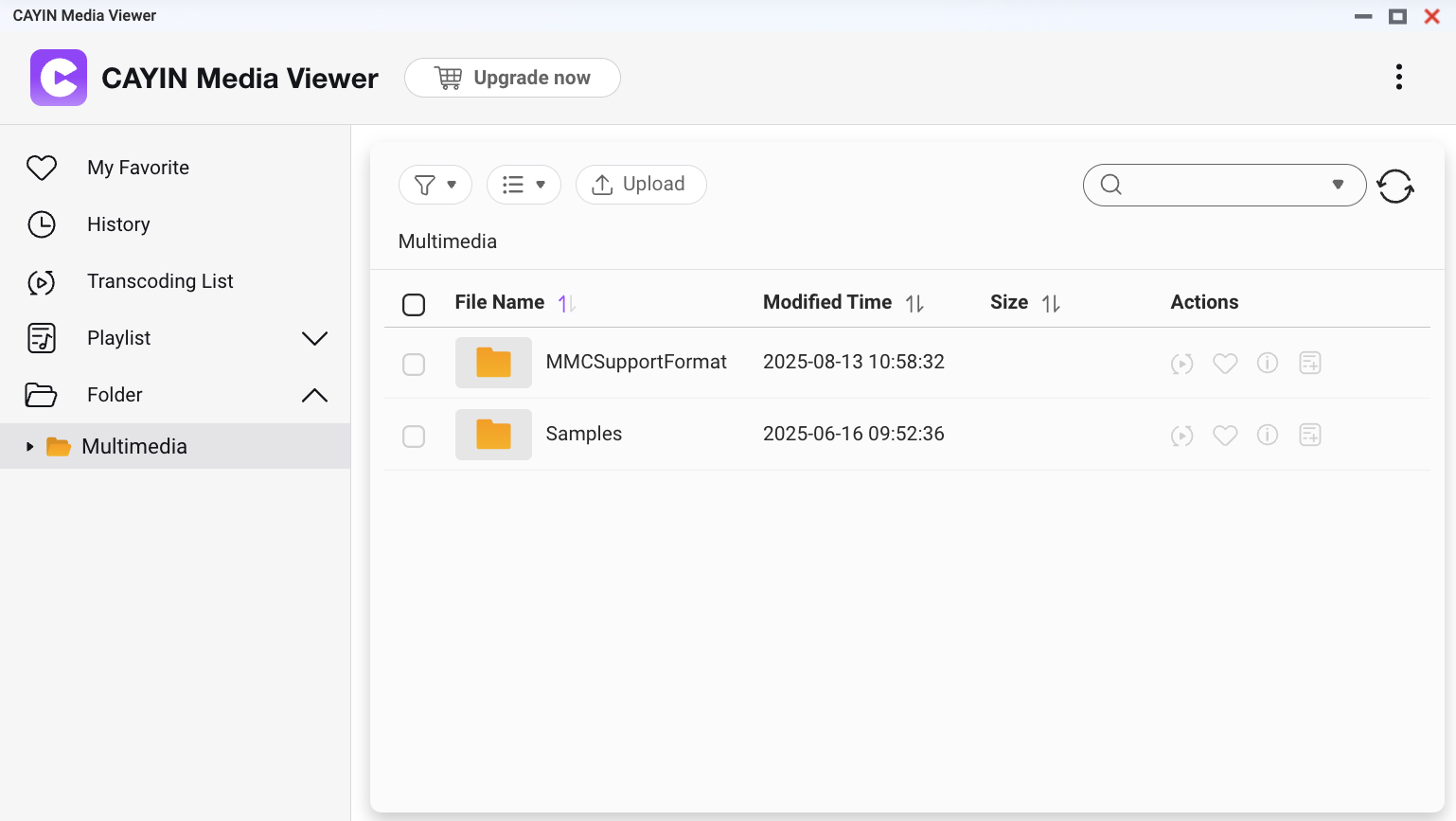
The new CAYIN Media Viewer can completely replace the previous CAYIN Media Sign Player. It is compatible with NAS running QTS 5.2.0 or QuTS hero h5.2.0 and above, and can be downloaded directly from the App Center. Multimedia Console 2.8.0 or later is also required.
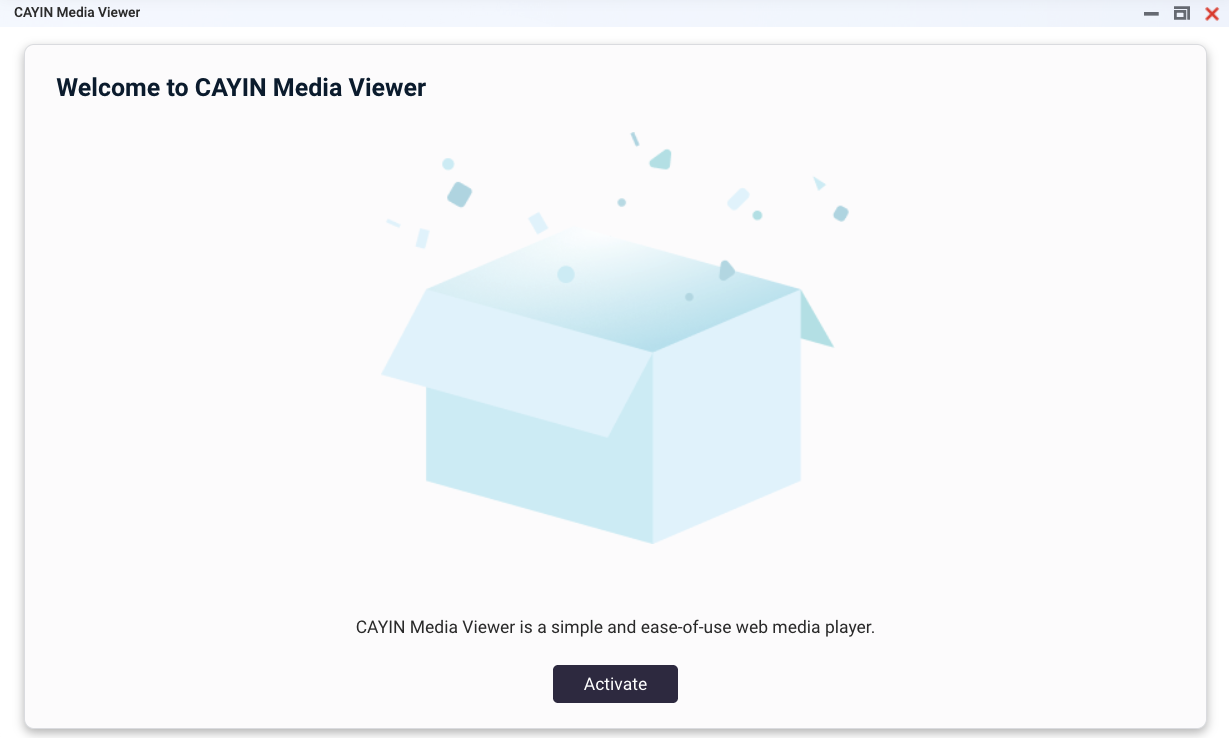
Using it is very simple. Just launch CAYIN Media Viewer and activate it online.
Once setup is complete, you can directly view HEIC photos and HEVC videos taken on your smartphone in File Station or QuMagie, and the system will automatically generate thumbnails. This makes file management and viewing more intuitive and convenient.