so I was trying to upgrade 2 higher storage drive in my TS-453Be. I have 4 drives in the NAS, Drive 1 and 2 are in Raid 1 (Storage pool 1) and Drive 3 and 4 are in Raid 1(Storage pool 2). Storage pool 2(drive 3,4) was where the os was installed(I wasn’t aware of this). I took out the 3,4 and put it in other nas without awaring it that it was the os pool and I formated everything in this 2 drives.
Then, I tried to turn on the old nas and found that the nas is not accessible anymore, so I reinstall the OS into the new drives 3,4. then I found that the data in pool 1 is still not accessible in the newly installed OS. How can I access the data in the drive 1 and 2(pool1) ? Please help! Thanks in adavance.
Oh really? the OS is also in the drive 1, 2? if so, how come when I turn on the nas with drive 1,2 and it keep giving me a drive error message when booting.
the other NAS is the new UGREEN nas. I didn’t do any backup on the drive 3,4. Everything is formatted in the old 3,4 because I was thinking that everything is on pool 1 (drive 1,2).
How can I access the data in drive 1,2? Thank you for your help
It was through the internal speaker after booting was completed. It was something about a disk volume error, something like that. I can’t replicate this error message after I reinstalled the OS to the new 3,4.
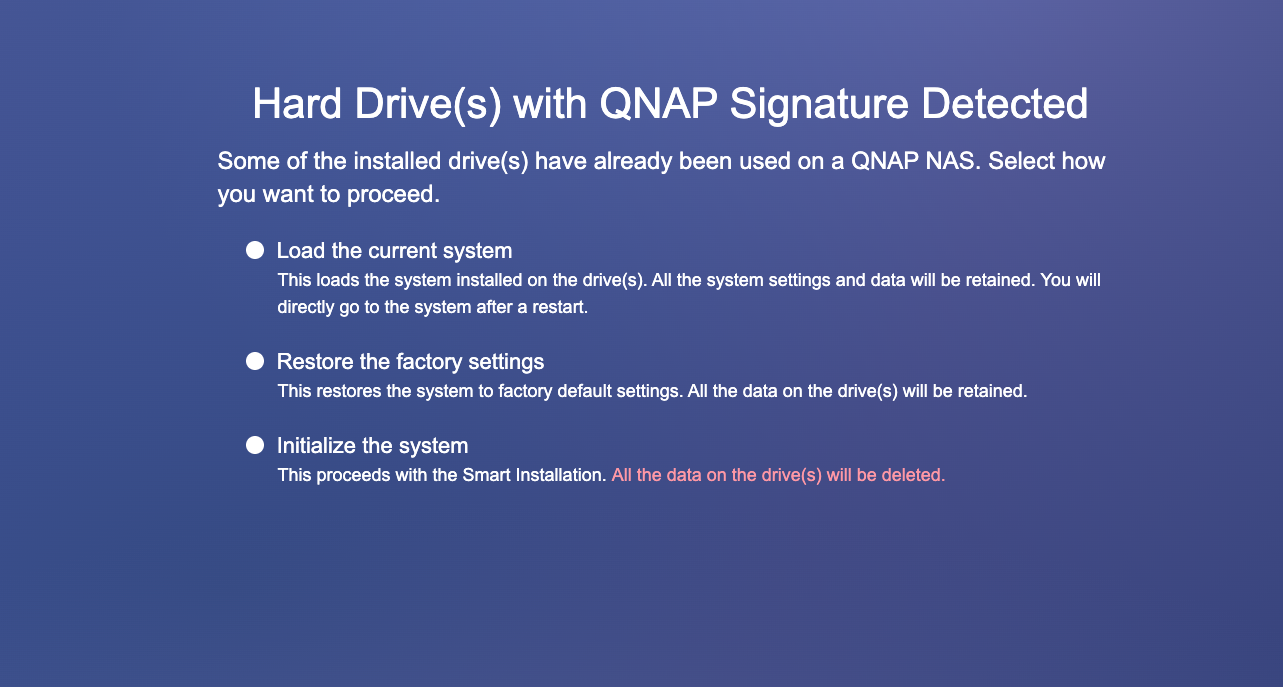
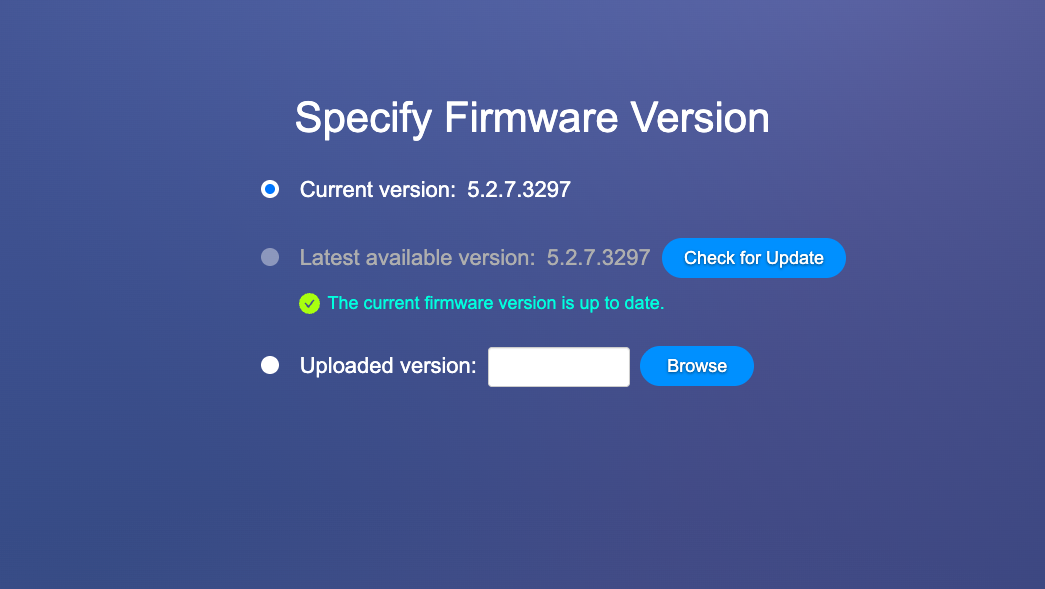
After I saw your previous reply about the OS being on all drives, I am trying to remove the new 3,4 and see if I can load the OS from drive 1,2. However, it doesn’t seem to load anything. It just brings me back to the Welcome to the QTS smart installation system page after I try both “load the current system“ and “restore the factory setting“. Any idea why? If not, do you know how to access the data in drive 1,2 from the newly installed OS in 3,4?
Well, drive 1, 2 were never removed from the current Qnap NAS, I was trying to upgrade the drive 3,4 and that was why I removed the old 3,4 and put them in somewhere else(I didn’t put any data in pool2 (drive 3,4)). If what you mentioned was correct, the OS were installed in all drives, that means the qnap NAS can still be loaded using just drive 1,2 am I correct?