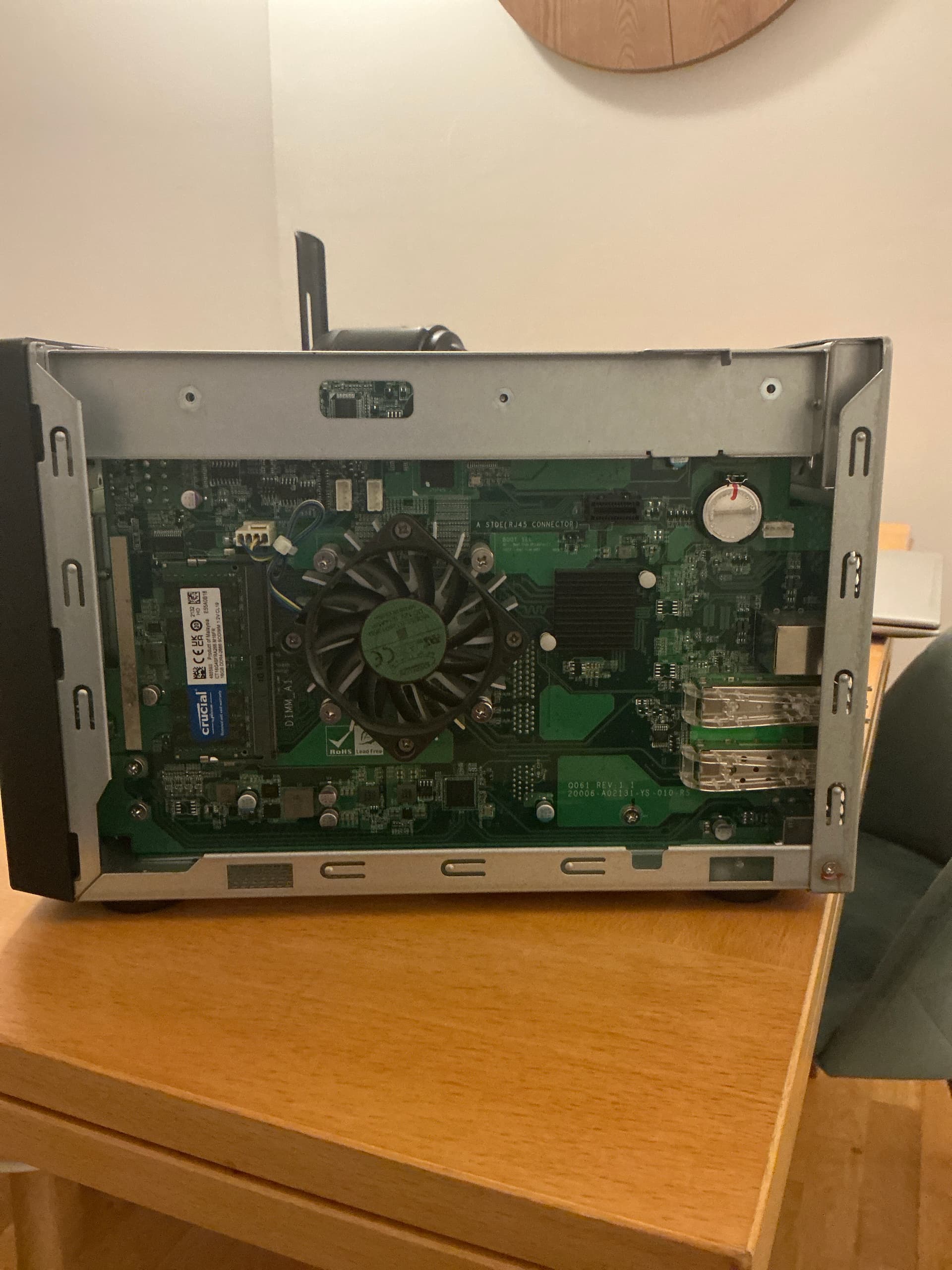
I’m trying to gain serial UART access to my QNAP TS-832PX, but I can’t find any official documentation showing where the UART (JP1) header is located on the motherboard.
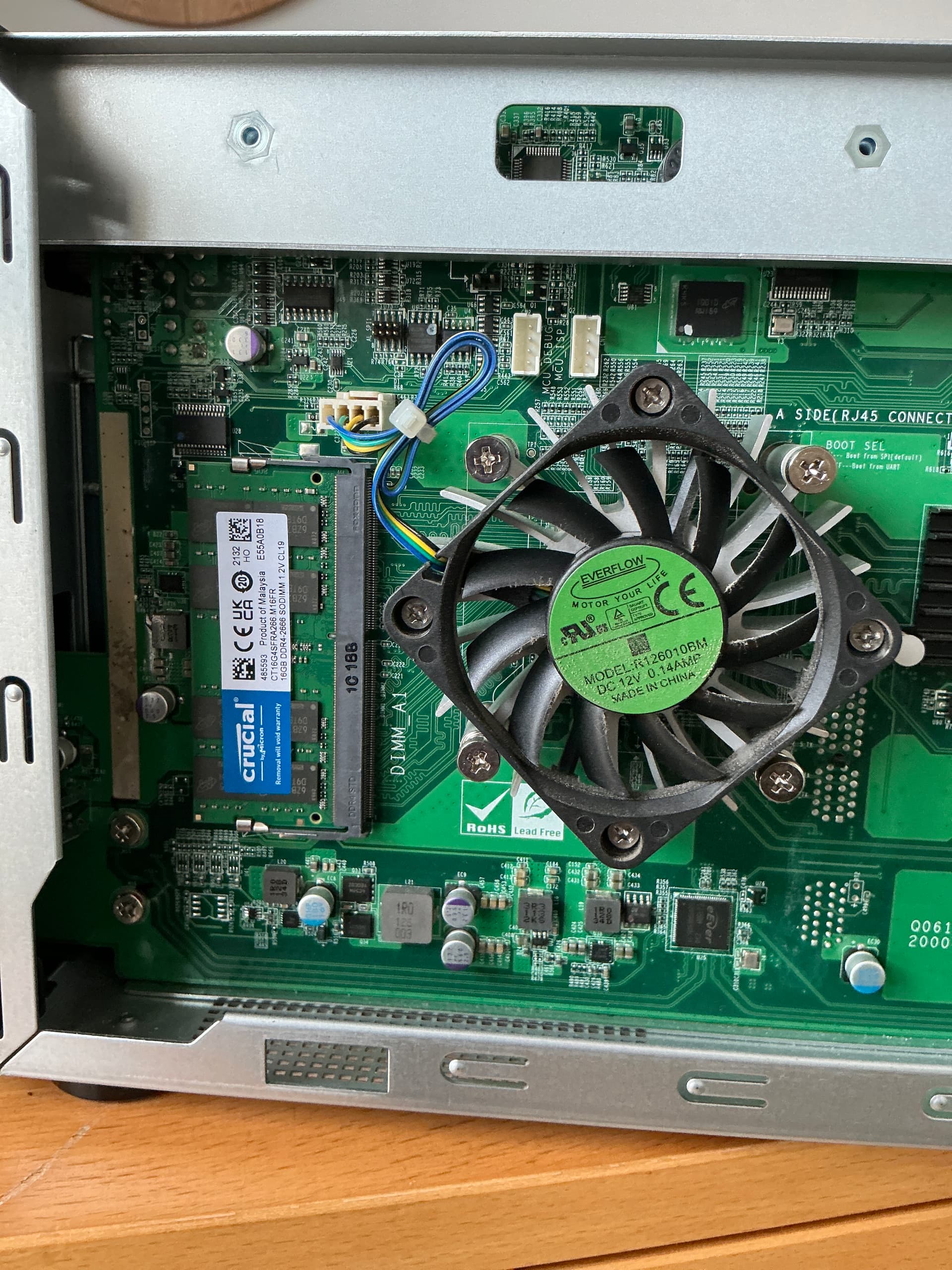
I’ve opened the device and found a small 4-pin white connector just above the RAM slot, next to the fan. It looks like a serial port, but I want to confirm before connecting my FTDI USB-to-TTL adapter (3.3V).
Does anyone have a confirmed UART pinout or motherboard diagram for the TS-832PX?
Also, is the UART console active by default on boot?
The ones above the fan are not UARTs and I would not mess with them. One is labeled MCU_DEBUG, the other is labeled MCU_ISP. The debug port is likely a JTAG port. The MCU_ISP port is for In System Programming of the MCU. These are both used in the manufacturing process or in repair/servicing.
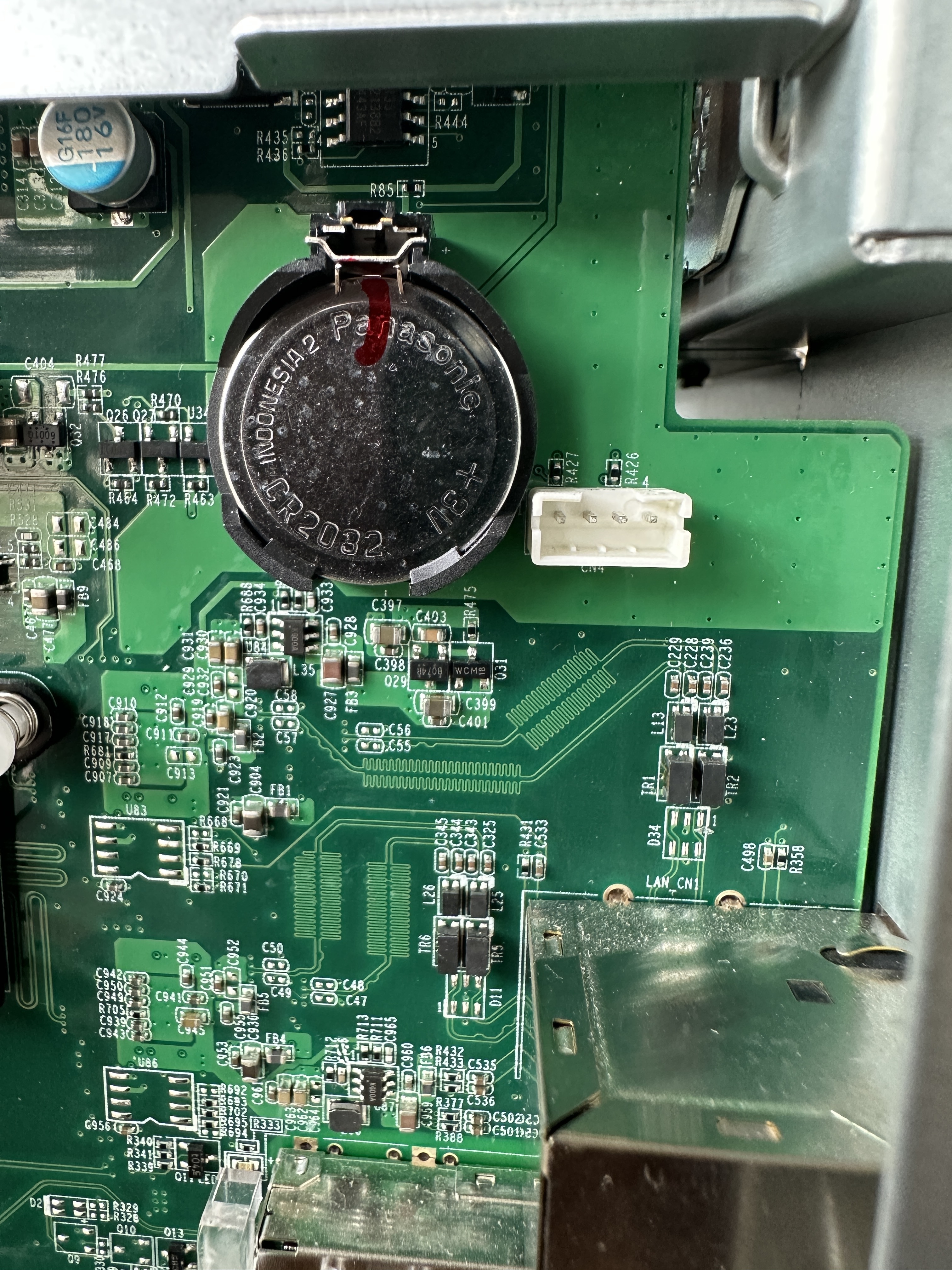
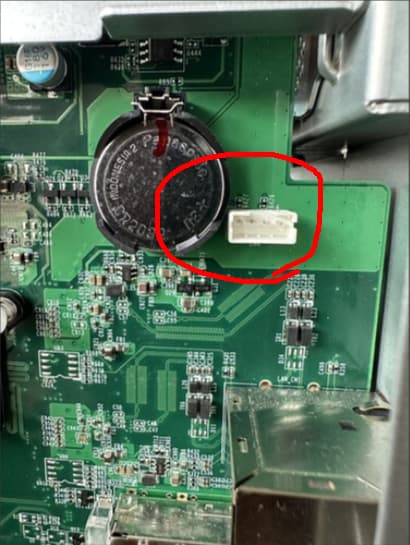
I can’t see enough detail in the first image, but there’s a similar 4 pin Molex connector next to the Real Time Clock battery. What is the labeling next to that port?
Yes, @dolbyman is correct Those are the identifiers for the resistors. I can see underneath that the connector is designated as CN4. Unfortunately, it doesn’t give any indication of the use of that port.
I just tried downloading the service manual for your NAS to see if there was any reference there. Unfortunately, it’s all about mechanical servicing not electrical.
But a more important question is - Why do you want access to the UART? What do you hope to gain from a UART connection that you can’t get any other way? I don’t even know if such a connection is supported.
Sorry, I should have mentioned this earlier — I was planning to install Debian first so I could then set up OMV instead of QTS. Since there’s no HDMI port, someone suggested I could use a UART port to connect a storage device with Debian already installed
Oh, I get it…Without the HDMI port, you can’t hook up a monitor which allows you to go into the boot menu and select your boot device.
I don’t think you’d want to use the UART for loading Debian. That would be really, really, really slow. Instead you would use the UART to access a console based boot menu where you could select your boot device. I think that’s what the link @etakpte is talking about…
That cable will be somewhat difficult to use connecting to CN4. There’s 4 pins on that connecter. They are likely 2 Ground, 1 TX and 1 RX. You would need to measure out what pins are ground and guess on TX and RX.
See if you can buy a cable with a 4 pin Molex connector. This guy might work:
Just clip the cable and use one of the 4 pin connectors and connect those to the apprpropriate pins on your FTDI adapter.
No guarantee that this will work. That may not be a UART port…
 Does anyone have a confirmed UART pinout or motherboard diagram for the TS-832PX?