Did you follow what I asked you to? I don’t think so. I asked you to remove the static IP from the Host Port and set it to DHCP. I said to set Network adapter 2 to the fixed IP.
I don’t think you did either of those things.
Did you follow what I asked you to? I don’t think so. I asked you to remove the static IP from the Host Port and set it to DHCP. I said to set Network adapter 2 to the fixed IP.
I don’t think you did either of those things.
If only I could have tried…
For no reason, and after changing nothing on the installation, I wasn’t able to reach the QNAP. I tried both IP and both ports, the QNAP is visible in QFinder but after clicking on the URL, I just got an error page 
So I tried a 10 seconds reset and now, the QNAP doesn’t accept the password for the admin account (which is on the bottom of the QNAP). I also tried without password or with admin/admin or with the account I used to create as a new admin account but everything failed. What a mess 
What about QuRouter app?
Can you get to 192.168.100.1?
Try both HOST and LAN ports. Maybe set you PC to static IP 192.168.100.5.
In Qfinder, I can see both QTS and QRouter IP (192.168.100.100 & 192.168.100.1).
With these IP, I can access to Qrouter and follow the differents pages to choose settings for the router which I don’t want/need to use
But for QTS, I’m going straight to the login page and like I said before, none of the known login/password work 
I finally found the password which is the cloud key… but without the “-” !!!
So, I’m back in QTS. I’ll try your solutions and be right back with the results
Static IP fixed pour the Host port. Cable connected witch both switch and Host port and it runs 
QNAP is also visible through Windows File explorer, we’re good for that.
There is a last point that doesn’t not work. I want to share the multimedia files with multiple devices, my PC but also a numeric recorder, a Samsung BD-H8500 to watch movies on the TV.
My other NAS, a Synology DS112 is visible but not the QNAP yet. Is there some king of service I need to use on the QNAP for that ?
Nonononononono
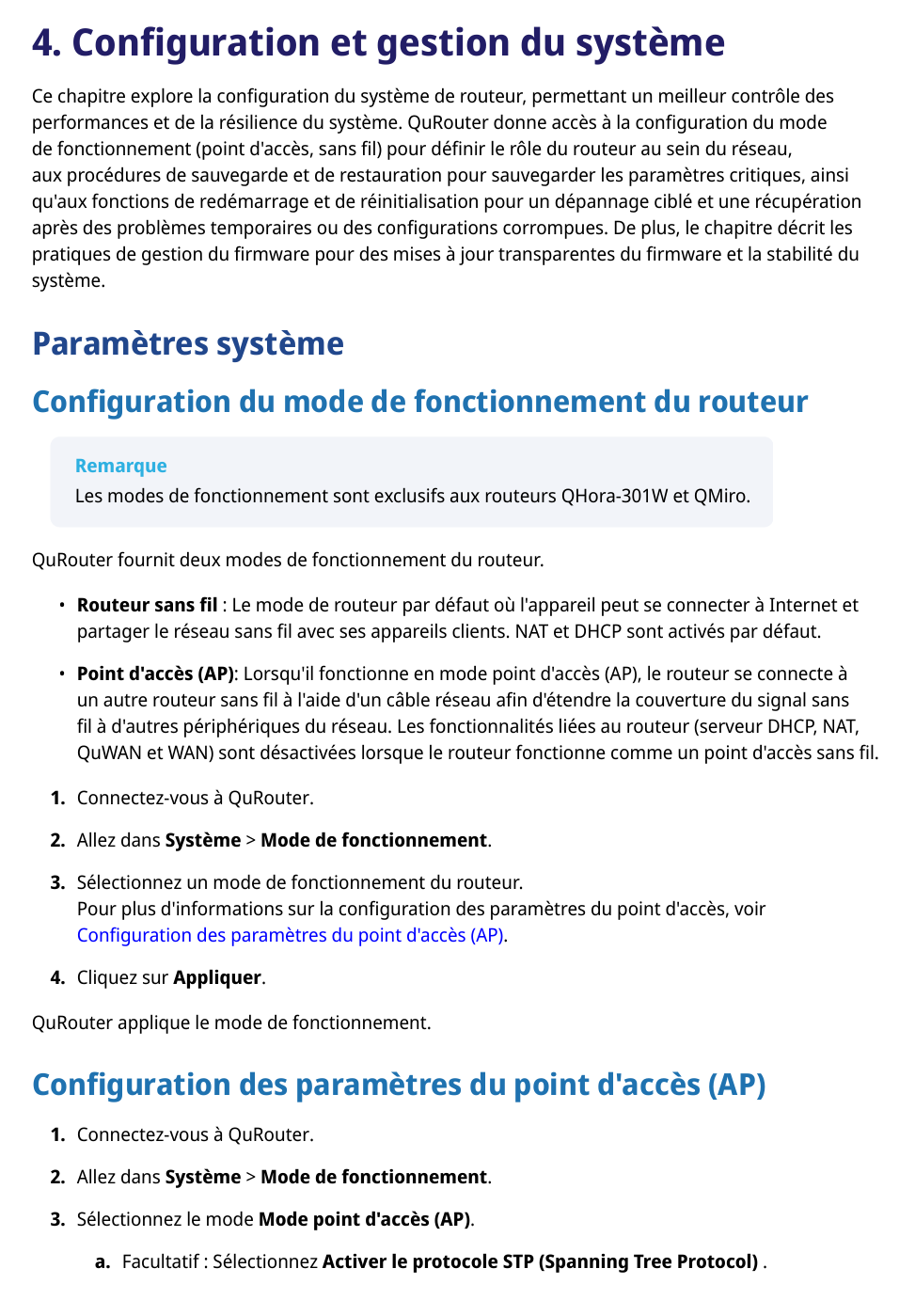
Go Back to QuRouter. Change mode to Access Point, then disable WiFi.
Other devices might not allow for username/password.
If you have a specific Media/Video folder change permissions on it to allow Guest/Everyone in READ ONLY mode.
If that doesn’t work I got nothing.
Remember that I’m not using the router of this Qnap, I use my internet box as router.
Yes… So disable the router.
Where can I do that ? I’m in QuRouter but I didn’t find an option to disable the router.
It’s done. However, the QNAP doesn’t appear in my numeric recorder.
Need I to activate some services like SMB, UPnP, etc… ?
That’s going to depend on what your “numeric recorder” supports.
Probably SMB, do not turn on UPnP, maybe DNLA.
SMB was already active and not UPnP so I didn’t touch anything
But… while looking about DLNA, I found something about the Media Streaming add-on which was not yet installed on the QNAP. And after installation, the QNAP appears in my numeric recorder 
Now, I need to understand how to work with that because I put some movies on the hard drive but I don’t see them. Same thing with the original MP3 samples that are in the …\Multimedia\Samples diredtory