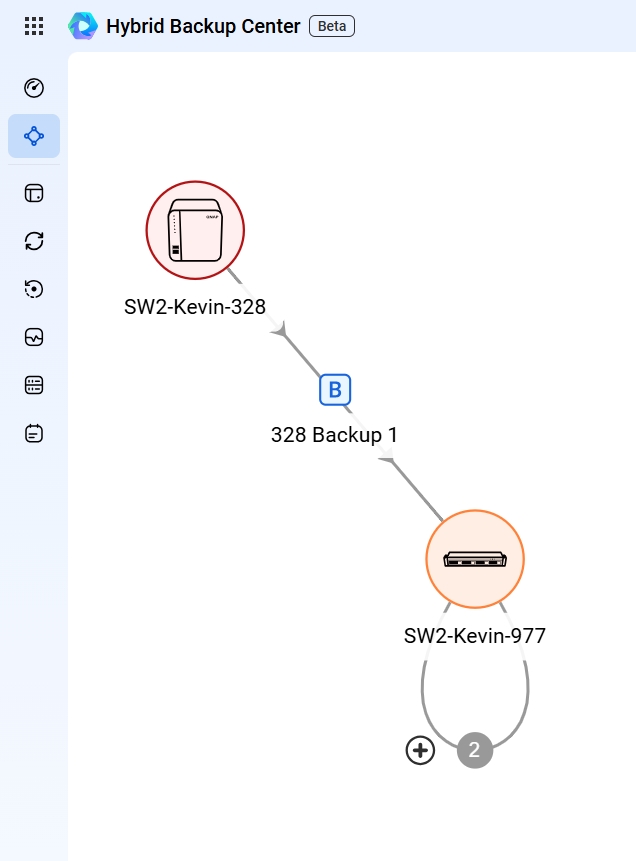
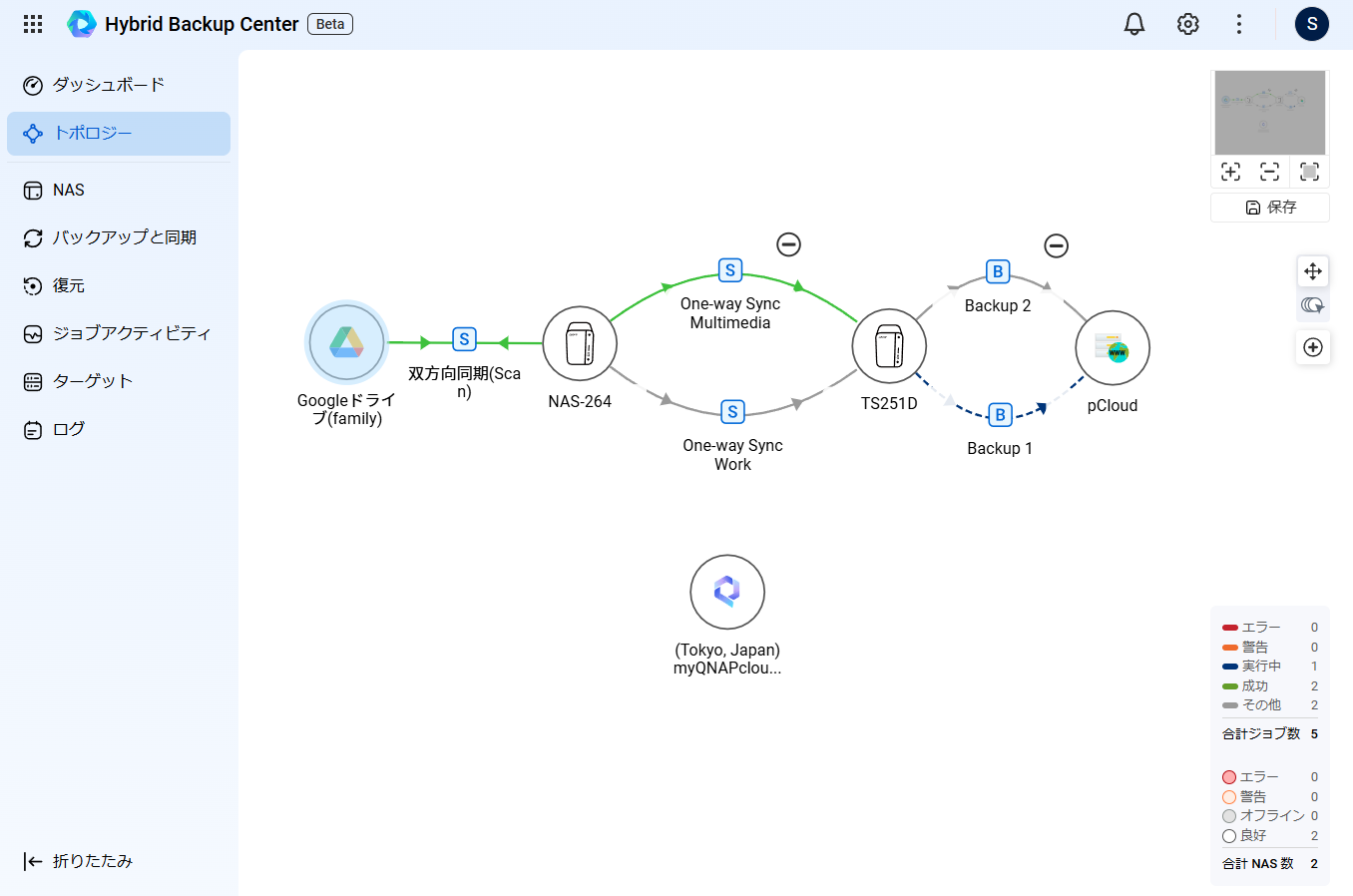
It seems that Hybrid Backup Center is still in beta, but I tried using it.
I feel like it could become a great tool for getting an overview of backup statuses and other information. However, due to a bug? the visibility has decreased, so I’d like to provide some feedback.
This is a screen within the topology view, but it seems that the same TS-251D device is being displayed separately as the backup source and backup destination.
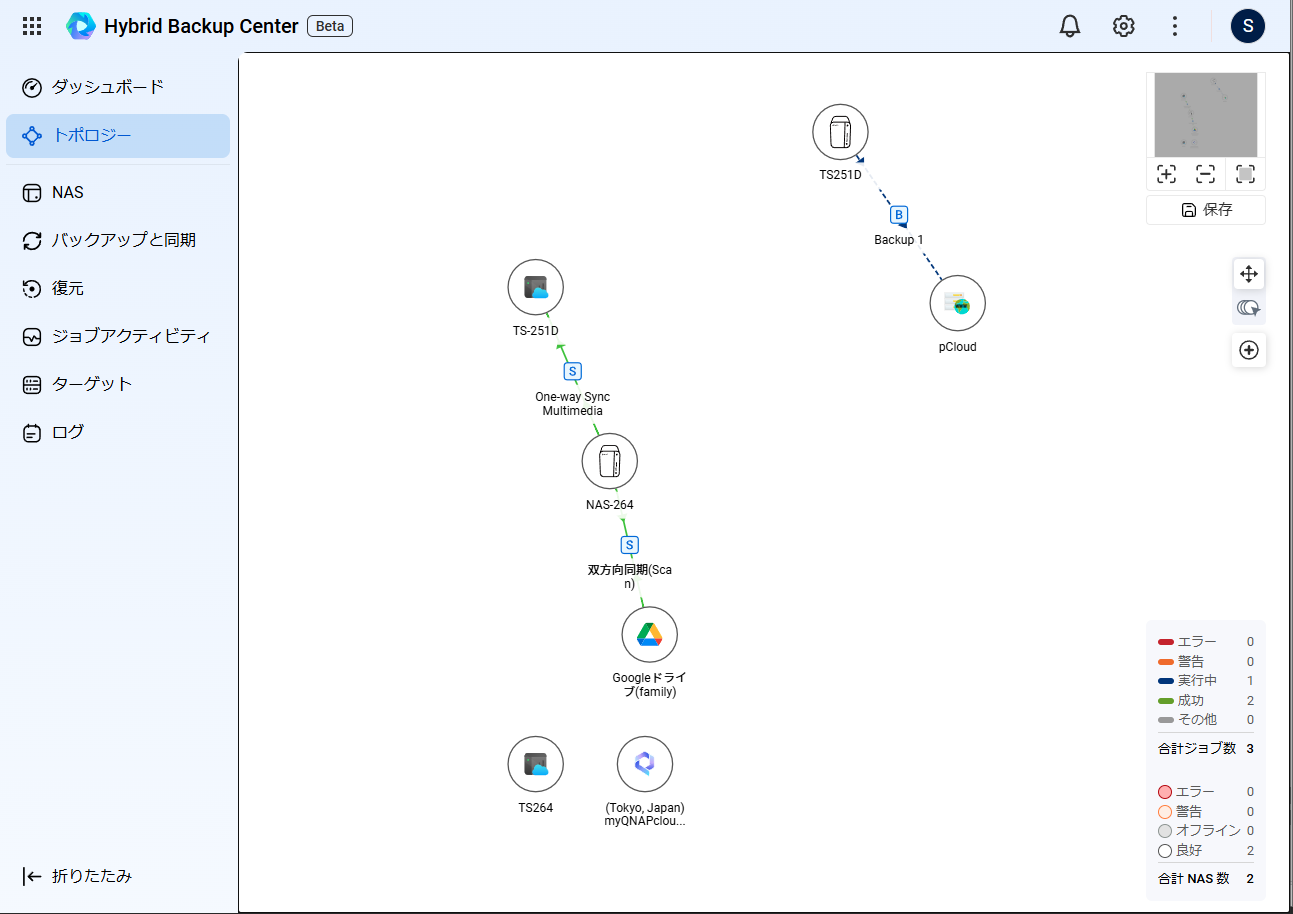
Is there a way to resolve this by making the names in myQNAPcloud and the host name match?
As it stands, the same device appears multiple times in the topology, making it hard to understand.
For example: In my case, I’m backing up in a daisy chain (TS-264 → TS-251D → pcloud), but it’s hard to see the relationships.
Please check.