Hybrid Backup Sync error between NAS units

I have 2 QNAP NAS units. My primary NAS is a TS-451+ running QTS 5.2.8.3359. This unit has an expansion chassis attached as well. My secondary unit is a TS-451 running QTS 5.2.8.3359.

I use my primary unit mainly as a media library for my PLEX server and I use HBS to backup only the media directories from the main unit to the secondary unit.

I’ve started receiving this error a few weeks ago:

Hybrid Backup Sync] Finished Backup job “Backup 1” with errors. Folder pairs are invalid or inaccessible.

I checked my media files a found a directory with a SPACE at the end of the name and corrected that but it had been in my system for several years.

I’m not sure what else to check for between the systems.

Any advice would be appreciated.

download the hbs debug logs (top right 3 dots in hbs 3)

Well, I’ve got the debug zip file. I hate to appear ignorant, but how do I upload it to the site? I can paste in the system.log and/or the error logs but I don’t see how to attach the zip file.

no need to upload here, check the logs and see what errors are in the sync logs

1 Like

You likely have a folder that was deleted in your main NAS and you had that folder selected as an item to backup. So HBS is expecting to see the folder but it is gone now. Double check your selected folders to backup in the backup job.

I have checked and all of the folders I chose exist. Several of them are symlinked from other filesystems, but until recently that has worked just fine. I have not checked the option to not follow symlinks.

I’ve gone thru all of the log files in that debug zip. I can find where the message occurs in the system log and in the rra directory log files under nas, but nothing in those files shows me what is causing the hiccup.

When I look at the logs I see variations of this (this is the Feb 10 entry) and I also have no idea what the -17 means:

[2026-02-10 03:01:28,841][ JobWorker][D][rtrr_worker.py:job_start:1418] : backup job [1a06ca8a-6e08-11ef-bb9a-245ebe0ecb0c] started pid [6795]
[2026-02-10 03:07:01,502][      RTRR][D][job_program.py:_done_cb:51] : [RTRR] done [-17
-17
-17
-17
-17
-17
-17
-17
-17
-17
-17
-17
-17
-17
-17
-17
-17
-17
-17
-17
==> Job finished.
] [True] [0]
[2026-02-10 03:07:01,509][      RTRR][D][job_program.py:run:95] : cmd [RTRR] done, exit[0]
[2026-02-10 03:07:02,510][ JobWorker][D][rtrr_worker.py:job_start:1473] : exit_code 0 Job0
[2026-02-10 03:07:02,511][ JobWorker][D][rtrr_worker.py:job_start:1487] : close pipe
[2026-02-10 03:07:02,593][ JobWorker][D][rtrr_worker.py:_send_md5_csv_file:2067] : start _send_md5_csv_file()
[2026-02-10 03:07:02,632][ JobWorker][I][rtrr_worker.py:_send_md5_csv_file:2093] : send csv file
[2026-02-10 03:07:02,767][ JobWorker][I][verify.py:send_md5_csv:903] : backup csv to /share/CACHEDEV1_DATA/.qpkg/HybridBackup/data/system/nas/1a06ca8a-6e08-11ef-bb9a-245ebe0ecb0c/2026_02_10 03:01/2026-02-10_030006
[2026-02-10 03:07:04,170][ JobWorker][I][rtrr_worker.py:_send_md5_csv_file:2102] : send csv file {'result': {'statistics': {'curr_tag': 'sync_one_file', 'done': 0, 'errors': 0, 'skip': 0, 'time_and_speed': {'speed': 2190.0047404927896, 'speed_MB': 0.002088551273815908, 'time_elapsed': 0.20228266716003418, 'time_end': 1770714423.9860435, 'time_end_str': '2026-02-10 03:07:03', 'time_start': 1770714423.7837608, 'time_start_str': '2026-02-10 03:07:03', 'time_total': 0.20228266716003418}, 'total': {'dir_pairs': 0, 'dirs': 0, 'file_size': 443, 'files': 1}, 'warnings': 0}, 'sync_one_file': {'total_files': 1}}, '_trace_log': '/mnt/ext/opt/HybridBackup/rr2/logs/rr2__rr2_api.verify/trace.log', '_elapsed': '0.79 sec'}
[2026-02-10 03:07:04,185][ JobWorker][D][job_worker_base.py:send_nc_msg:265] : [{0}] Finished {1} job "{2}" with errors. Folder pairs are invalid or inaccessible.

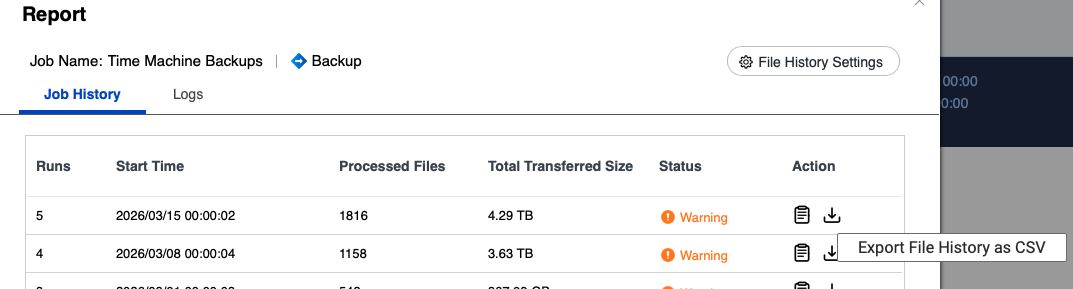
In HBS, in the Job History for a job, download the file history exported as CSV

There’s a folder pair in there which is not correct.

The other thing you can do is go through every folder pair for the job and reverify them.

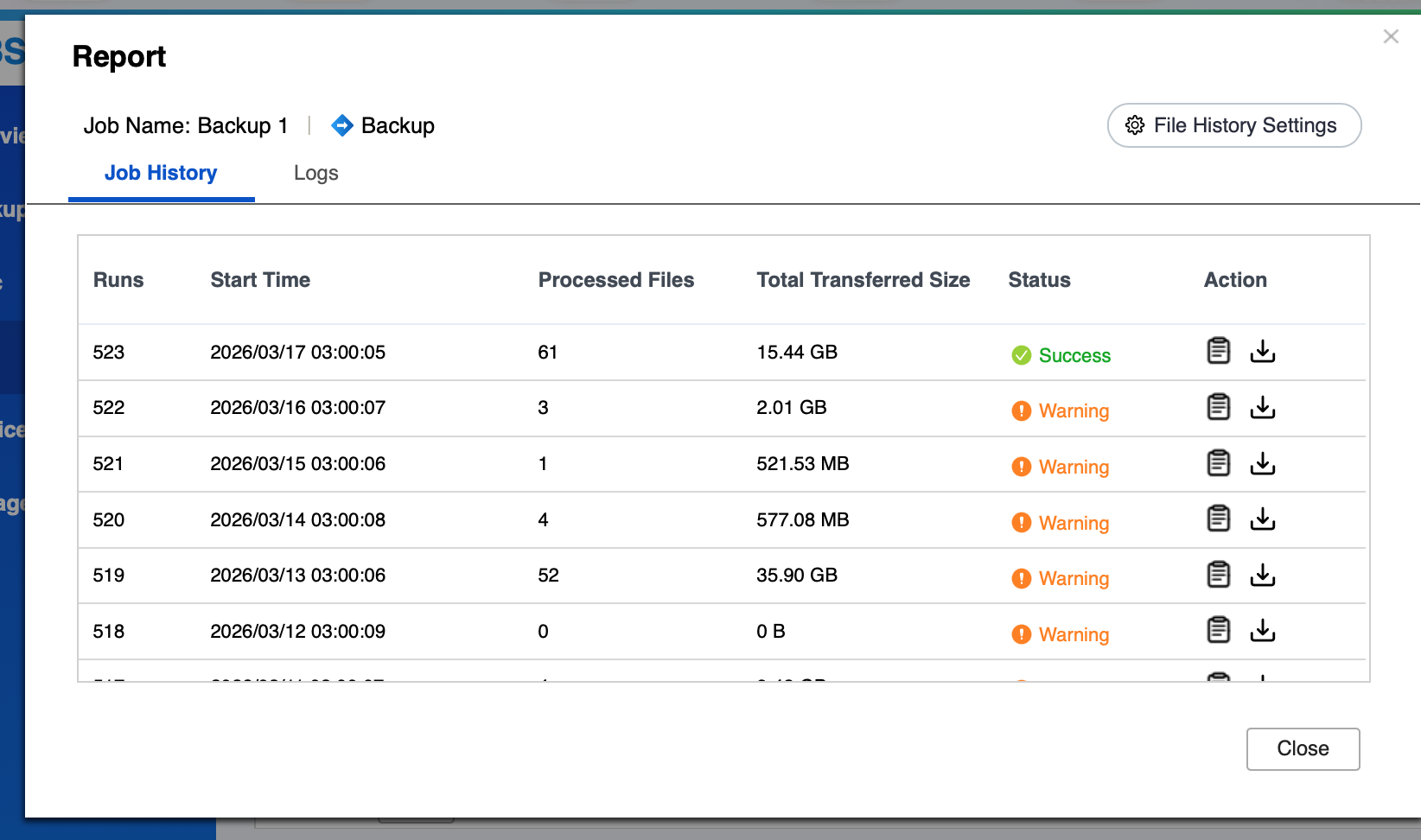
I went to the log history and imagine my surprise when I saw this:

No errors last night. All I did yesterday was open and verify the backup chain.

I looked thru the CSVs of the previous backups from dates with warnings and found no errors or warnings.

And sometimes that is all it takes! Who knows, there may have been an instance where you remote NAS was not available for some reason. By going in and verifying everything, you re-did that link.

Hi @tangential ,
To further investigate this issue, could you please help provide the HBS logs for analysis? Since the logs may contain device or environment information, we recommend that you share them with me via private message. Thank you for your assistance.