I’m trying to set up a File Cloud Gateway in Hybrid Mount for my website. The website has something like 86,257 files but is less than 30GB. Hybrid Mount has been cranking away on this for the last couple of days and it seems to be nowhere near where it should be. I am seeing only about 1.8GB of used space. When running my load average is huge - right now it’s at 16 but I’ve seen it in the 30s.
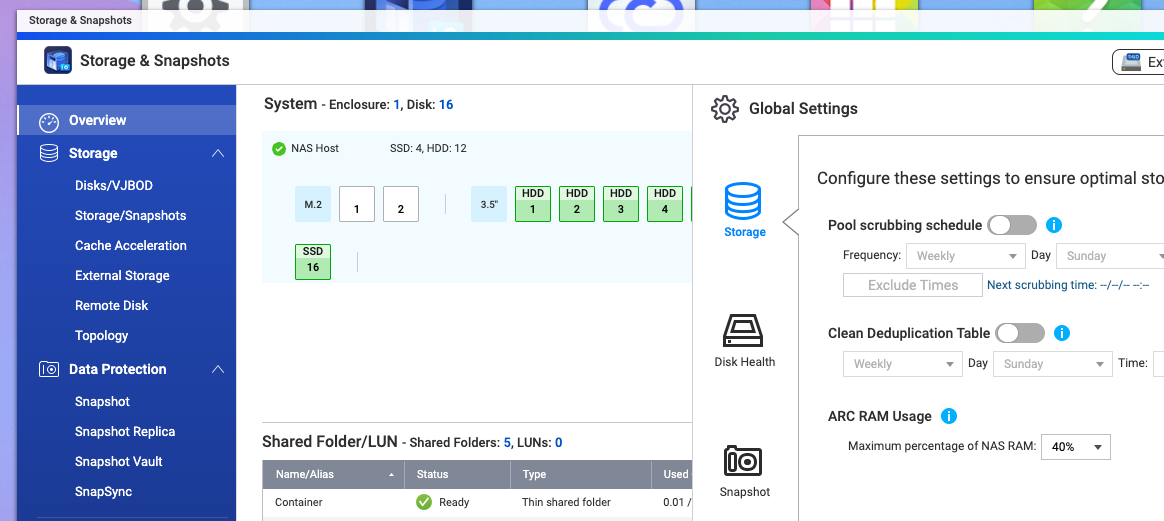
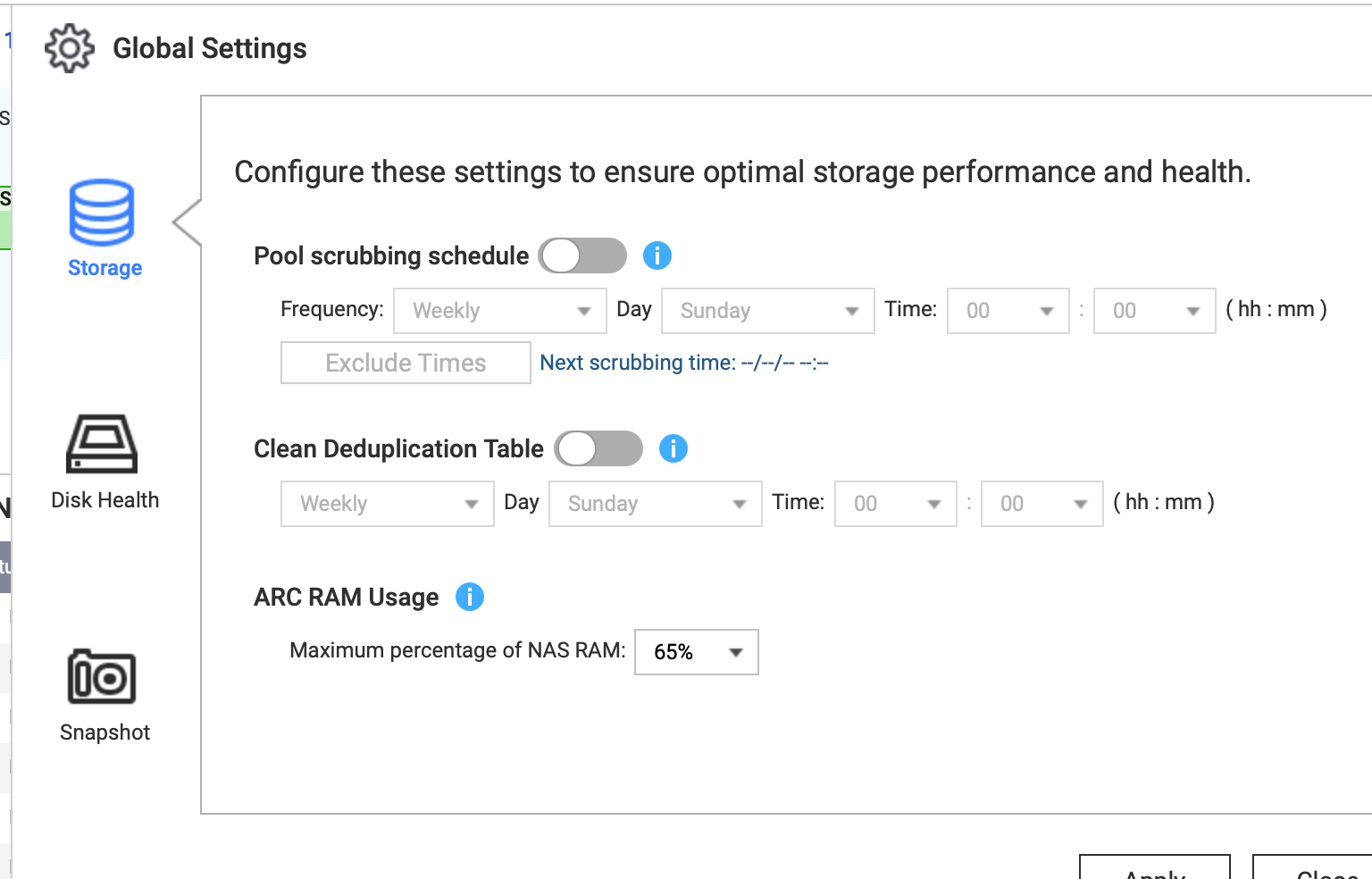
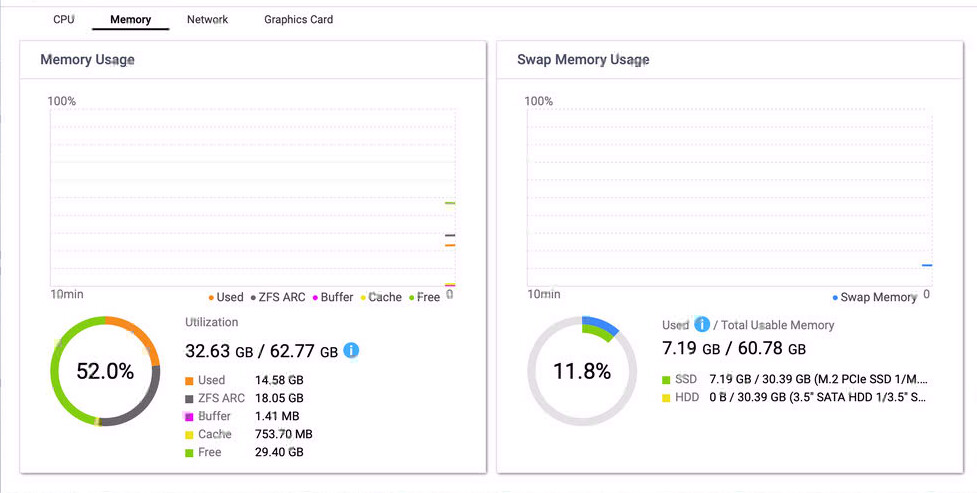
Also, now my memory (64 Gig) is filling up and QuTS Hero is shutting down Hybrid Sync to recover memory.
Hi there, regarding the 1.8 GB issue, would you be able to provide a screenshot of Hybrid Mount?
After discussing with our team, we think that since Hybrid Mount only downloads files from the cloud when you access them, the 1.8 GB you’re seeing might be the actual amount of data you’ve accessed.
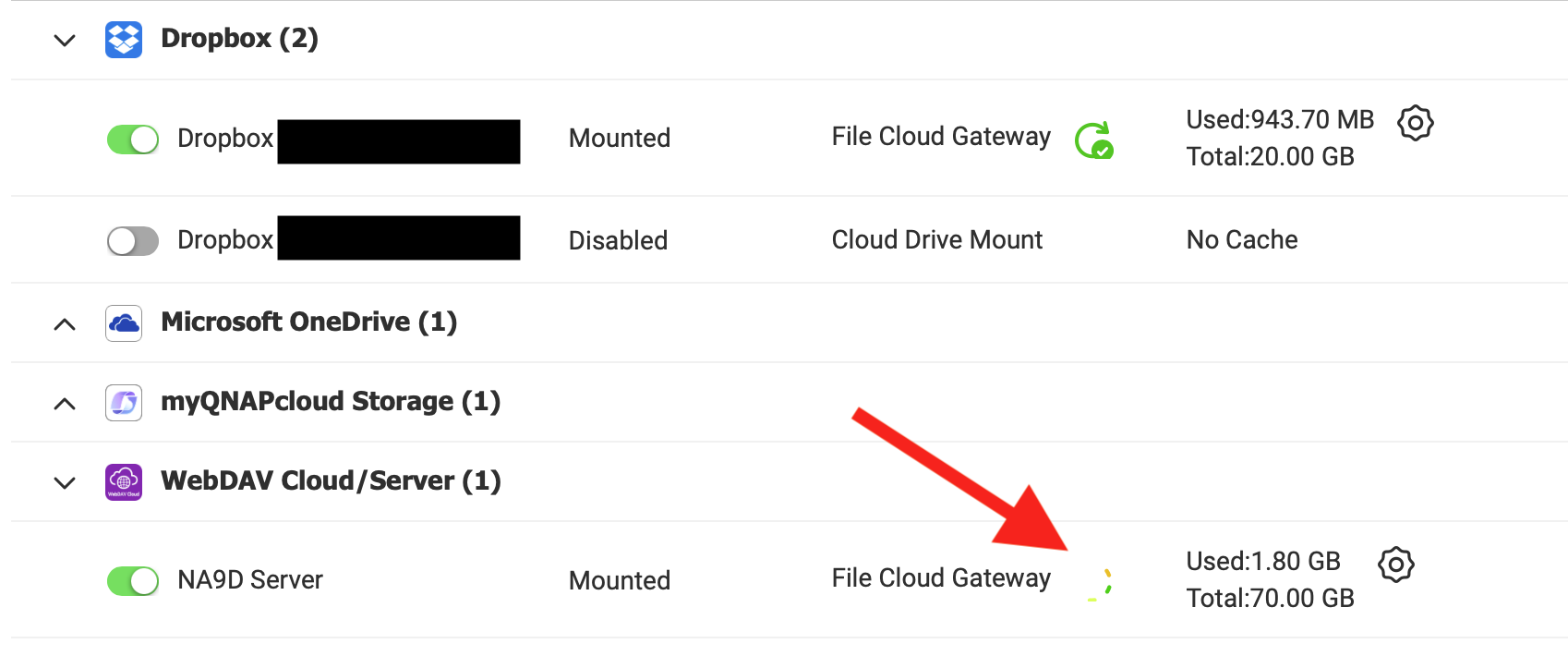
So the “syncing” never completes. Below is a screenshot of Hybrid Mount. If you look at the “Dropbox” item up top, you’ll see the little Green circular arrow next to file cloud gateway. That completed. Now on the bottom, the red arrow is pointing to that same “circle” but it’s rotating as the syncing never completes and it takes huge resources on the NAS too.
As for what I have accessed, I just went to a directory that definitely has “recent” content in it on the remote server. My local cached data shows the latest file as August 29th. That is not correct… There is newer data in that directory. I know this as I have an HBS one way sync job set up on that director and it has files in it that was updated yesterday.
So maybe that 1.8 GB is data that has been accessed but that’s all I can access.
So basically this Hybrid Mount File Cloud Gateway seems pretty worthless. I have “some” of my directories cached, but most are not. I cannot see files that are on the website. It doesn’t refresh stuff. It’s just simply not working and taking massive amounts of CPU load on the NAS.
So I turned off the File Cloud and went back to cloud mount. Then after upgrading, I turned File Cloud back on. It’s been running all night. I have 85 MB cached and it’s still going through the items on the web server. It’s not taking near as much CPU time now so that’s good. But it’s just don’t getting the job done. It would be better for it to just download the entire site and then sync it from there. That would be much faster…
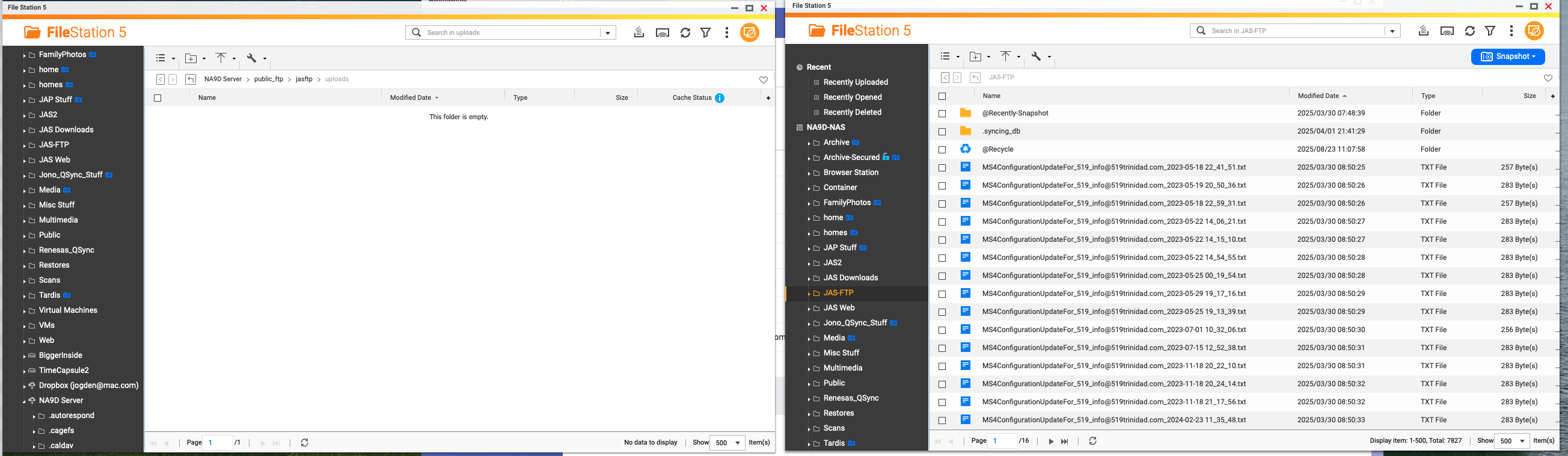
OK. So here’s my issue. What good is “caching” your data if the cached drive does not see or load the data that is on the website? Look at the picture below. On the left is the File Cloud folder on the NAS of an FTP directory on my website that receives error reports and similar from my software. On the right is a local copy of that folder that is the result of a one-way sync job in HBS.
 Global Settings