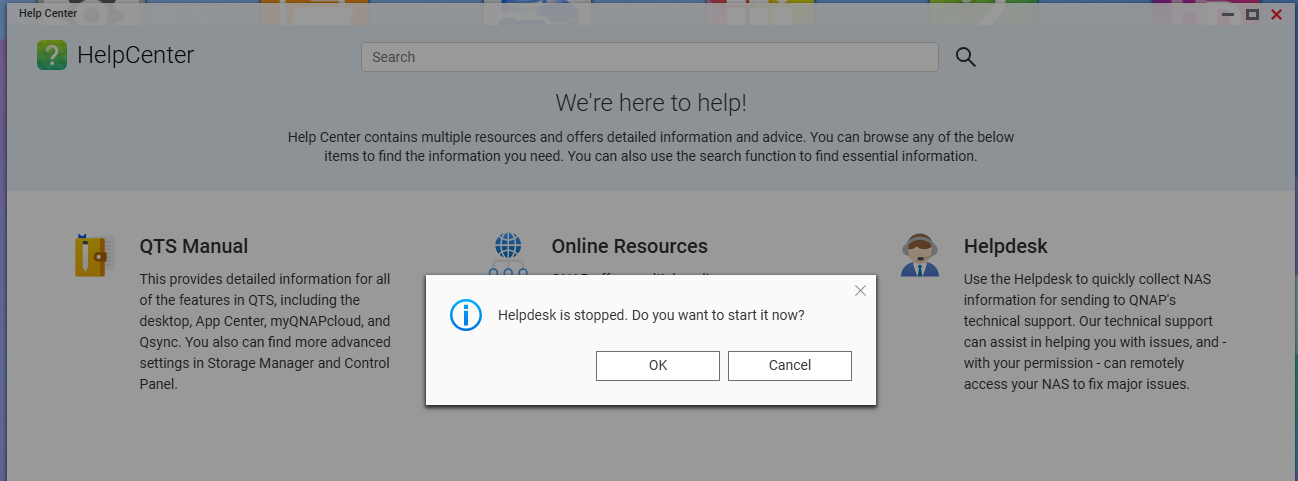
I downloaded helpdesk, when trying to install it, it uses Acrobat to open and Acrobat says it cant open the file.
Exactly how are you trying to install help desk ? (This would be a qpkg that needs to be installed on the NAS at not on your computer, just in case that is not clear)
How do you find out the version of the QNAP Model TS-231P
Serial Number xxxx (removed by dolbyman)
Are you talking about how to find the correct qpkg ?
You either download it from the AppCenter app on your NAS or from here
Correct version should be this
https://download.qnap.com/QPKG/helpdesk_3.3.5-20250620_master.zip
I have the file downloaded, but need help installing it. The app asks for the version, I assume firmware version. It give several number combinations to choose from.
Please check the link I posted above in my first reply, nowhere do you have to enter any version numbers, after you downloaded the qpkg
I have the app center page opens there are a lot of apps on there to select.
This is on the page (Install-on-demand apps extend NAS features), but which one there are several. I need someone to log into my pc and do it for me.
You follow the steps in the guide posted, you do not click on any of the apps you see
If you want 1on1 assitance, you need to open a ticket
You can follow the guide provided by dolbyman and the file download link to install the application step-by-step. In theory, you shouldn’t need a specific version number; you just need to select the corresponding file to install.
For reference: How to install QNAP applications (.qpkg files) manually? | QNAP
If you run into any issues during the process, could you please provide a screenshot? This would greatly help us understand the problem you’re facing!
Is that the best way to set raid up if you want to still have your files if one disc goes bad?
It says 1 disc is degraded. Show one does not exist. Does that mean I need to replace the disc or rebuild it?
You are mixing up your topics (this is the helpdesk one)