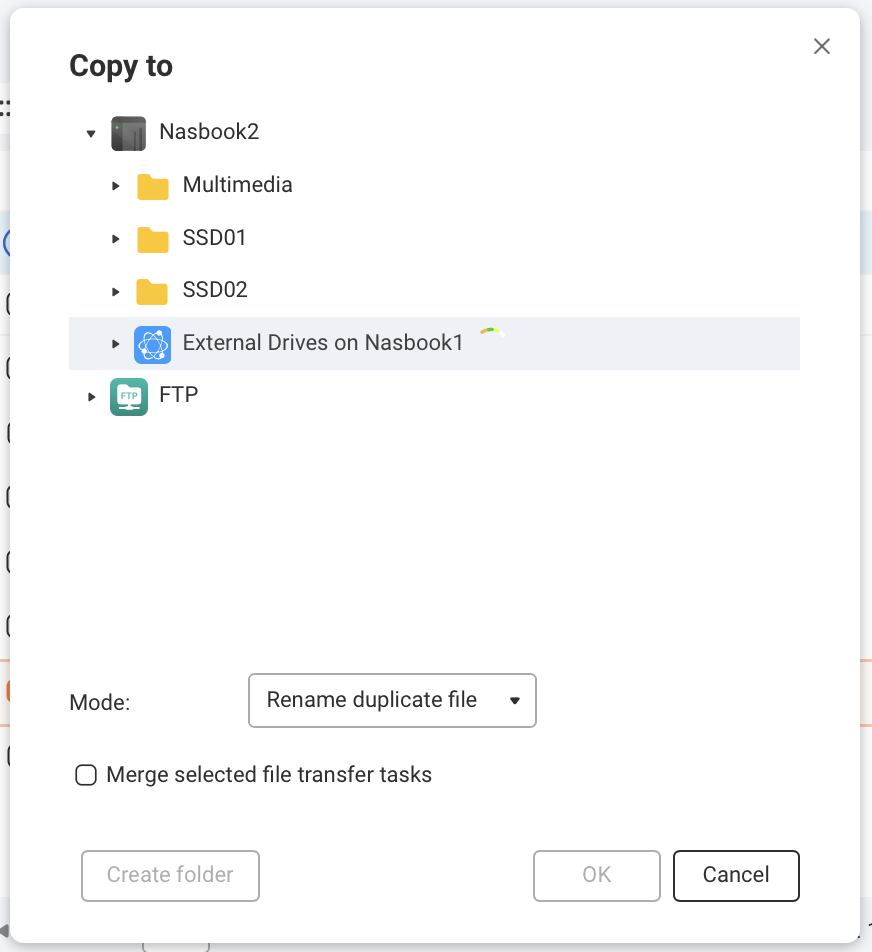
I upgraded to File Station 6 6.2.1.8250. Now the directory tree for my External Drives on Nasbook1 won’t expand when in the copy or move files applet window. I can browse External Drives just fine using the main File Station 6 browsing window, it’s just the copy/move window where this bug resides. I expand the directory trees of my local folders and the FTP just fine on the copy/move window.
Also, the spinning loading icon doesn’t spin anymore. Just stays at 12oclock whenever you click on something.
Is there a way to downgrade or manually install the last app release? It worked just fine. I cannot copy or move files.
EDIT: Latest version of File Station 6 also crawls when listing more than 100 files. File Station 5 on a much older NAS doesn’t struggle with this task whatsoever.