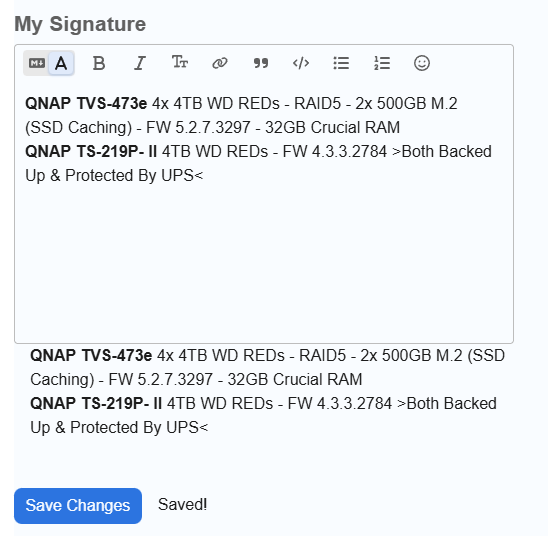
Just tried to update my forum sig. Looks like it works when saved, but when the screen refreshes its the old one.
It let me update my avatar, but not the sig. I tried deleting, recreating from scratch, etc. No luck.
Just tried to update my forum sig. Looks like it works when saved, but when the screen refreshes its the old one.
It let me update my avatar, but not the sig. I tried deleting, recreating from scratch, etc. No luck.
I just tried and I also cannot change\delete your signature, maybe some illegal character denied parsing from the old one ? .. not sure
Thanks for trying. I copied and pasted from notepad, so no formatting was present (to my knowledge). I’ll see if it has any HTML or illegal characters, I’m not aware of.
** Funny, I just deleted it entirely and it’s still there.
I remember now I had to do something to get this to work when the new forum was launched… I just don’t remember what it was. 
Update: sorry @dm, I was looking at the wrong panel. OP has same info in his ‘about me’ panel as his signature panel, except for > & <.
I tried to change/remove the profile text as well, and it does not work. QNAP needs to look at this
Do I need to open a case, or is this something you guys can escalate on my behalf?
Thanks
I’ve just created a topic for the forum staff to read. Hopefully, someone from QNAP will respond and contact you. 
QNAP have responded. This is a Discourse forum bug and will be fixed when the next Discourse update is released and applied.
Nothing more to be done now.
Appreciate the help, both of you. 
We’ve just deployed a hotfix for the Discourse bug. The issue should be resolved now. Could you please try updating your signatures again?
Thanks.
I can confirm editing @shadowsports signature panel now saves the changes correctly.
Thanks @evenlo 
Thank you. Confirmed working!