Hello Becker2020,
First of all, thank you so much for your support and your patience!!!
As I already mentioned… I’m not afraid of technology and I’m patient, but when it comes to NAS I’m really just a layman and a simple home user.
So I don’t know what SSH is and would need some guidance with that.
I think I can initiate a restart via Qmanager. Is there a risk of making things worse or losing data if I do that? I made a backup to an external drive last year. Accessing this backup would be the worst-case scenario, which I obviously want to avoid.
I’ve now created a support ticket. Let’s see what happens.
By the way… I only live a few kilometers from the QNAP site in Willich. Would it make sense to bring the device there? I also asked support about that.
Then it’s not active either.
Here’s some info from QNAP:
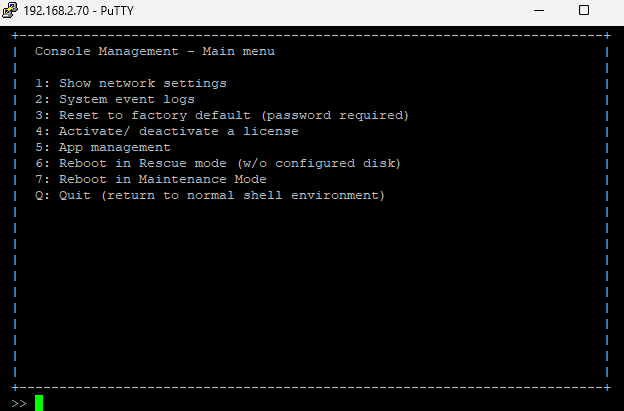
https://www.qnap.com/de-de/how-to/faq/article/wie-greife-ich-mit-ssh-auf-mein-qnap-nas-zu
It looks like this:
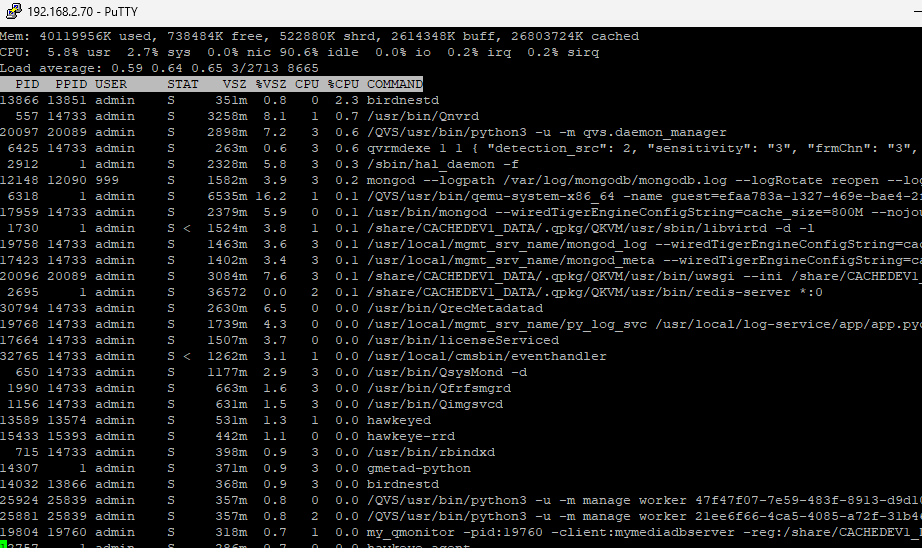
For example, you can use “top” to view the running processes and do a lot more:
Back to the current problem:
Usually, you can’t make things worse by rebooting. The only exception might be a hard drive failure in a RAID (1, 5, 6, …).
But your hard drives look fine.
For now, you should wait for support.
If you need to transport the NAS to a support center, you should clarify that with support beforehand. That would probably be a special case.
1 Like
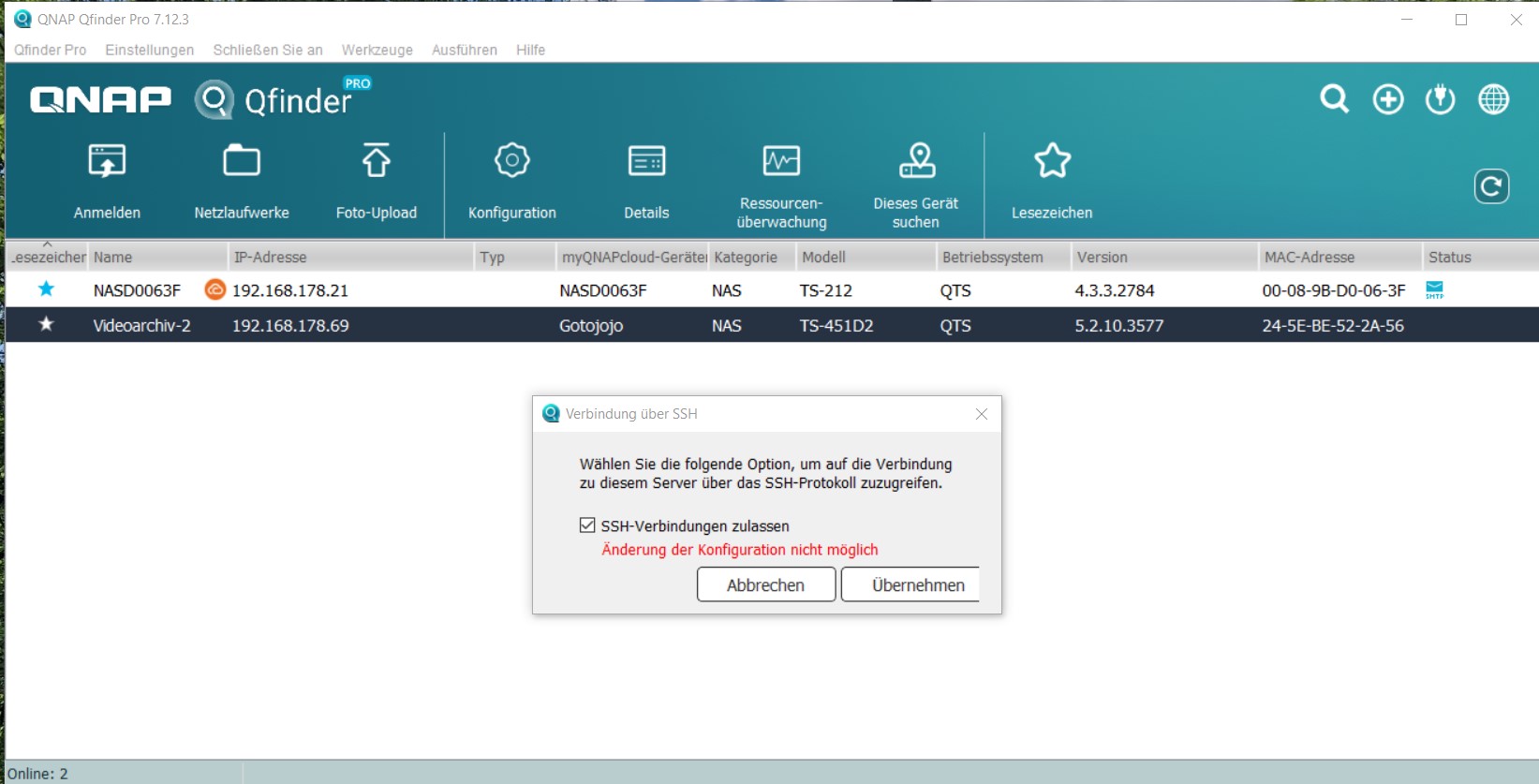
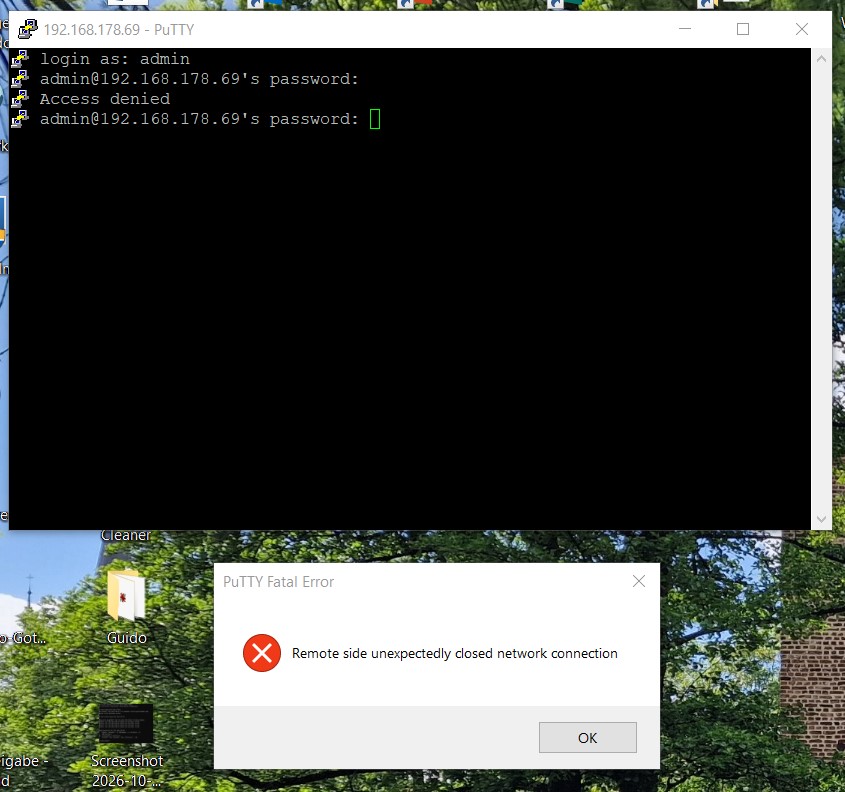
So I tried to set up an SSH connection using Qfinder first. Honestly, it was a bit strange. A small window pops up where SSH connection is checked. As long as it was checked, I couldn’t click “apply.” So I unchecked it and then clicked apply—nothing happened. Then I checked it again and suddenly was able to click apply, but then I got the attached error message.
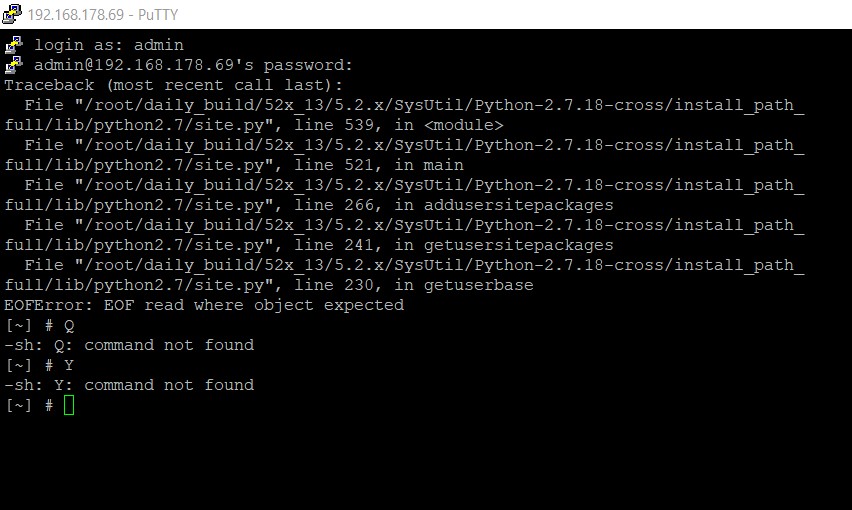
Next, I tried Putty.
I’m not sure if I might have entered something wrong, but at first I got the error message shown in the second screenshot.
Is it correct that the password entry isn’t visible in the input field?
On the second attempt, I got the message from the first screenshot. However, I haven’t seen the selection menu you showed anywhere. Maybe it’s a user error…
Yes
I think your NAS config is pretty messed up, it’s best to wait for QNAP support.
2 Likes