Hello,
without having made any changes to the NAS or the software myself, I suddenly no longer have access to my NAS TS-451 D2 (QTS / version 5.2.10.3577).
When I try to open the NAS using QFinder with a double-click, the blue screen with the note “Loading” and the magnifying glass with the moving dot appears. But nothing else happens. I do not get a login prompt.
If I try to open the NAS via the shortcut saved on my Windows desktop, I get the message from the Windows system:
"\\Videoarchiv-2 could not be accessed.
Make sure that the name is spelled correctly.
There may be a network error. Click “Diagnose”
to identify and fix network problems."
If I do so, no error is found.
I also can no longer access the NAS from my QNAP apps on my phone (Android). For example, in QuMagie I get a message saying that the device cannot be connected to.
I’m also puzzled that I can access the NAS status data with Qmanager, but not with the other apps.
Could the problem possibly be connected to the worldwide security vulnerability that was mentioned in the media? Or do I need to install an update? If so, how can I do that without access?
Thank you for your post, and we’re sorry you’re currently unable to access your NAS.
To help us narrow down the cause, we have two questions:
Have you made any recent changes to your home network, such as connecting a new router or repeater, updating your router firmware, or switching Wi-Fi networks?
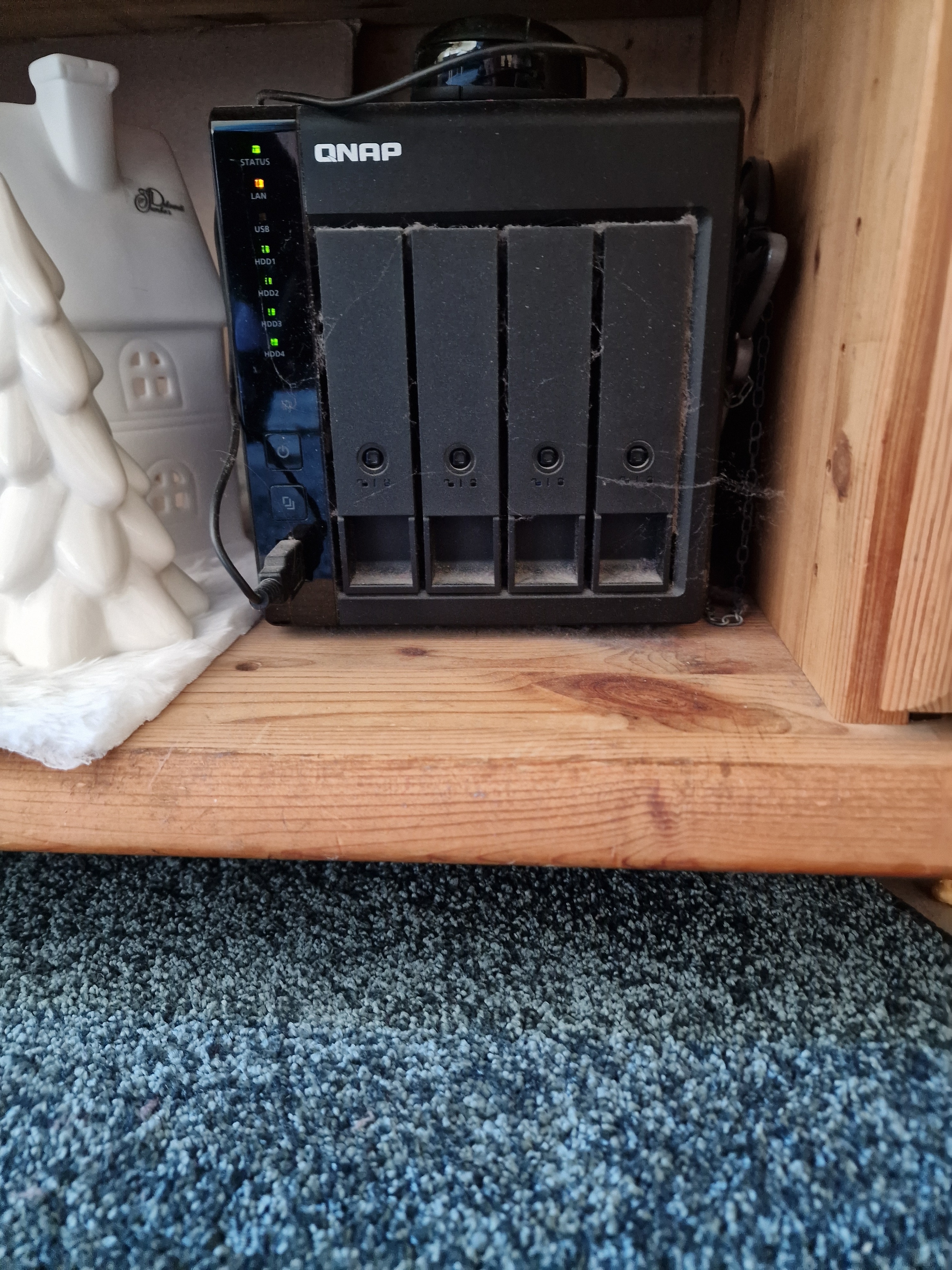
Could you take a photo of the LED indicators on the front of the NAS and post it here?
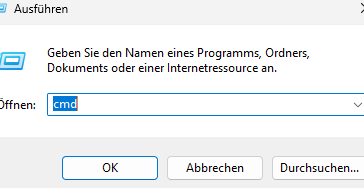
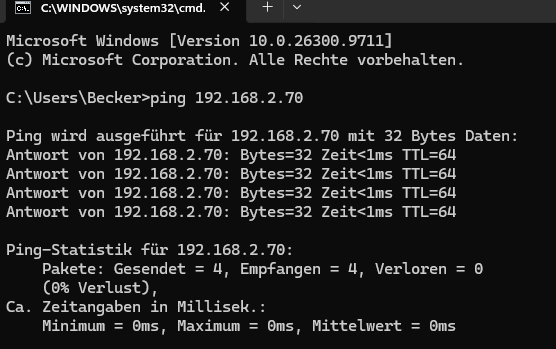
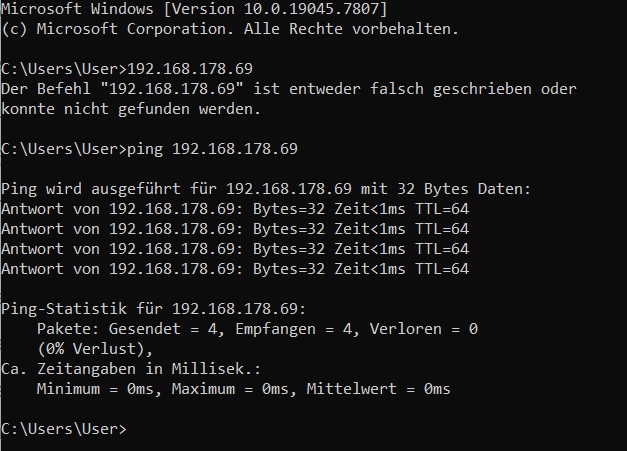
If you were able to try the ping test mentioned in @Becker2020’s post, please also let us know the result.
If it’s not urgent, we’re happy to review this information here first. If you’d prefer direct assistance, you can also create a support ticket at any time: https://service.qnap.com/ – our support team will be glad to help you.
I tried that. The password is accepted and I can see the created folders in Qfile. But when I open the folder(s), I don’t see any photos or videos and I get a connection error message.
Thank you very much for your feedback, the photos, and the ping result – that really helps us a lot.
The fact that login works in the browser but the folders show a connection error when opened could indicate that one of the hard drives or the storage volume is not properly mounted. To narrow it down, we kindly ask you to do the following:
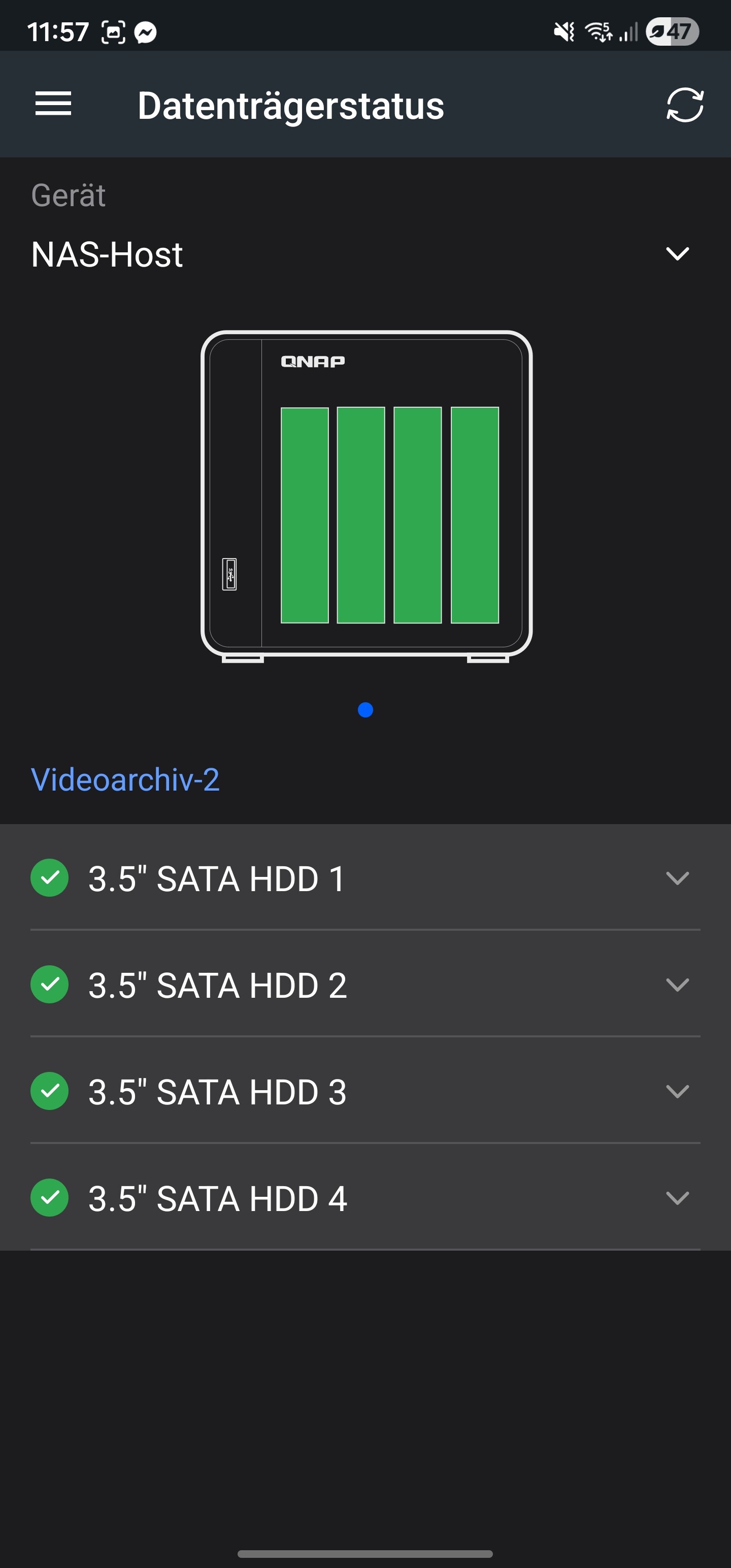
As before, log in to the NAS via browser and open “Storage & Snapshots”. Please check if any hard drive, storage pool, or volume is shown as faulty, has a warning, or is listed as “inactive”. Alternatively, you can also see the drive status in the Qmanager app.
Please post a screenshot of this overview here in the thread.
In the meantime, please do not initialize or format any hard drives to avoid risking your data. Depending on the results, we will get back to you with the next steps.
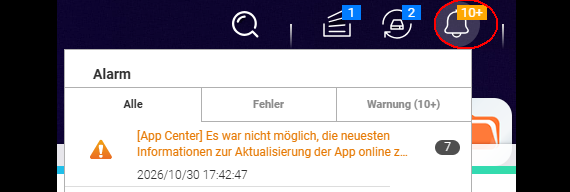
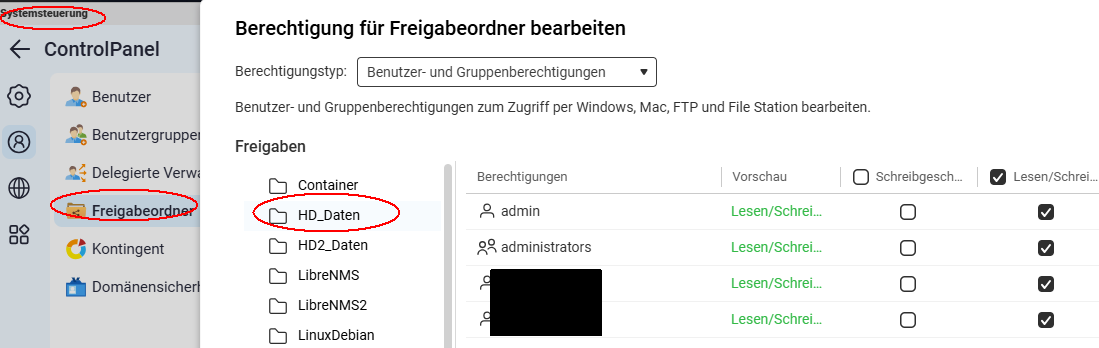
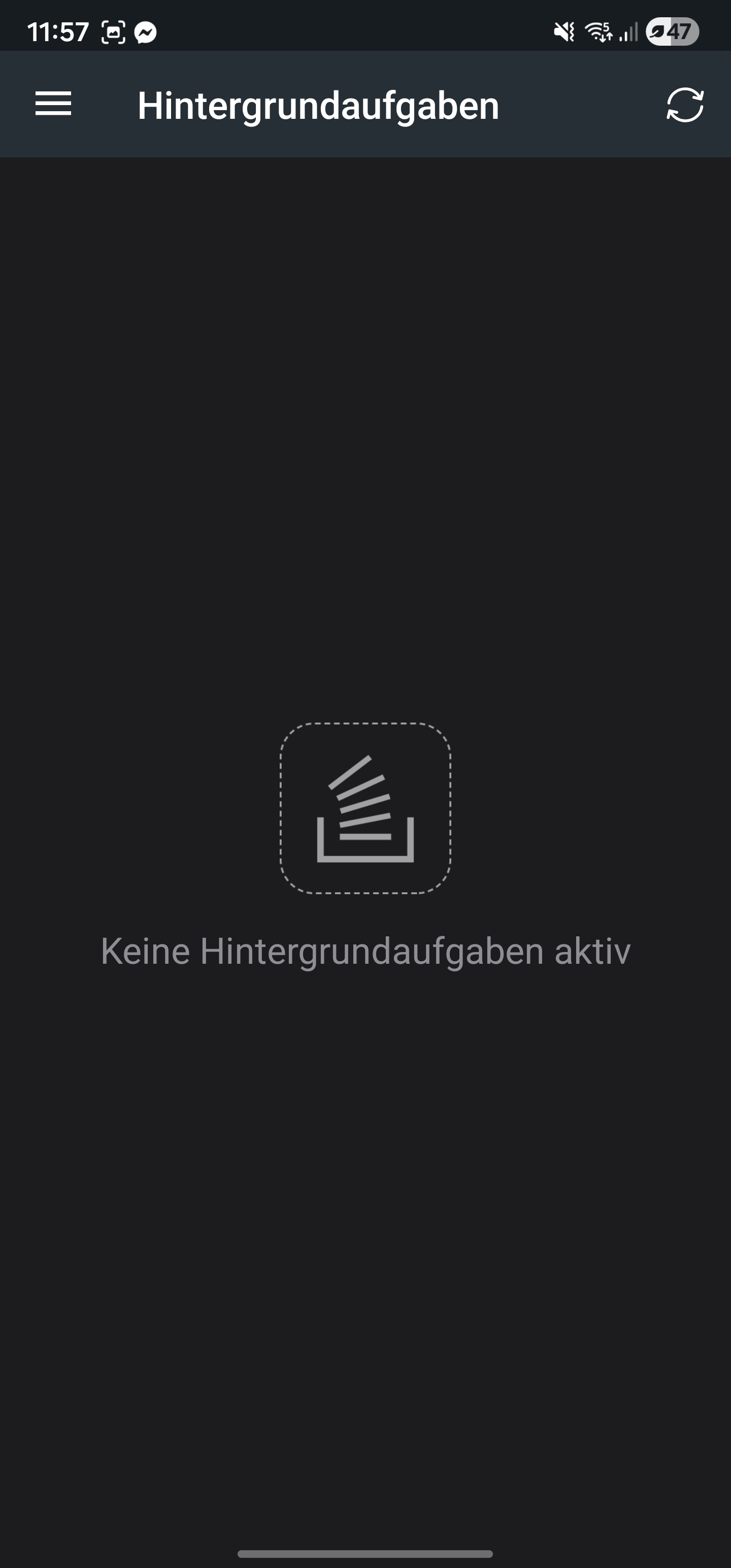
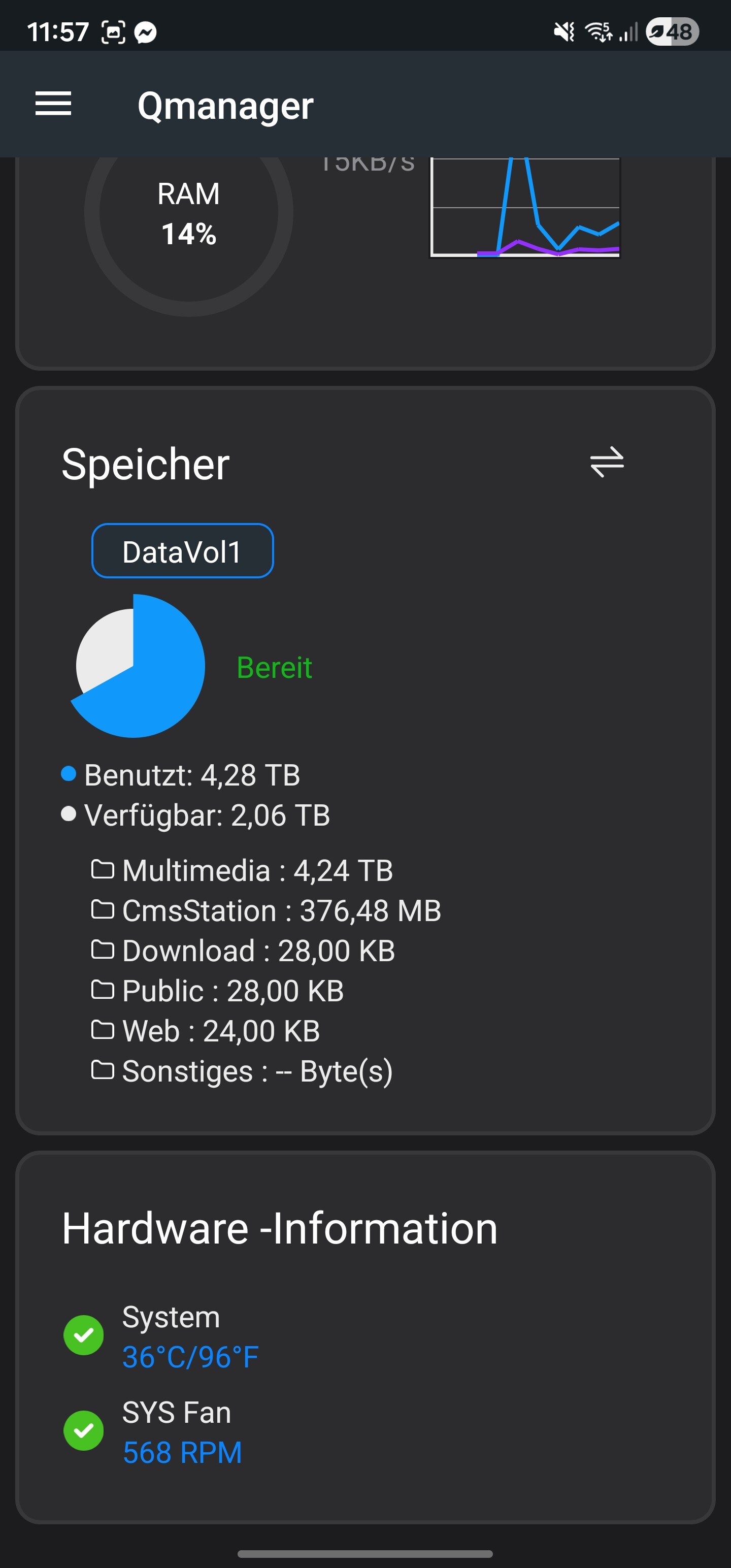
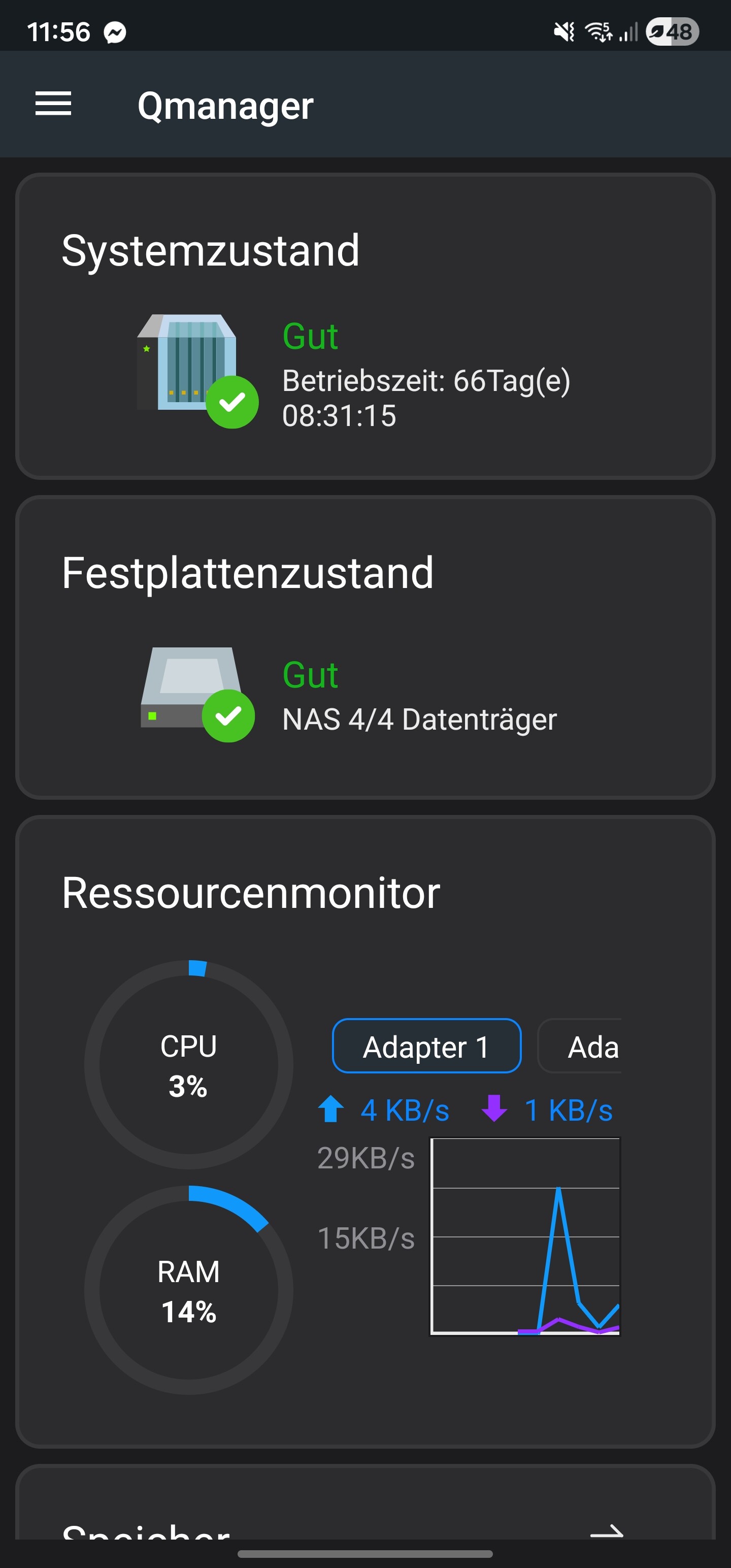
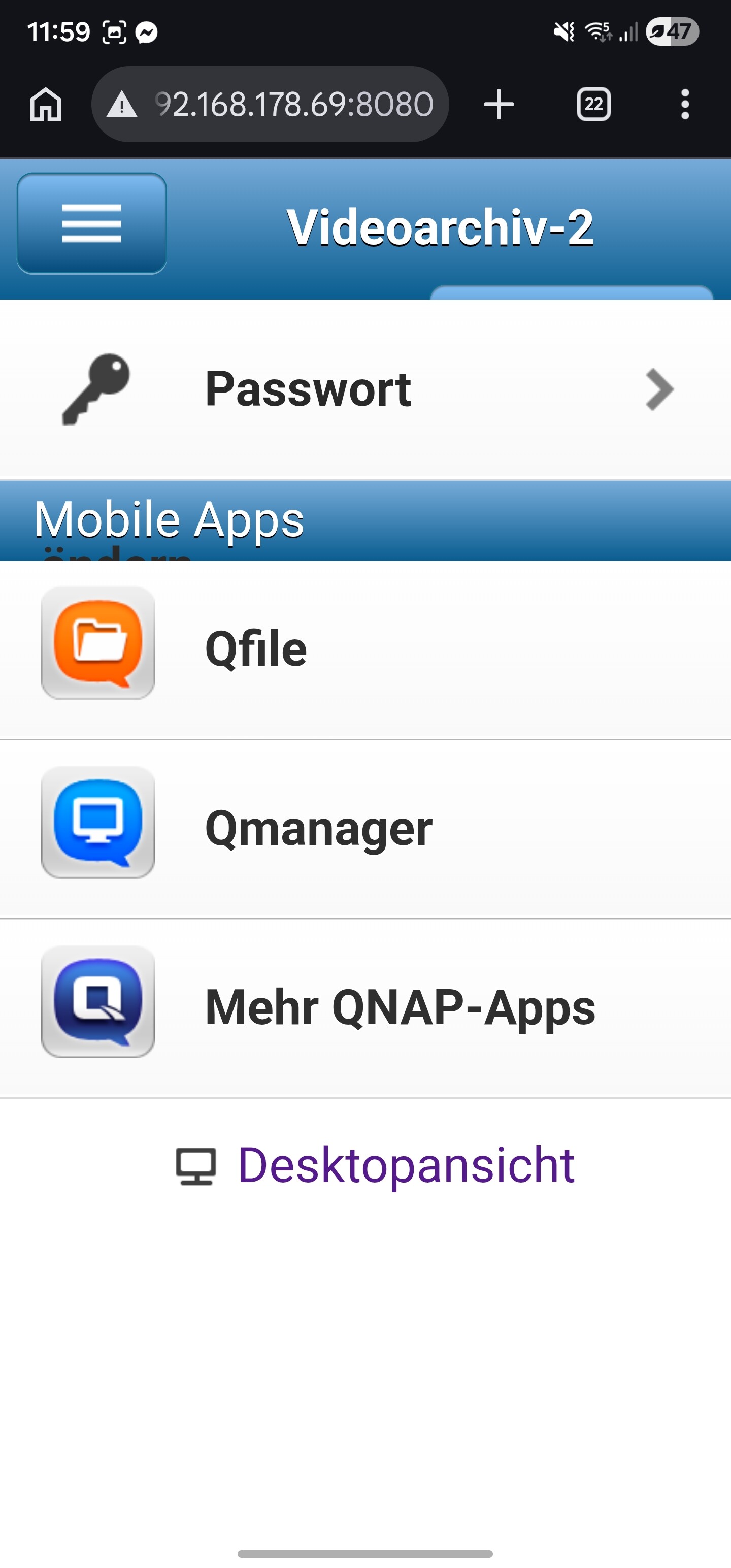
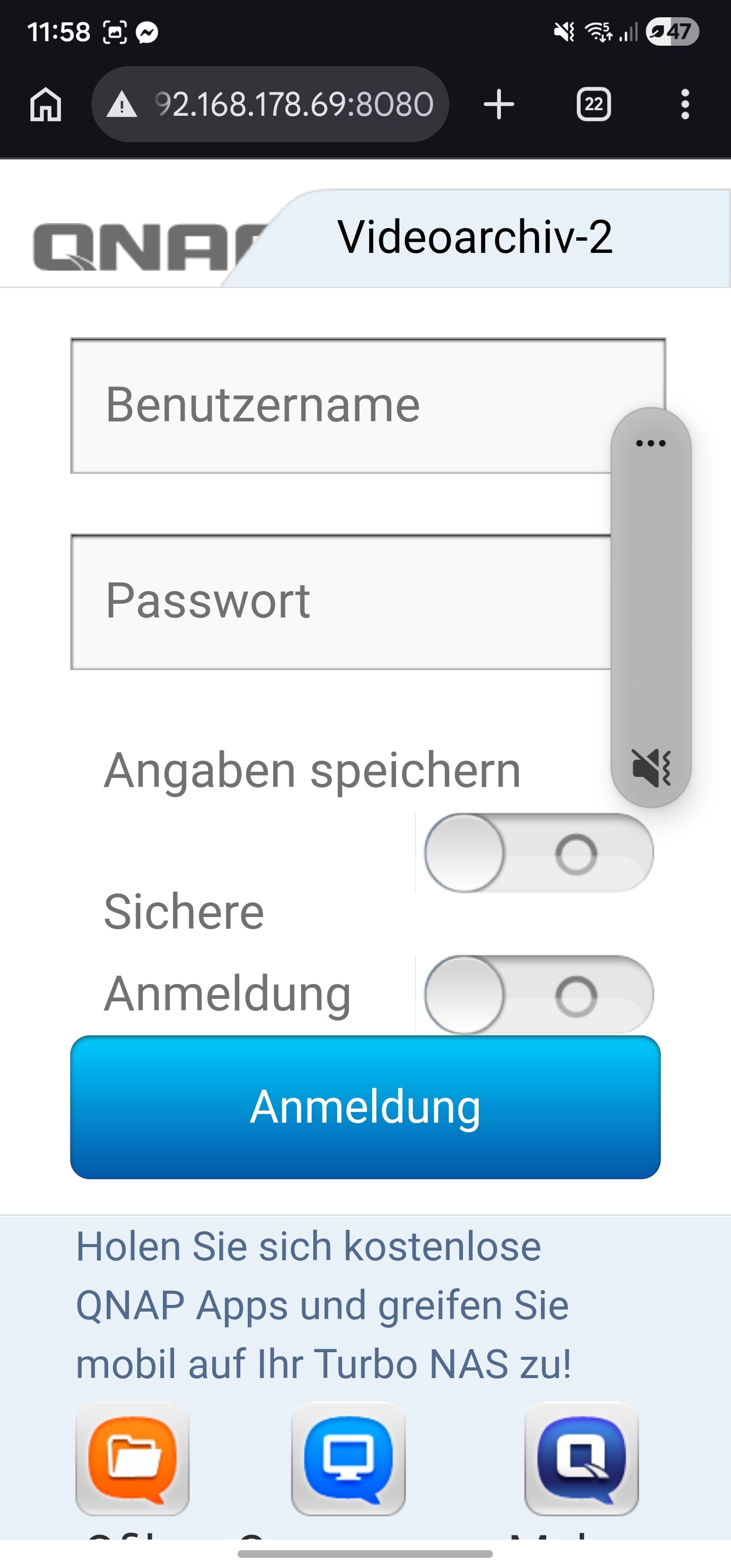
I’ve attached a few screenshots. Due to current back problems, I’m trying to work using my phone (Samsung Galaxy 22 Ultra). After logging in through the browser, you’ll see some pages from Qmanager. In my opinion, the hard drives and other values look fine. There also don’t seem to be any background tasks.
Unfortunately, the order of the screenshots was reversed when uploading.
However, when I try to access the system logs (event and access logs) there, I get the message “Connection failed”.
I don’t see the same screen as you do in your screenshots. Maybe that’s because I’m accessing it via my phone?
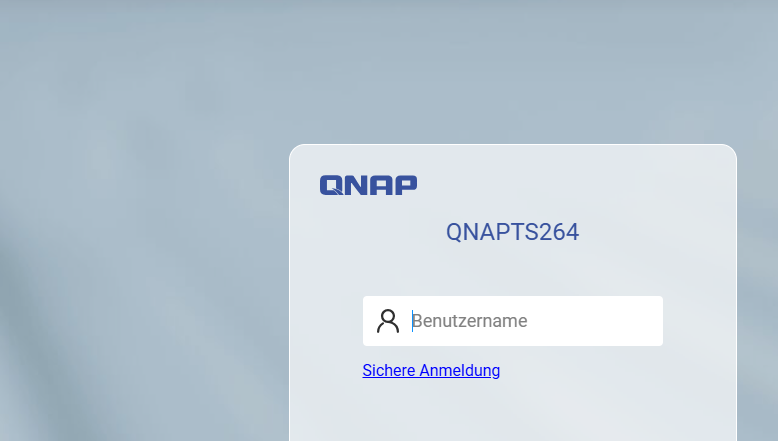
As I mentioned, I can only get this “limited” access via my phone (screenshots). On the PC, when I enter the IP address, I get stuck on the blue loading screen with the message “Loading” and a little magnifying glass icon (I assume that’s what it’s supposed to be), but nothing happens. The same thing occurs if I switch to desktop mode on my phone.
If yes:
Can you access the NAS via SSH (needs to be set up)?
If you can’t access SSH, I’d suggest restarting the NAS using your phone and hope that a reboot will fix the issue.
If you don’t have a backup, you should open a support ticket.