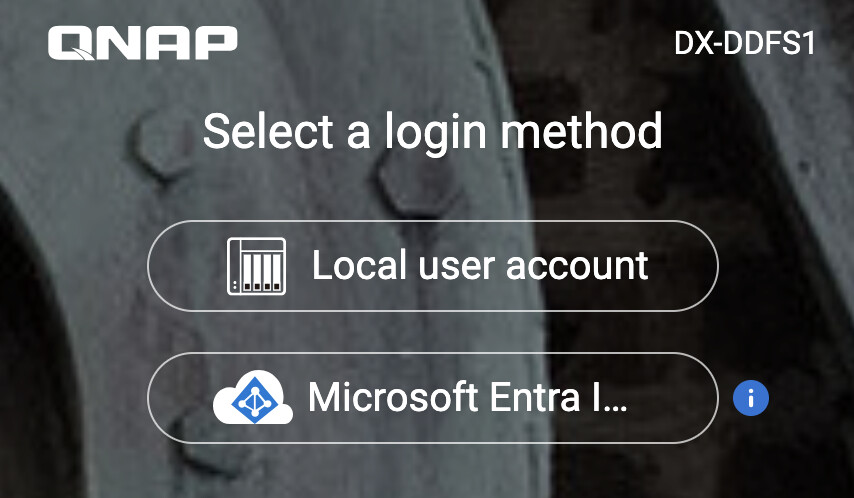
The helpcenter QTS manual only covers the 3 options on the other tab under ‘Domain Security’
I need to know if local users can be used simultaneously alongside M365 accounts ? for backups rsync/RRTR, ftp, etc there’s not an actual person who would accomplish a microsoft login. And what about an emergency break glass local admin login in case AAD was down or tenant broken ? Or hybrid where some users are in 365 and some just aren’t and never will be.
Not sure on services, but if you setup AD SSO, you can still access the NAS via your local account. The main web interface asks if you want to login via Local or SSO.
I started to set it up, but never could get it all working properly.
If someone has an updated walk through, that would be awesome. All the help documents are very outdated and MS doesn’t even use that terminology any longer. Easy enough for on premise AD but hooking up to O365 Entra/Azure AD is not so straight forward.
There is always a local admin account. Even if you disabled the factory admin, you can always get in as that default admin account with either the MAC address as the password or some newer units the backdoor pw is the cloud key.
Additionally, the QNAP setup forces you to change the password to another value. So unless you do the 3 second reset, the admin account password is not going to be the “default” passwords.
The VPN cannot be made on the QNAP itself. You need some external gateway/firewall to make that connection to Azure, and setup all the routing to your NAS. Azure is very strict on what they allow for the handshake settings and finding the exact combination on Azure that matches what your gateway device does is tricky.
You must change one of your NAS default DNS to be the Azure IP of your AD DS. Putting them in on the Domain join wizard alone does not work (straight from QNAP support). Support wanted me to change all DNS Azure, but that broke every other QNAP service that needed to lookup an external domain.
Denethor, this is great news. I have been trying to work with support on this, but haven’t had any success. May I ask which VPN/Firewall device you were using? Based on the Microsoft list, only a limited number of firewalls are supported.