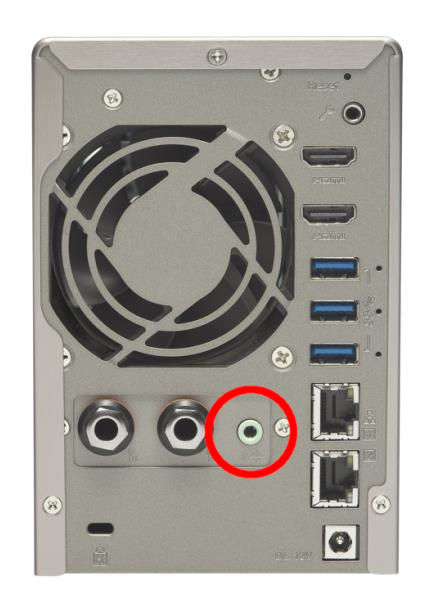
Since I updated TS-253A QTS firmware from version 5.2.4.3079(20250321) to 5.2.7.3297(20251024) I encounter problems with Music Station 5.4.4 and QMusic 3.2.6 for iOS (Music Station and QMusic are the same versions as prior to the new firmware).
Before the new firmware, I used to select music on my iPhone with QMusic and directed the audio with Multizone to the audio output “HDA Intel PCH #0\ALC262 Analog” on my QNAP TS-253A and directly into my audio system.
After the Update, I could still select the nas audio output “HDA Intel PCH #0\ALC262 Analog”, but the songs did not play and skips after a few seconds to next song that won’t play etc. Selecting the option “Streaming to this device” would play the music on my iPhone.
Hi @paleosonic we think this issue is very similar to a previously identified case which has been fixed included in the upcoming Media Streaming Add-on version 500.1.11, and it is scheduled for release later this week.
Once it becomes available, could you please update and try again to see if the issue is resolved?
@paleosonic btw, if your Media Streaming Add-on is 500.1.1.10, you can remove it and install previous version 500.1.1.9 and the audio output should can work normally.
I installed version 500.1.1.9 and I can confirm that music is again playing at “ HDA Intel PCH #0\ALC262 Analog”.
@paleosonic Great to hear that everything is working normally again after reverting to version 500.1.1.9, we are sorry that the 500.1.1.10 update introduced this issue and caused inconvenience.
The fix version 500.1.1.11 is scheduled to be released soon, thanks you.