please help us verify two possibilities to narrow down the issue:
1. Check if users are already in the list
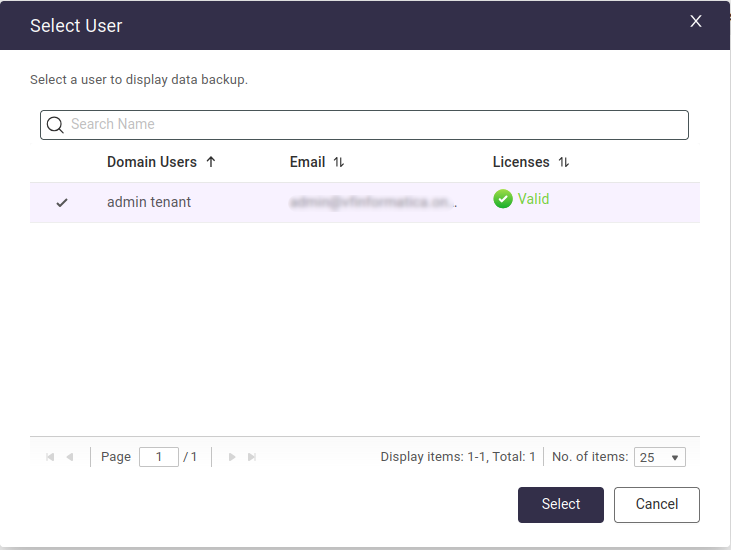
Our system logic hides users who are already added to the backup protection. Please check your current user list—if those 2 licensed users are already there, they will not appear in the “Add users” sync list again.
2. Verify Account Permissions
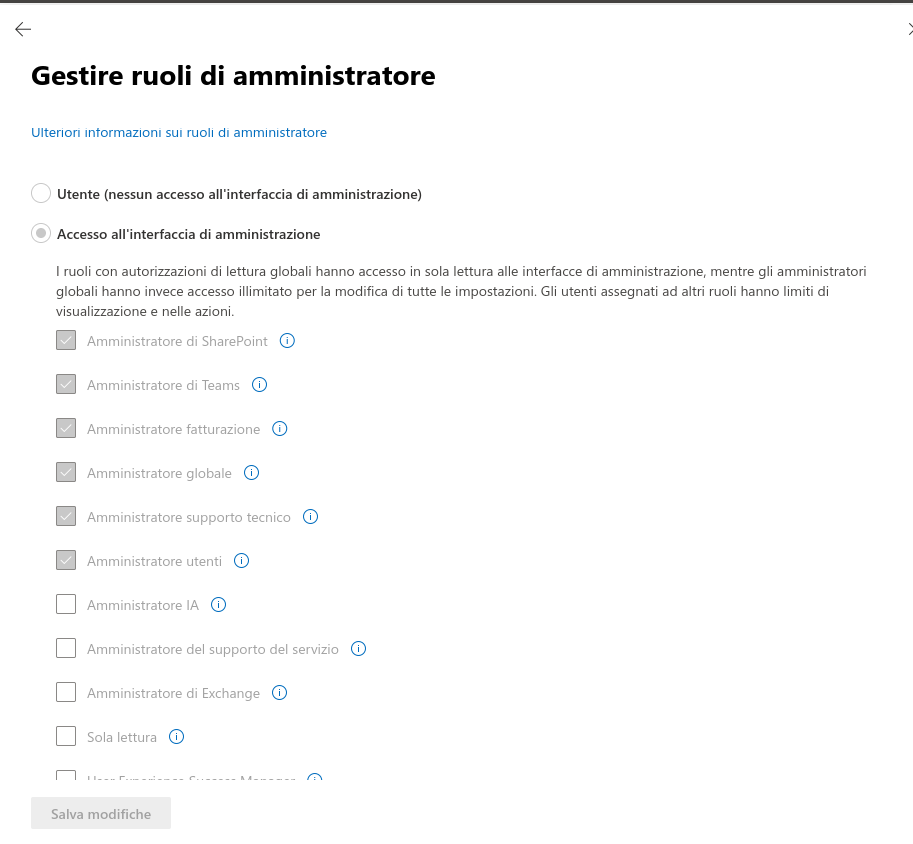
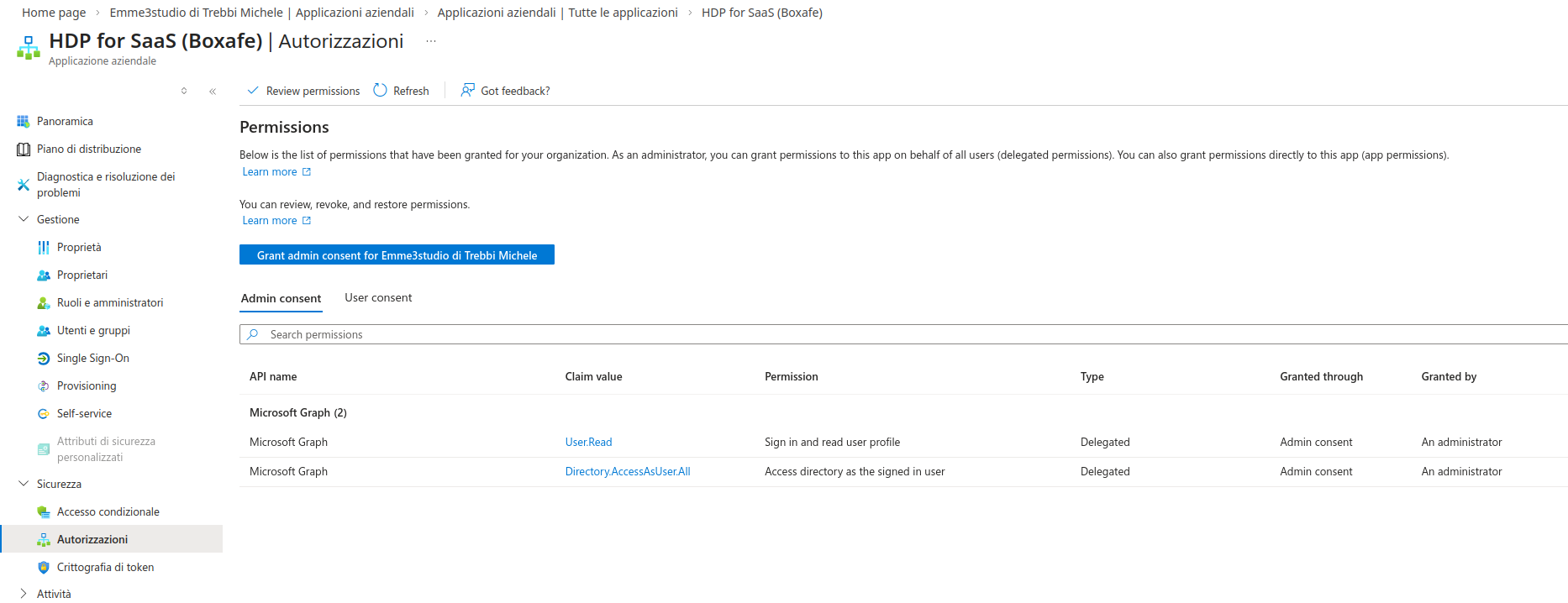
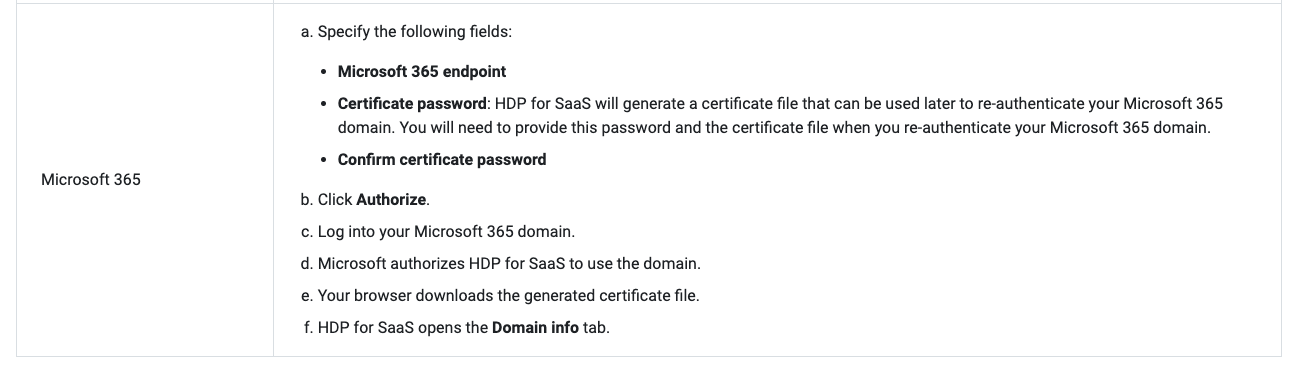
Please ensure that the account used for the integration has sufficient permissions to access the directory. If the API permissions in the Microsoft Entra (Azure) portal lack the necessary “Admin Consent,” the user list may return empty.
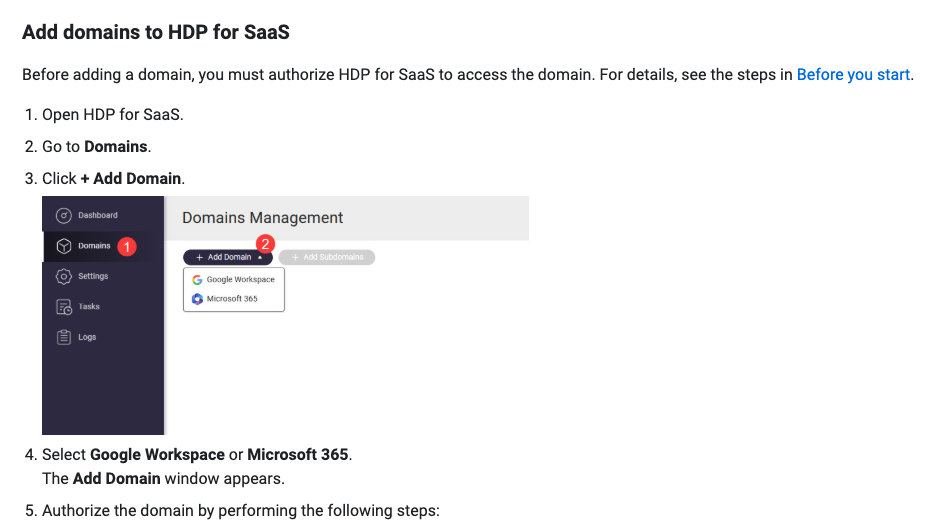
You are a life saver, thanks for posting this hint to the new setup solution. Our user sync was also empty, but with your hint, we ended up selecting the main onmicrosoft domain in our case, then adding subdomains to the main one in HDP domain page. But then still the list was empty, turns out in the domains page you need to first click to expand the main domain row for it to start showing all its subdomains. Only there within the subdomain edit page, HDP would finally find our users and then we were able to configure backups for them just fine, but each subdomain its own steps and settings.
Not ideal when you have a setup with separate subdomains for invididuals, hope QNAP will make a global search kind of option for future cases of smaller domains. Even the schedules are setup per subdomain, which can be powerful for large organisations perhaps, but does make it easy to forget to adjust one of these schedules. Fortunately the subdomains do become visible on the dashboard after adding them, so you can keep track per subdomain that the backups actually start to run and keep running.