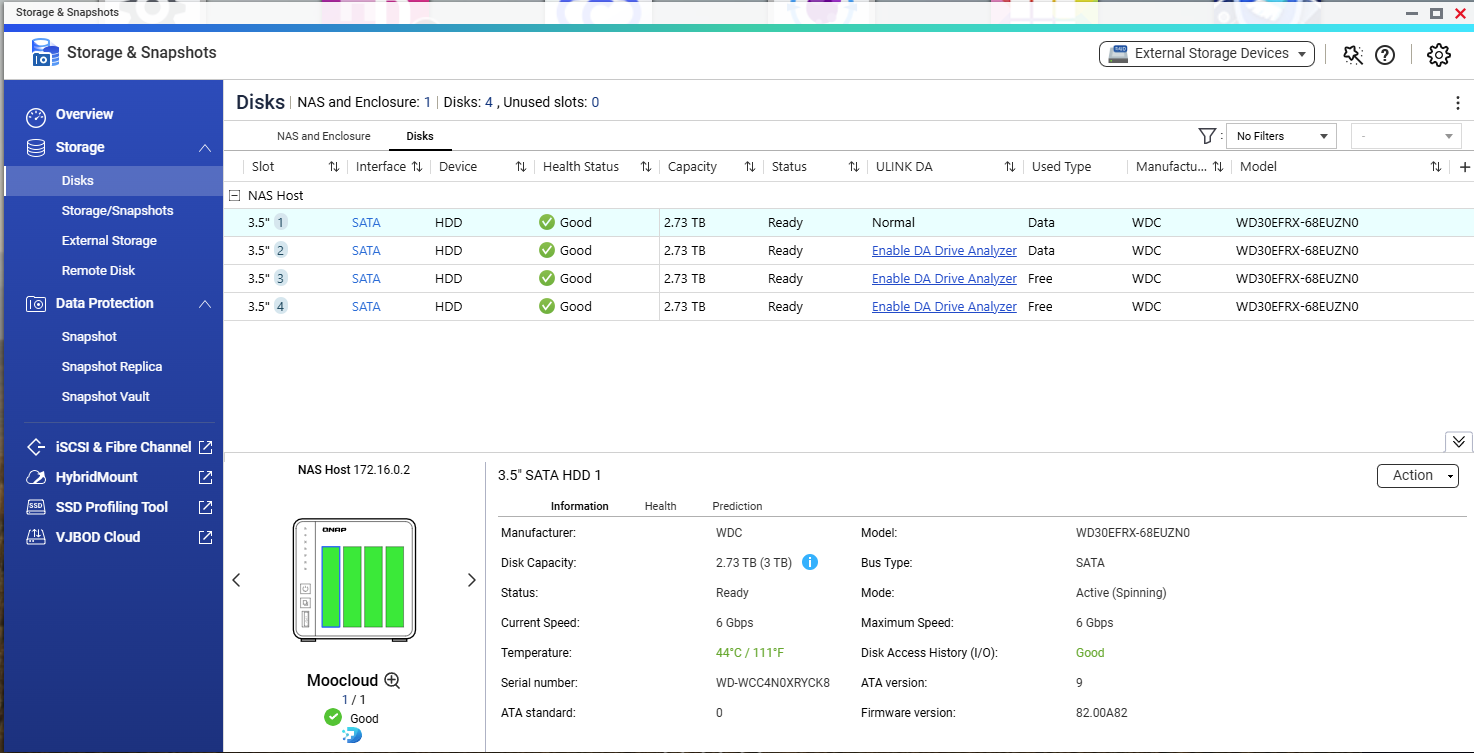
My 10-year old TS-251 has died (dual red HHD light issue) I have ordered a TS-433, but as this uses the QuTS Hero OS how do I get the data off the disks and into the TS-433.
I have an external disk caddy, is there software I can use to read the disks and put onto the new NAS?
Also, ALWAYS have backups (no, a RAID is NOT a backup), now you are in panic mode to retrieve your data and need to resort to paid tools like UFSExplorer to access your data. If your drives die or you accidentally delete files, that is not an option, so have backups!
I would highly recommend returning the TS-433. The TS-433 is an ARM core NAS and will have less performance than a similarly priced x86 NAS. There are applications like Virtualization Station that will not be available. Maybe you don’t need it.
And as @dolbyman said, it will NOT be compatible with the drives from your TS-251. So send it back, order a NAS that IS compatible that is x86 based.
Thank you for your inquiry. As mentioned previously, for your specific use case, we recommend staying with an x86-based model to ensure optimal compatibility and performance.
Personally, I highly recommend the TS-464 or the TS-453E.Please feel free to make your purchase based on your specific requirements and budget.
The TS-433 recognised by drives and all my data is there and working as expected. I use the NAS to store photographs and documents as well as a back to my OneDrive accounts.
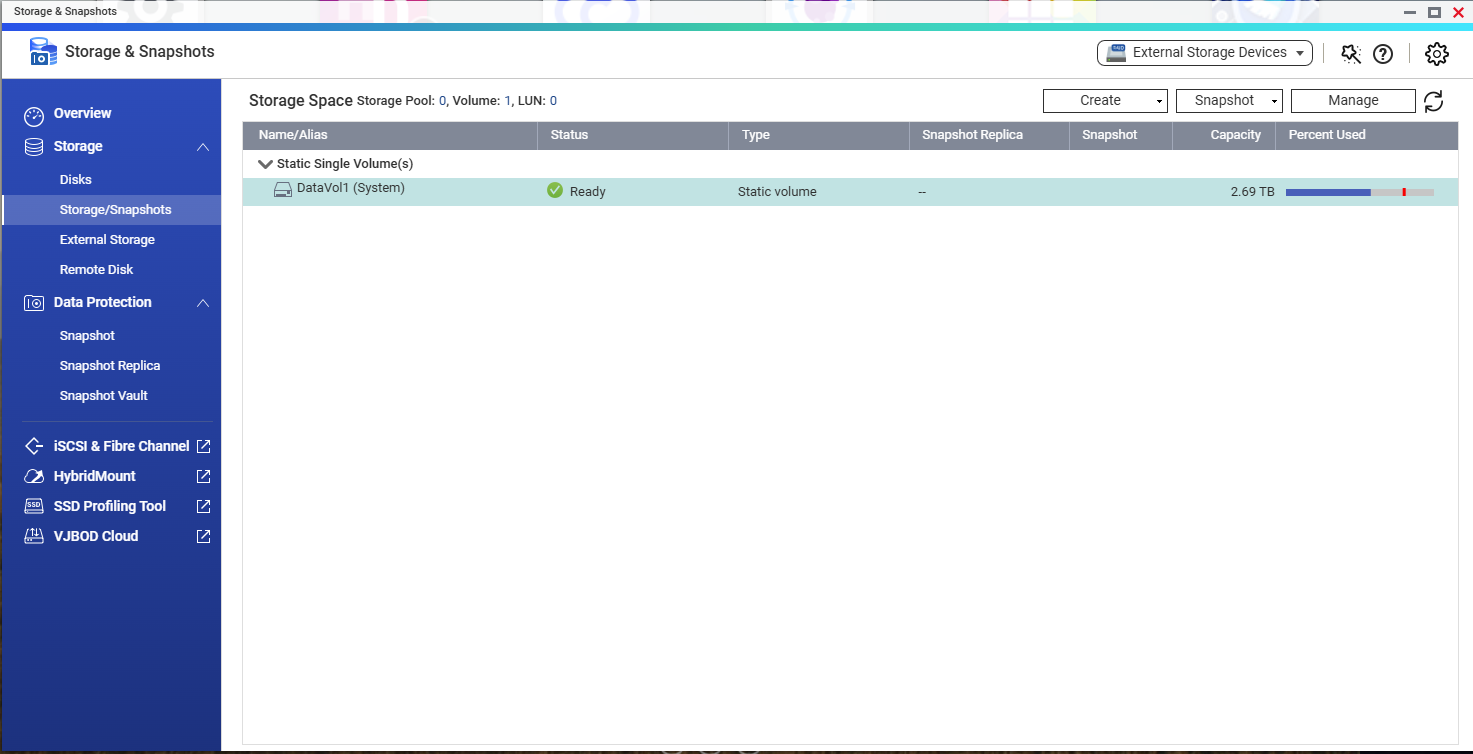
What I do need to do is two more drives to use all four bays. When I started the NAS my existing drives show up as a static single volume and I understand I need to create a storage pool that I can then extend to use all four disks.
Is there a safe way to do this or do I need to export all of the data and basically start from scratch?
Regarding your system migration, please be advised that due to the fundamental differences between ARM and x86 architectures, we cannot guarantee that all system settings will be fully transferred or 100% compatible.
To ensure system stability and correctly realign environment parameters, we recommend manually re-applying the latest Firmware update after the migration is complete. Thanks!