Hey,
I’m setting up some Reolink cameras and I’m not sure if the emotion events aren’t being captured consistently by QVR Surveillance. I’m new to both the app and surveillance cameras in general and could use some assistance on what I should be expecting.
Cameras
Reolink Lumus Pro (ONVIF - Profile T)
Reolink CX810 (ONVIF - Profile T)
(both recording in 4K, H265, 20fps, high bitrate, with in camera motion detection for people, pets and generic motion)
What I expect
It passes through anything it detects to QVR as a motin event and that has some sort of time stamp, which should be shown in the Event Notification panel. From there I should be able to click on an event and it will take me to the relevant timestamp or clip and play it back. (Ideally the events would shown on the main timeline of continuously recorded footage… possibly as an event marker or colored line showing when it was flagged - adding another way to visually inspect when stuff was occurring)
What I Experience
The panel says there aren’t any events but I can search. When I click that button it shows me 50 clips captured from that day in a separate tab. Upon inspection. I’m noticing that it’s only flagging a fraction of the events that actually got flagged by the camera.
I’m digging into the documentation, but wanted to understand if what I’m experiencing is the intended way for it to be functioning. If anyone can give me some advice on how to get better and more reliable motion event flagging from the camera to the qvr client and how to get those to appear in the panel that I think they’re supposed to appear in… it’d be appreciated.
I can’t help except to say that previous experience has shown me you’re far better off getting a Reolink NVR and fitting it with a 4TB (or bigger) WD purple surveillance drive.
That way you have access to a plethora of settings and info via a monitor plugged into the NVR, can reliably access live streams on a mobile phone, use the Reolink app on a PC to do things like send notifications / alerts (even audible) to wherever, and copy / send motion recorded events to your NAS etc.
Remember that NVRs are dedicated and optimised for CCTV use.
I use QVR Surveillance all the time and here’s some things I have learned:
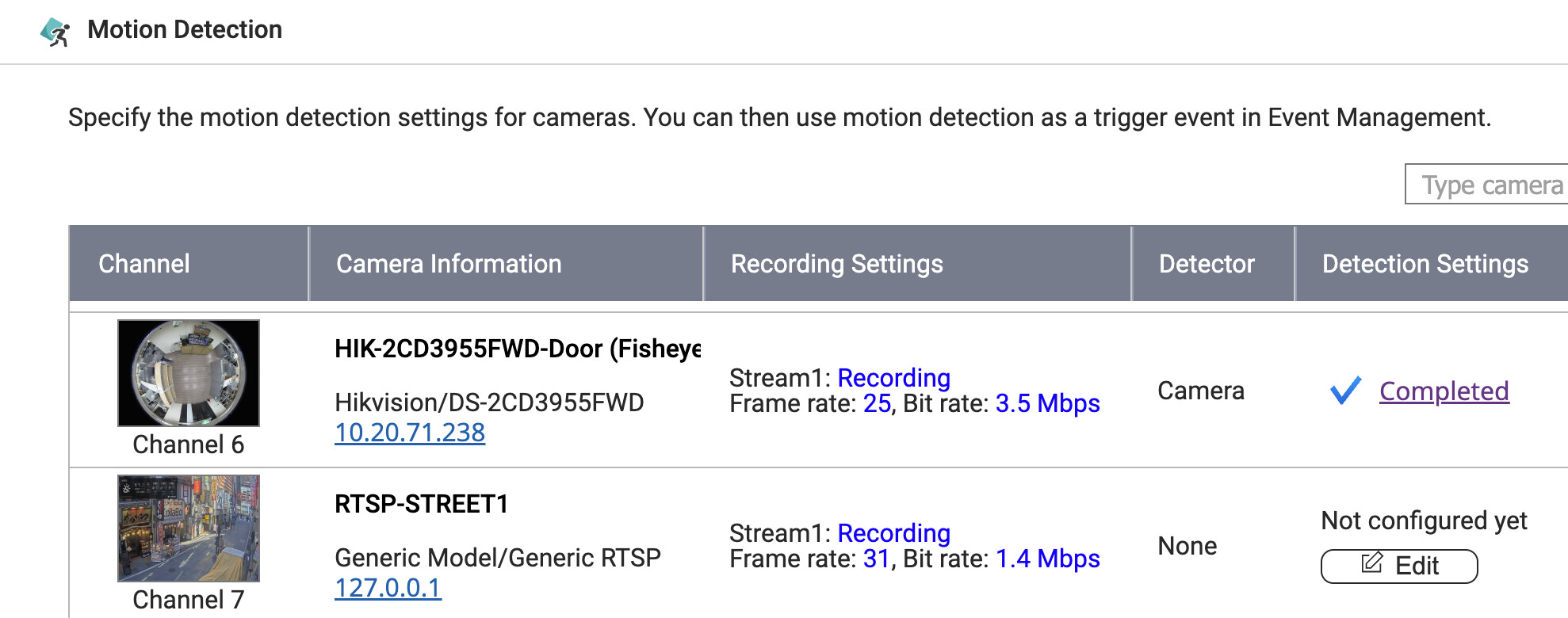
1.) If the camera can detect motion events and send them to QVR Surveillance that is better than having QVR Surveillance detect the motion.
2.) If you need to use QVR Surveillance to detect the motion, be sure to have the secondary stream enabled on the camera if it has one. I know I had an issue with some Amcrest cameras I was using and I wasn’t seeing any motion detected by QVR Pro (which I was using at the time before Surveillance came out). Turns out, I needed to have the secondary stream turned on as QNAP will use that for motion detection and not the main stream.
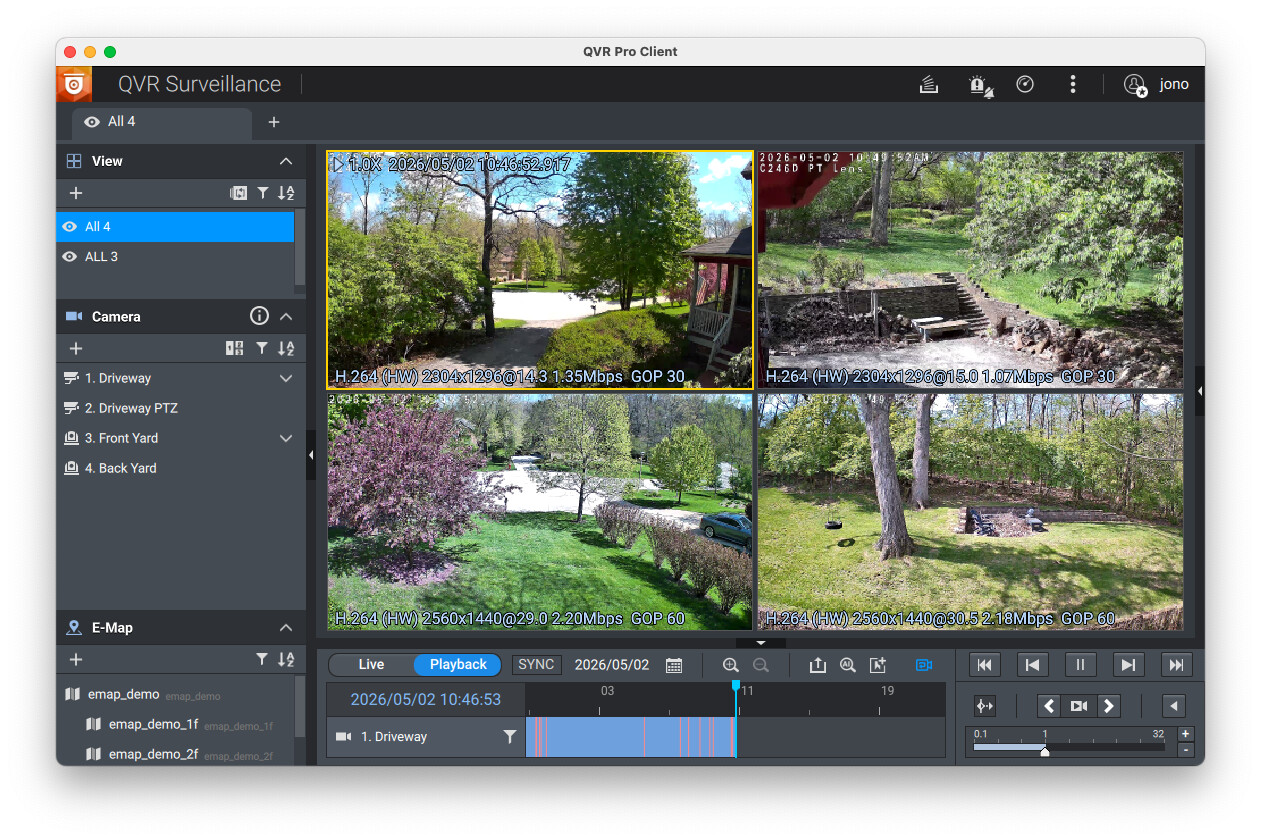
3.) In the QVR Pro client app, motion events are shown in the timeline in orange.
In playback mode you can skip back and forth to view the various events that have occurred.
4.) If you are using QVR Surveillance to do the motion detection, you may need to adjust some of the motion area and sensitivities, etc. in the camera settings. Changing these can vary things quite a bit, so I would check on how you have those set.
I ended up moving away from the Amcrest cameras as they would not stay stable on my network. I now have 3 Tapo Cameras (one is a dual camera) and while the image quality is not as good as the Amcrest units, they are stable and they have good (almost too good) motion detection. I use the Tapo motion settings because I can set more zones and specific areas than I can with what QNAP offers. Plus, it ends up being much less load on my TS-451. You TS-264 has a slightly more powerful processor than the one in my TS-451 but not be much. I would highly recommend using the cameras to do motion detection (as it sounds like they do offer that based on your post).
Yeah, that’s a big difference and looking on Passmark the J1800 in the TS-451 has a CPU rating of 573 while the N5095 is at 4009. So yeah big difference. I was incorrectly thinking they were much closer in performance.
The N5095 is actually pretty similar to the AMD Ryzen V1500B that’s in my TS-873A.
Full disclosure, the reolink mobile app does flag events properly and hold on to them for a couple of days via sd card, then from there I can cross reference with the continuous footage on the qnap. So, overall, my needs can be met with extra steps. I’d like to make use of what I have already if possible.
I agree about the cameras handling the detection. I’m currently using the cameras to do the motion detection and do prefer to keep it that way. The cameras can take the wear and tear of extra processing - if they fail, it’s far more inexpensive to replace and doesn’t take down other important data with it.
The camera does flag motion quite well and tag it appropriately, however almost none of those events make it to the qnap, so I’m doing some tests to see if I can narrow down the issue. Do you have motion rules set up to get the view in point 3? When I set up a rule to record when an event is detected, it records a separate clip. Is this what you’re also doing?
Yeah, the cpu seems pretty capable, however i don’t want to add to the HDDs workload - especially if the cameras can do it. If my NAS was loaded with SSDs then I might change my mind.
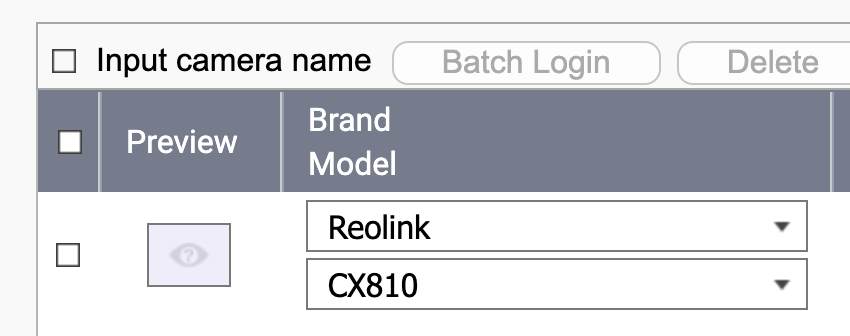
Thank you for this suggestion, Haru0. I didn’t initially see lumus pro listed as a supported camera and ended up adding it as a ONVIF. I thought that ONVIF type T was just how they all operated and selecting the name would just provide the same settings. Now I’m seeing that inputting it as shown removes the ‘Event Rules’ column and the communication protocol needed to be changed to http. I’ll let it run for a bit report back with the results.