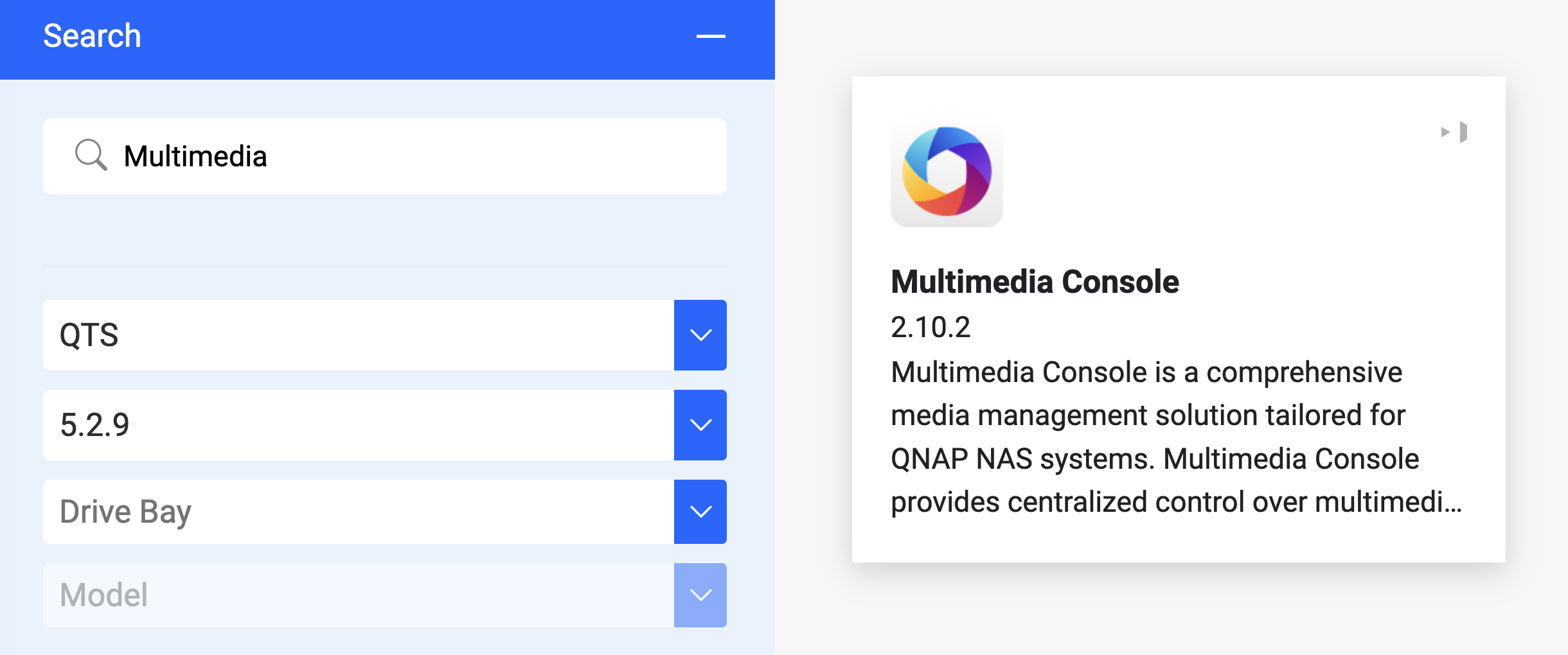
After Multimedia Console upgrade to the latest available available version 2.10.0, the whole content in my Music Station (Qmusic), QuMagie, Video Station (Qvideo) has disapeared.
Users have still access to the all media files in File Station (Qfile) and have proper rights to the folders.
Media source folders are defined for Music Station, QuMagie.
I’ve perform full reindex of MMC library couple of times.
@vitoldo sorry to hear that you are experiencing this issue after the recent upgrade.
We have tried upgrade Multimedia Console, then downgrade it, and then upgrade again several times but still unable to reproduce the problem. Since you have already tried all the standard troubleshooting steps including rebuilding the database, it seems this might be a specific isolated issue related to your environment.
Would you mind open a support ticket at https://service.qnap.com/ to let our technical support team to arrange a remote session and check your environment directly to confirm what happened?
@haru0 Thank you for reply.
I opened a ticket but it has since been closed because I haven’t yet accepted the remote access rules.
MMC can properly share files with Music Station, QuMedia, etc., while reindexing. Analyzing the entries in the mymediadbserver.log file in the share/CAHCEDEV1_DATA/.system/log folder, I noticed that thousands of ‘weird’ entries appear in the log at the very end of the reindexing process. From that point on, the multimedia content becomes inaccessible to the applications:
…..
[2026-03-27 10:43:50][ERROR][ACL3Util.cpp:547:ACL3_RebuildDirImpl]: Batch insert failed for directory 3170
[2026-03-27 10:43:50][ERROR][ACL3Util.cpp:547:ACL3_RebuildDirImpl]: Batch insert failed for directory 3171
[2026-03-27 10:43:50][ERROR][ACL3Util.cpp:547:ACL3_RebuildDirImpl]: Batch insert failed for directory 3172
[2026-03-27 10:43:50][INFO][ACL3Util.cpp:627:ACL3_Rebuild]: End
Running ‘Check File System’ from the GUI restored proper library access, but only until MMC started indexing the files again. So I ran another ‘Check File System’, but this time a different error occurred, preventing the file system check from running, and the message “Examination failed (Cannot unmount disk)” appeared halfway through the check.
I don’t know if the source of my MMC problems lies elsewhere, perhaps in the file system? Or is it related to the MMC application itself?
I have quite the same issue. After doing https://www.qnap.com/nl-nl/how-to/faq/article/files-dont-show-up-in-my-media-library-how-to-fix-it there was no more app in content management in Multimedia console. I reinstall Music Station and all the apps come back. But after selecting the music folder for music station , the app disappear in content management of Multimedia console. With “more mymediadbserver.log | grep ERROR” i get this:
[2026-04-18 10:53:24][ERROR][ACL3Util.cpp:791:ACL3_RefreshDir_R]: Final batch insert failed
(i have only one error line)
Do you succeed in having music station / qmusic to work again?
After reboot NAS : Music Station come back in multimedia console and the folder is set and indexing. But when I start Music Station , there is no music! And in parameter there are no folder (before we cas see the folder set in multimedia console). It’s very strange !!
Unfortunately, I wasn’t able to restore the media contents. Several times I performed a full reindexing, and during indexing, partial or complete folder contents appeared. However, after indexing finished, everything disappeared.
I ran a File System Check. After it finished, the full folder contents appeared! However, adding even a single media file triggered indexing again, and all the contents disappeared. I ran this experiment twice, always with the same result.
I currently have MMC deactivated. I’m waiting for a newer version of MMC and hope it will then work normally.
QNAP Support suggests I have a File System problem. But I assume the File System problem is not the cause but a result of MMC malfunction. Other file access (via File Station) works perfectly fine.
I ran the DA Drive Analyzer tool for a deep analysis of both drives, but both have normal parameters, so they shouldn’t be the source of the problem.
Hi @haru0
I downloaded & installed the latest 2.10.3 MMC and everything works fine. Indexes & thumbnails has been rebuilt and now I have full access to my media content again.
It is clear to me that there was an major bug in the 2.10.0 version, fixed in 2.10.1 :