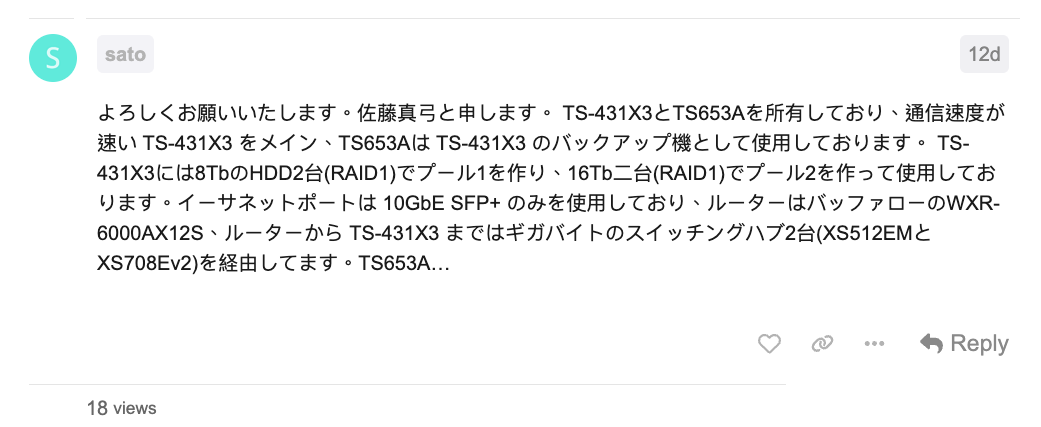
Thank you very much. My name is Mayumi Sato. I own a TS-431X3 and a TS653A, using the faster TS-431X3 as the main unit and the TS653A as a backup for the TS-431X3. On the TS-431X3, I have created Pool 1 with two 8TB HDDs (RAID1) and Pool 2 with two 16TB HDDs (RAID1). I am only using the 10GbE SFP+ Ethernet port, and the router is a Buffalo WXR-6000AX12S. The connection from the router to the TS-431X3 goes through two Gigabyte switching hubs (XS512EM and XS708Ev2). TS653A…
Um… could it be that the post content kind of ends abruptly?
After checking the specs, it looks like the TS-431X3 has two Gigabit Ethernet ports, and the TS-653A has four. If you connect the NAS devices directly with a LAN cable, they should each get an IP like 169.254.xxx.xxx, and you’ll be able to communicate at maximum speed without going through a router or other devices.
However, since all the ports on the TS-653A are limited to 1Gbps, no matter how many direct connections you make, 1Gbps is the maximum speed you’ll get.
This is probably still a draft, and we are discussing it at the link below.
For your reference.
Thank you.
@Harinezumi I see, it was my oversight. Thank you for your explanation.
1 Like