NAS back from RMA repair and not actually properly repaired

I thought I’d reach out to the community for their thoughts on an RMA repair that “missed the mark” regarding the QA/QC process before being returned to me.

My TS-644 failed to boot with the 8GB memory module in mem slot 1. Moving the module to mem slot 2 and all was well. I initiated and RMA for this failure under warranty and sent the unit back to QNAP for repair.

Yesterday, I received the unit back and earlier this morning found the time to test it. To my dismay, I found that, although the unit boots with the OEM module in mem slot 1, YAY!, the connector and, in particular, the spring clips on either side of mem slot 2 were broken away from the connector and would not hold the additional memory in slot 2. To test the slot itself, I installed the memory and wedged it in place with a piece of foam packing material to keep it in place and, yes, mem slot 2, the edge connector itself anyway, does work.

Is this typical of the repair/QA/QC process or is this just a one-off bit of bad luck on my part. What would be the best thing for QNAP to do to correct this error? Personally, I think they should do an advance RMA with a new or used on back to me and then have me send this one back.

I’d appreciate your thoughts!
Oof! Yes, it sounds like someone messed-up.

Is this model actually a TS-664?

Hopefully, QNAP staff can advise how to proceed further.

Yes it is actually a TS-664. Is this an oddity?

I’d say getting back your NAS with broken DRAM clips is definitely an oddity. :wink:

Agreed. I’ll keep you guys posted about what QNAP does for me.

For sure. Number one, I would open new support ticket about this or add to your existing ticket. Number two, hopefully someone here on the forum from QNAP will spot this.

Your unit should certainly not come back in damaged condition!

They asked for a picture of the broken DRAM clip. I’ve included it here for the sake of posterity. I am not so sure that the memory in slot #1 is not being held in place by that white sealing sticker that was not there when I returned the box in the first place. Until they decide what to do, I’ll wedge the mem in slot #2 down with a piece of foam and burn the thing in.

Sadly, for me, the first response back from Paul regarding the new trouble ticket, was implying that I damaged the retaining clip because he asked me, and I quote, “Could you provide in details how the memory slot #2 was damaged?” If that doesn’t imply that they are considering that this was my fault, I don’t know what does.

I suspect this is not there is going to be an easy resolution to this.

I would reply back that it was damaged when you opened the NAS after receiving it back from QNAP. Make it clear that it was not damaged when it left your home/business originally.

I’ll do that for sure. As part of the early troubleshooting they had me do prior to issuing the RMA, I took videos of the boot sequence with the originally installed module in both slots 1 and 2 showing boot failure in slot 1 and boot success in slot 2. The video clearly shows that the DRAM retention clips were not damaged.

We’re going to try another RMA. The RMA department in California is out of TS-664 motherboards so they will have to be procured from the “mother ship” in Taiwan.

I suspect I may have been a little overly sensitive when I read the question I mentioned earlier as I was told that was simply a normal part of the RMA process and was not intended to imply that it was my fault.

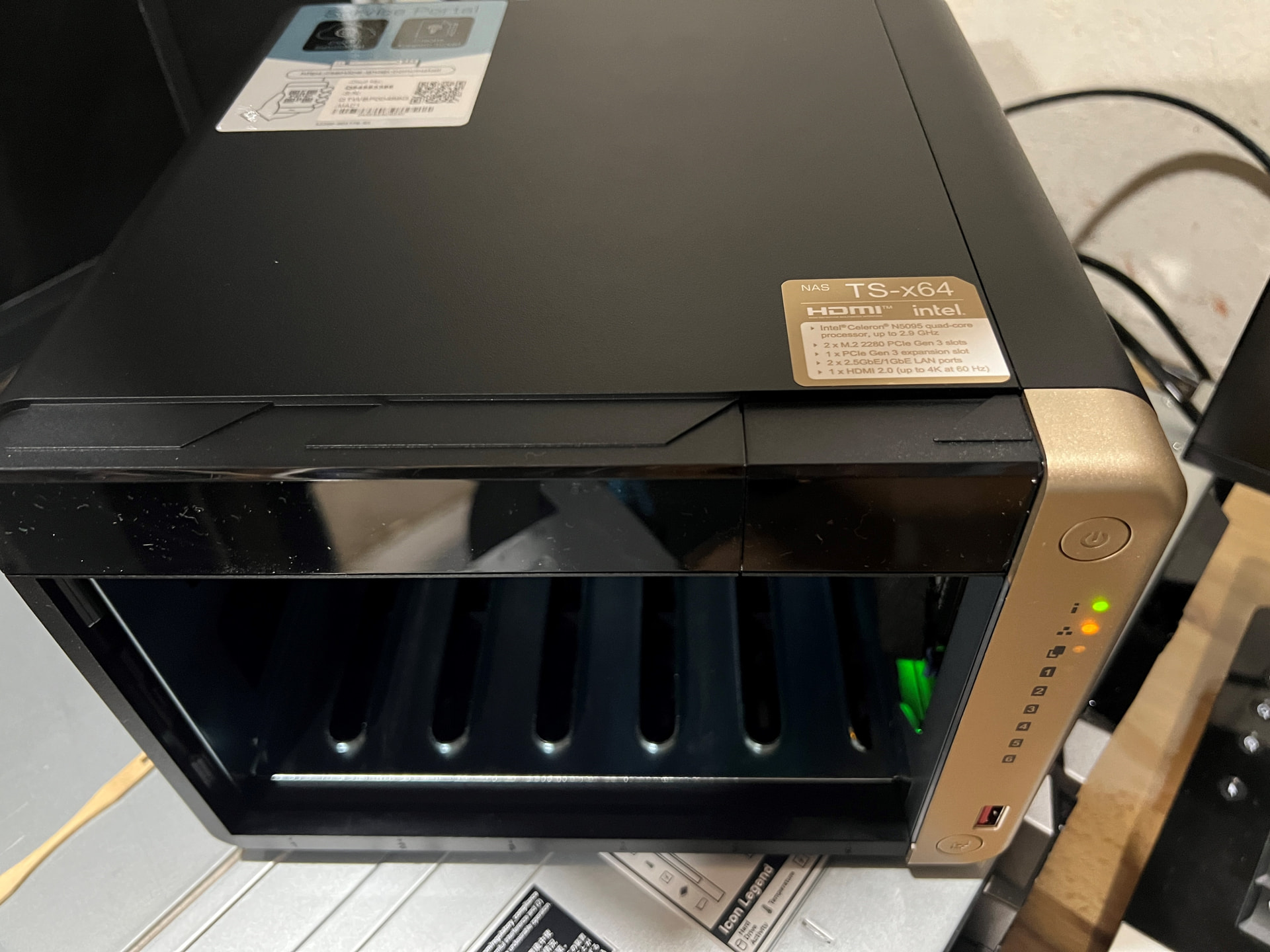
Good things come to those who wait. I received the RMA’d NAS yesterday and all is well. A new motherboard was installed and, because of that, a new Cloud and MAC sticker was affixed to the top of the unit displaying the correct information.

The only thing left for me is to decide on keeping the QTS that was installed or migrating to QuTS hero.

Have a good weekend eveybody!