When introducing Myqnap cloud storage, everyone says it can be used for backups, but how do you actually do it? I want to directly back up files from my computer to this cloud storage, but there are no instructions at all. Do I need to download something to my computer to be able to back up?
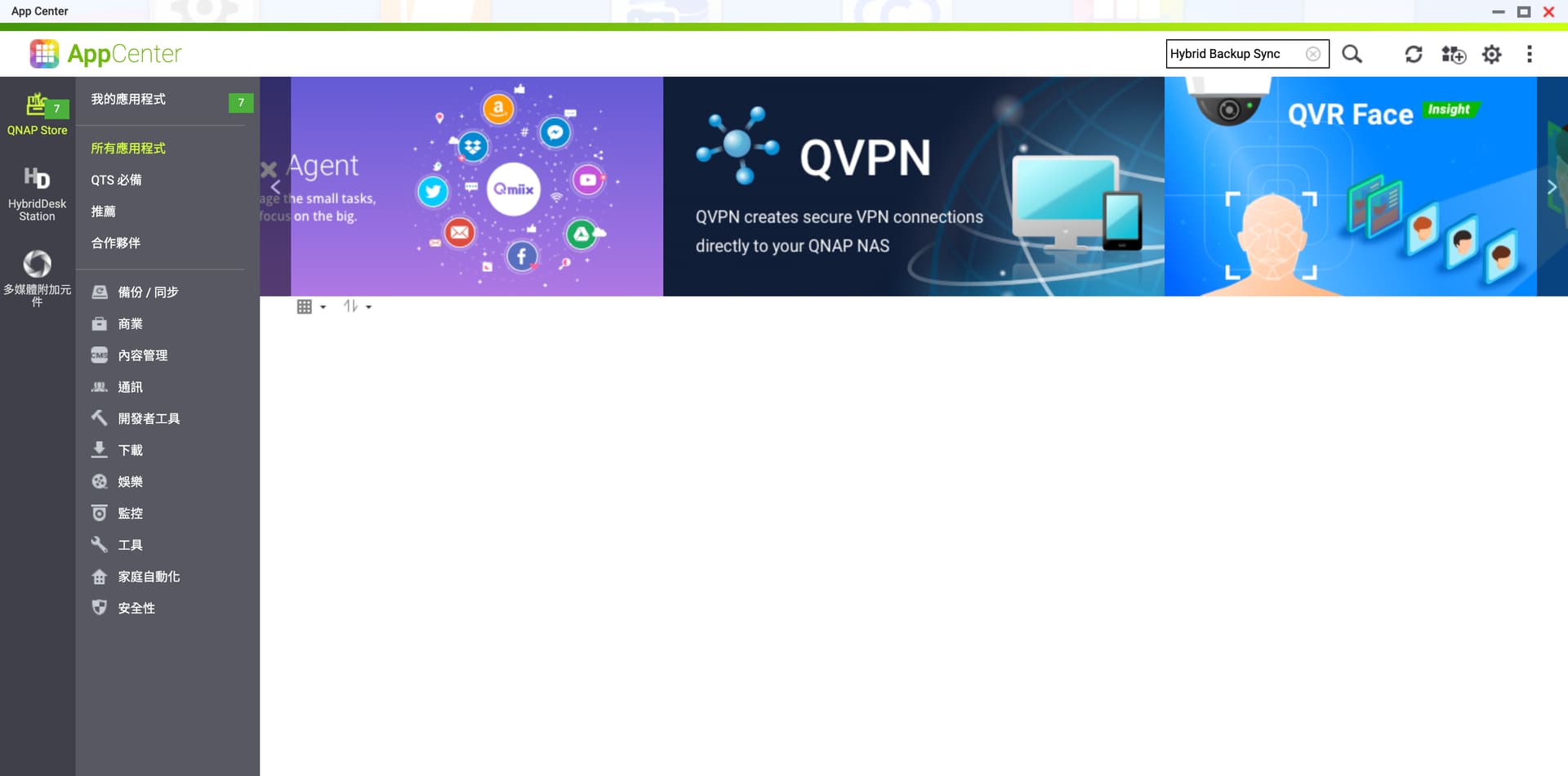
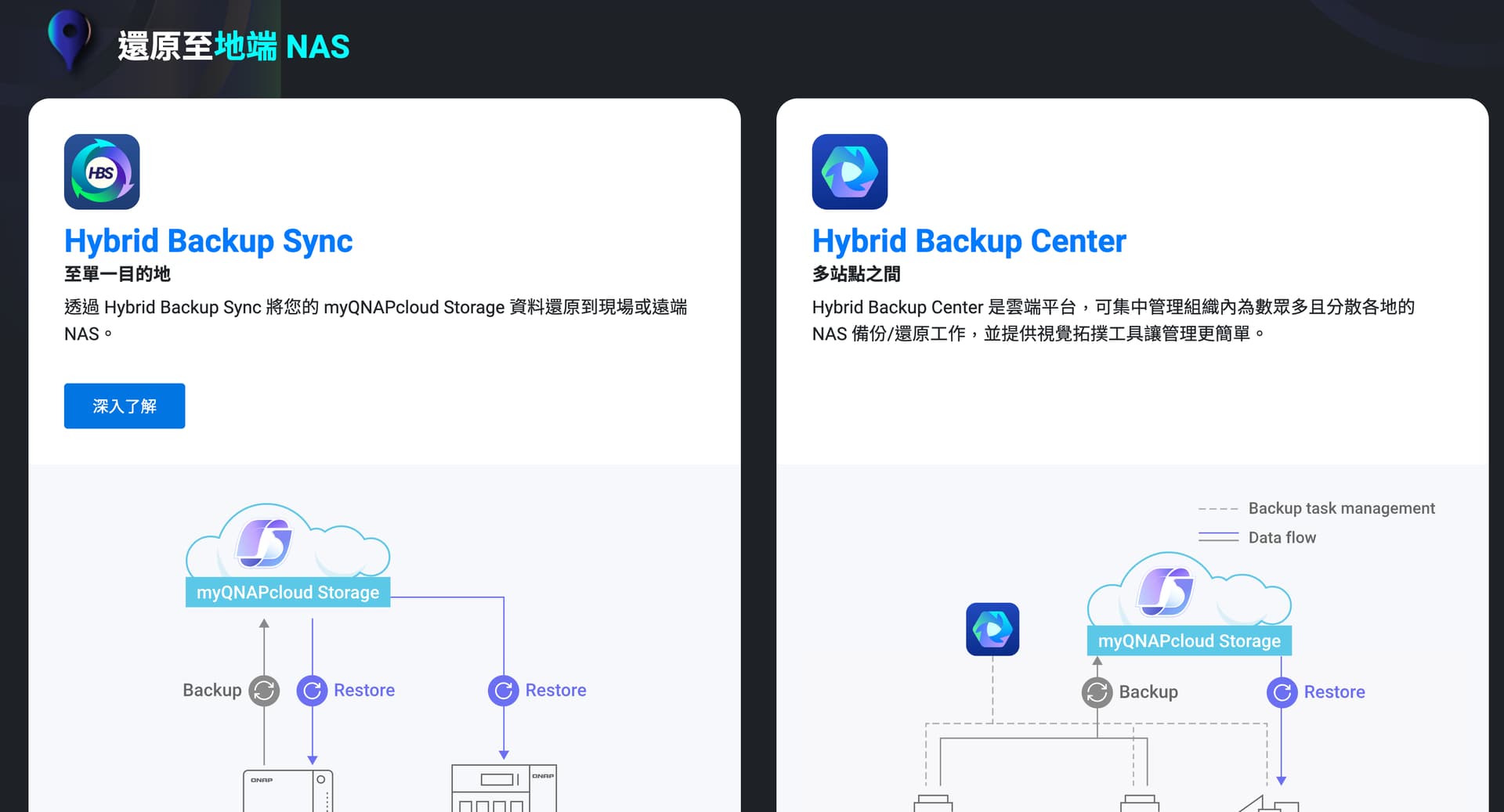
Also, the official website says you can use Hybrid Backup Sync to back up your NAS, but I can’t find this feature anywhere. Does this mean you can only use Hybrid Backup Center?
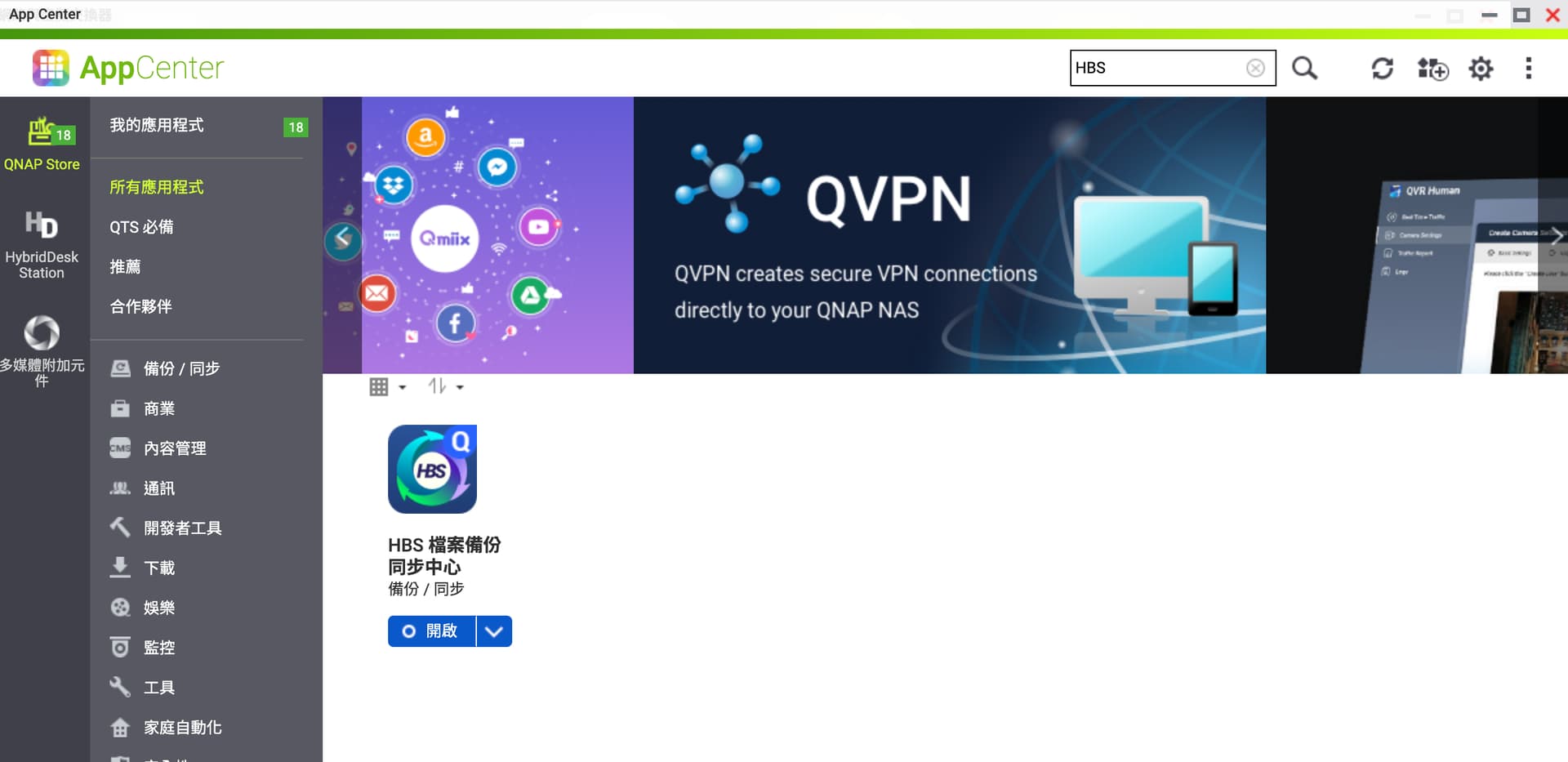
Thank you for your reminder, which helped us discover an issue where a keyword was missing. Thanks (Hybrid Backup Sync can only be found in the English interface; in the Chinese version, it can’t be found, only HBS. We will fix this issue as soon as possible.)
Additionally, myQNAPcloud Storage is a subscription-based cloud storage service. When you apply for a QID, we will give you 16GB of cloud space for free. After logging in to your QID on the website, you can see your cloud space and all the QNAP devices you have registered. The website link is as follows:
You can use it as a simple web-based cloud drive, or you can use the HBS (Hybrid Backup Sync) app to back up the data from your NAS to this space. When the cloud space is insufficient, you can easily upgrade your subscription to a larger capacity.
Before performing the second-layer backup to the cloud, there are three ways to first store your valuable data on the NAS:
(1) You can use Qfile/QuMagie to back up photos from your mobile phone to the NAS.
(2) You can use Qsync to sync or back up folders from Windows/Mac to the NAS.
(3) You can use HyperDataProtector + install Netbak PC agent on your computer to back up the entire computer or entire drive to the NAS.
First, perform the first-layer backup to your NAS to protect your valuable data.