Hi folks,
I have just received my TL-D800C and installed one Seagate Exos ST28000NM000Cdrive in bay 1 and connected it via USB cable directly to one of the USB3 ports of MacBookPro M1 2020 with MacOS Tahoe 26.2. Trying to fill the disk with zeroes, after maximum a minute copying I get this error:
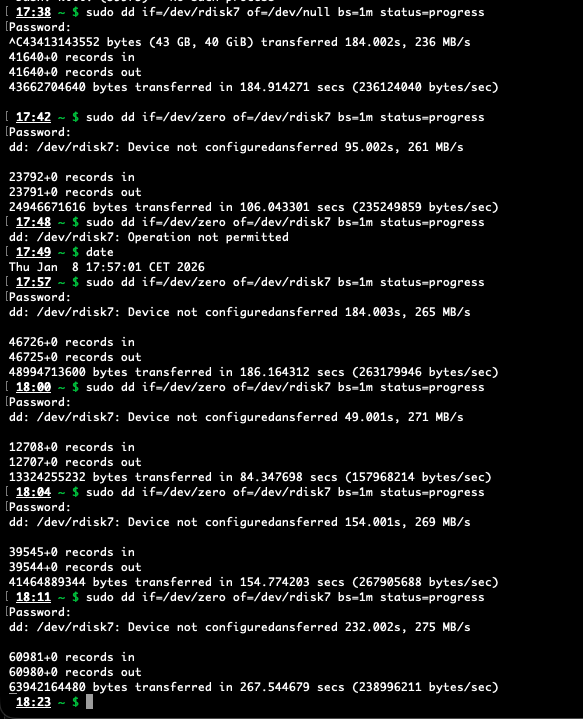
The log message from macOS look like this:

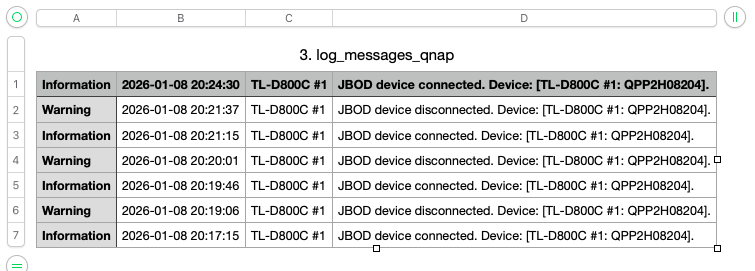
According to the “JBOD Enclosure Software-UG-01-en” page 2 [1] there should be a version of “QNAP JBOD Manager” software for MacOS but I could not find any in your utilities page [2] - Please let me know where I can find one. In the meanwhile I installed QNAPJBODManagerUbuntux64-1.1.0.2313 on a ThinkPad P1 with Ubuntu. The logfile shows that the QNAP connects to the laptop
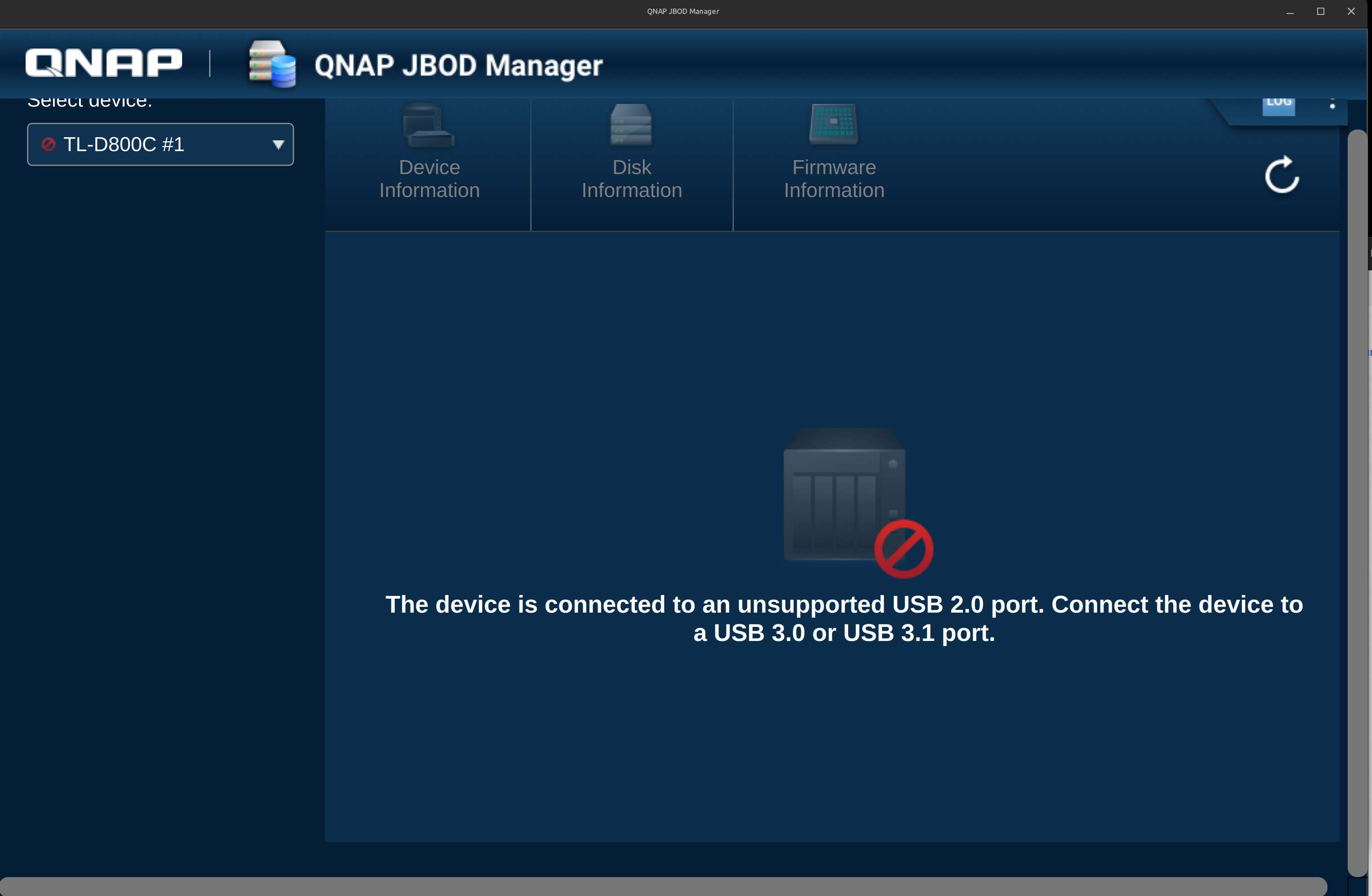
On the other hand UI on the “QNAP JBOD Manager” says “The device is connected to an unsupported USB 2.0 port. Connect the device. to a USB 3.0 ot USB 3.1 ports”
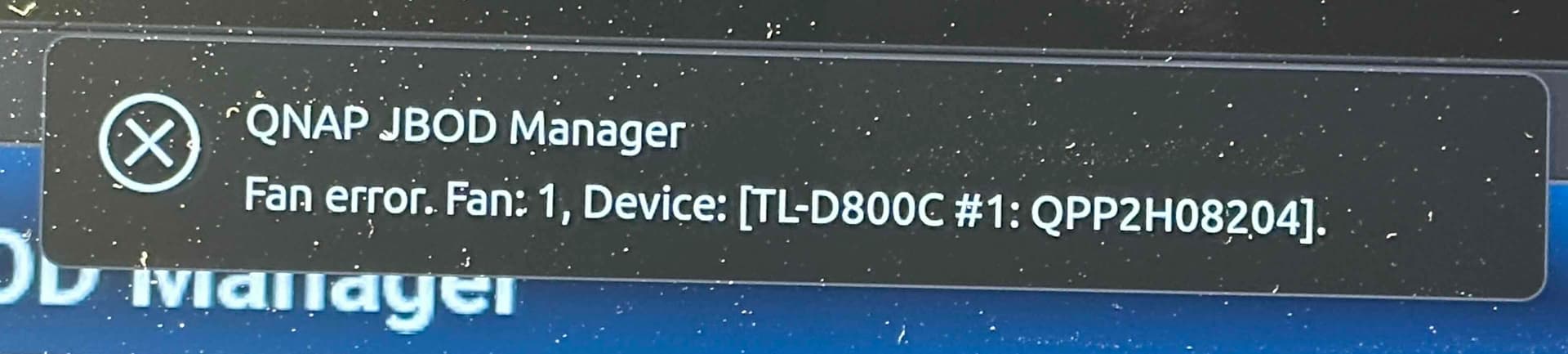
All USBs on the laptop are version 3.0 and higher. While trying different configurations I saw the notification “QNAP JBOD Manager Fan Error. Fan 1, Device: [TL-D800C #1: QPP2H08204]”:
I tried to switch the fan settings from Auto to Max and as far as I can tell both fans are working fine.
Any ideas how I can proceed? I do not have a windows PC which I can connect to the device. I also cannot see the firmware version since I cannot connect to the device
Thanks in advance..