An update here. Someone earlier in the thread said that QuTS Hero 6.0 made a difference but my first attempt at this wasn’t successful. (it still defaulted to CPU). But a little help from Google Gemini and I have a YAML that works for me.
Hardware: QNAP TVS-h1688x
QuTS Hero: 6.0.0.3500
GPU: Nvidia RTX 3060 (12 GB VRAM)
Docker: Container Station
My objective was to run Ollama on my 1688x with an OpenWebUI front end. I asked Google Gemini to write an appropriate YAML that would work with QNAP Container Station taking into account the RTX 3060. This was the first attempt an remember, this version DID NOT WORK with the GPU.
Again, the previous YAML failed to use the GPU. After asking Gemini to rework the issue, it came back with the following YAML that did work with the GPU: (I deleted the OpenWebUI YAML for redundancy since it didn’t change)
I have no idea if this will solve the issue with QTS 5.9.0, but it may be worth a shot. The big difference are the environment variables (OLLAMA_HOST and OLLAMA_KEEP_ALIVE).
i haven’t really noticed a similar issue as mentioned in this thread. I might be missing it since I dont use open-web AI/ ollama app all the time. I have it running and it will unload the llm, then next time i use it it loads it.
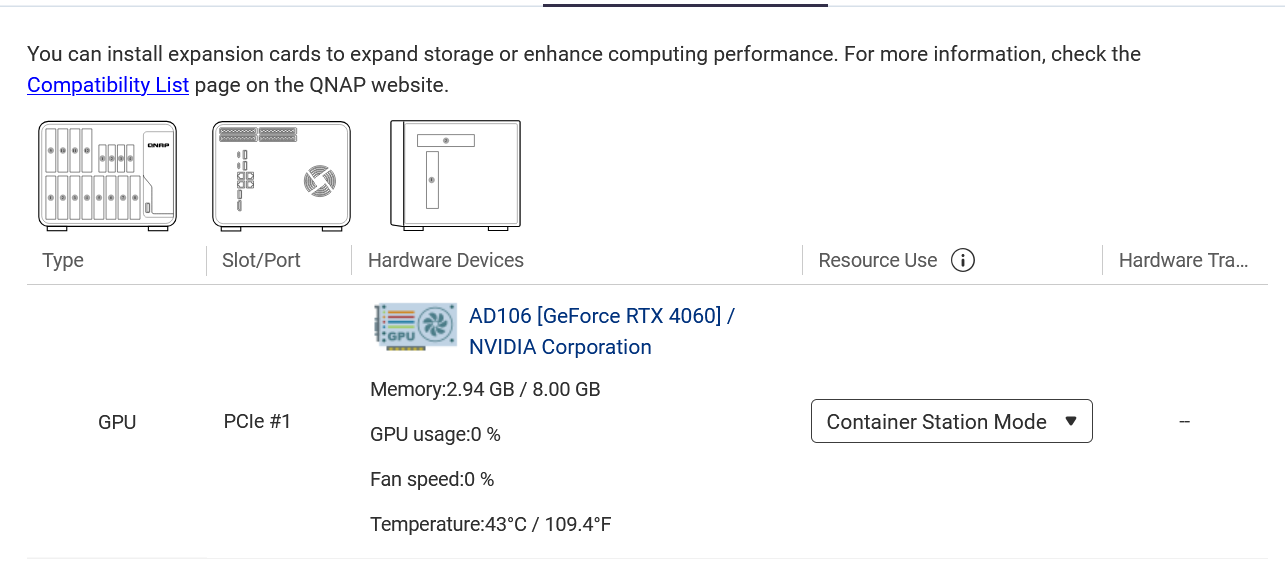
I am using an approved nvidia card for my NAS model.
I think the difference comes from this: OLLAMA_KEEP_ALIVE=24h
Frequently unloading and reloading the models seems to cause problems. When the loading process takes a long time, the problem seems less frequent. Personally, I’m currently testing with 5 hours, and after that time, I still have the loading issue—mainly because the model exceeds the GPU’s RAM, and instead of switching to a CPU/GPU hybrid mode, it switches to CPU-only mode. Or it unloads the model to switch to another one.
The problem isn’t limited to Open WebUI; it was also present in Qsirch and RAG.
I think this has been mentioned in other posts, but newer Nvidia drivers fix some issues like this.
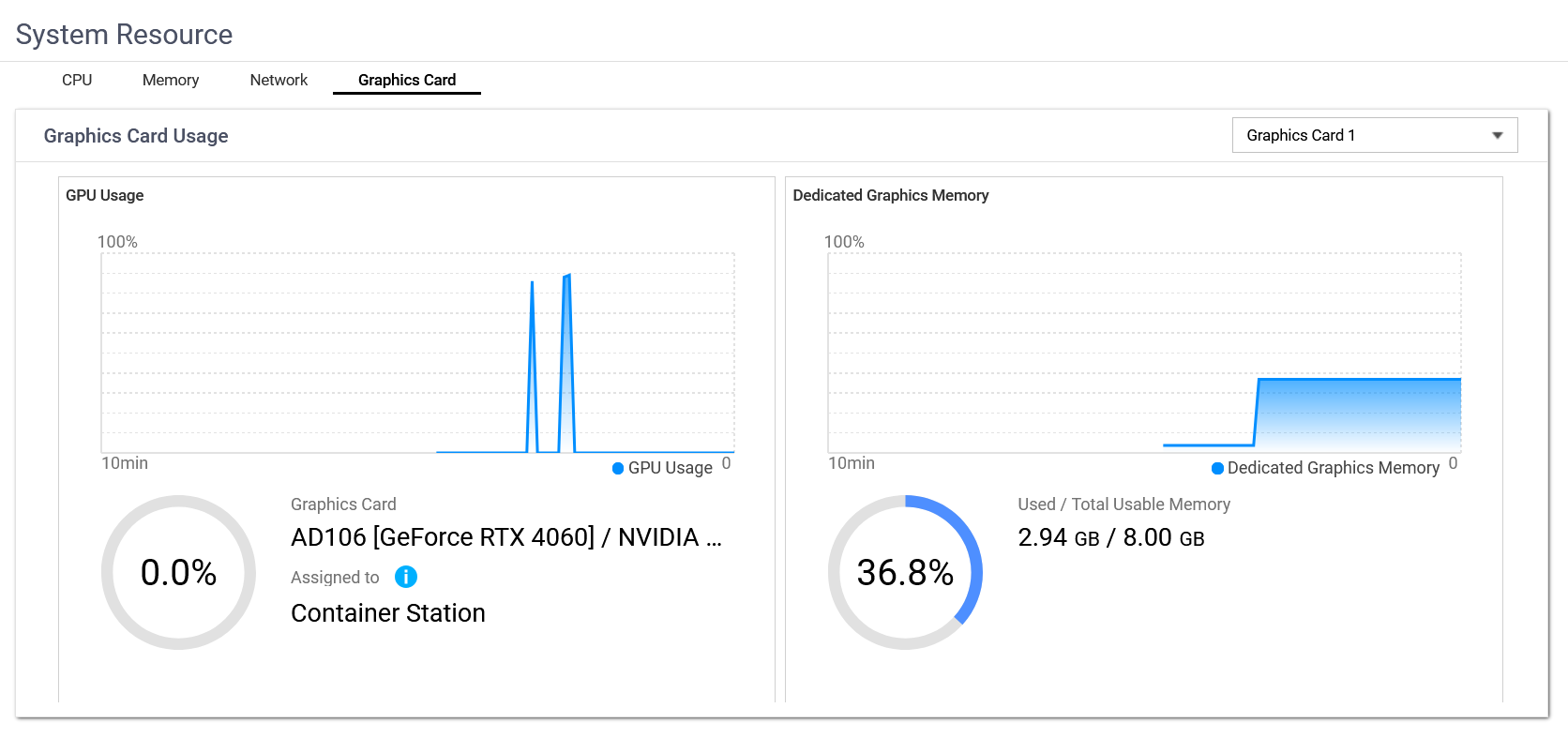
I did try a larger model that exceeded the 12 gigs of VRAM in my card. It did slow things down but Resource Manager did show that the card was being used at about 80% VRAM usage and GPU usage versus smaller numbers with a smaller model. It was still much faster than when I first did it and it was defaulting to CPU only (which on a 10th gen Xeon was extremely slow).