I am using HDP PC Agent 1.3.1 to do simple backups only on a TS-451+ NAS system for nine PCs running Win 11 Pro. This app does create backups in the repositories as expected as far as I can tell. Where I am experiencing difficulties is in recovering from a backup using HDP PC Agent Recovery Media Creator and HDP PC Agent Recovery Wizard as follows:
- Recovery Media Creator seems to fail to include drivers for WiFi on the USB Boot Drive it creates.
- As a result, computers connecting to the server via WiFi are unable to connect, preventing a recovery operation.
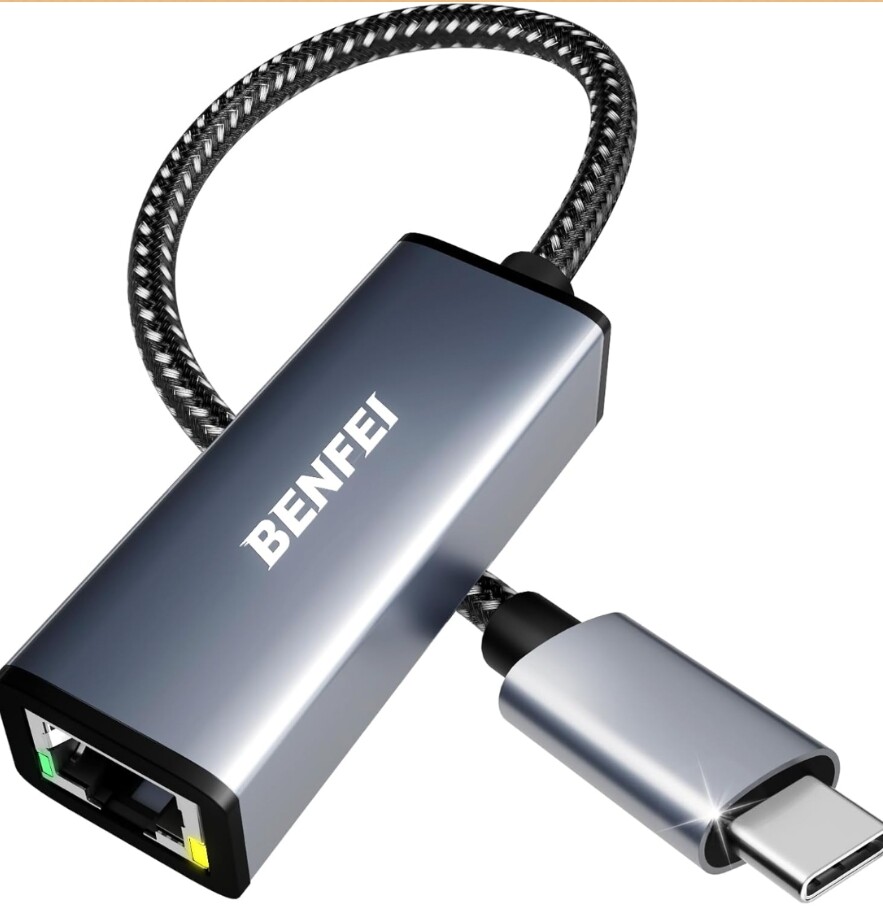
- In most cases, computers connecting to the server via Ethernet are able to connect and perform a recovery operation. I can see in the list of software included in the USB Boot Drive that a driver for Ethernet is included in most but not every case. In the cases where no Ethernet driver is included, it is possible to manually load a driver via provisions in the Recovery Wizard, but this is not a model of convenience. It is not clear why Recovery Media Creator fails to load some Ethernet drivers but not others. These drivers are up to date and working as they should otherwise.
- What is not clear is whether QNAP intends for Recovery Media Creator/Recovery Wizard to support recovery via WiFi. If so, Recovery Media Creator/Recovery Wizard is not working as it should. If not, this would seem to create considerable inconvenience for computers not situated to allow an easy access to an Ethernet connection.
In other matters, HDP PC Agent 1.3.1 provides some user choices which were not available in 1.2.x versions, including:
- A check box labeled “Full Backup.” While one can guess what this means, it would be helpful to have a detailed technical explanation and guidance as to why one might check this option or not.
- In the “Rules” section of the “Edit Backup Job” screens, there is a checkbox labeled “Encryption” showing a check mark against a blue background, but grayed out and not changeable. What does this mean? Are all backups now encrypted or some other explanation?
HDP PC Agent is a critically important piece of software for those using QNAP for backup and recovery. It will be more than helpful to get this right and to explain in detail the known capabilities, limitations and bugs. If such information is available online and I have missed it, links would be appreciated.
 . Works like a charm without drivers too.