Folder sharing on QNAP HS-246, Plex library can't find anything

hello everyone

I have
QTS 5.2.10.3577

Plex Media Server 1.43.3

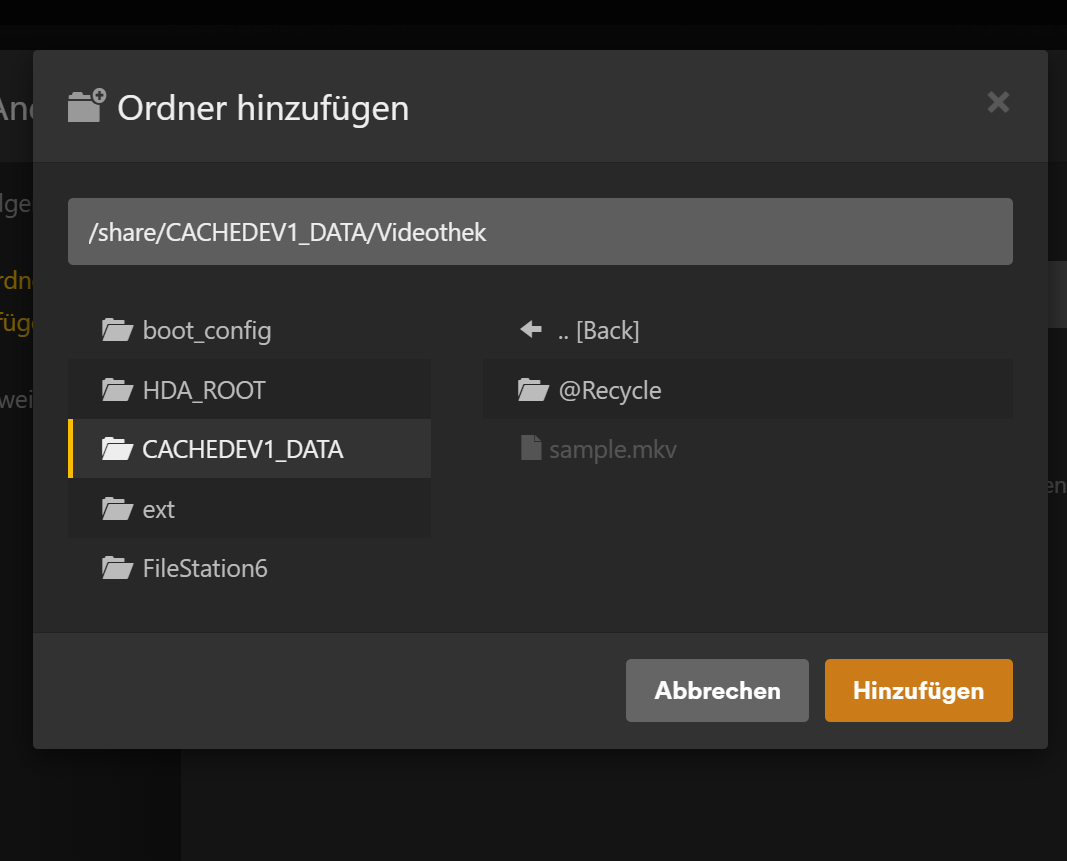
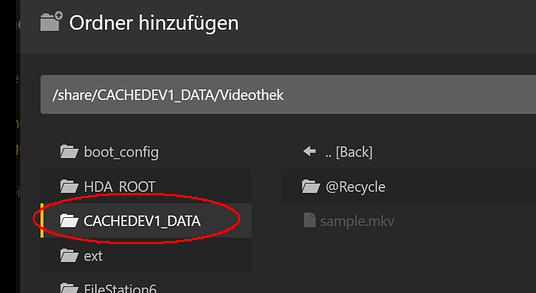
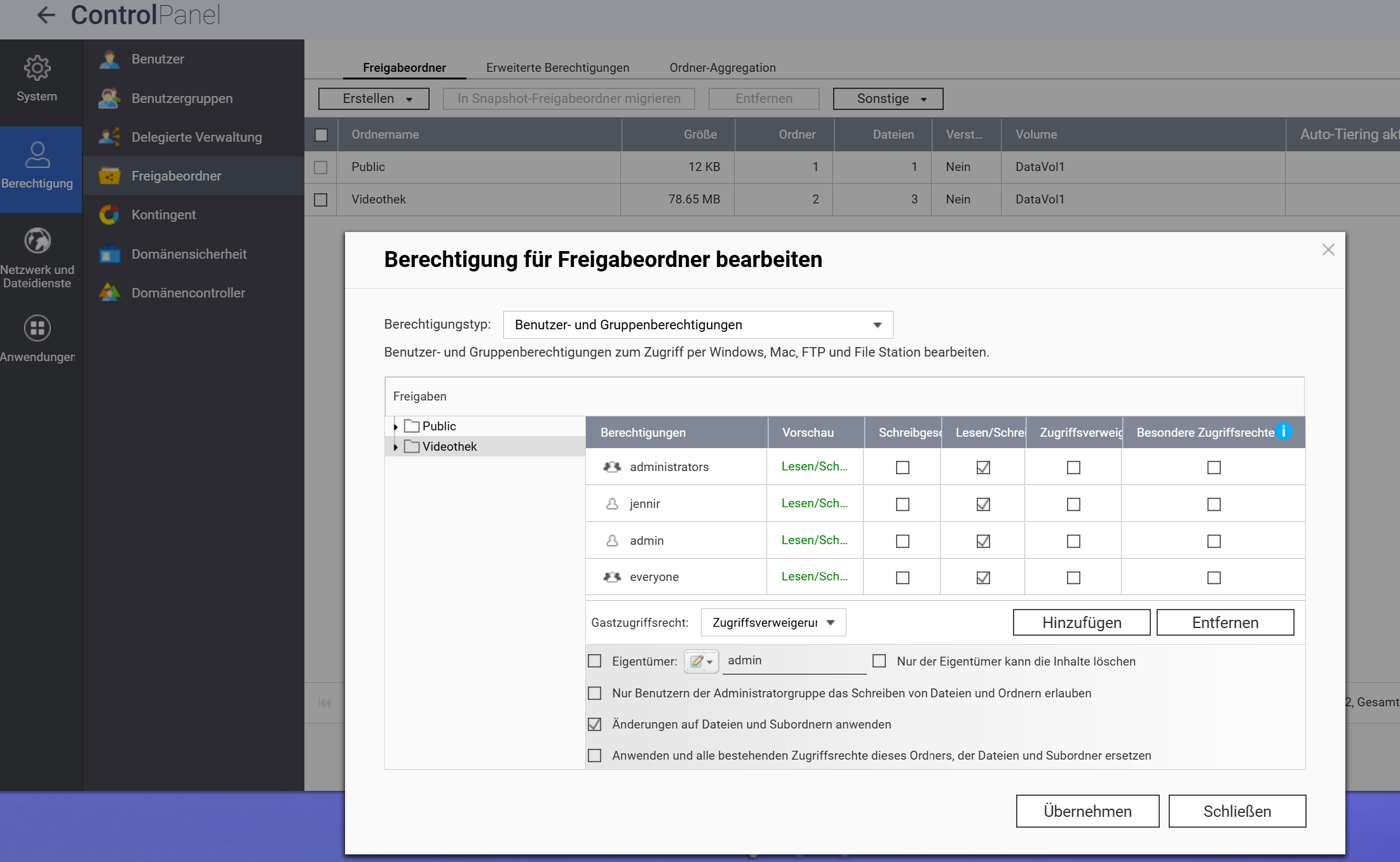
Everything freshly installed, shared folder created, path can be selected in Plex, and you can even see the movies in it, but when I go to scan my library, nothing shows up. It must have something to do with permissions, right? I’ve tried all users and assigned all permissions, even deleted and redone everything several times, but I just can’t get any further.

Please help

Hi,

I don’t use Plex, but normally you don’t see these folders in an app.

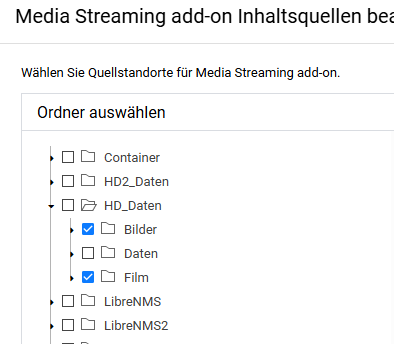
The app should usually only offer the shared folders for selection.

hi, thanks for your reply, but this is actually a common path in Plex, so that’s not the issue.

Actually, since the QPKG app runs internally with admin rights, it can access the root directory.
@OP, were volumes (static or in pools) created?

static, currently trying to get Plex running with Docker

As long as you know exactly how to mount the shares via Compose, it should work.

I don’t know

You should stick with QPKG for now and read up a bit on Docker and Docker Compose.
Here’s a guide from Reddit:

Yeah, you’re right, that does seem a bit complicated to me :slightly_smiling_face:

It might actually be due to your permissions.


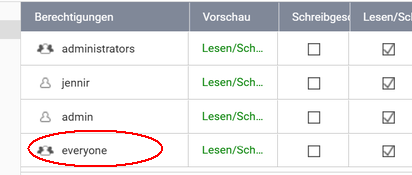
I never have “everyone” in my own shares.
On my NAS, “everyone” is only present for the default shared folders (Multimedia, Public).

If you adjust “everyone” incorrectly, you can end up locking yourself out.

Yeah, I’ve read various things about it. But I was finally able to solve the problem. It wasn’t the permissions — it was the filenames of the movies. Since the last firmware update, Qunabs isn’t as tolerant and doesn’t accept everything anymore.

  1. Structure: Movie title (Year)/Movie title (Year).Extension
text

/Movies
   /Avatar (2009)
      Avatar (2009).mkv
   /Inception (2010)
      Inception (2010).mp4
1 Like