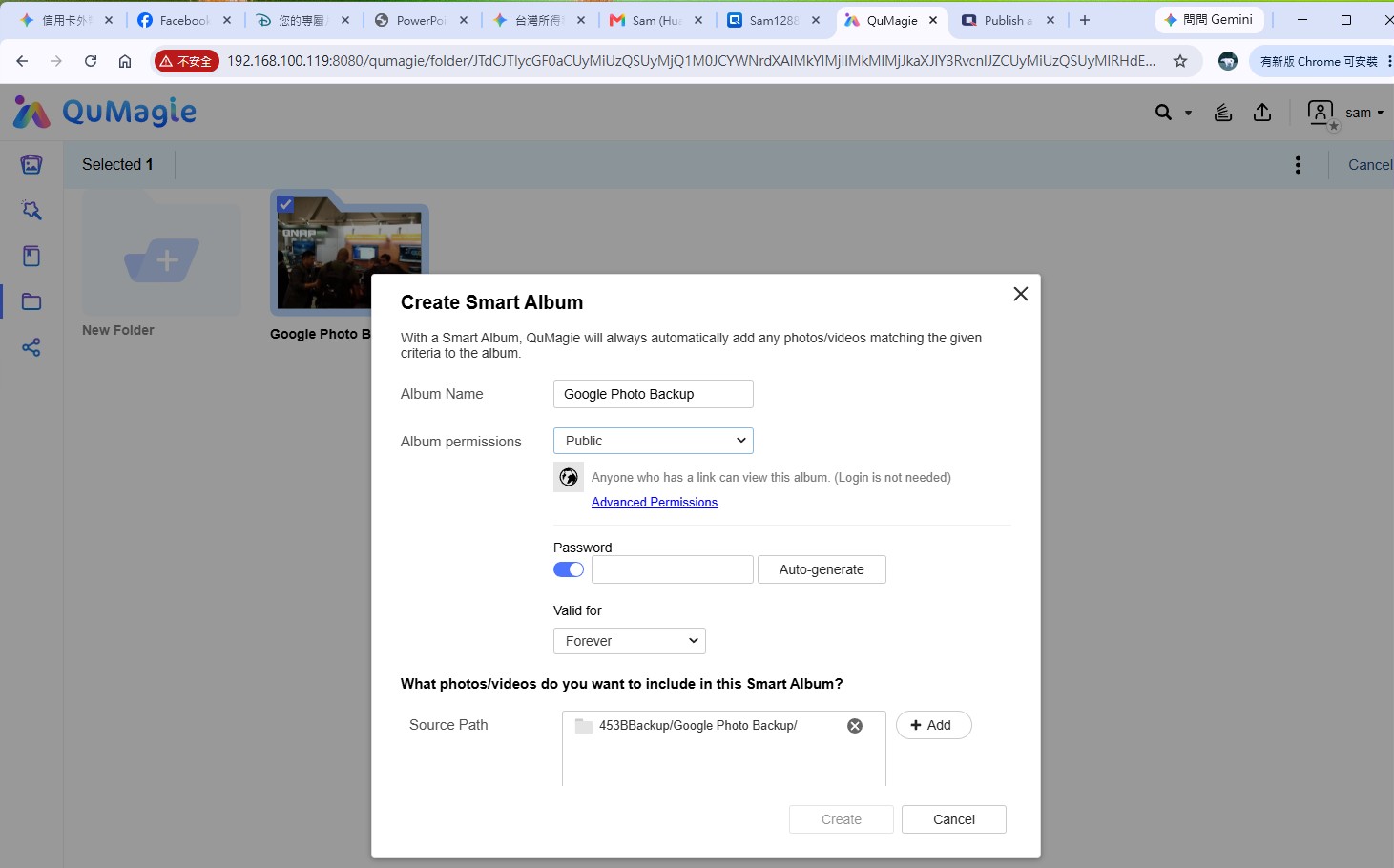
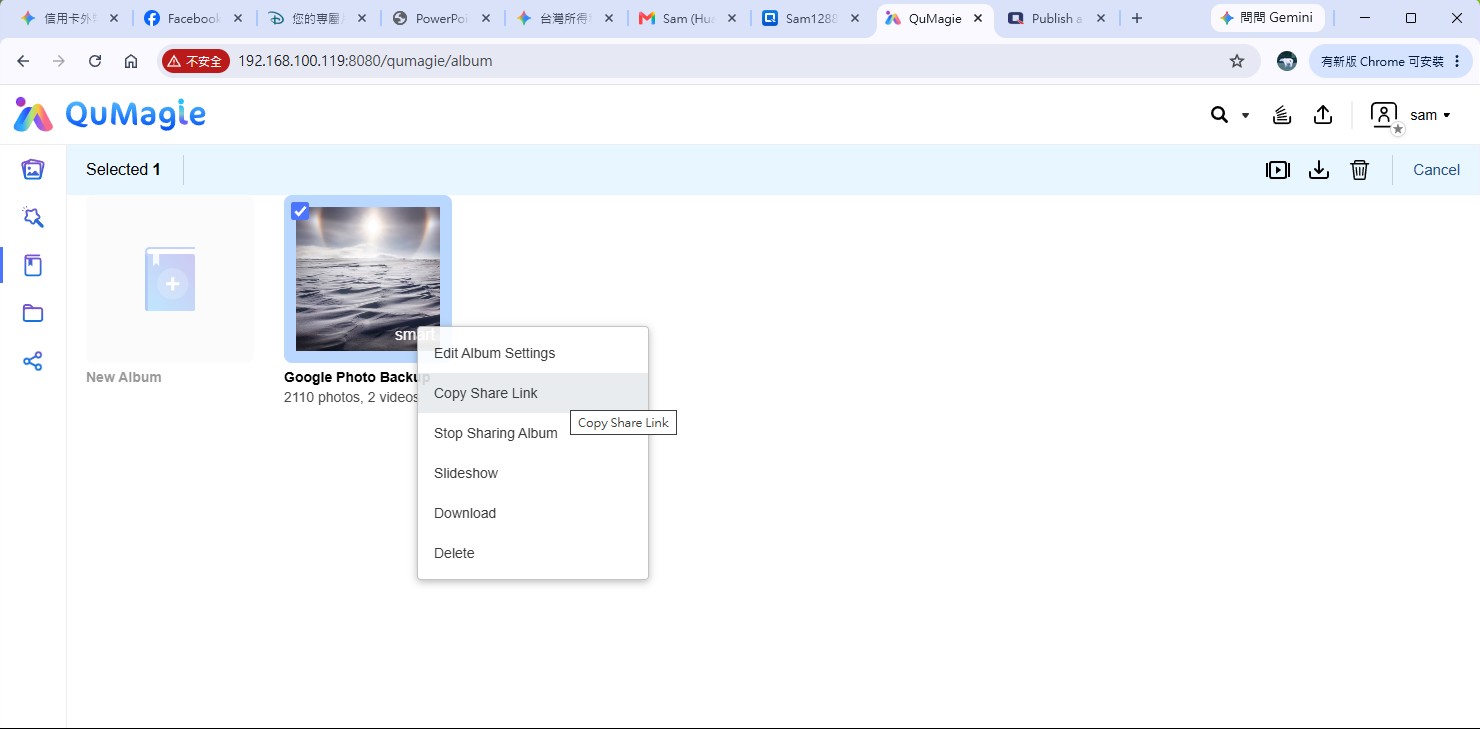
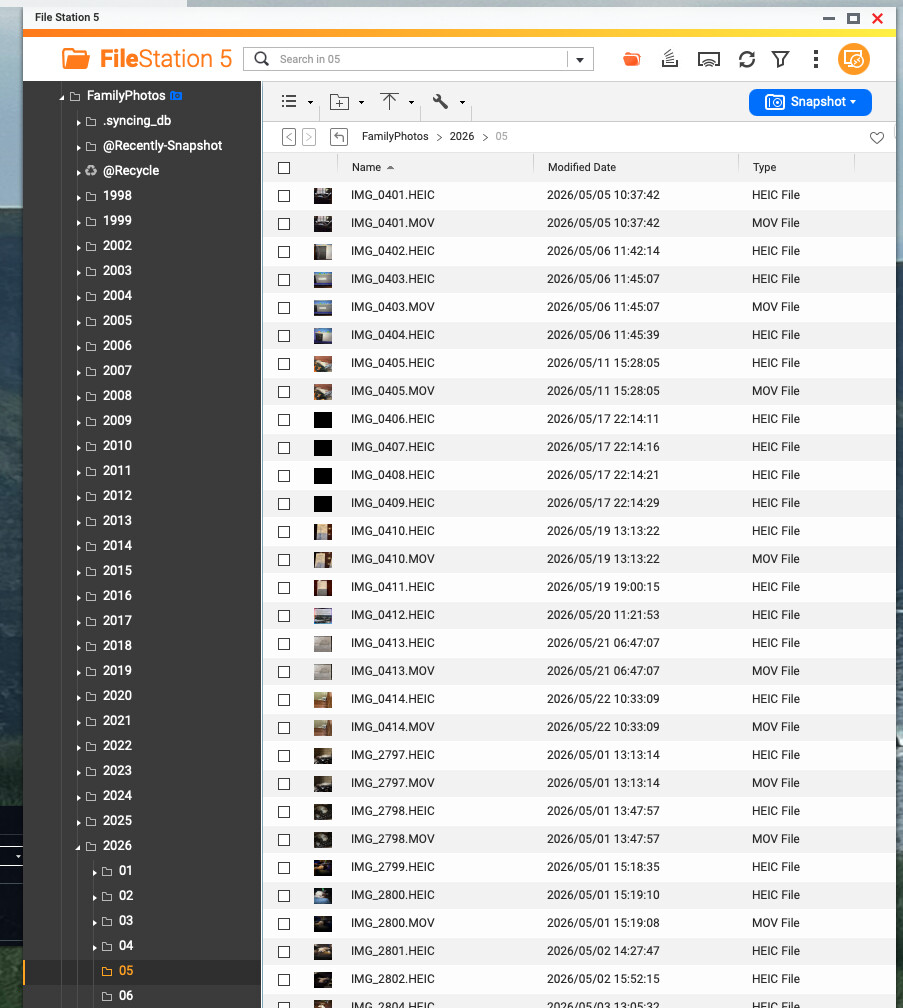
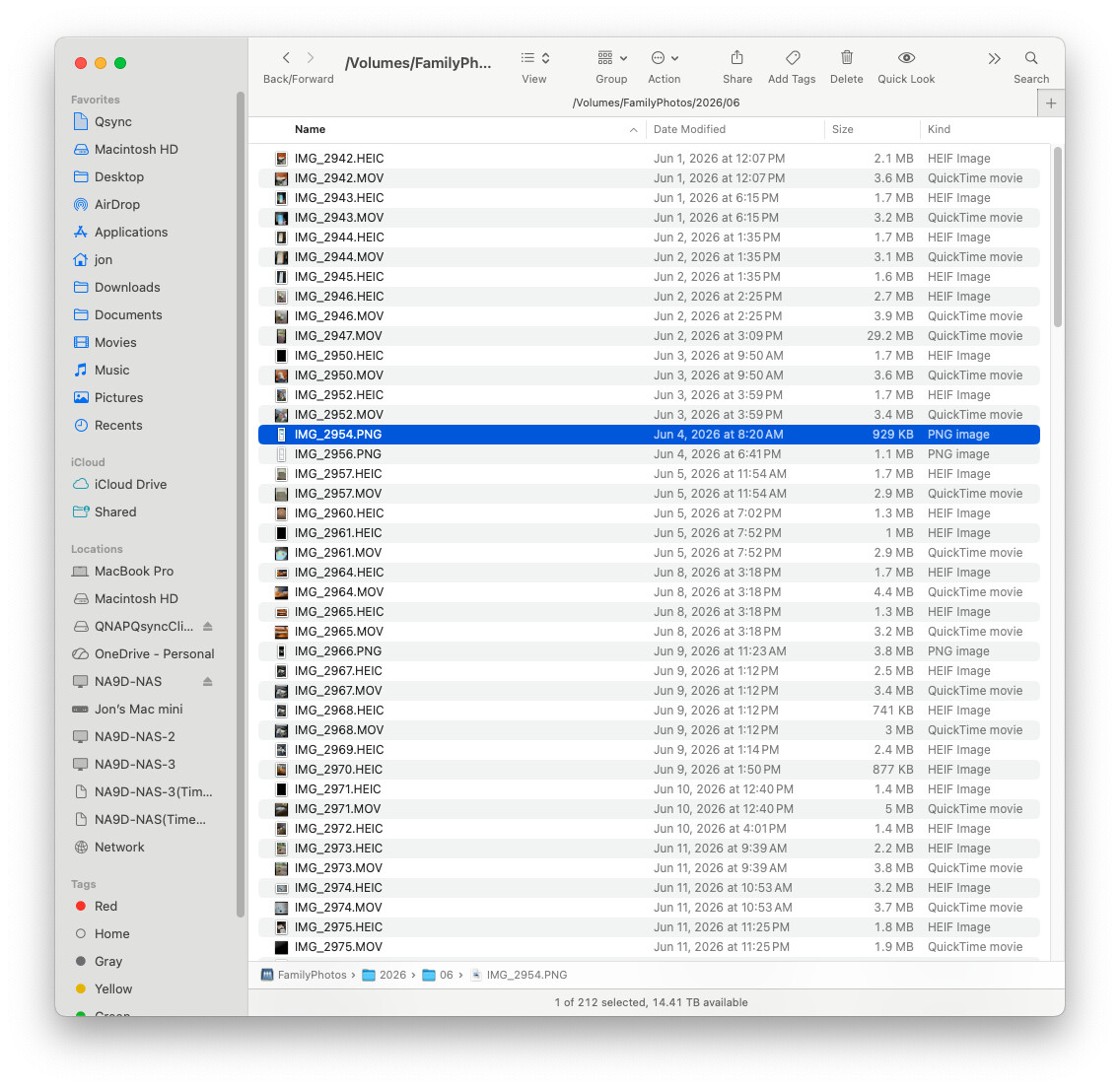
I store all my photos in a tree structure. (Year - event - etc.). This is convenient for me, as I don’t always use the Qnap apps to view them, but rather use SMB over the network. I don’t use the Album feature and don’t plan to use it.
How can I share folders? I want to make a specific folder accessible. For example, in disk.yandex.ru, you can make a folder shared and provide a link to people.
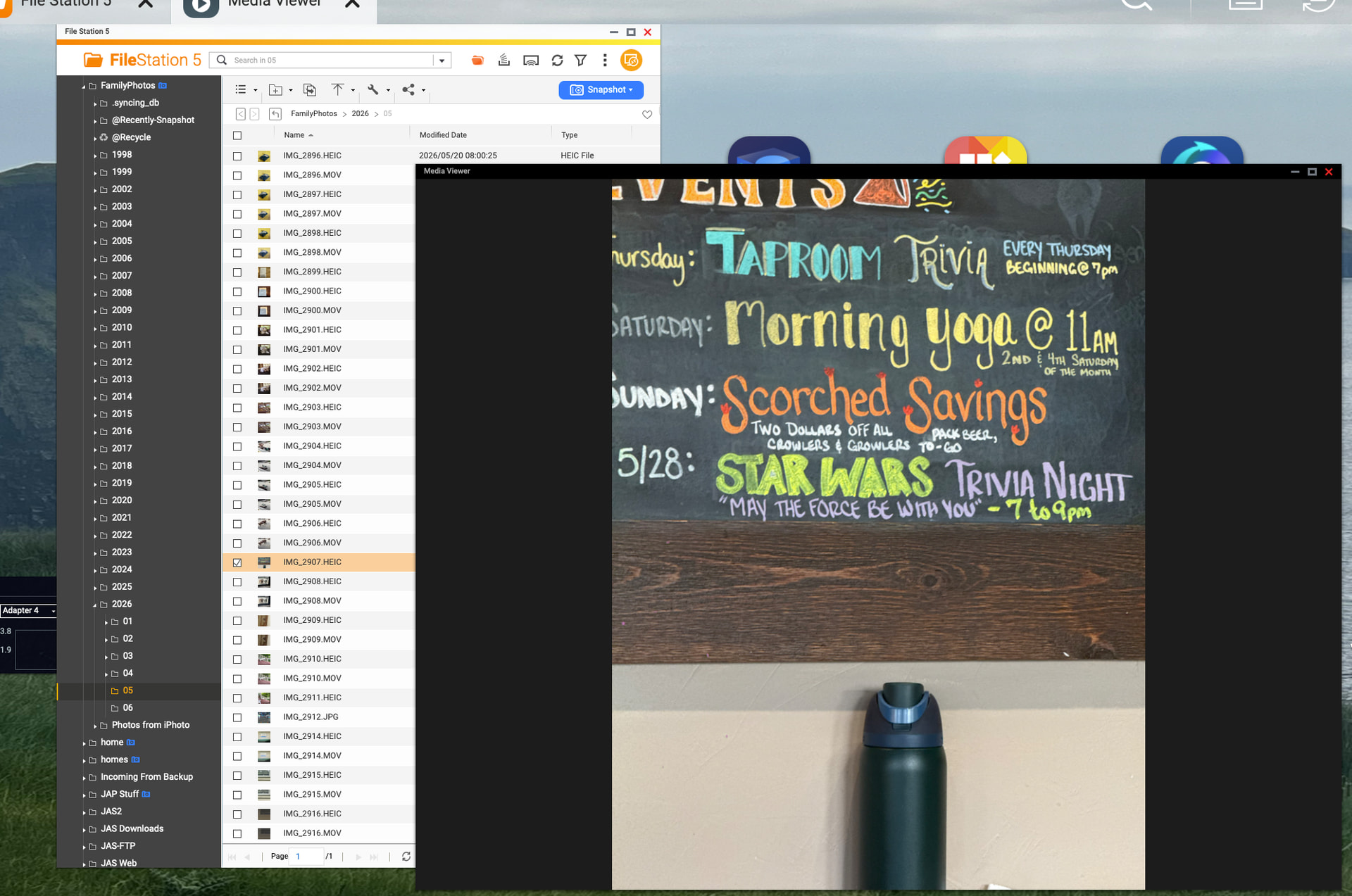
You can do this in the file station, but it’s not convenient to view photos and videos there.
In the File Station shared folder, it’s not convenient to view photos, as there’s no option to scroll forward or backward, and the photos open without thumbnails. The feature to share a folder in qmagie is essential. There’s already a feature to share a single photo in qmagie. How can I convey this to the developers?
That said, there is indeed room for improvement when it comes to media browsing optimization. We appreciate your suggestion — could you share which specific areas you find inconvenient? Also, when you mentioned being able to share folders, did you mean sharing folders in QuMagie? Thanks!
Thank you very much for your valuable feedback. We will share your suggestion with our R&D team to evaluate better solutions for future updates.
To provide some context on the current industry standard — including services like Google Drive/Photos and various NAS platforms — photo management applications rely on database indexing and AI classification to deliver smooth browsing, tagging, and search interfaces. Because of this architectural separation between the physical file system and the media database, direct sharing of folders is generally not supported across these applications.
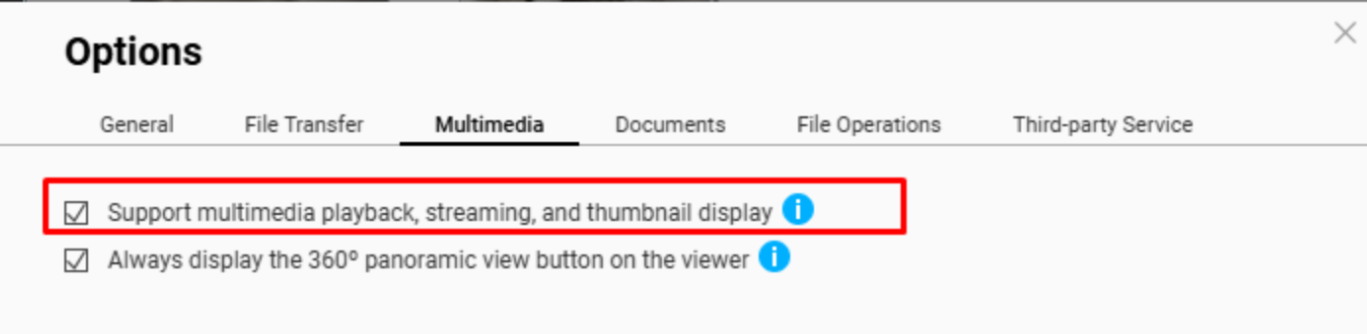
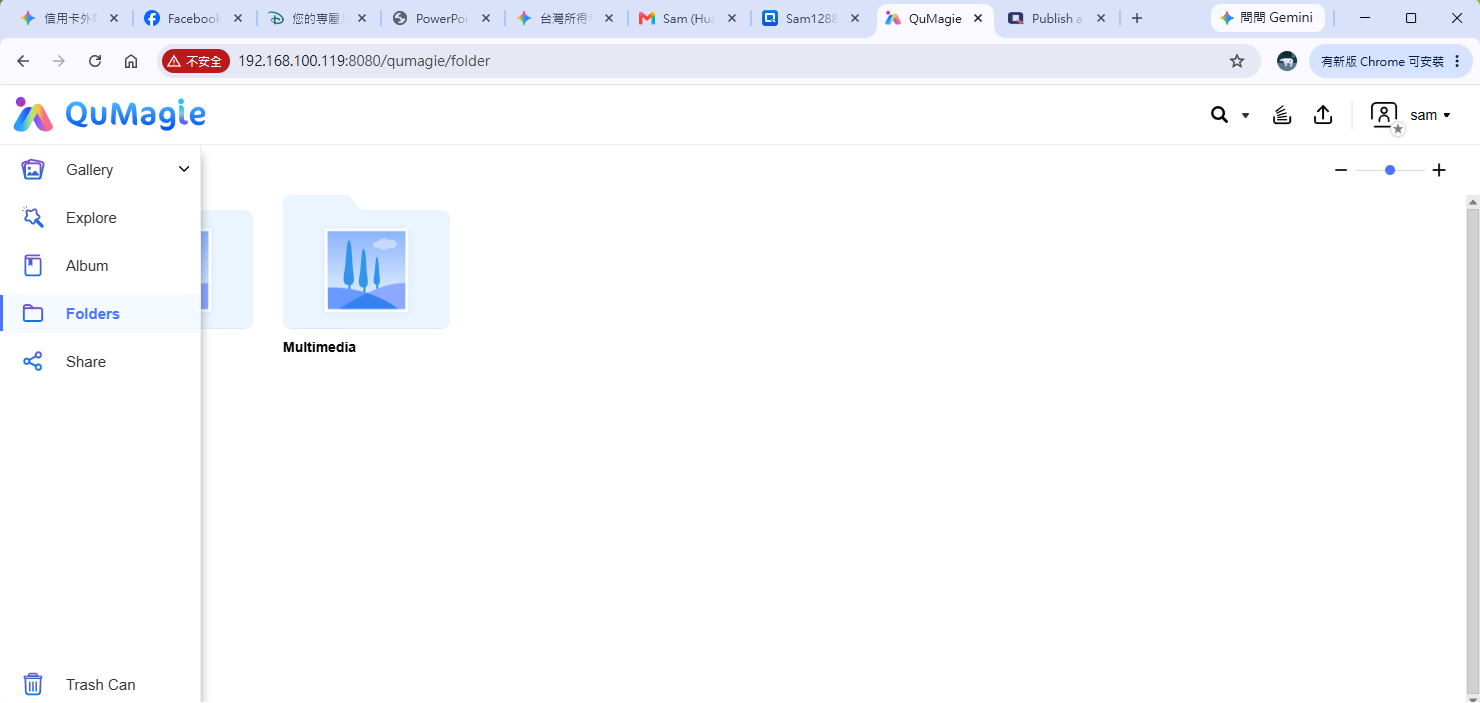
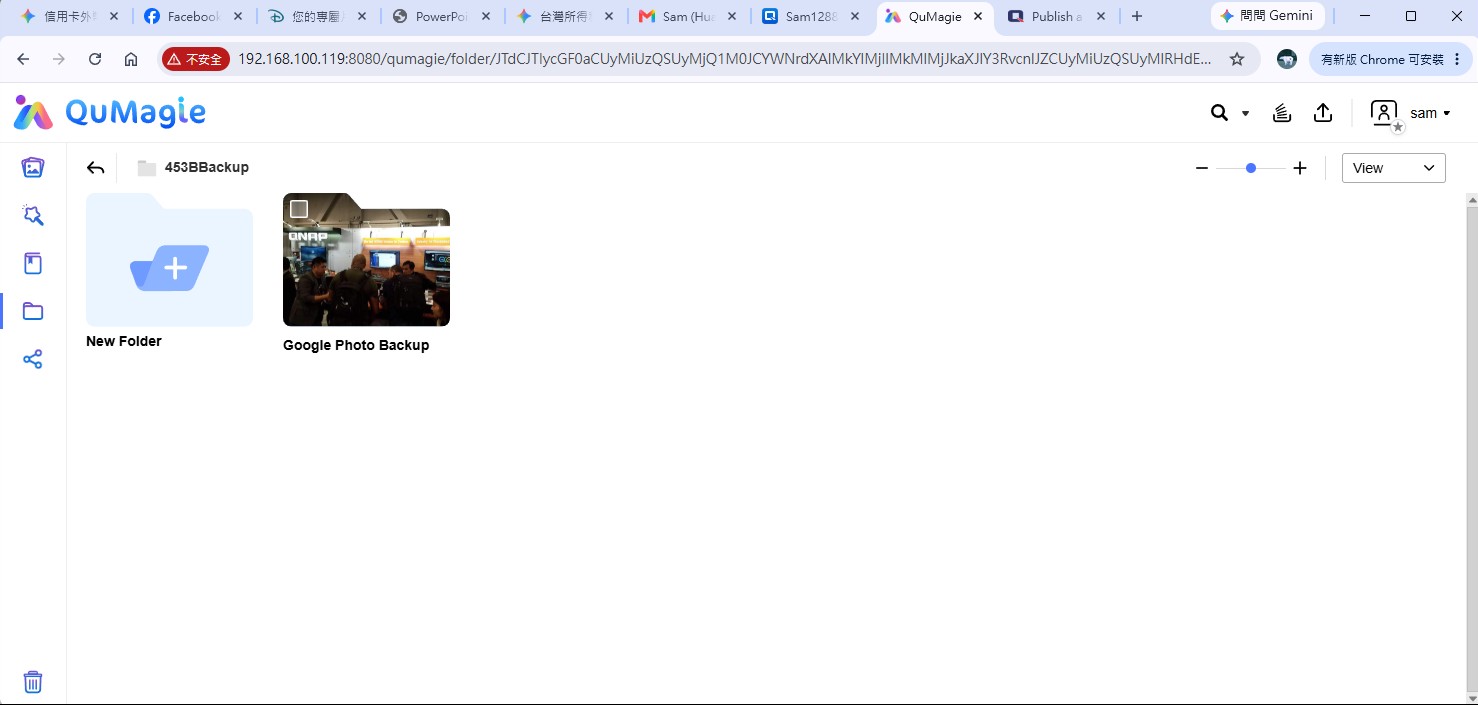
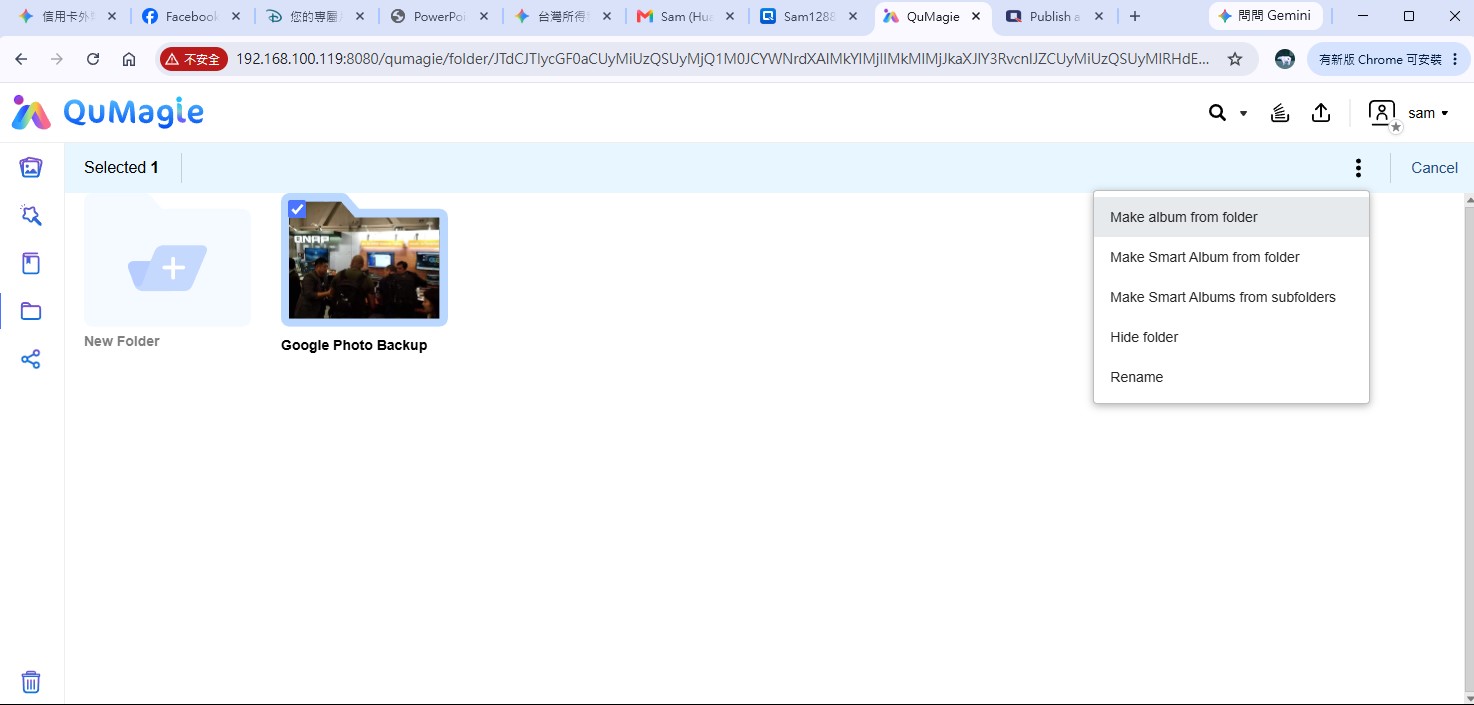
In the meantime, you might consider the following workaround to achieve your goal:
Open QuMagie and switch to Folder View. This allows you to browse photos based on their actual folder structure (please note that it displays photos within that specific folder tier and does not aggregate photos from subfolders).
Thank you for your response and for your interest in the topic.
Yes, I mean sharing a folder in Qmagie. I don’t create an album in the app, and I do it because it’s more versatile. I can view my home collection from different sources using SMB (a universal protocol), and I can add to my collection over the network. It’s faster and more convenient! My photos and videos have a tree-like structure.
In the Qmagie app, I would like to see the ability to share a folder, which is very convenient. Yes, you can create albums and structure them, but there is a risk involved. As a user, I don’t know how all the photos are structured, and if the data storage system malfunctions or there is another issue, the structure may be disrupted. This could result in wasted years.
However, in a tree-like file system, the structure is always maintained.
Users will appreciate the ability to share a specific folder in the file system. Specifically in qmagie, as it is designed specifically for photos and videos.
I would also like to.
QMagie stores the files in a tree that is accessible in File Station. The photos are stored by year and month. You can access pictures from File Station and share photos form there. I think you should have nothing to fear.