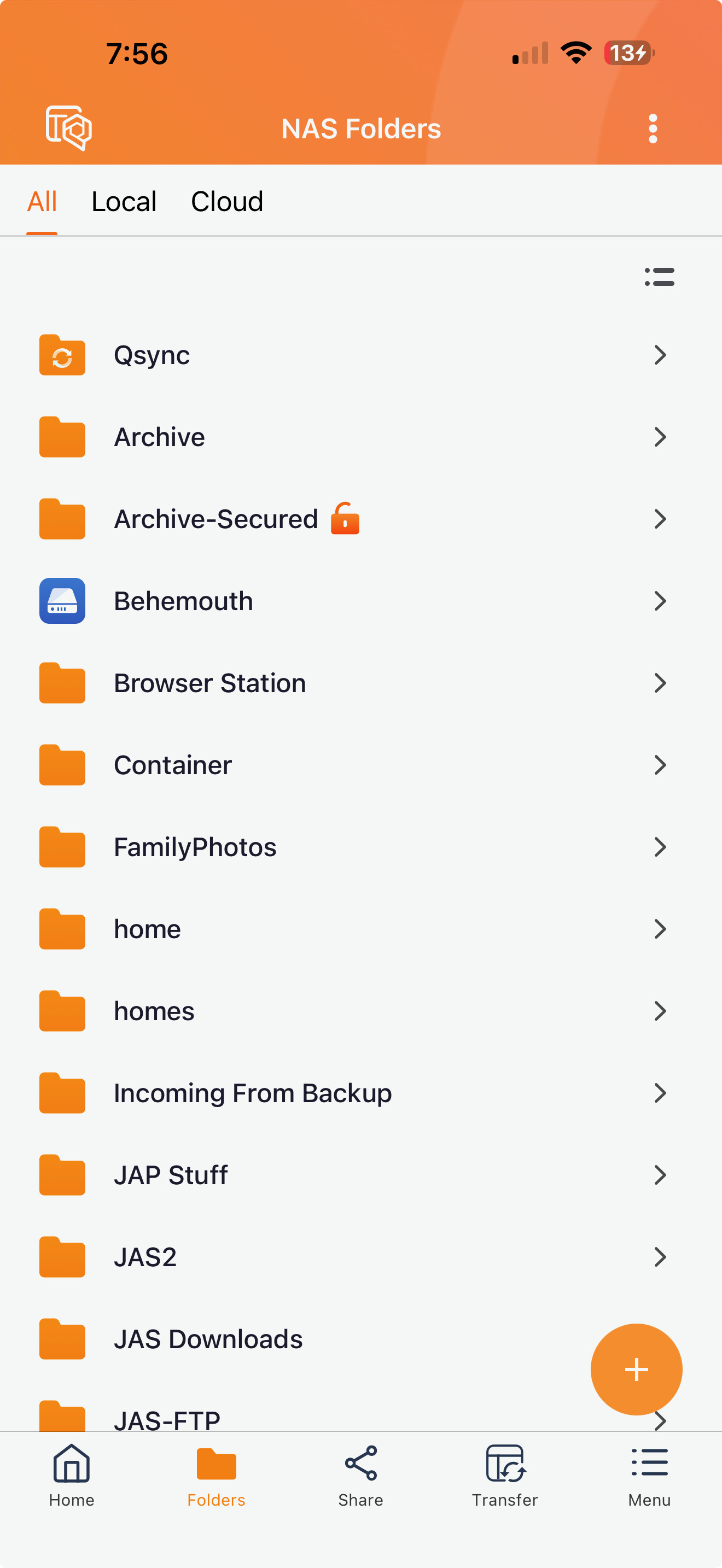
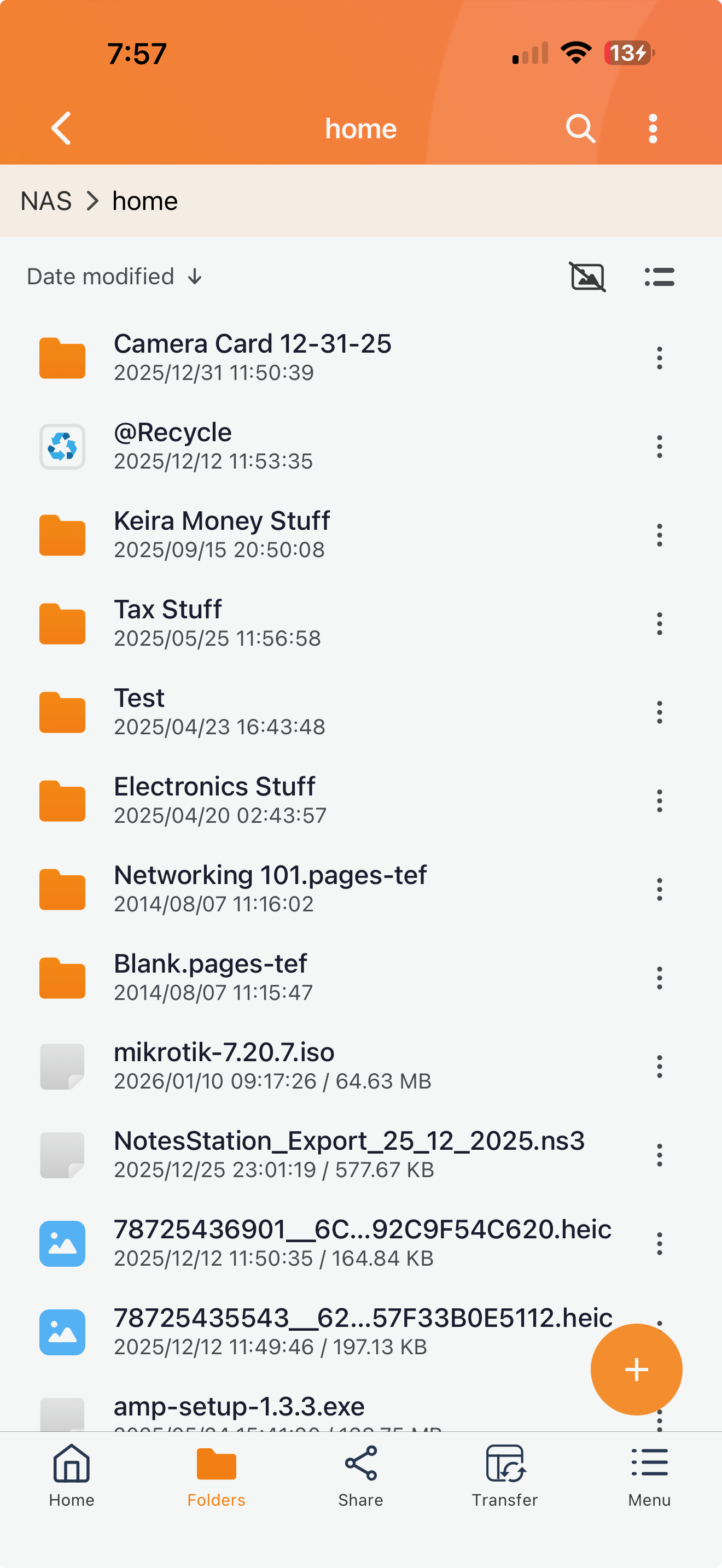
With the impending demise of QSirch for iOS (and I am sure Android), we need something to replace it. It seems QNAP is pushing us all toward QFile Pro. Fine, but QFile Pro’s search functions are a bit lacking.
You can only search in a folder that you select. You cannot search across the entire NAS. If I want to find all files on the NAS with the word bananas I would need to select every shared folder and search each folder individually. I also don’t know if QFile Pro searches folder trees recursively.
I’m fine if QNAP wants to move away from a Qsirch app and focus instead on a more full featured NAS access app. But we need the same functionality in that app as Qsirch - so we can search the entire NAS, etc.
Now, it would be nice if you could actually customize a search and specify what folders, etc. But at the very least just give it to me at the “NAS” level.
I will forward your feedback to the relevant internal departments and development teams for evaluation as a reference for future product optimizations and enhancements. Thank you again for your support!