Currently, my NAS is set up, and both my computer and phone can connect normally when on the same Wi-Fi. However, once I leave the network, both the computer and phone can only access the hard drive via the web version and cannot connect using the app or software. May I ask how I should configure this?
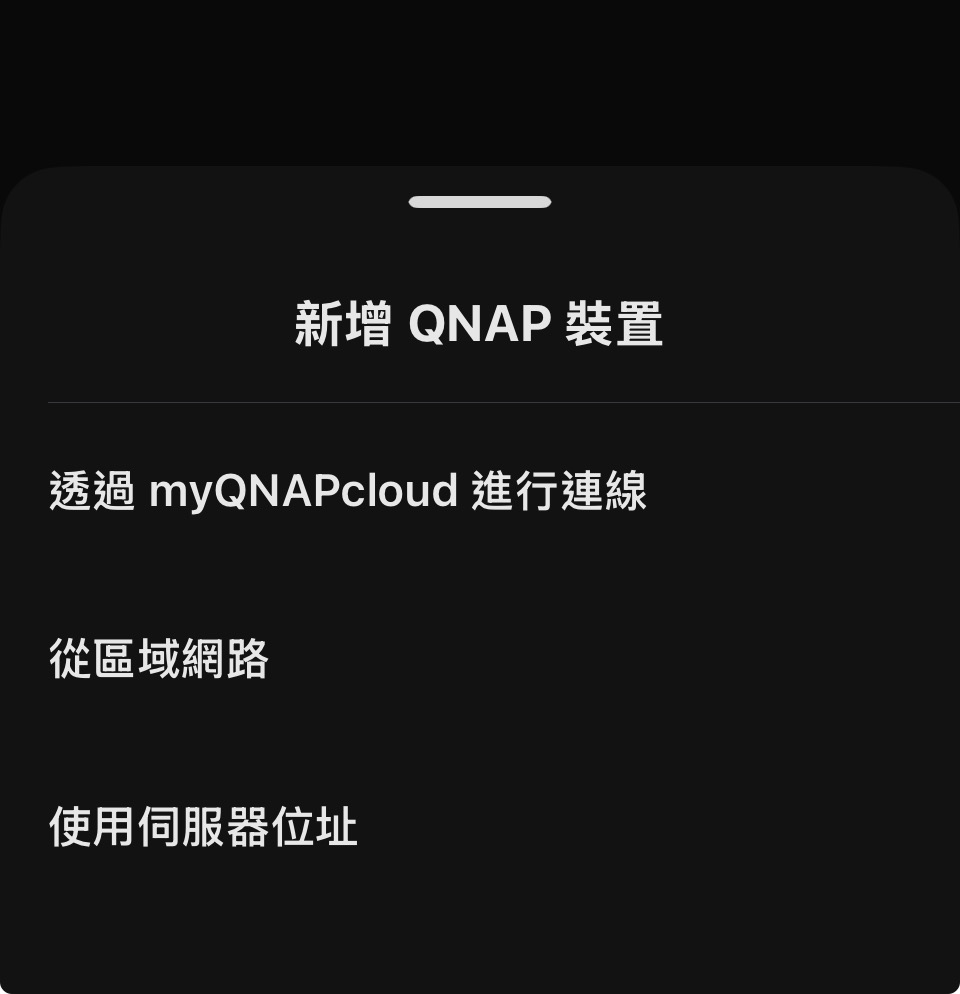
If you want to connect to your NAS via the app while using different networks such as 4G/5G when you’re out, you can first complete the myQNAPcloud setup and activation on the NAS side.
Once completed, the app will use myQNAPcloud to locate and reconnect to the NAS. Even if you’re not on your home Wi-Fi network, you can still remotely access your home NAS and manage your data in the same way.
@beauty621 According to the official documentation of Evermusic, it can connect using SMB / WebDAV / DLNA protocols, so if you want to access your NAS from an external network, you need to make sure the protocol used by Evermusic can be accessed externally.
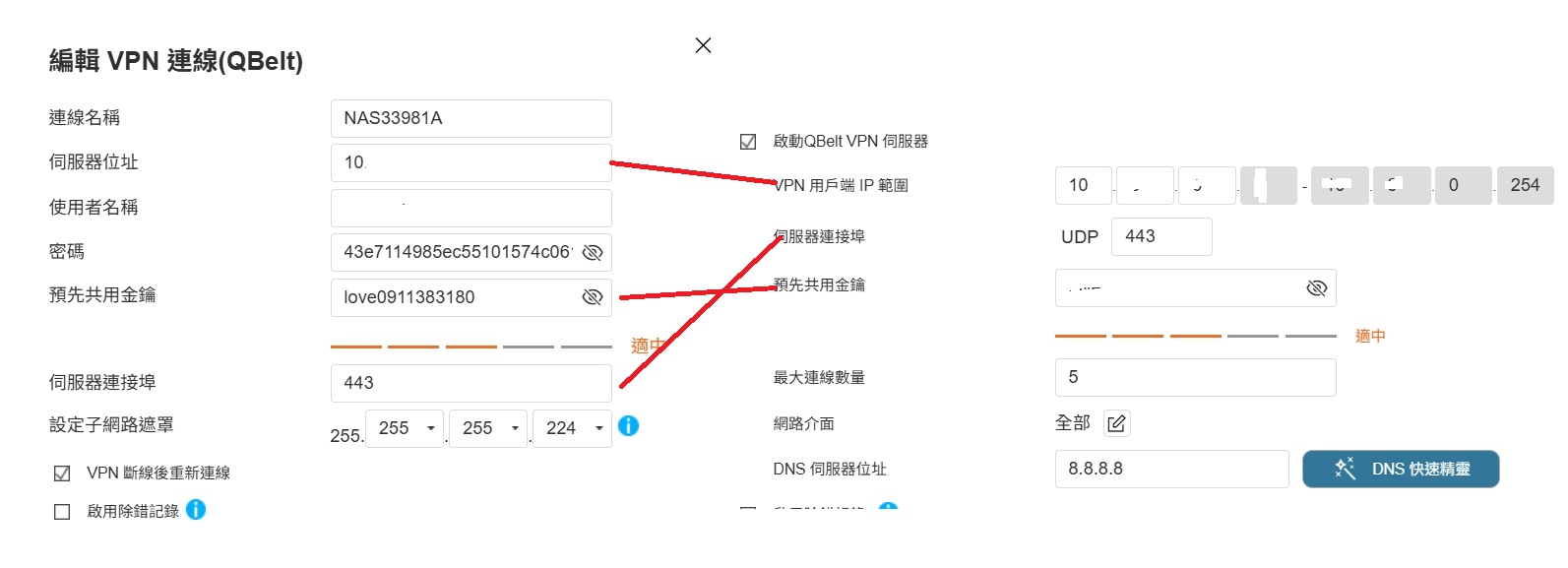
Although QNAP NAS can be configured to expose only WebDAV over HTTPS to the outside, this method is not recommended. It is recommended to use a VPN on your mobile phone to connect back to your home network, and then use the NAS’s internal IP to connect via SMB or WebDAV, which is much safer.
Let me ask a bit more~ If I want to transfer large files using a computer on an external network, and the web page disconnects during a long upload, are there any other software or methods I can use?
If you connect via myQNAPcloud Link, it is relatively safer, but because it uses relay, the speed will be slow and transferring large files is more likely to be unstable and disconnect. If you first use VPN to connect to the NAS internal network, and then transfer files via SMB, it will be more stable.
Hi @beauty621, you probably didn’t put the NAS directly on the Internet, right? In theory, there should be a router in front connecting to the Internet, so you need to set up port forwarding rules on that router.
If you’ve already reached this part of the setup, it’s probably faster to go directly to Customer Service and open a Support ticket so the support team can assist you directly.