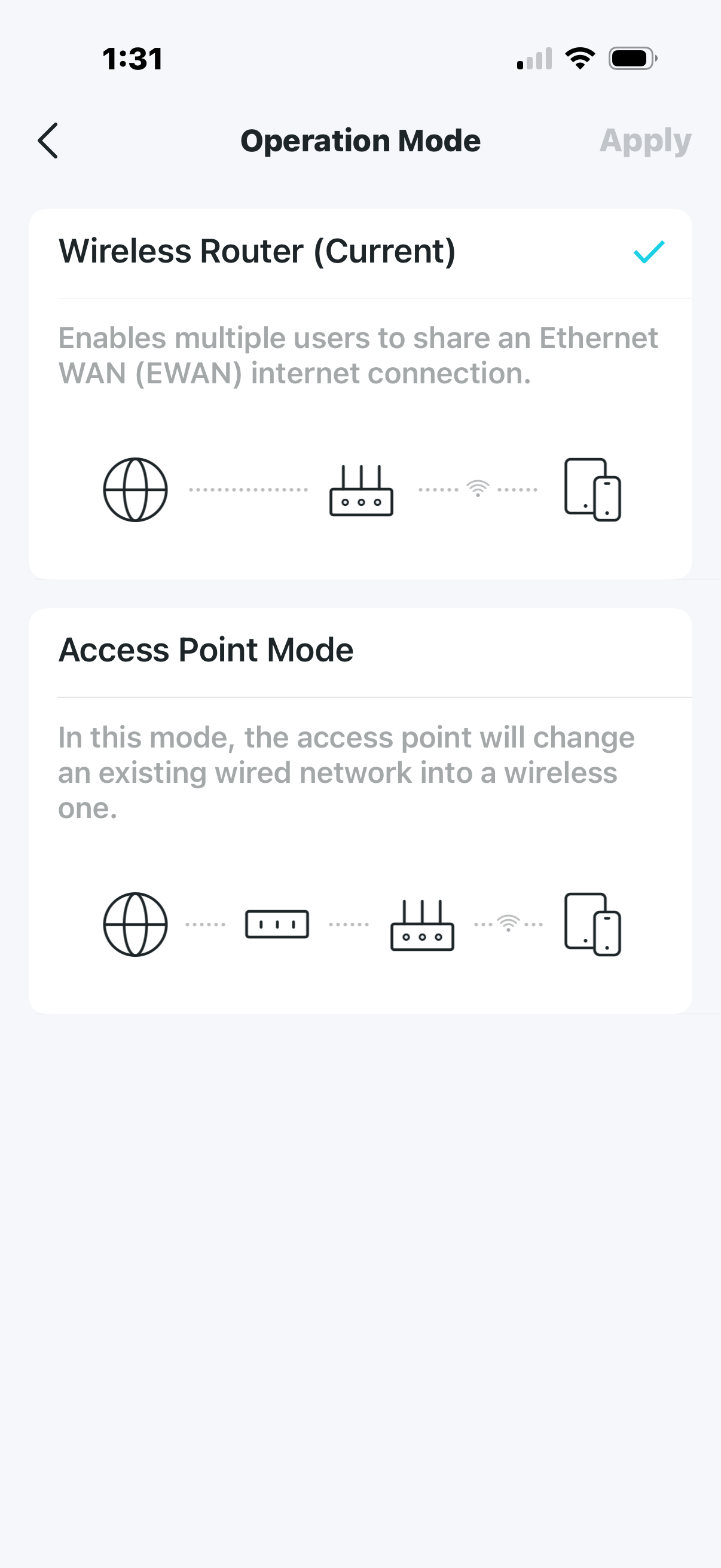
Background I have wired wireless router setup in outside garage which was wired from main router in home as LAN to LAN and then changed to LAN to WAN. I presume it function more like a switch until I changed to LAN to WAN which is access point now. Everything works OK other than Qfinder isn’t found when starting on win-11 PC in garage.
Not sure what to do to restore QFinder connection?
Thanks
Not quite sure what the setup was/is but two routers in the same network could result in two DHCP servers (unless they were creating a double NAT scenario for whatever reason)
Make sure you just have one active DHCP server (or explain the setup in more detail)
Running the garage router in WAN to LAN mode is NOT running as an access point. You want LAN to LAN mode. Right now you have things set up where your internal network appears as a WAN to the garage network which is not correct.
Set up the garage router in LAN to LAN mode, connect it to your normal router on a LAN port. Disable all the DHCP server, etc. in the garage router.
From checking…
both on same subnet
I was able to connect using tech bulletin but downside NAS wasn’t listed w/windows explorer on PC
I tried setting up router(see photo) in both options but each created issues.
My plan now is just install network switch in garage which will provide the ports I need
and since I’m also plan to install outside access(TP-Link EAP-610 outdoor) for around the yard which should still provide signal inside metal garage(?).