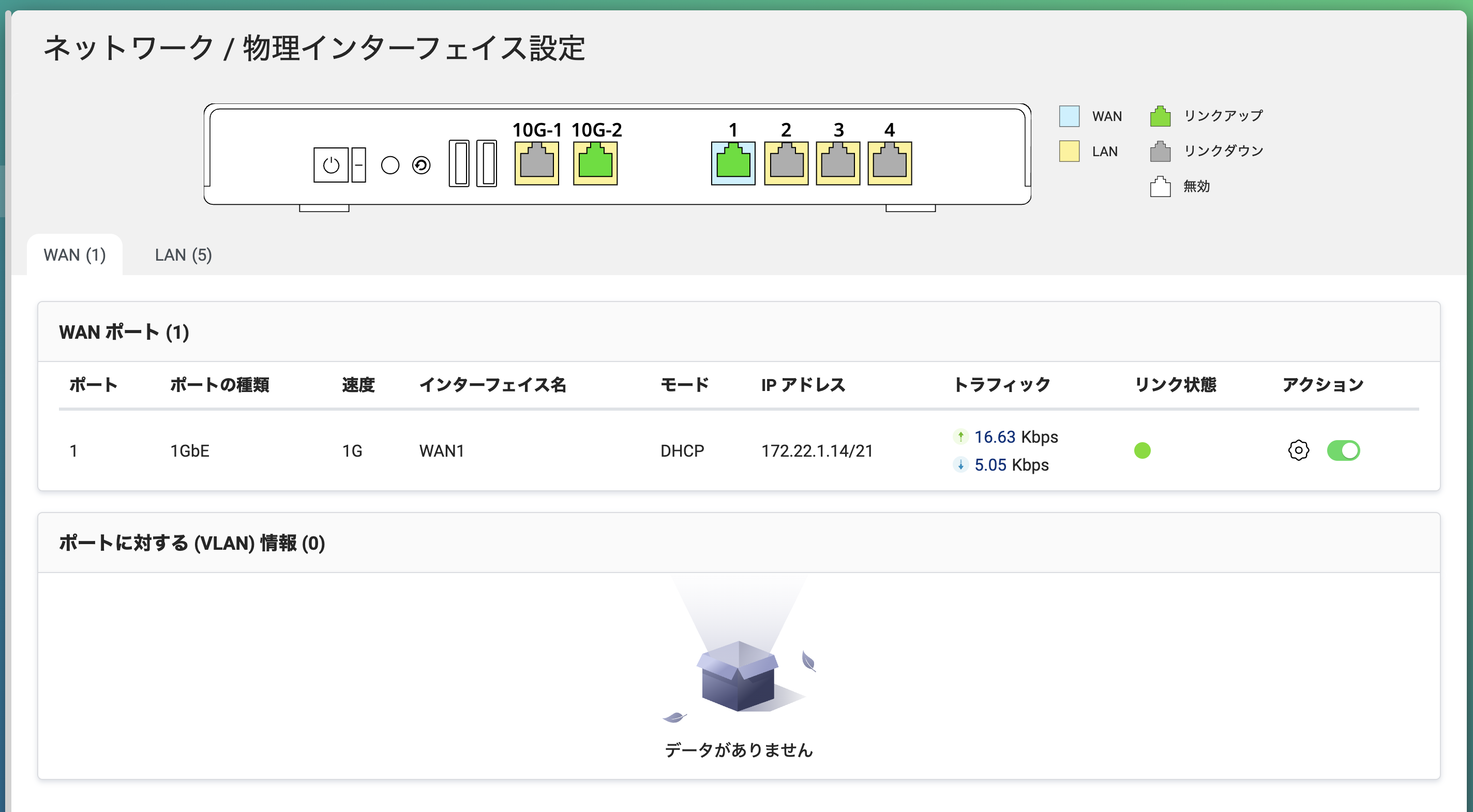
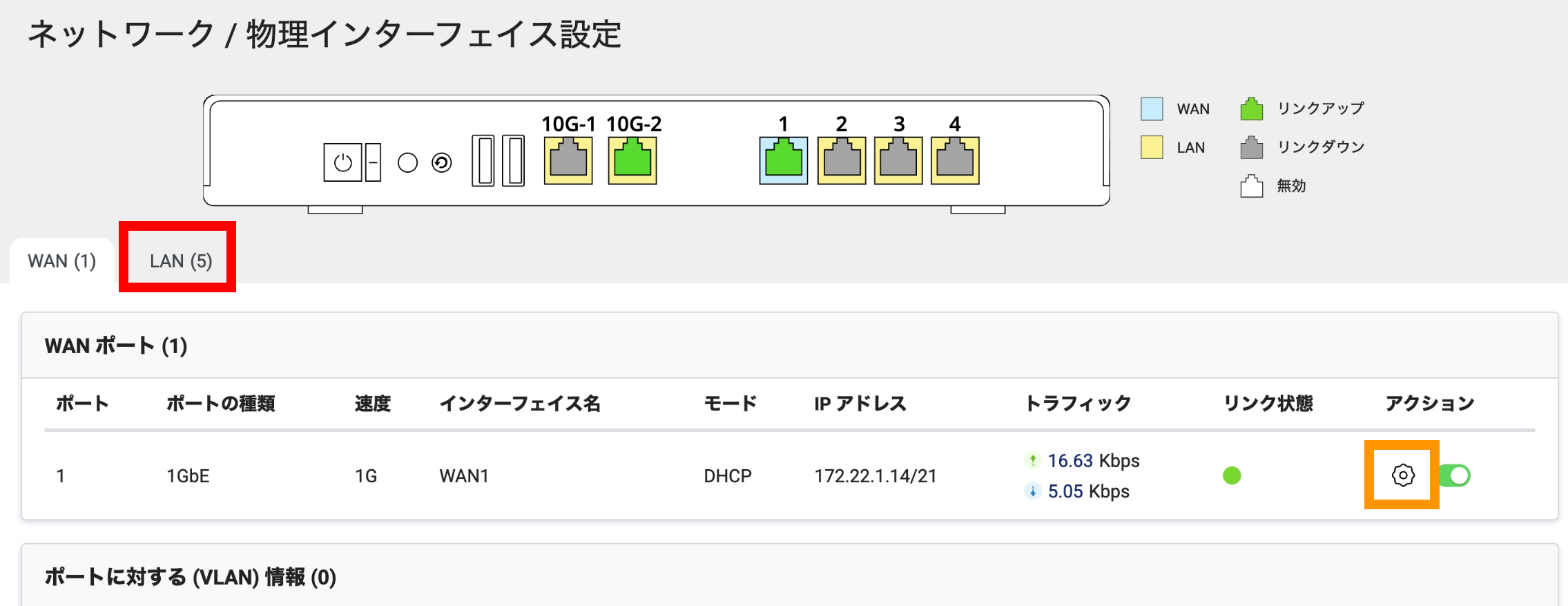
By default, the QHora-301W assigns the 1Gb port to WAN, but I want to change this to the 10G port. I’m looking at the settings screen, but I can’t find the option.
Looking online, there seem to be management screens with a port settings section, but it doesn’t appear to exist in my current management screen.
If anyone knows how to set the WAN to the 10Gb port, please let me know.
Thank you very much.
It worked!!
I’m not sure if it’s because I did a factory reset or because I changed various bridge settings, but I was able to set “WAN” from the button you told me about. Now I don’t have to buy a new one…
I am very pleased to hear that the issue has been resolved.
If you have any questions about QHora or other QNAP products, please feel free to contact us.
We will be happy to continue supporting you in the future.