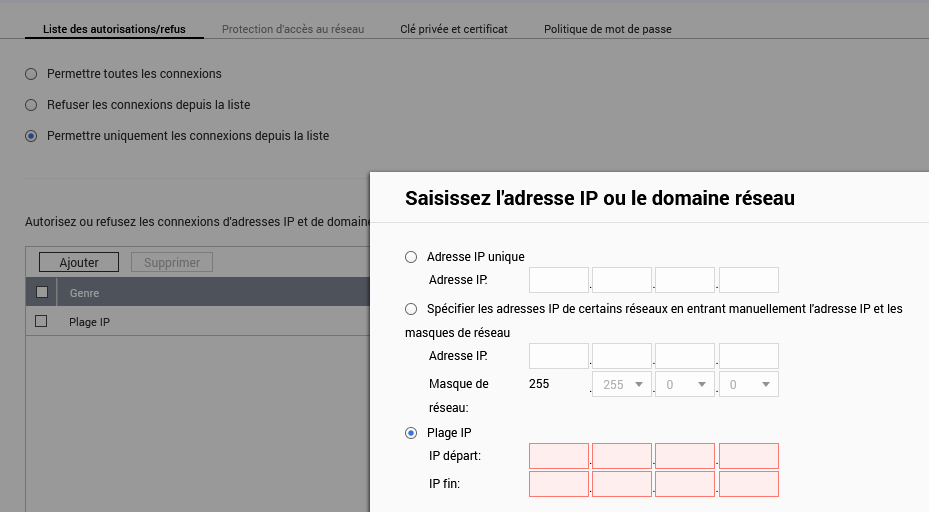
if you have some reason to put the NAS directly facing to internet, at least install QuFirewall and you can have more detailed settings to allow/deny a range of IPs, ports, and regions.
Not knowing how to properly secure my NAS, I thought I was securing it, but I mistakenly activated some rules (luckily I had changed the admin account password and enabled Fail2ban).
In the connection log, I saw external connection attempts. On a summary page of the shared activities, I would have liked to know what settings are active so I can pay closer attention to them.
These measures provide little or no protection against the type of attacks that have taken place in recent years. Don’t count on this being of any value to you.
Not sure what you are really asking here. You seem to have found the right location to enter an IP range. It provides you little actual protection, but you can create a whitelist for your local IP range.
Also, you didn’t specify your NAS model or specific firmware version. Options available changed based on these details.