Hello,
I’m taking Acronis backups to my Qnap device. I just want to mention something I noticed in a folder where one of my servers is backed up.
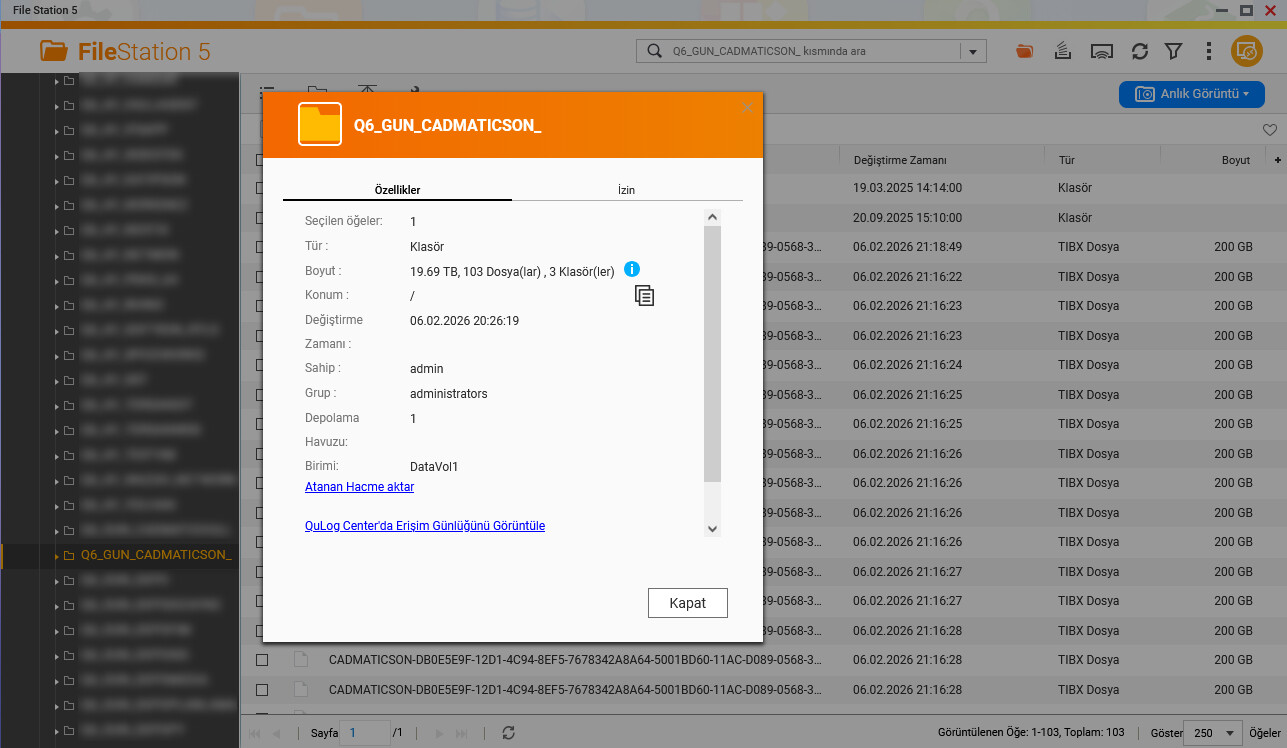
When I click on the properties section of this backup folder in the File Station application, it shows its size as 19.69 TB. Yes, there are actually around 100 files of 200 GB each in this folder. These are .tibx files, which is the Acronis backup file type.
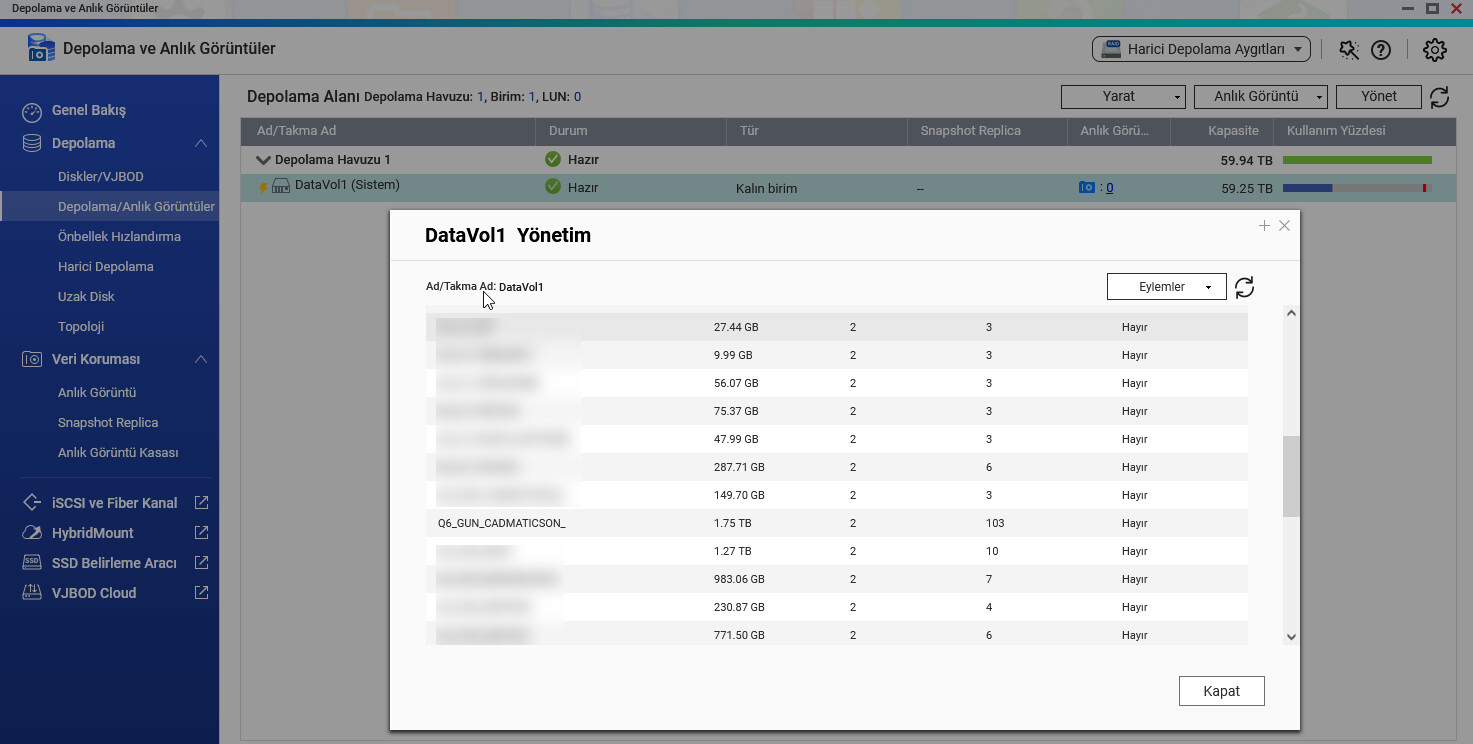
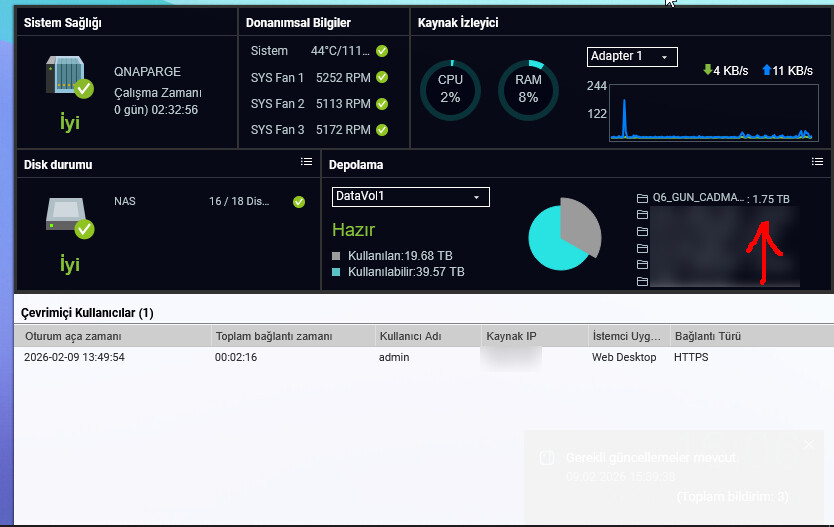
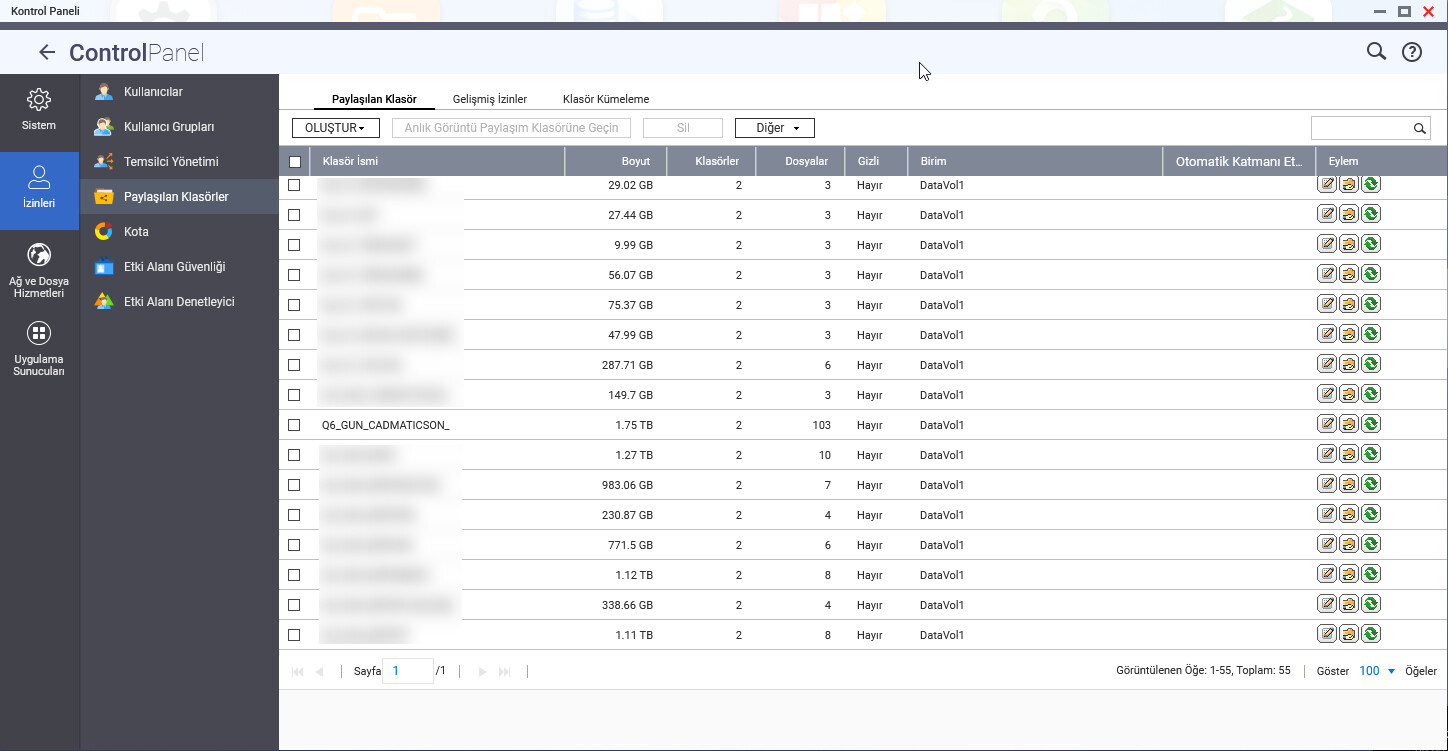
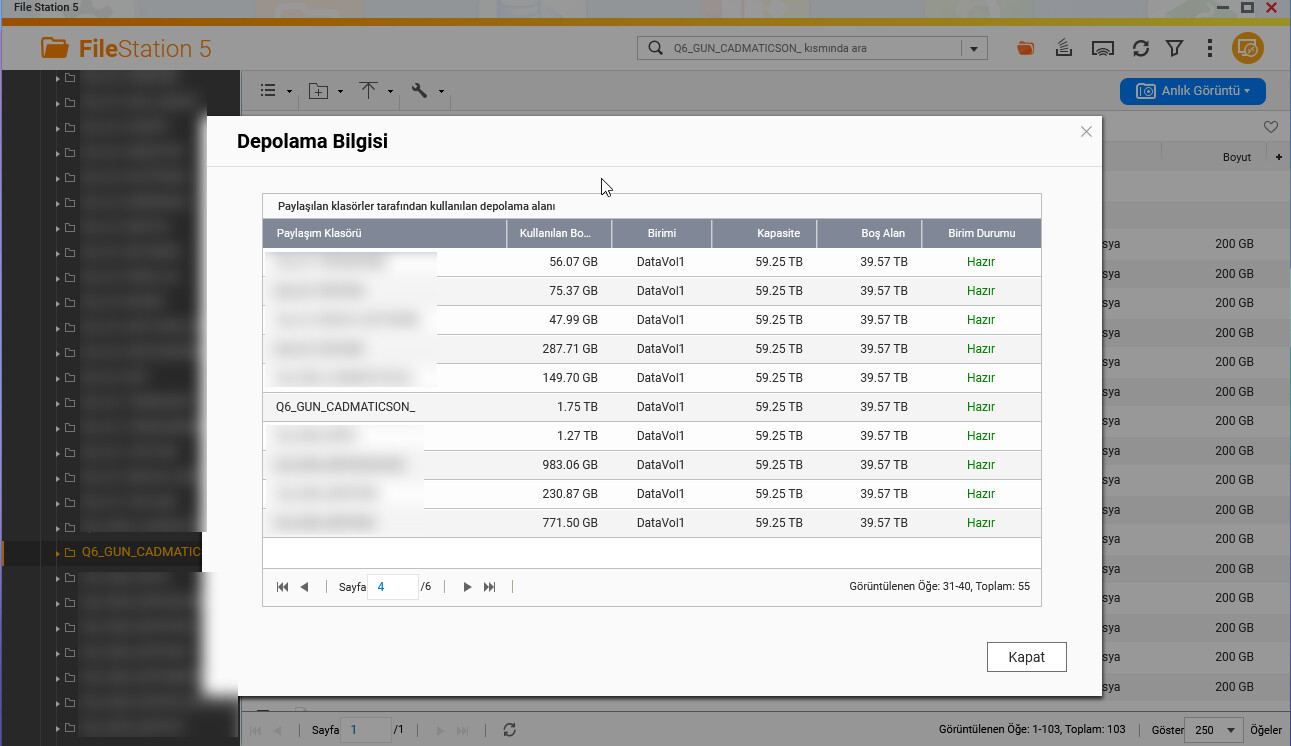
In the Storage Information section, Shared Folders section, Clipboard section, and Storage/Snapshots section, the sizes appear as 1.75 TB.
So there are two different ways to look at size - “normal” size what drive manufacturers put out is decimal size. 1 GByte (1,000,000,000 bytes) actually equals 1,073,741,824 bytes in binary. So this makes the size look smaller.
QNAP reports the binary file sizes. That is why they all look smaller. It’s the same thing.
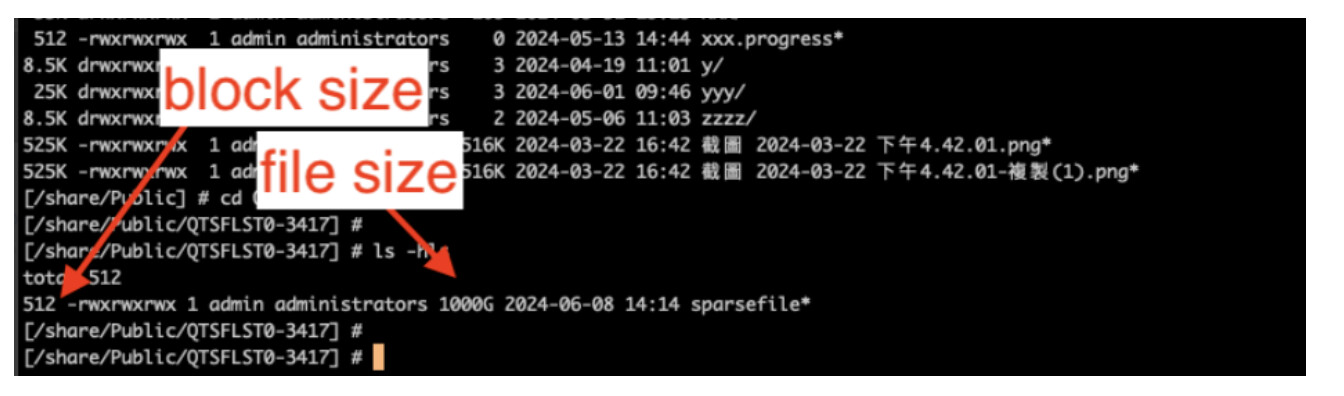
Thank you very much for the detailed information and screenshots. We’ve confirmed that the behavior you observed is consistent with the characteristics of sparse files.
In short:
File size (logical size): the apparent/declared size of the file, which can look very large.
Allocated size / Size on disk: the actual physical space consumed on the storage.
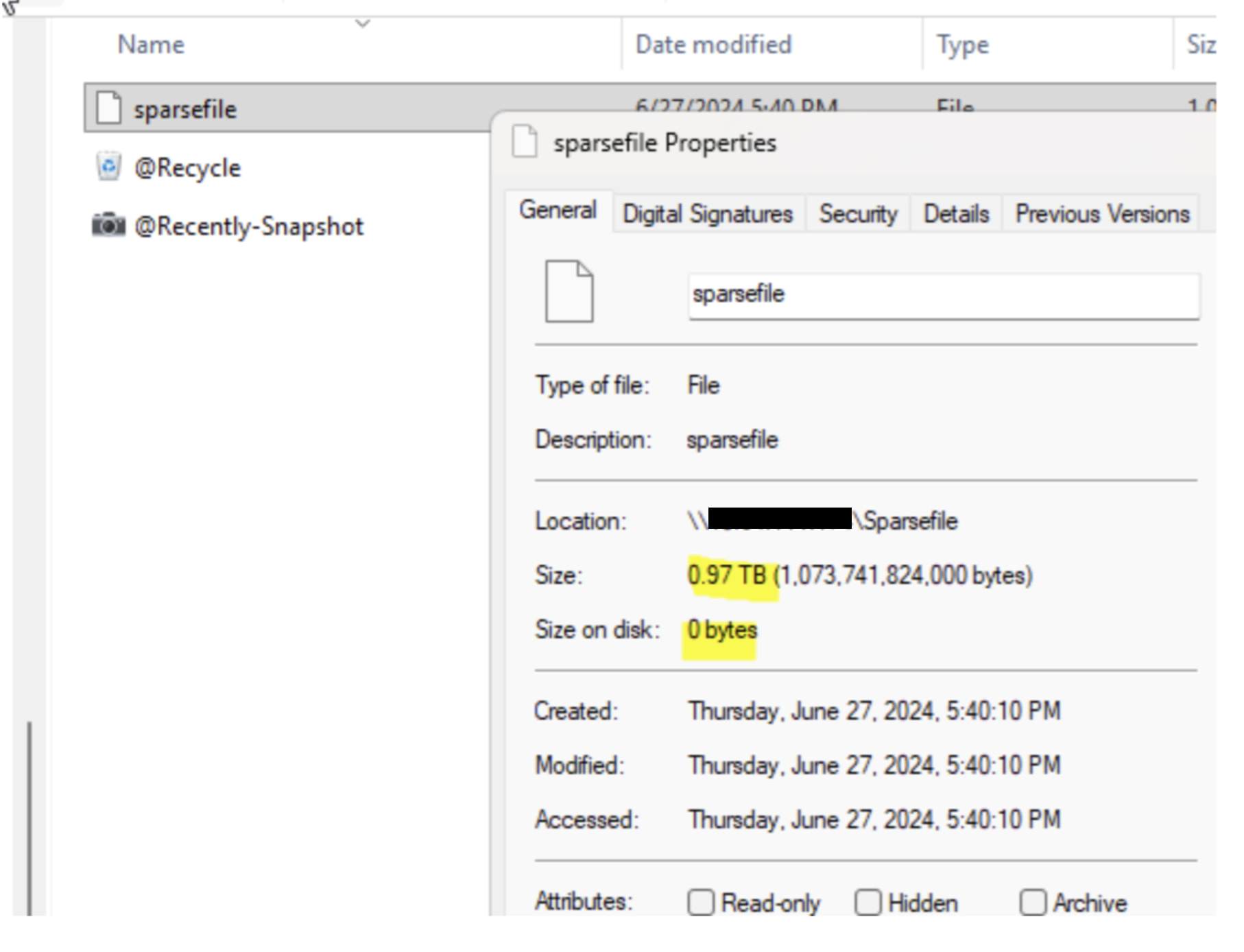
Because sparse files do not physically write large zero-filled regions to disk, it is normal to see a large logical file size while the actual allocated size is very small or even close to 0. Therefore, the “large number” shown in the UI does not necessarily mean the same amount of disk space is actually consumed.
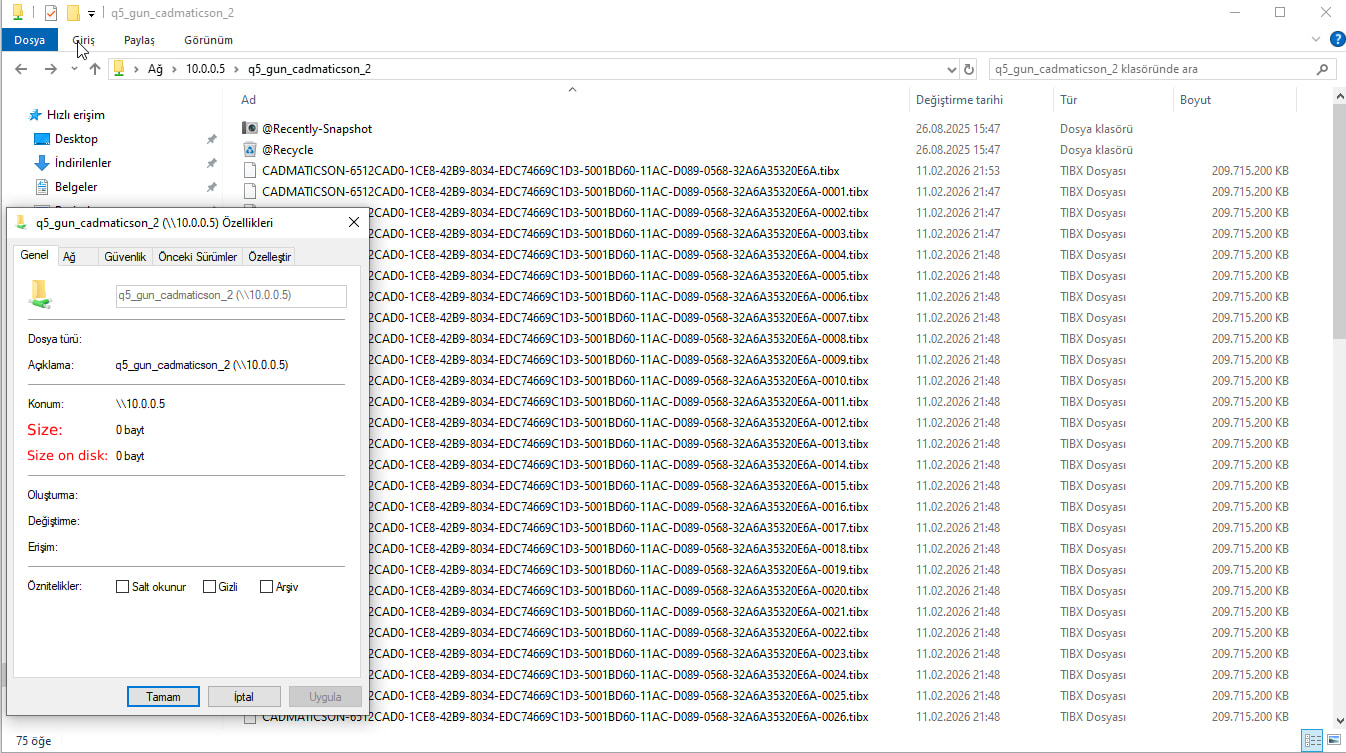
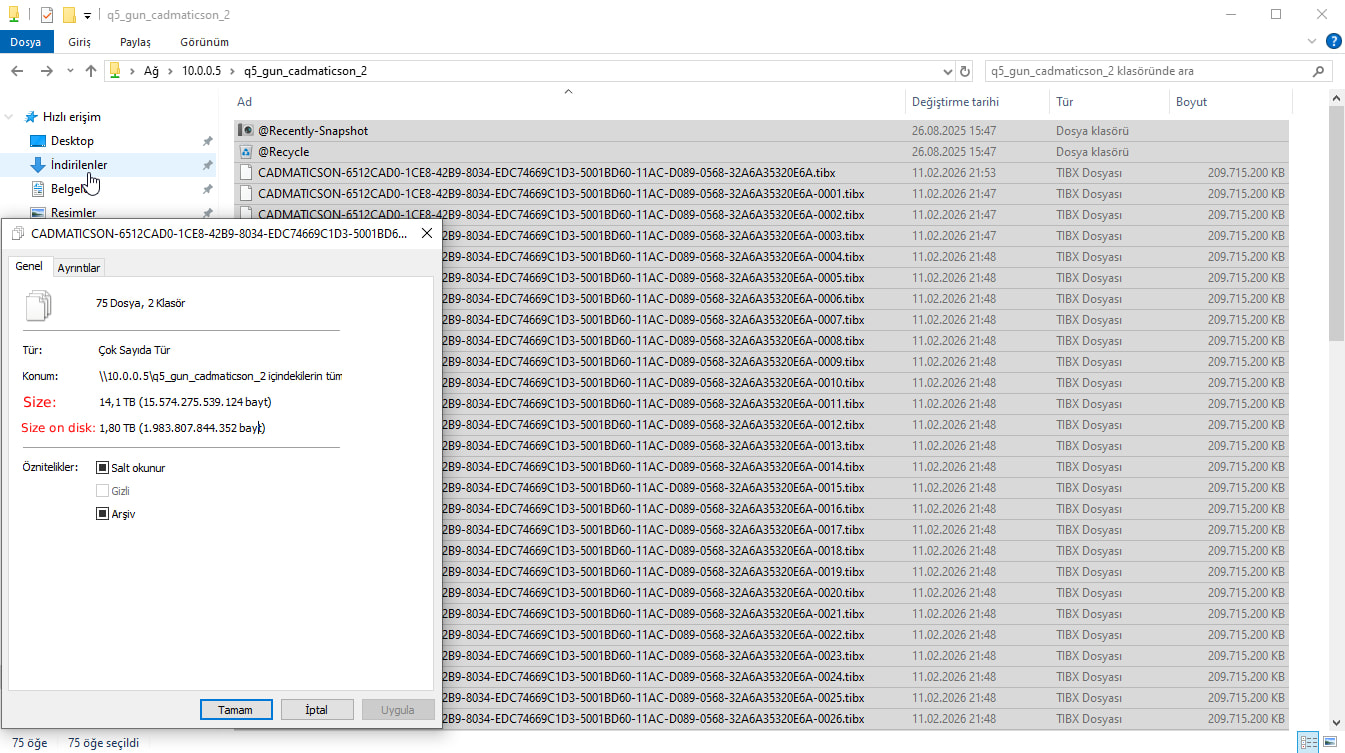
Windows File Properties shows both Size (logical size) and Size on disk (allocated size). For sparse files, a large “Size” with near-zero “Size on disk” is expected behavior.
Currently, QNAP File Station is designed to primarily display the “File size (logical size)”, so sparse files may appear large in the UI. To verify the actual space usage, please refer to information such as Size on disk / allocated size.
Allocated/block size and logical/file size are different metrics; sparse files can make the difference significant.
Thank you again for your report and collaboration. To reduce confusion, we will also consider evaluating improvements such as presenting both values (logical vs allocated) more clearly in the future. Thank you!