Suddenly, I have lost the ability to see my QNAP NAS TS-264 in VLC running on my iPad Pro. The only two things that I’m aware that has changed is the NAS firmware being updated to QTS 5.2.10.3577 and smb to 4.15.008.
Before I was able to see my NAS in VLC (uPnP), but now it doesn’t appear. I do have another older NAS (QNAP) and that still shows in VLC uPnP.
To try and fix the problem, I disabled both services, rebooted the NAS, then enabled them again, but I still cannot see the NAS in VLC.
I can log onto the NAS using smb, but I’d rather use uPnP as it’s much more convenient.
Does anyone have any idea what might caused this to happen and what I can do to fix it?
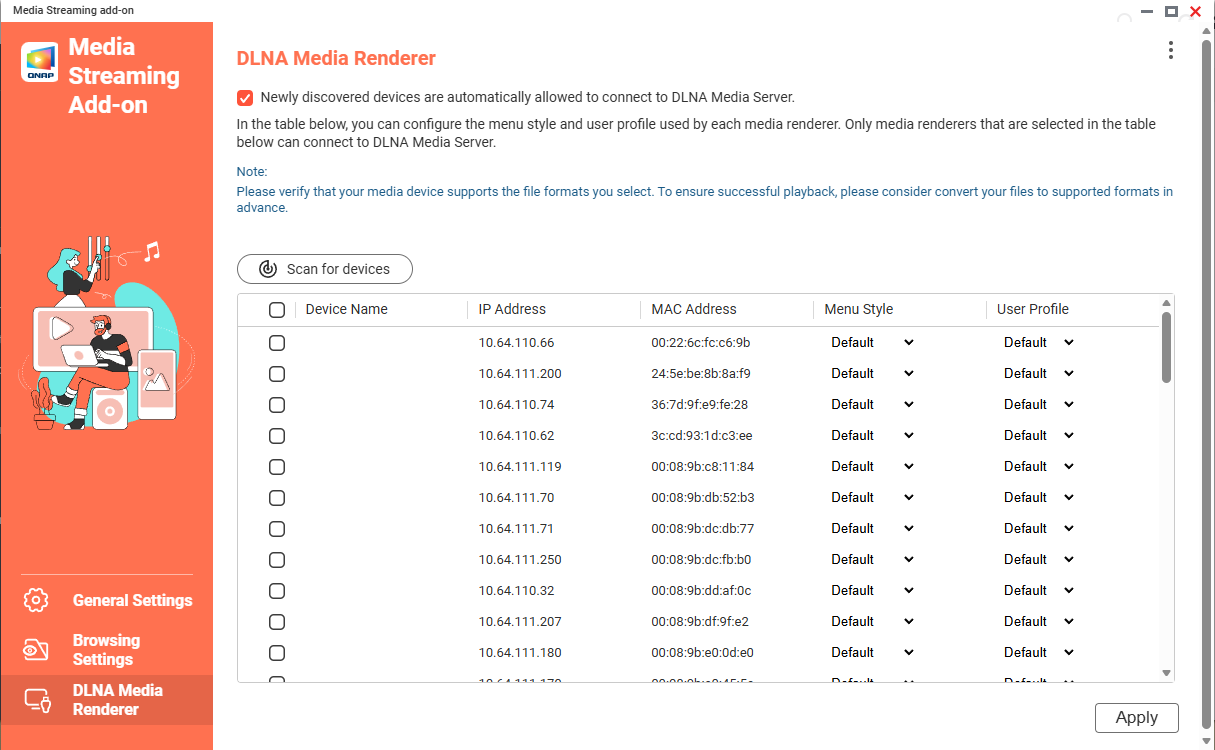
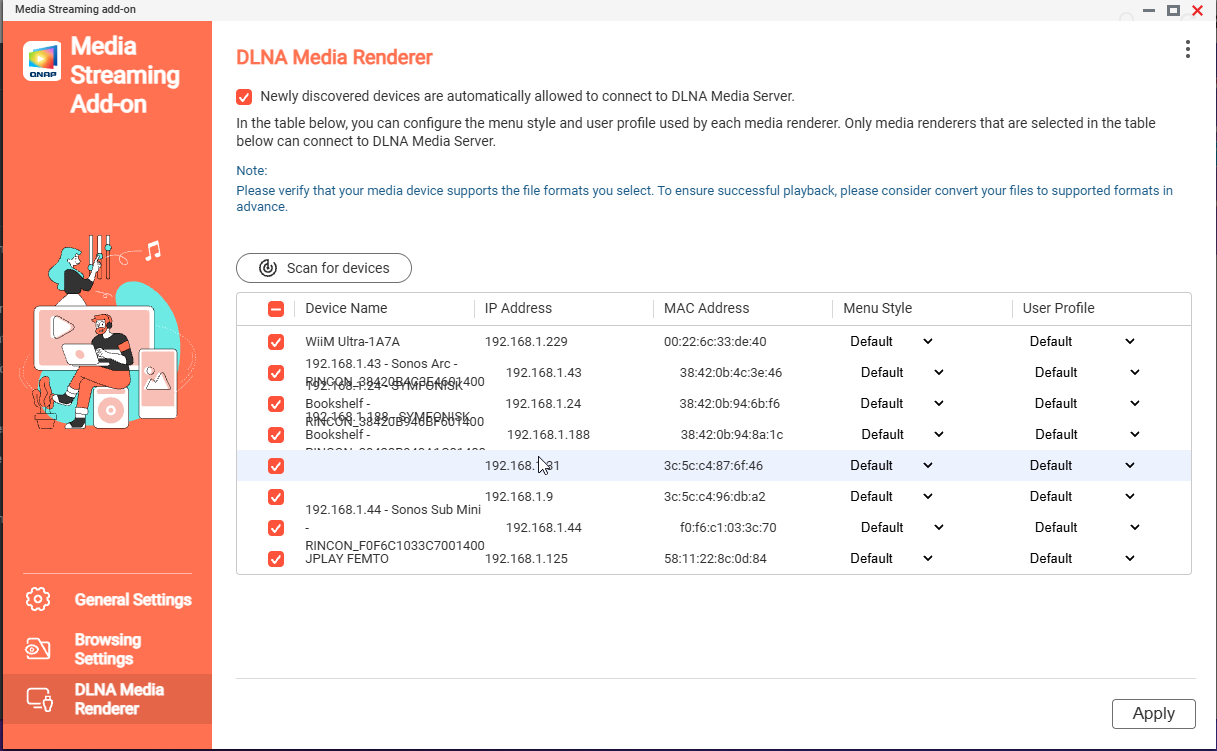
Hi @mjayuk it should be the impact of the security fix in Media Streaming Add-on 500.1.1.13 that only devices the NAS confirmed support DLNA streaming are now allowed access automatically, other devices require manual approval.
Could you try go to the Media Streaming Add-on page and check your device then try again?