I bought the TS-453mini ten years ago. Besides backing up family photos, I used it to edit RAW files from my PC, and it also served as a home media server and download station. I even ran Windows on it. However, over time, I gradually used it only as a place to back up photos, and in recent years, I’ve logged into the QTS interface less and less.
This time, since the old device broke down and the hard drives in the old machine were also many years old, I decided to buy a new device and new hard drives. I ended up purchasing the TS-253E with hard drives directly from the QNAP official website.
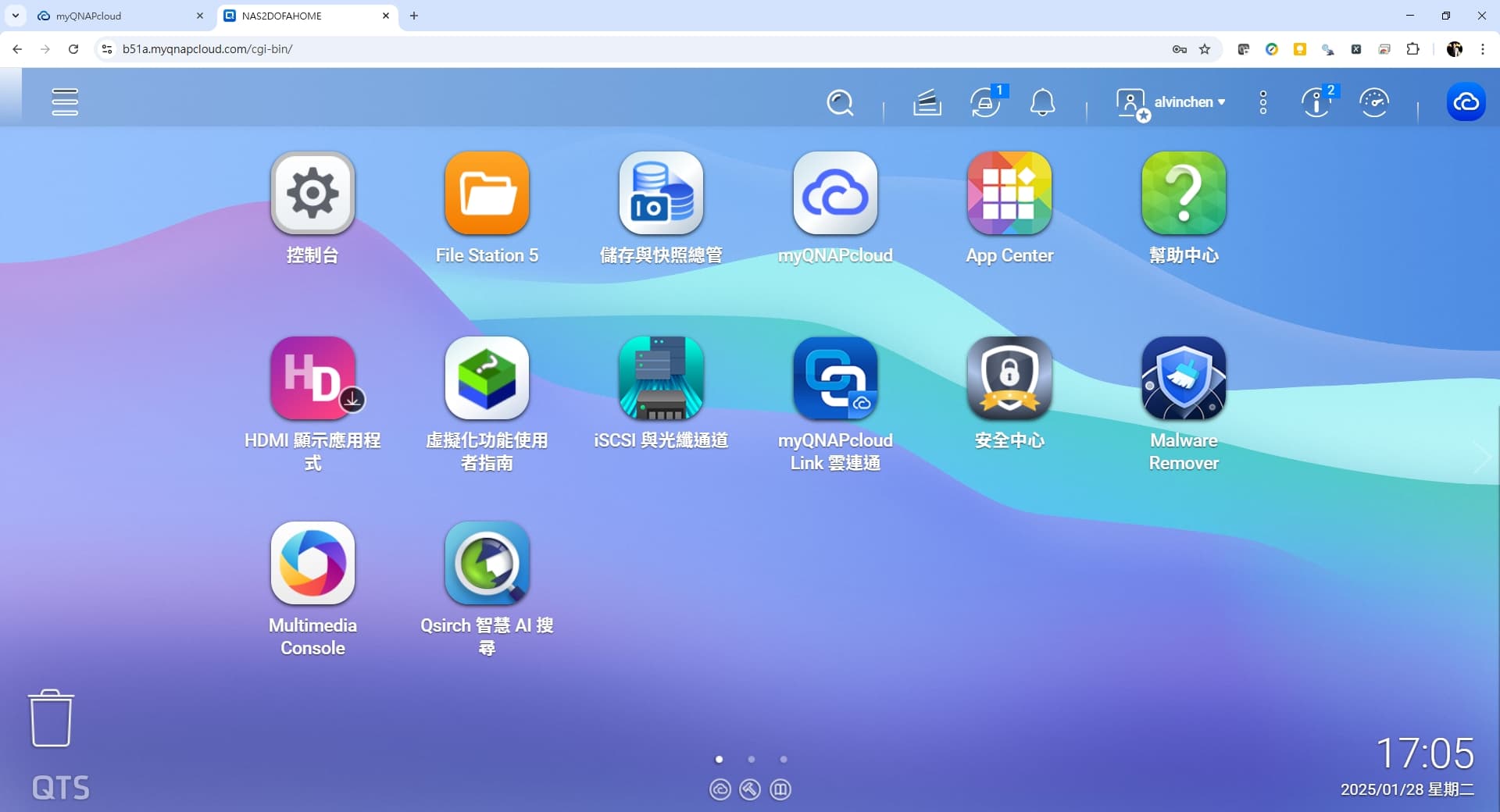
After receiving the new device, I started setting it up. The QTS 5.0 interface is much smoother compared to before, and some of the settings pages are arranged more conveniently than before.
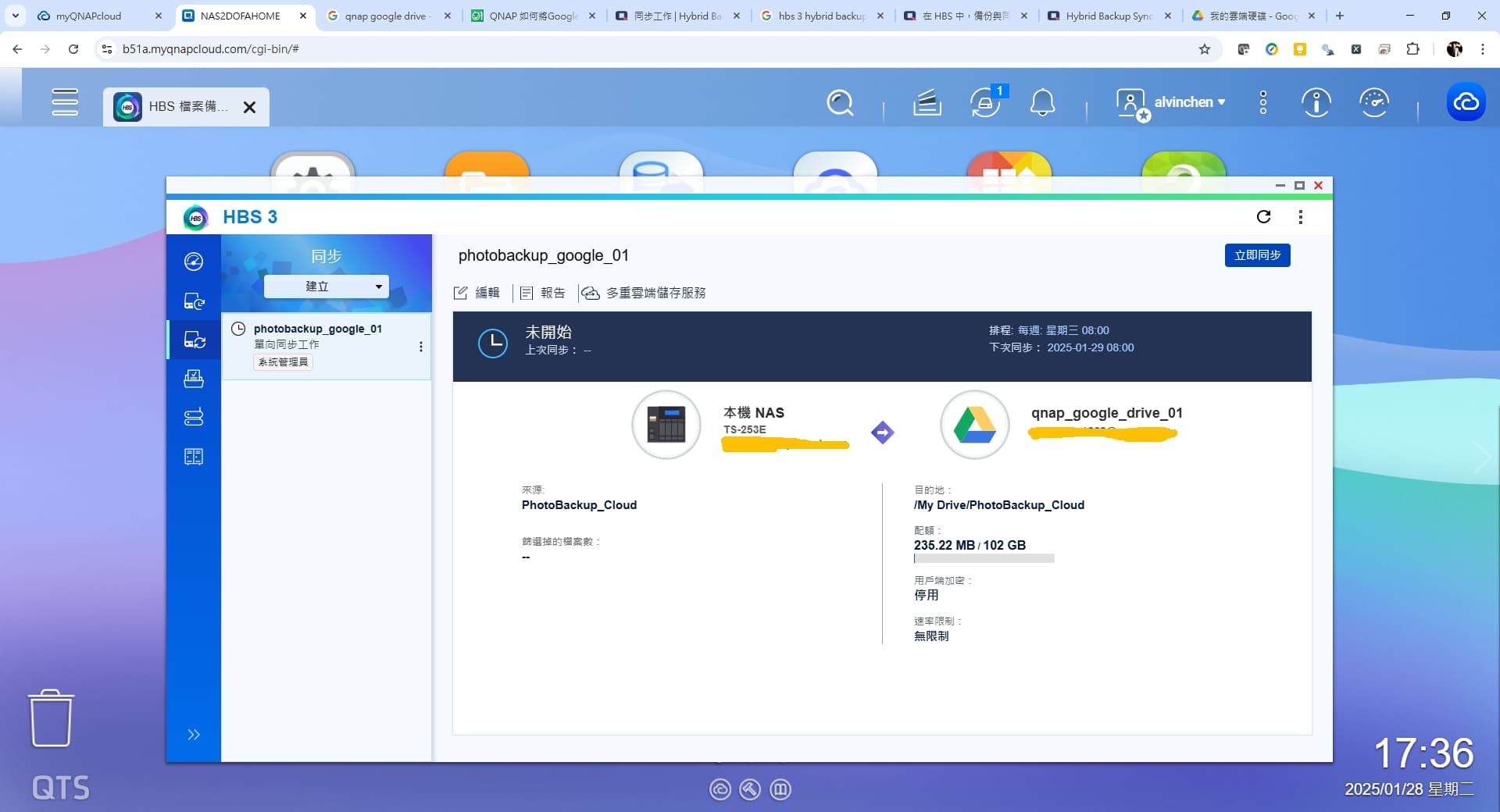
Now, my main need is backing up family photos and regularly syncing them automatically to the cloud for an extra backup. So HBS is essential, and I’ve already set up scheduled sync tasks on it.
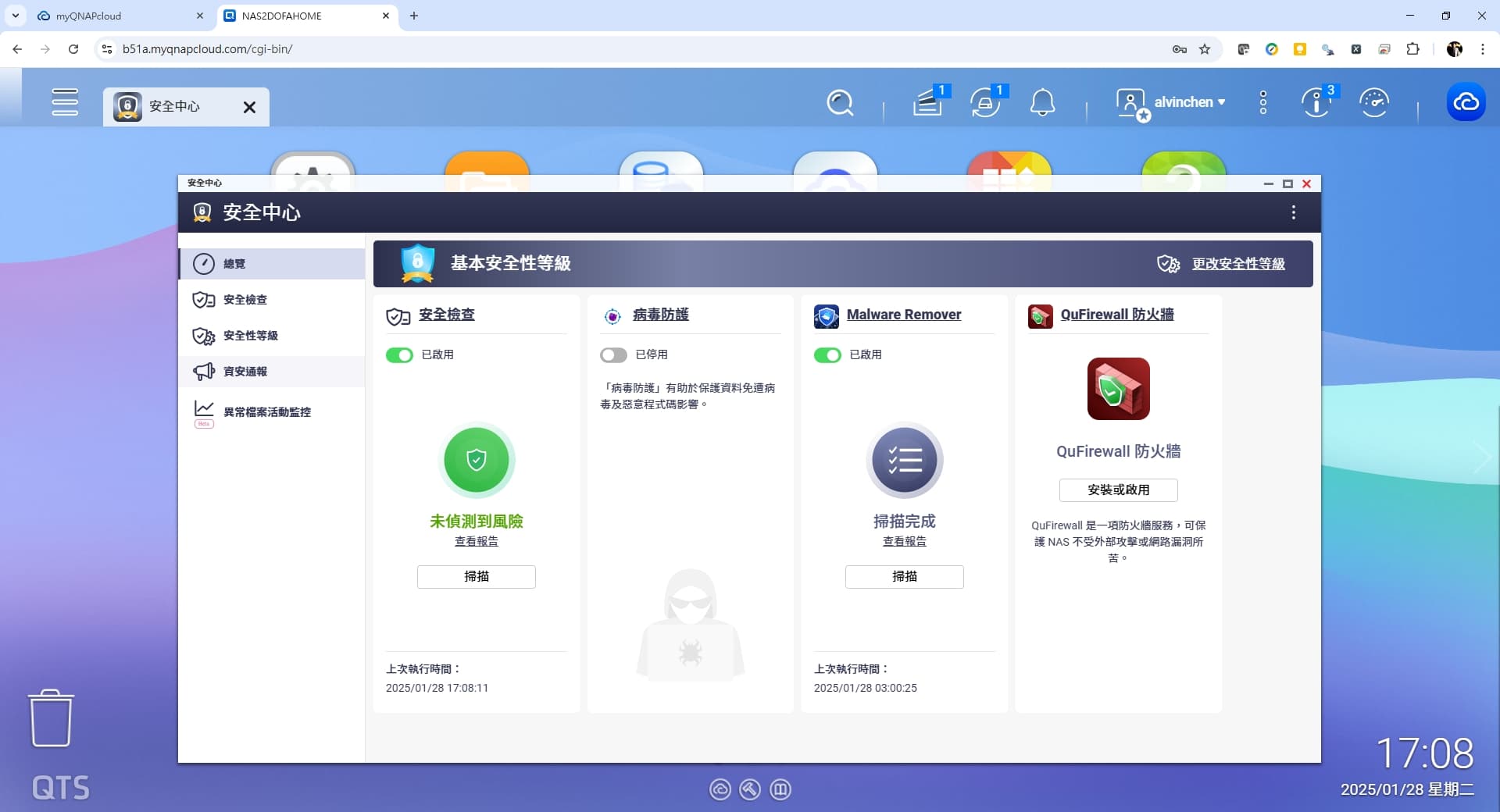
In terms of security, the current Security Center integrates system scans, virus scans, malware scans, etc., and it’s very clear and straightforward.
Currently, I’m taking time to connect from my laptop and organize the family photos transferred from the old device in batches. Whether using Windows SMB connection or opening the QTS interface with File Station, the speed is much faster than the old device, which improves work efficiency. I’m considering adding SSD as a cache in the future, which I believe will make the overall user experience even smoother.
For cloud backup, I’ve tried Google Drive and OneDrive. Currently, it seems that pCloud is not directly supported yet and can only be accessed via WebDAV. I wonder if pCloud will be directly supported in the future?