OS: Windows 11 23H2 and 24H2
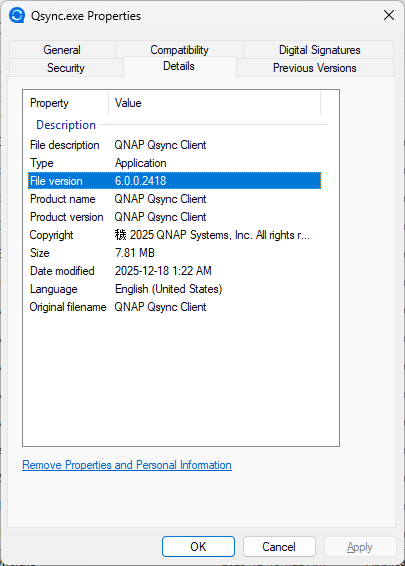
Qsync Client 6.0.0.2418
On every start of the client software there is being a link in the startmenu created. This is annoying. How can I stop this? Any glues are welcome except setting the lnk file to hidden.
OS: Windows 11 23H2 and 24H2
Qsync Client 6.0.0.2418
On every start of the client software there is being a link in the startmenu created. This is annoying. How can I stop this? Any glues are welcome except setting the lnk file to hidden.
Welcome~
Could you provide a screenshot of your problem ?
Hi and thank for welcome.
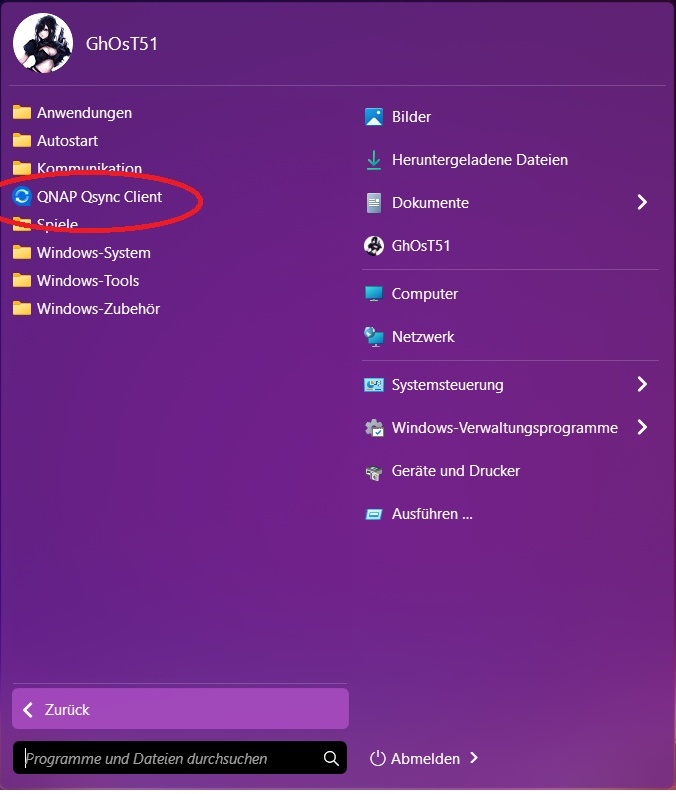
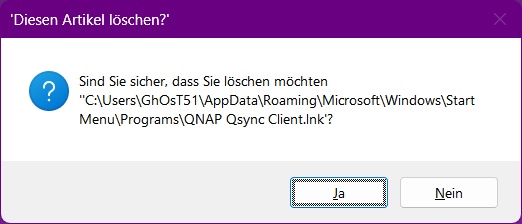
Here are the screens you asked for
The link (red cirlce) is always created on start of qsync in my personal profile
The screens were taken from my pc running windows 24h2. Meanwhile I’ve downgraded to qsync 6.0.0.1824 Beta on my second pc (win 23h2). These version doesn’t show this behaviour. So imho this is a bug rather than a feature.
greetings
If you disable “Show recently used apps” in you Start bar settings, that should not happen anymore
(I do not have a German Win11 ready to check right now)
Personalization > Start
Hello,
Thanks for the tip, but unfortunately it doesn’t help. The problem isn’t with displaying a shortcut, but with its automatic creation. My Start menu is organized and configured exactly as I want it. No other application exhibits this behavior. And as described in the previous post, the error (in my opinion, that’s what it is) doesn’t occur in version 6.0.0.1824 Beta.
Best regards
As a supplement:
I always reorganize the shortcuts in the Start menu that were created during installation.
That is the only version I can find anyways and when I tested it, that one does not happen on this version.
So unless QNAP replies to you here in the next couple of days (weekend now), best to open a ticket.
Ok, strange. I always save a copy of the installer file. Former versions of qsync aren’t provided by qnap. This is the reason I was able to downgrade  .
.
One last question: Did you delete on your pc the qysnc client link from start menu in order to proof if it will be recreated? I mean if you are working with the shortcuts created by the installer it could give the picture that everything is fine, but it isn’t.
Thanks in advance
I immediately uninstalled it, I do not use qsync. But that version did not create any links (unchecked all link options in the installer too)
Thanks a lot for your help. Maybe it directs into another reason than I’m thinking.
Thank you for your report. We will attempt to reproduce this issue in our internal testing environment.
Hello, update on my issue. After updating to Qsync Client 6.0.0.2522 and Windows 11 24H2 Build 26100.7705, the behavior described above no longer occurs. Since I (unfortunately) only actively checked again after both updates, I can’t say for sure whether the new client version or the Windows update is responsible. Addendum: As a workaround, I had set the affected Qsync Client shortcut to “hidden.” After the updates, I deleted it, and it wasn’t recreated. Therefore, my problem is solved, and the case is closed. Thank you.