I have set up a new QNAP TS with 16 GB of RAM for video recording and am using QVR Pro Surveillance.
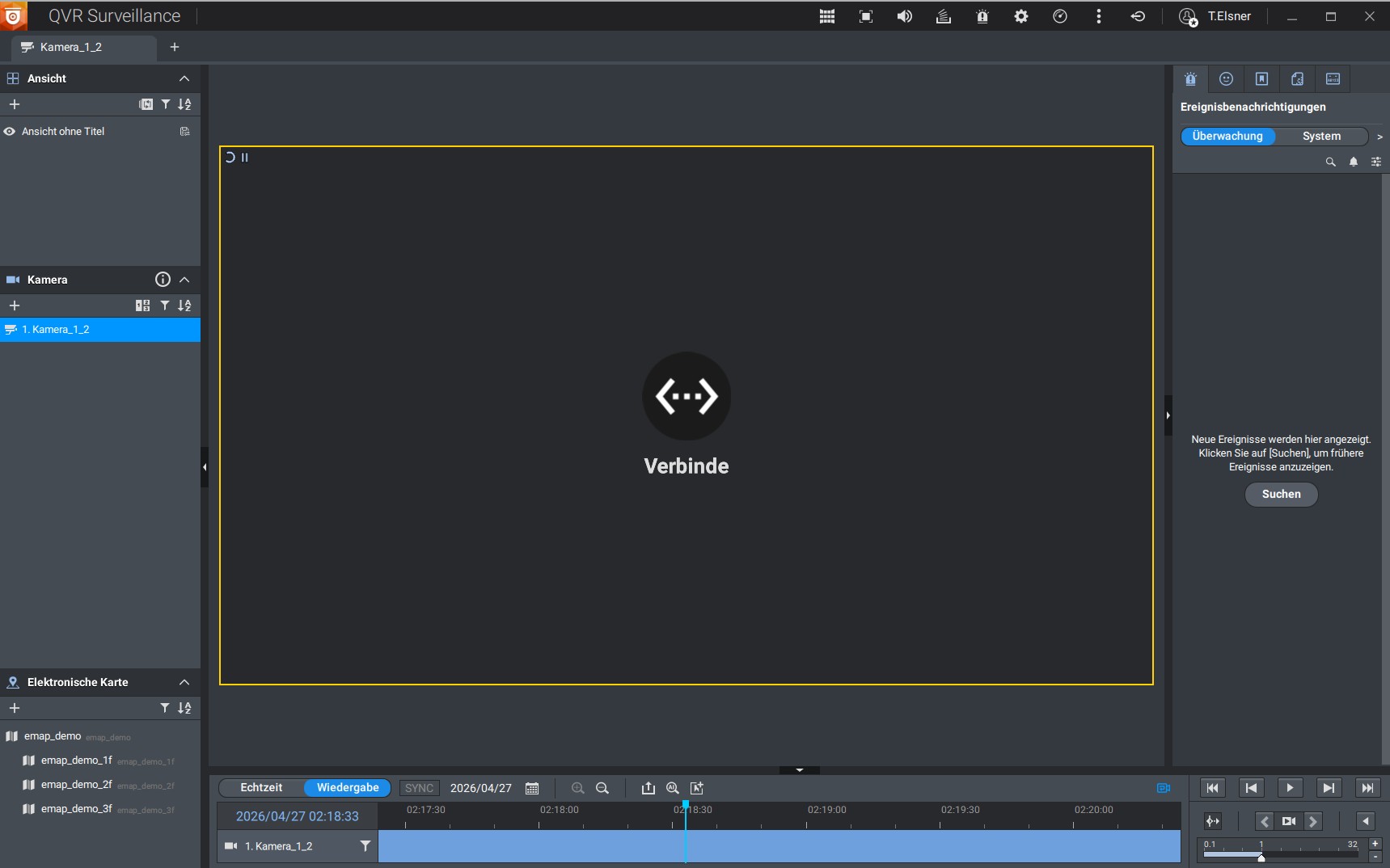
However, I’m facing a problem: In the client view, when I rewind a day, it keeps showing “Connecting…”. Even within the recording for the day, this message remains constant and no playback starts. Even after waiting several minutes, the recordings are not displayed. This means the system is unfortunately not usable for our current needs.
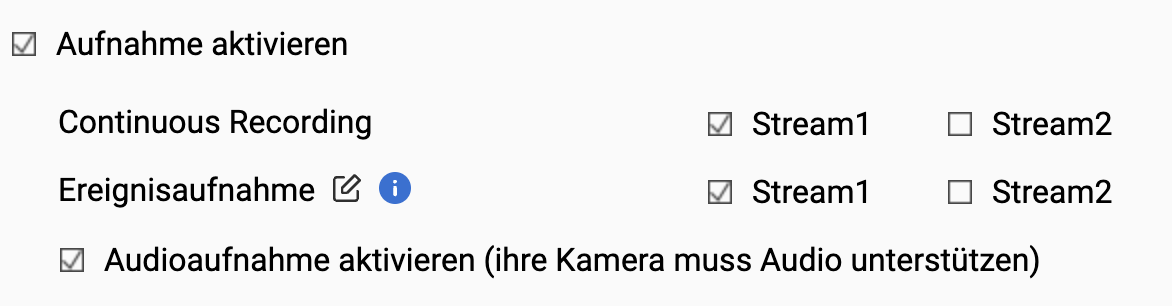
Access is via VPN. Currently, the camera is configured so that one stream is recorded continuously and, in addition, recording is triggered on motion detection across the entire image.
Is it possible I’ve misconfigured a setting or overlooked something?
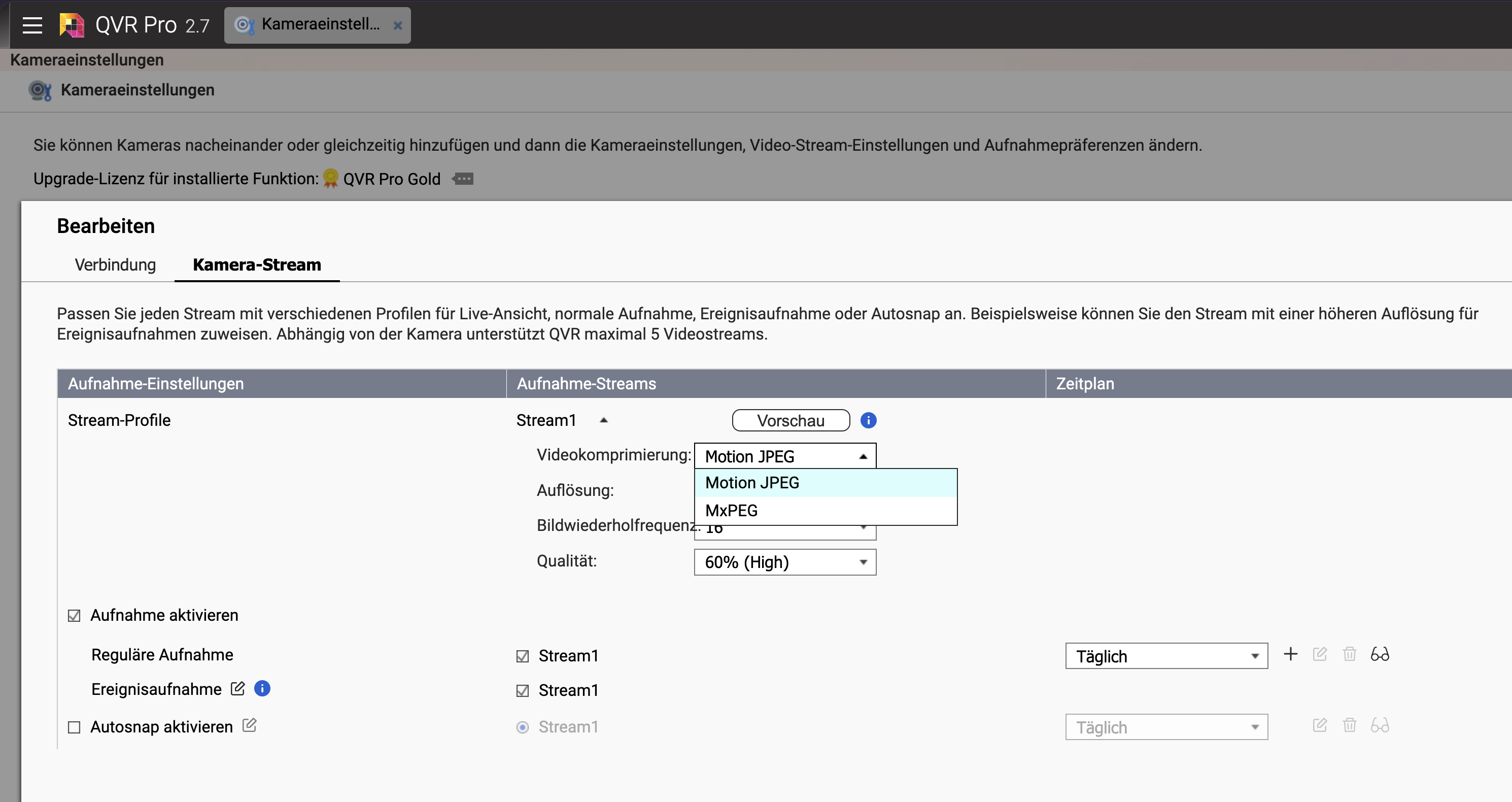
@FRdl We tested the behavior internally with a Mobotix camera. The test confirms that this is not a VPN issue. The cause is the MxPEG encoding. Playback works normally when the camera is switched to MJPEG encoding.
The team is already working on fixing the issue. We apologize for any inconvenience caused.
If you’re okay with using a beta version, I’d be happy to provide you with a new client as soon as a suitable build is ready.
@haru0 does that mean I need to adjust the video format on the camera itself? Or in the camera settings on QVR? Do you perhaps have a screenshot of the setting?
@FRdl MJPEG requires more storage space. By switching, you’ll be able to play back the video footage when needed.
QVR Surveillance has a new method for saving MP4 files. This storage method requires adjustments to process MxPEG files correctly for playback. We will fix this bug.
If your camera supports H.264 or H.265, that would be a more elegant solution: significantly smaller files, playback works as well.
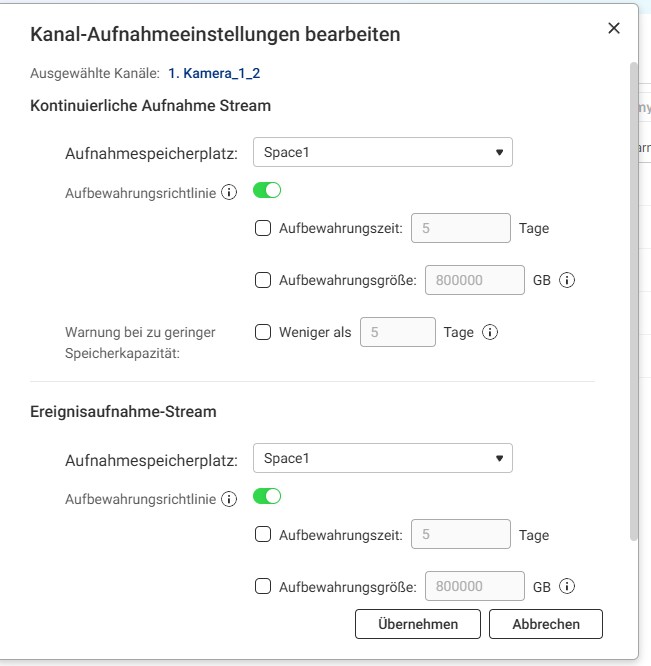
If I understand correctly, with this setting the cameras record continuously. As soon as the storage pool is full, the oldest recordings are automatically overwritten.
At the moment, I have 4 TB of storage and am using five cameras — that should provide a certain amount of recording time.
In your opinion, is this setup optimal, or would it be better to switch to event-based recording (e.g. only when motion is detected)?
@FRdl With the current 4 TB capacity and 5 cameras, continuous recording in MJPEG format lasts for about 7 days. With MxPEG, it was around 14 days. If the cameras support the H.264 format, you can achieve 28 days or more.
If a 7-day recording period is sufficient for you, continuous recording has the advantage that no images are missed. If 7 days is too short for your use case, event-based recording is currently the more sensible alternative.
The current version, QVR Surveillance 3.0.1, is based on the architecture of QVR Elite and can only record a single stream.
The upcoming version 3.1.0 will bring back the multi-stream recording feature from QVR Pro. Then, a hybrid setup will be possible: continuous recording in low resolution and event-based recording in high resolution. This balances storage usage and image quality.