Hello everyone,
I’m still new to the NAS systems sector and have a question.
How do I secure my NAS system?
I have a QNAP TS-431 running and would like to secure it.
I have antivirus running, but what about a firewall or similar solutions?
Hello everyone,
I’m still new to the NAS systems sector and have a question.
How do I secure my NAS system?
I have a QNAP TS-431 running and would like to secure it.
I have antivirus running, but what about a firewall or similar solutions?
Hello,
Do not expose the NAS “openly” to the internet. If external access is required, only use VPN.
Note:
The TS-431 is an old NAS with a very old QTS version 4.3.x. There is no firewall app available for it.
Simply block internet access for the NAS in the router.
You can only use this low-performance NAS as a file repository within a local network.
Hi @HollyDay-Man The safest way is actually, as Becker mentioned, to use the NAS only locally or to access it from outside exclusively via a VPN server on your router.
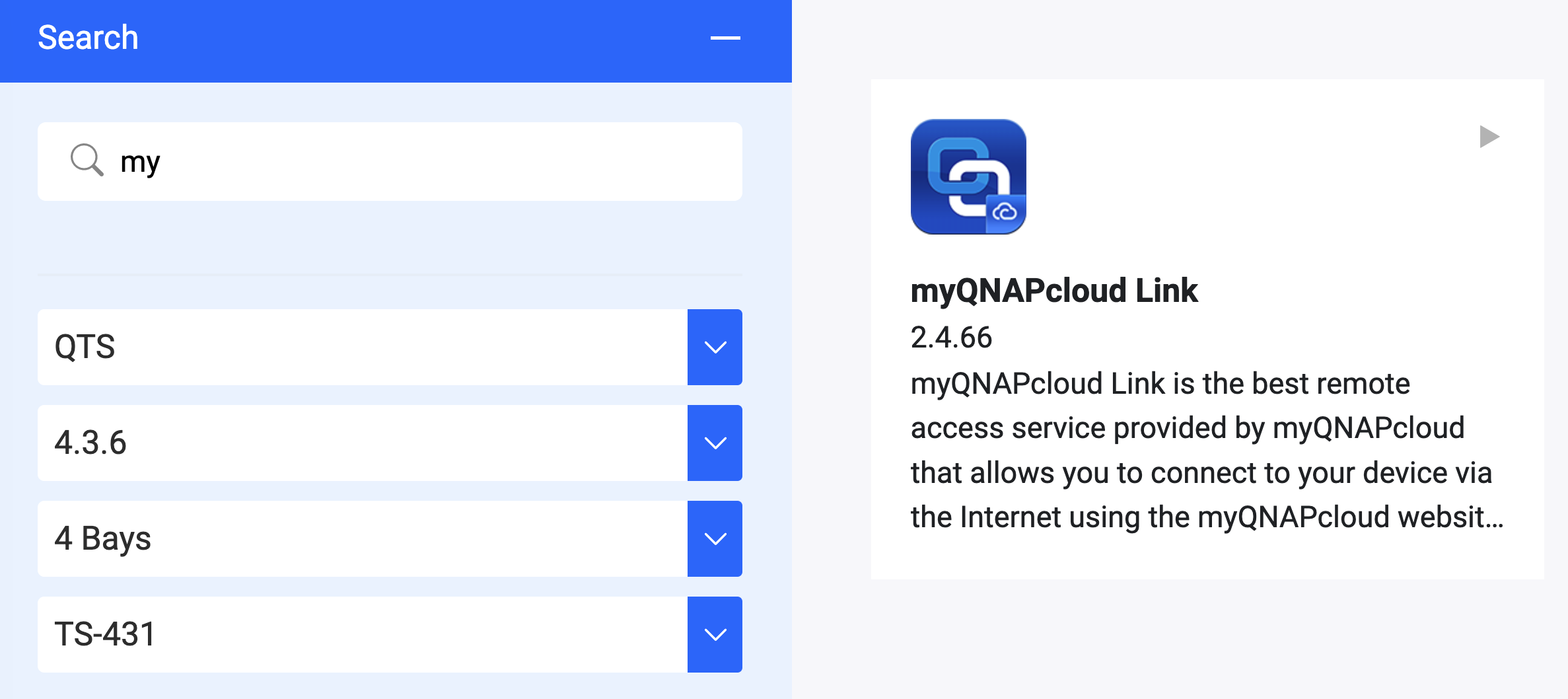
If setting up a VPN is not possible for you, QTS 4.3.6 still offers the myQNAPcloud Link feature. This allows you to access the NAS from outside without having to open ports on the router.
If you use this, you should do the following as a basic security measure:
But please keep in mind: For an older NAS without current security patches, completely disconnecting it from direct internet access is always the best protection against ransomware.
–
Translated by Gemini
Hello and thank you both.
So it’s best if I use the firewall in the router for this.
Changing the port is also a very good idea, I’ll have to see how to do that.
Currently, I can only access my files via the QFilePro app when I’m on my own Wi-Fi. That would mean that my router currently does not allow access from outside. I haven’t changed anything in the router settings yet.
That would have been my next question, but I think it’s already been clarified.
Thanks to you both.
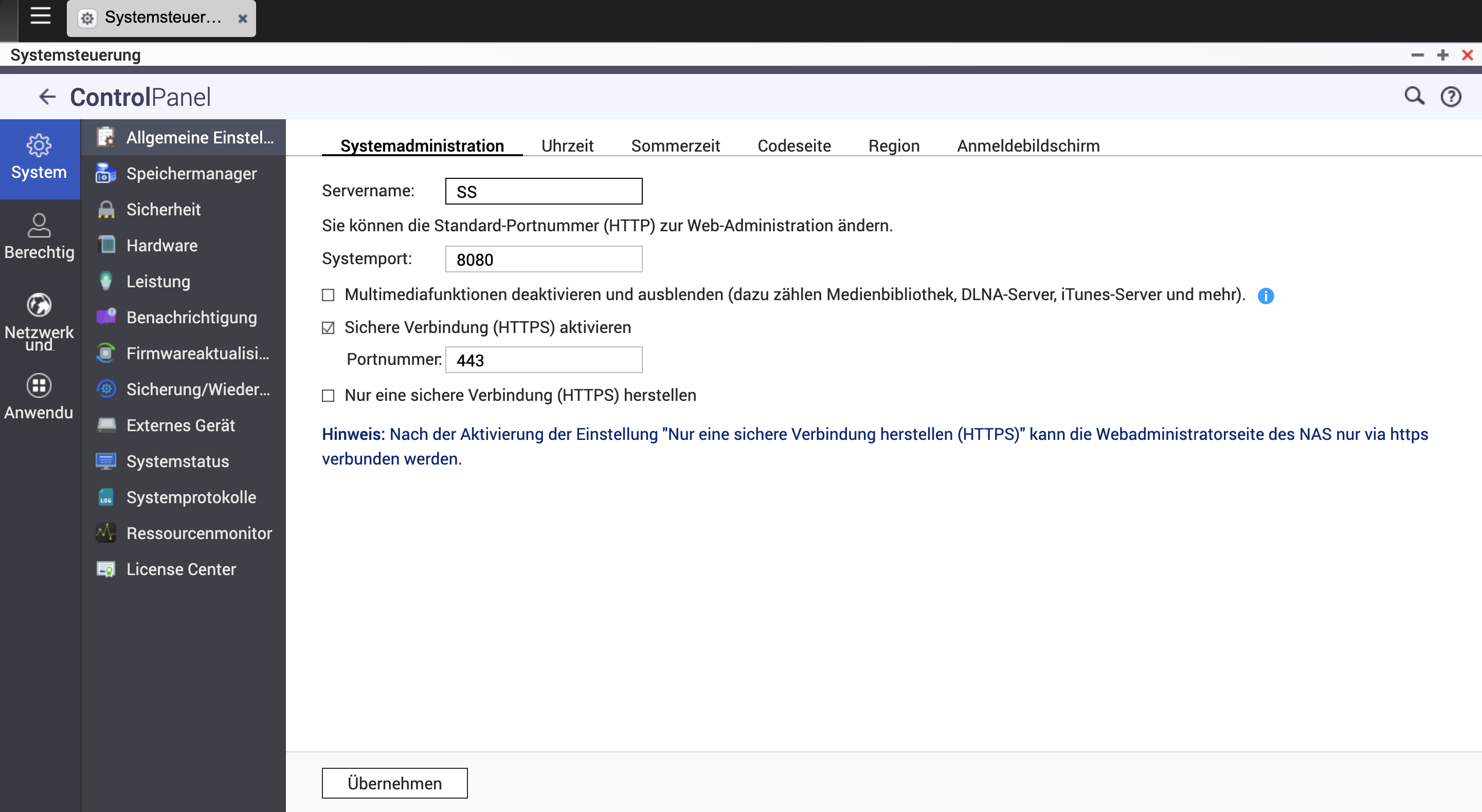
Hi @HollyDay-Man, you can easily change the default ports in the settings. To do this, go to Control Panel → System → General Settings. There you can adjust the system port (default: 8080) and the HTTPS port (default: 443).
Important note: After making the change, you must append the new port to your IP address to continue connecting to the NAS. For example, if you previously accessed your NAS via 12.34.56.78:8080, you will need to change the address according to your new port number, e.g., to 12.34.56.78:12026
What also comes to mind: In the newer QTS 5.x versions, the default “admin” account is already disabled out of the box for security reasons. However, in the QTS 4.x era, this account was still enabled by default.
To further increase the security of your NAS, you should definitely remember to manually disable the “admin” account.
–
Translated by Gemini
If you want to access your device remotely then I can recommend installing Wireguard/ Tailscale on Raspberry Pi.