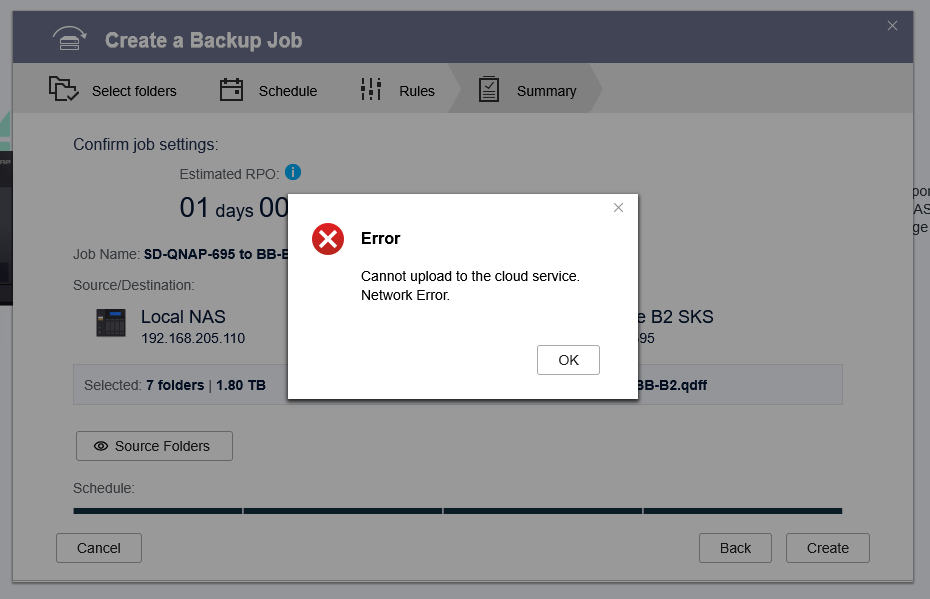
Error
Cannot upload to the cloud service.
Network Error.
I don’t think that this is an authentication issue, because the HBS interface pulls up the name of the bucket that I specified on BackBlaze.
I’m running a TS-251 with QTS 5.2.7.3297 and HBS v26.2.0.938. I’ve seen others on Reddit mention this issue with newer versions of HBS, but I’ve also seen that downgrading doesn’t seem to fix the issue (and not upgrading avoids the issue).
If possible, could you please provide the logs by following the steps in this FAQ? This will allow us to help analyze the situation and identify the cause of the issue. Thank you for your cooperation!
@SteveKo Thanks for the response. I’m happy to share screenshots here (see below) but would prefer to send the logs (potentially containing sensitive info) to you directly–please advise on the best way to do that.
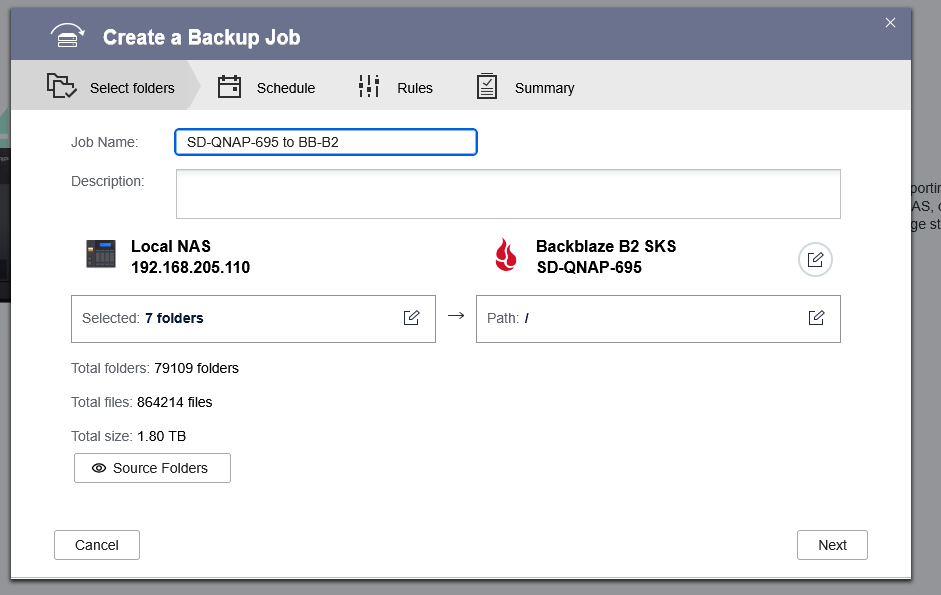
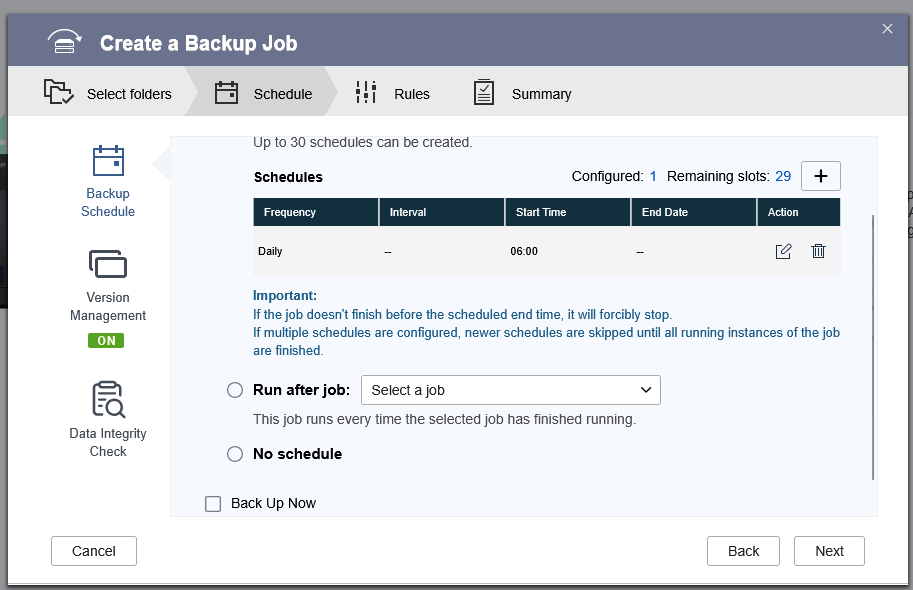
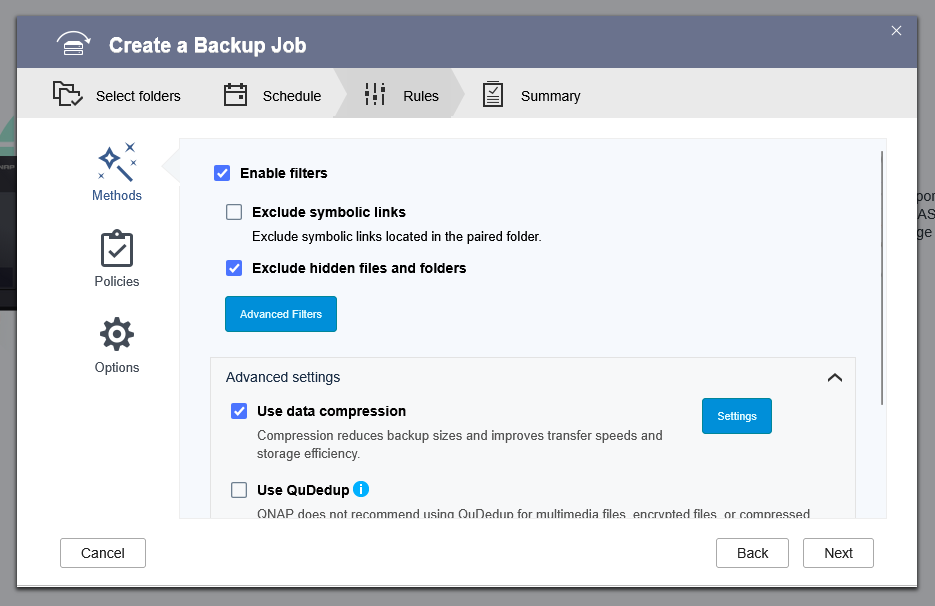
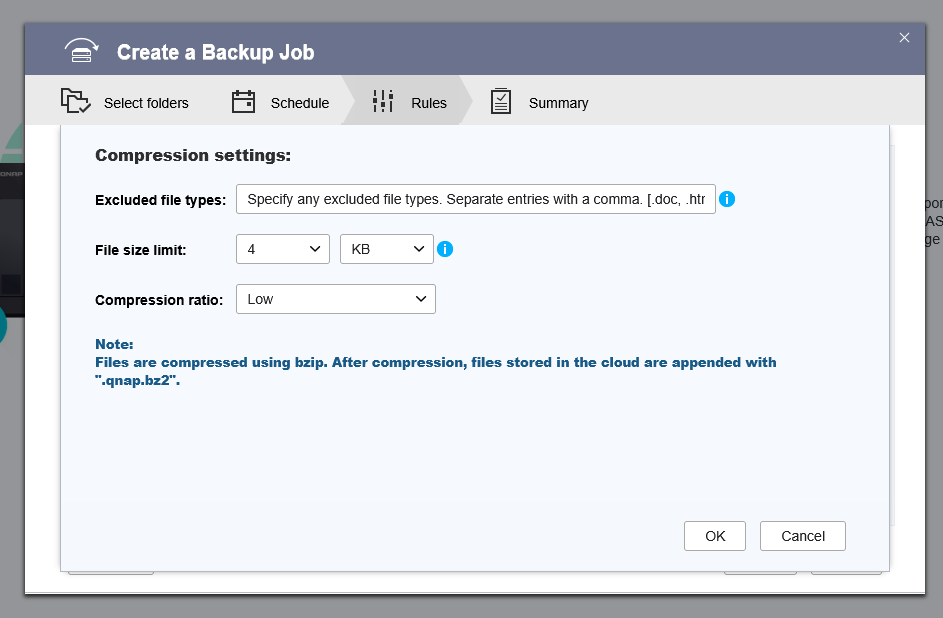
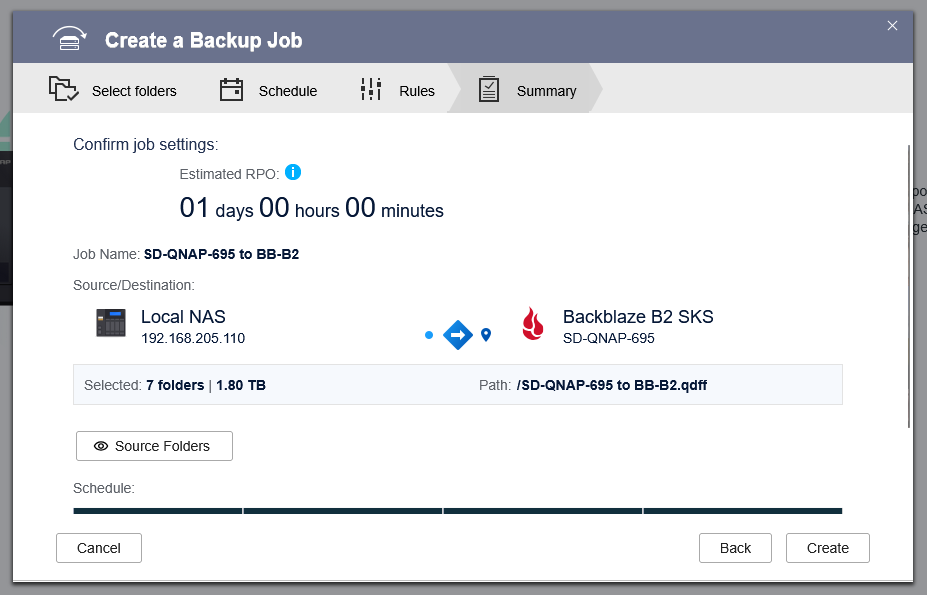
So here’s the screenshots:
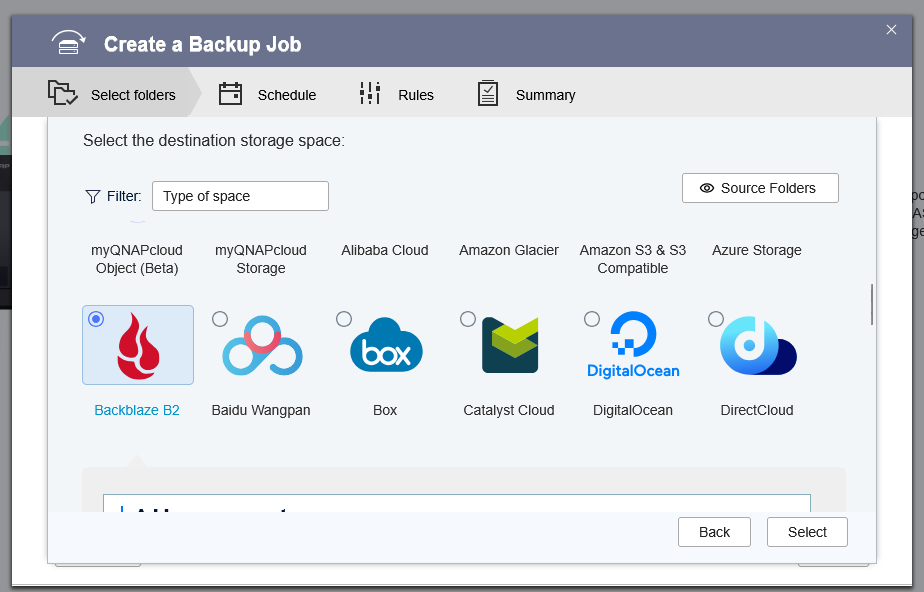
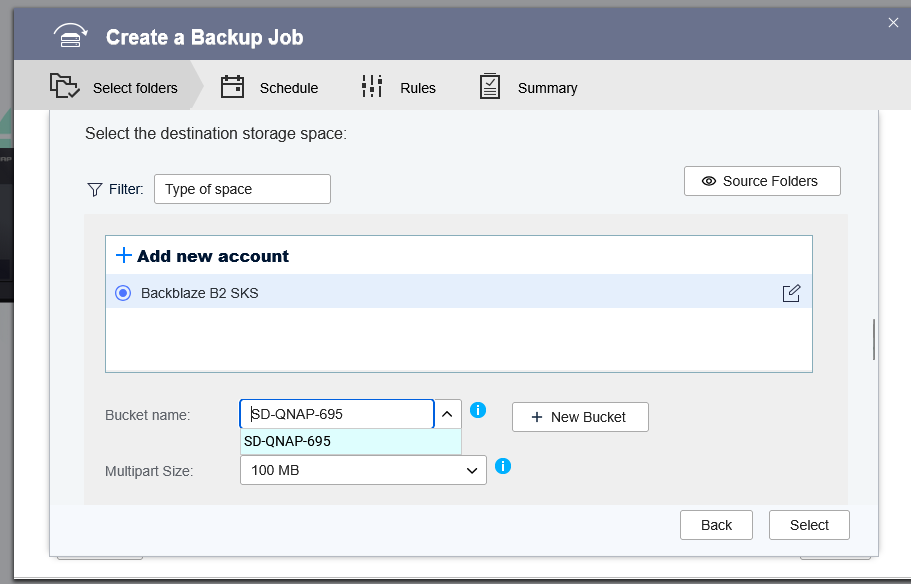
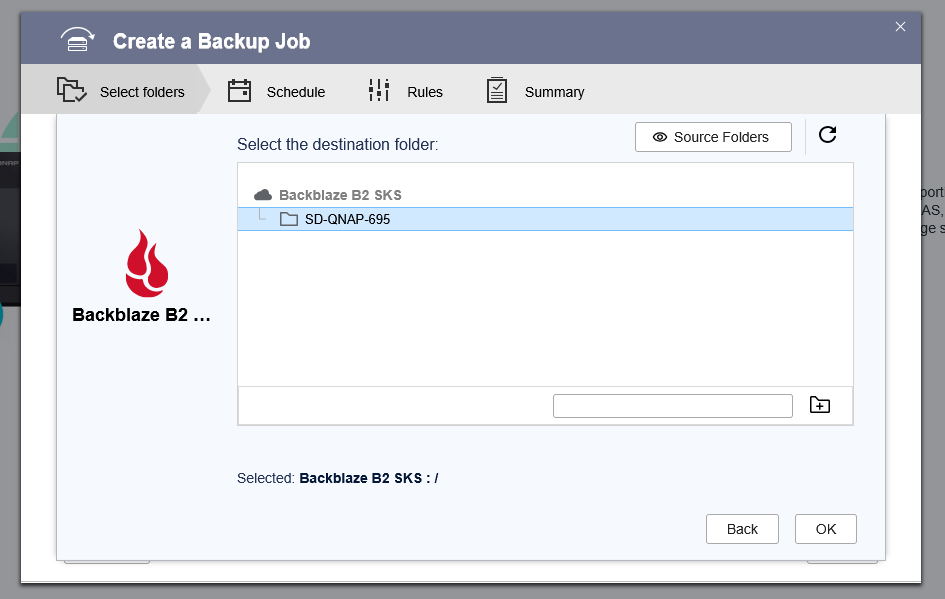
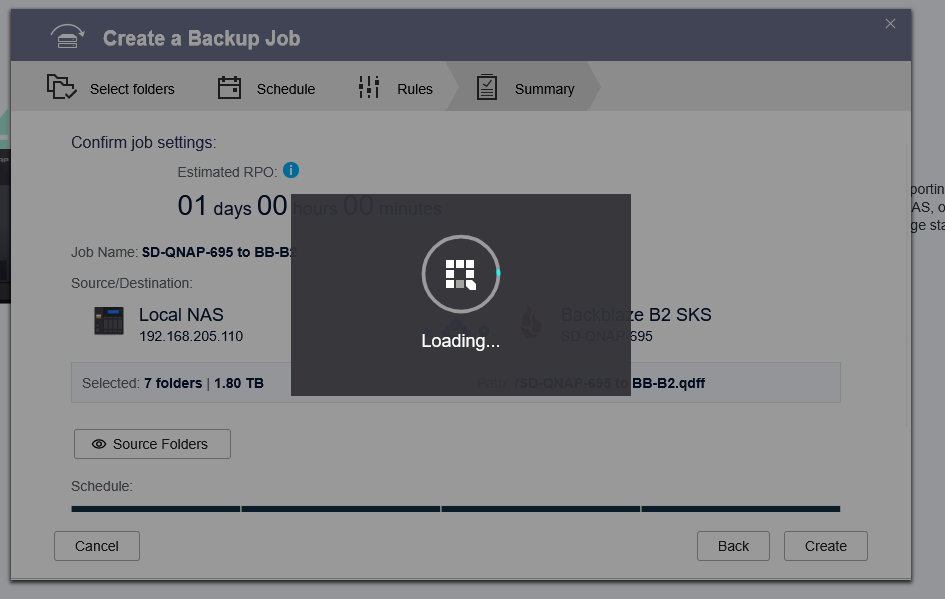
i already configured the Backblaze B2 storage space. I then create a backup job and specify Backblaze B2 as the destination:
I have the HBS logs ready to go. Note that this should include 2 attempts from today (20260122). Also note that my internet went down last night, so it will have some failures of my QNAP-QNAP sync.
i have the helpdesk logs ready to go. Helpdesk was not running when pulled it up, so it might not contain info about the 1st backup attempt from today. I started helpdesk and then attempted to configure the backup again, so the log should include info from the 2nd attempt.
To ensure your privacy, if the logs contain any sensitive or private information, please feel free to send them to me via private message. Thank you for your cooperation!
@SteveKo – thanks for the advice via PM. If this issue is potentially due to SSL inspection or Proxy interference, do you know what ports would need to be opened? I’m just running an Asus router (with Merlin WRT) with largely default settings (aside from setting cloudflare 1.1.1.1 as DNS), but I can change the config easily if necessary (unless this is something that Comcast business is blocking–and I have disabled all “protection” features that I’m able to disable). Unfortunately, I don’t have a means to connect my QNAP to my iPhone, and I’m very hesitant to connect the QNAP directly to the ISP modem.
You would not open any ports on your router. Outbound communications don’t need open ports and any communication back from Backblaze is handled because the initiation was from your end.
Have you opened a ticket with Backblaze? It might not be QNAP related…
Regarding the Backblaze B2 connection issue, here are our troubleshooting suggestions:
Communication Ports: The B2 service uses standard HTTPS (Port 443) for communication; typically, no additional special ports need to be opened.
Network Architecture: As we are currently unclear about your network setup, could you please provide a network topology diagram if convenient? We have seen similar cases where the NAS was placed in a “Router behind Router” environment, which caused network connectivity restrictions.
Testing Suggestion: We recommend temporarily connecting the NAS to a direct ISP connection (bypassing internal routers or firewalls) to see if it can successfully connect to B2. This will help us rule out network-layer issues first.
@SteveKo@NA9D
Thanks for the responses. I’ll open a ticket with BB. @SteveKo, some answers to your questions:
Great to hear. FYI…using a port scanner (like this), all server ports (21, 22, 23, 25, 53, 80, 110, 137, 138, 139, 143, 443, 445, 548, 587, 993, 995, 1433, 1701, 1723, 3306, 5432, 8008, 8443) are closed on my IP address.
Network architecture: Comcast Xfinity business modem → Asus router → Switch → QNAP.
I’ll temporarily put the QNAP on the router DMZ first. Failing that, I’ll relocate the QNAP so that I can plug it directly into the modem.
There was no additional diagnostic information in the logs I DM’d you?
The router is in bridge mode–I’ve got a static IP from Comcast which is what my router reports (i.e. it’s not a private IP). Is putting the NAS on the DMZ any more dangerous than connecting it directly to the Comcast modem for troubleshooting purposes as @SteveKo has recommended?
@Becker2020 I just upgraded, but alas, it did not rectify this issue. @SteveKo I briefly set my router to put the QNAP on DMZ, but this also did not change the outcome. As another test, I attempted to create a backup job to Dropbox, and I was at least able to create the job–which is further than I got trying to backup to BB. I also tried creating a new bucket (this time unencrypted) and regenerated the application keys–still I get the error. So yes, this seems to be Backblaze-specific, but HBS/QNAP is not giving me any useful diagnostic info.
@SteveKo So as a troubleshooting step, I tried the same thing for my QNAP at home (the issue I’ve been having is my QNAP at work). These are nearly identical setups, but it works at home. Here’s a summary:
Home:
QNAP TS-251
QTS 5.2.7.3297
HBS 26.3.0.226
Network setup: Xfinity home → xfinity modem → ASUS router → QNAP
Seems to work
Work:
QNAP TS-251
QTS 5.2.8.3359
HBS 26.3.0.226
Network setup: Xfinity business → xfinity modem → ASUS router → QNAP
Yes, based on the logs you provided, we have confirmed that the situation is indeed related to the network environment.
As you noted, with the same settings, everything works fine in your home environment, but issues arise within the corporate network. This typically indicates specific restrictions, firewall rules, or filtering mechanisms within the company’s network architecture.
I will submit all the information you’ve provided to our internal technical team to see if they have any further suggestions. Thank you for your patience and cooperation!