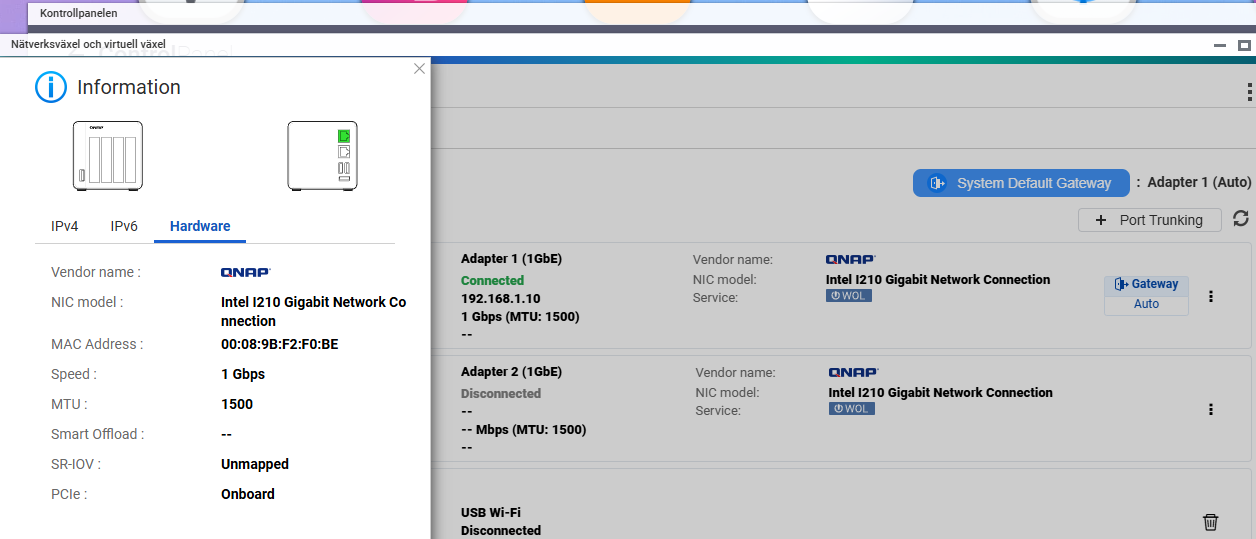
Hope for some advice in my troubleshooting on my QNAP.
HW
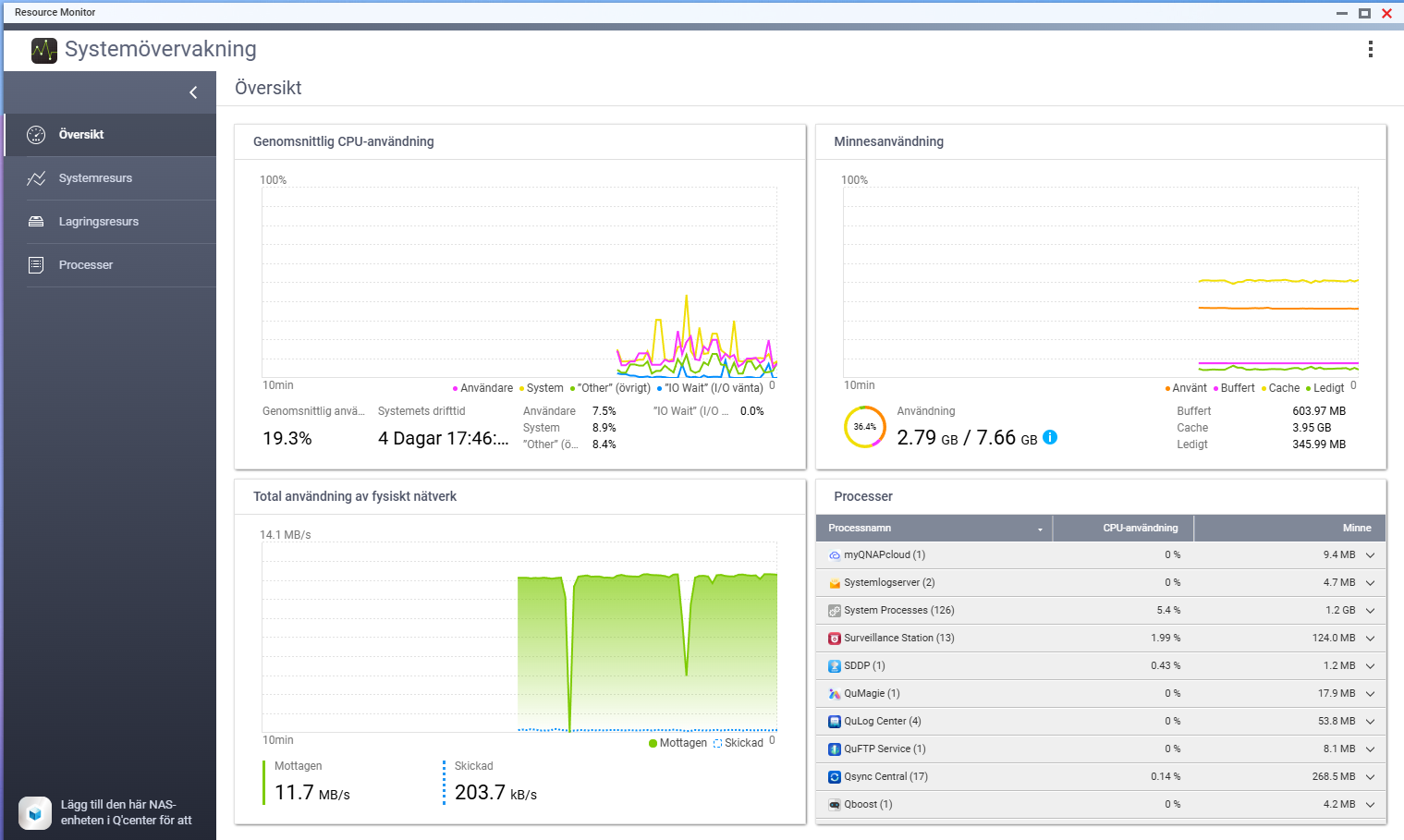
QNAP TS-451+ 8 GB RAM (30% used)
Disk 1, Toshiba N300 6GB, Model HDWG460, ATA standard 109, ATA version 10
Disk 2, Toshiba N300 6GB, Model MN10ADA600S, ATA standard 94, ATA version 11
Disk 3, Toshiba N300 6GB, Model HDWG460, ATA standard 109, ATA version 10
Disk 4, Toshiba N300 6GB, Model HDWG460, ATA standard 109, ATA version 10
SW
QTS 5.2.7.3297
Later updated to QTS 5.2.8.3332 as part trying to solve the problem.
Background
Have been running the QNAP for many years and it has been working fine. I have had an issue that I was about to run out of space so I started upgrading the discs one by one but over 1,5-2 years period (couldn’t afford to by all the disk at the same time).
So I have replaced one disc after another going from 3 TB to 6 TB discs in the order of Disc 3, Disc 1 and Disc 4. This week I finally bought the last Disc 2 and replaced it.
Didn’t replace it by the book, I just changed it and let QNAP RAID rebuild it (took a few hours) and after that I extended my volume from 8 TB to 16 TB.
Problem
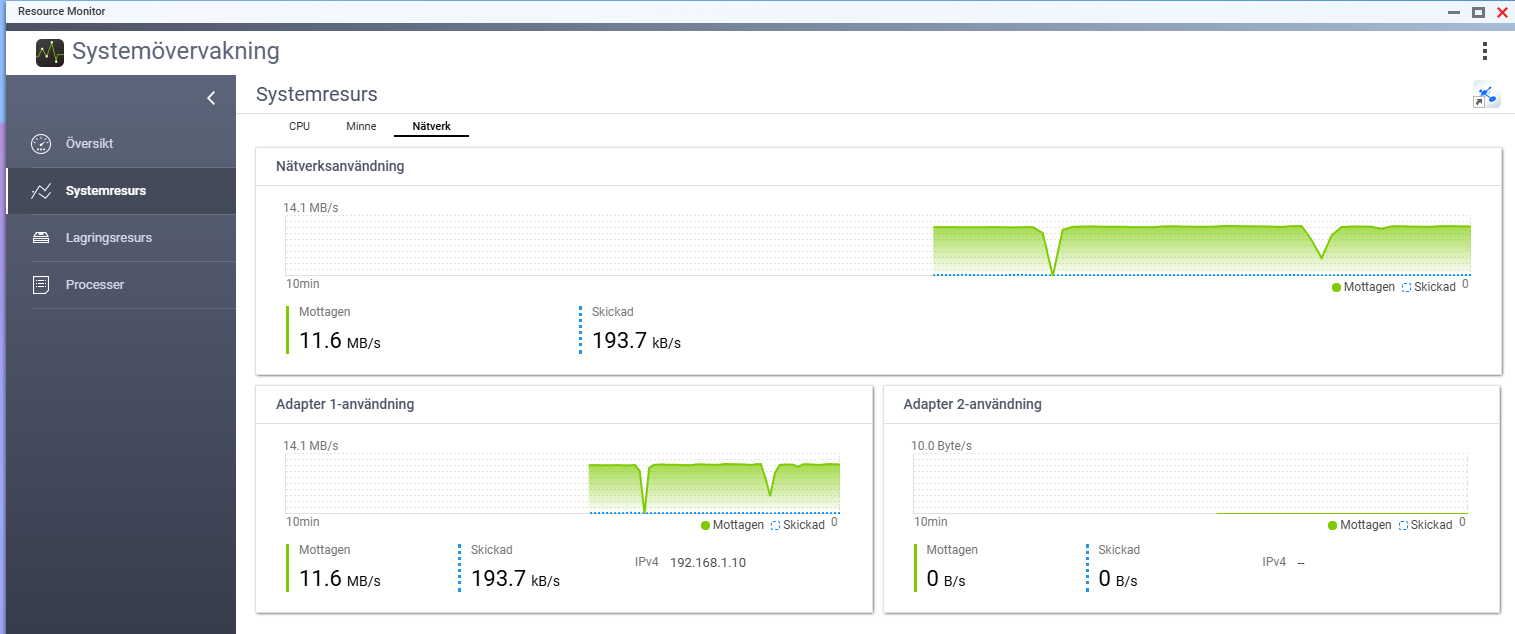
When I now try to copy files to the QNAP I only get around 10 MB/s and before it was around 100-110 MB/s. With the SW update I acctually got around 80 MB/s for a short period but are back at 10 MB/s again
After I have mapped the share in Windows 11 I tried to copy/paste one folder that was around 7 GB and got 55-95 MB/s. Don’t have any before data for this.
Copy from NAS to Windows 11 starts with around 80 MB/s and after 5-10 seconds it drops 2 MB/s, went up again to 80 MB/s and after that continued on 2 MB/s until the file was fully copied.
It is usally larger files from 1 to 20+ GB. It all worked really good before and no other component in the network flow has changed.
I’m starting to get out of ideas but will first replace the network cable (new CAT8), next switch LAN interface and the last thing I can think of right now is to connect a laptop directly to the NAS.
UI eng, you are correct, sorry and thanks for trying to help me
I fully agree that it would point more at a LAN related issue, however two things talking aginst that would be that it happened right after I changed a disc.
The other thing is that after the upgrade of the SW I for a short time got transfers in 55-95 MB/s.
I’ll try some of the things tomorrow and report back how it went!
Not dumb at all, yes both reboot and also turnd it off and powered it on again with the same result.
Have also rebooted FW and switch to make sure it wasn’t any LAN interface issue.
Today I have changed the network cable and I didn’t expect it to do anything but I get 11 MB/s instead of 10 MB/s now so an improvment but not a solution.
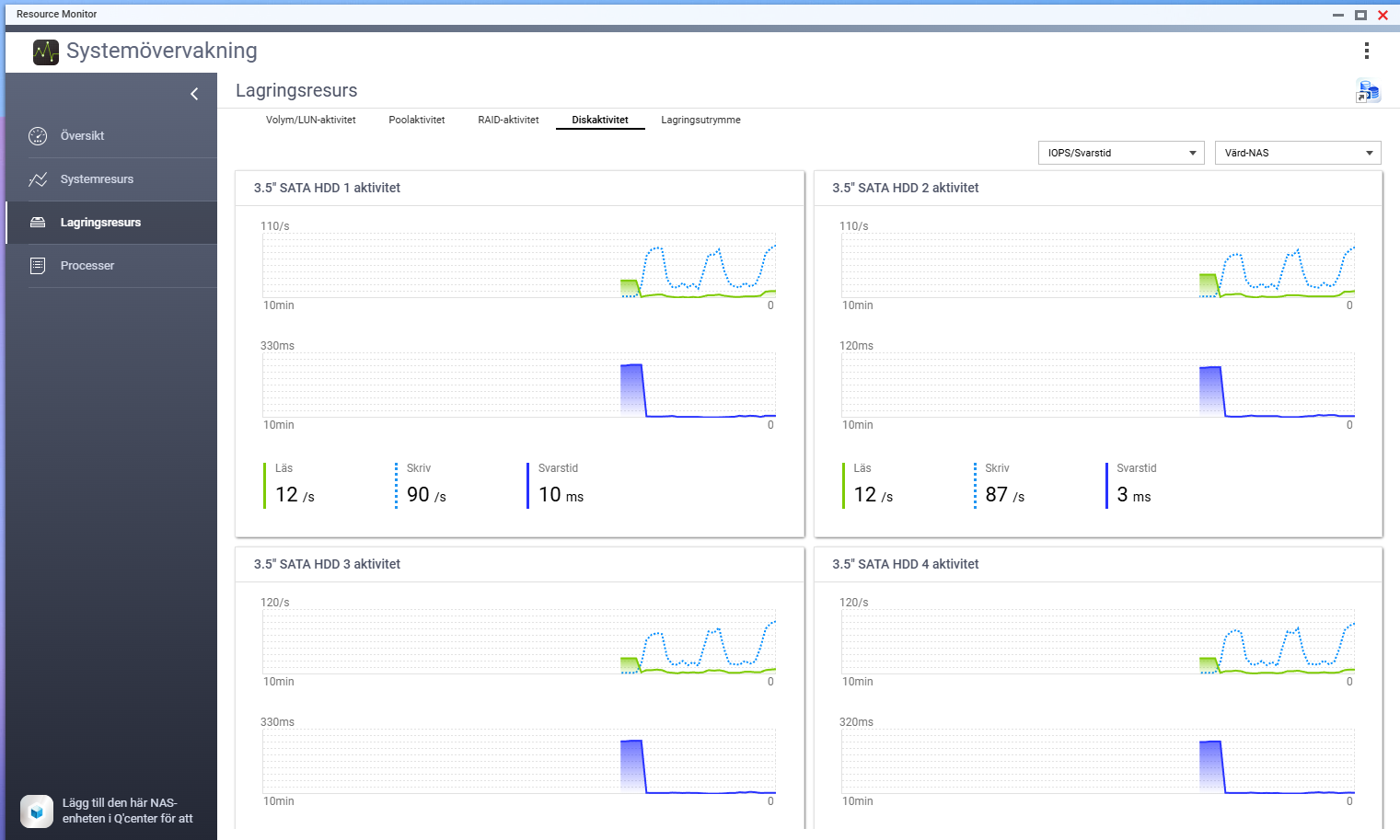
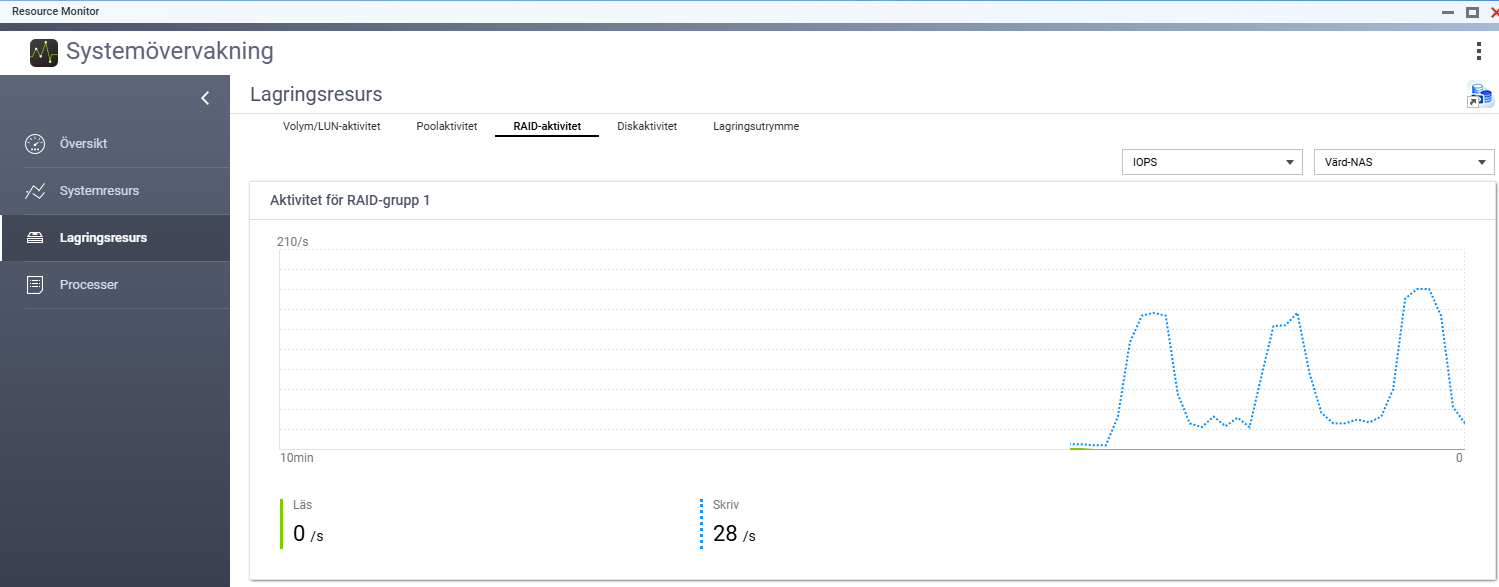
I have been suspecting the new HD to be the problem so I did remove it from the RAID in the GUI but did leave it connected and did a copy of one larger file and the same result of only 11 MB/s.
Then I also removed it from the RAID by leaving the slot empty but the results was the same.
Haven’t rebooted or powered off the NAS during this.
Perhaps this isn’t related to the new HD but some other limitations in going to 17 TB from 8 TB!?!?
Trying to find some articles around this but so far nothing that I think match.
Started with the things I did know I changed and that was one HD in the QNAP but what I didn’t check was my computer that also had auto updated the networkdriver.
After changing Speed and Duplex from Auto to 1Gbps full duplex it got much better. It is still not the same as before so will replace the network cable and some other things. At least it is good to know that the QNAP deliver as it should
If your computer’s NIC is not automatically setting the network connection to 1 Gbps (ie: you have to “force” it), there may be a network or switch issue. It should automatically negotiate the fastest possible speed.
Yes will see if the new CAT8 cable will do any changes or I might have to replace the switch as well.
Think that because it jumps between 60-100/Mbps indicates that I could have some ground issues and need to dig in to that.
On a gigabit network CAT-5e, CAT-6, CAT-7, CAT-8 - makes no difference. Save your money and buy CAT-5e. You only need the more expensive cables for higher speed networks.