An electrical fault on something else on the same circuit as the NAS tripped the RCD.
When I restored the power the NAS didn’t recover properly. It got stuck at “System Booting” > > > and never got any further. My PC couldn’t see it.
I removed the HDDs and rebooted. Same result.
I followed these instructions: NAS Recovery Guide for x86-based NAS | QNAP (UK) and successfully restored the basic firmware, and then used QFINDER to update to the last firmware I’d used for an update (and still had on my laptop HDD) rather than the latest one.
The unit still shows System Booting forever on the LCD display, but QFINDER can see it. I get this screen…
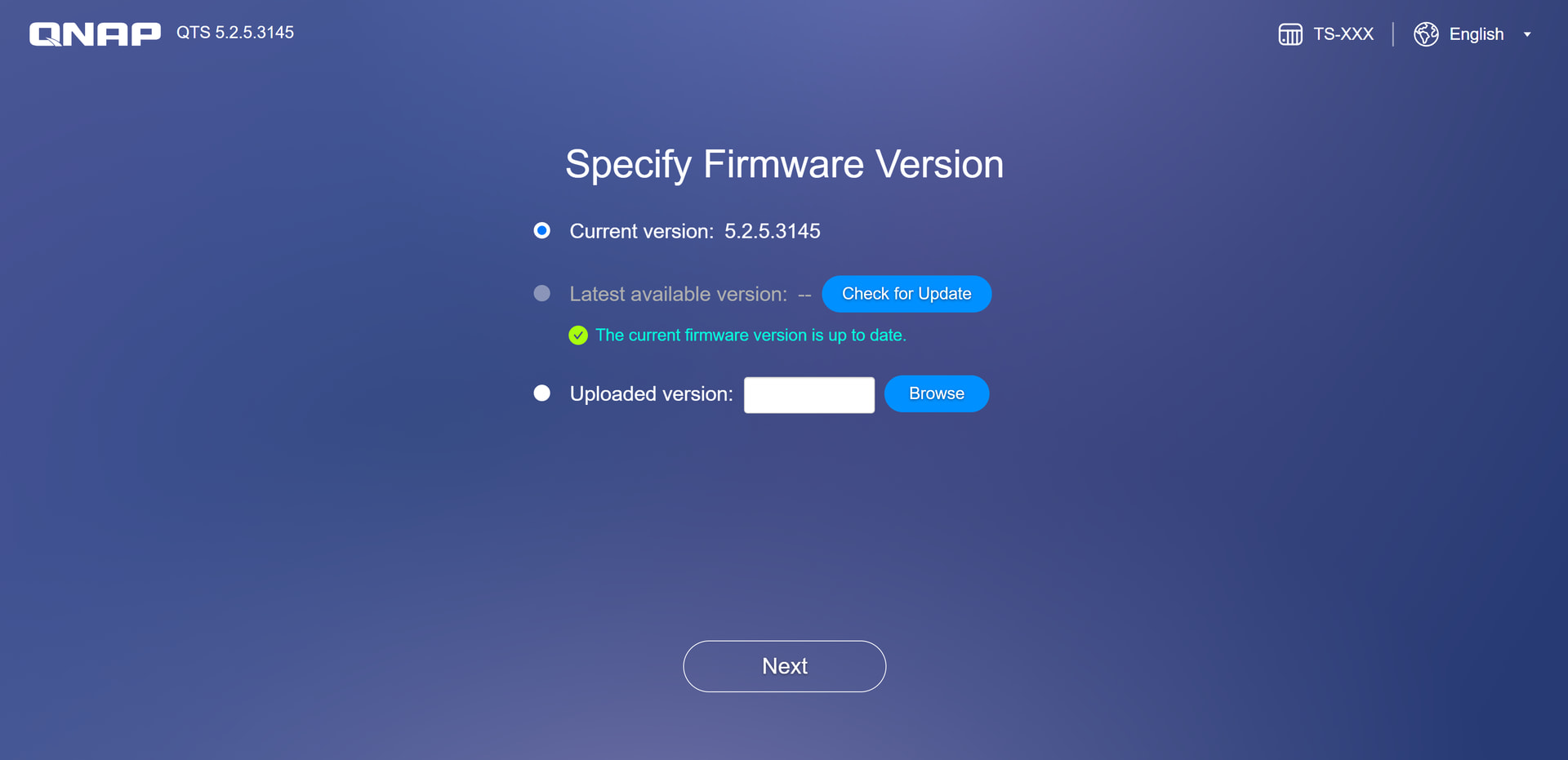
When I click Next it says no HDDs, and won’t go any further. I put the HDDs back in, I hear them spin up a bit then stop, but when I click Next it STILL says no HDDs.
There are NO lights on the front of the NAS apart from the LCD display.
I have most (possibly all) of the data from the NAS backed up, but would prefer to get these HDDs up and running if they are still good. I would love to get this NAS working again, but I don’t know whether what I am seeing is a HW fault, SW fault, or user error.
Any suggestions?
Cheers,
David.