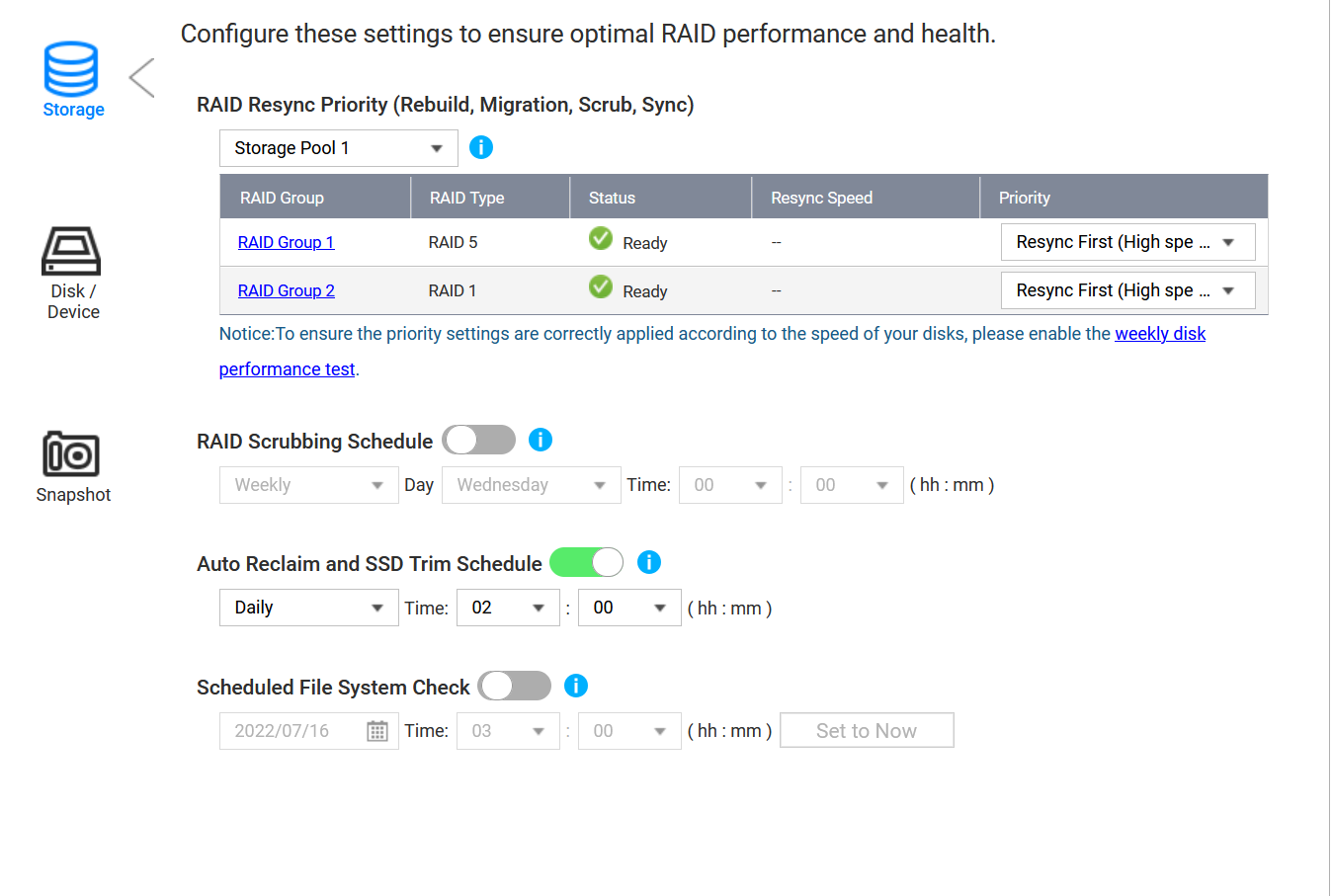
So, I wonder how this is supposed to work, I installed two NVME drives in raid on an addon card to enable NVME cache, after installing them, I have tried all the combinations available to increase throughput. What I see, is that the NVME drives are filled up to 100% and it stays 100% filled until I remove the cache. Basically, I get the benefits of cache acceleration until the cache drives are full. After that, it seems to be stuck at 100%.
Yup. That’s the problem with the cache and the way it is implemented. In most cases it is useless. Unless you are doing a lot of read/writes to small files, it is not useful to have it.
I am seeing better performance with NO cache, than I do with cache… Very weird. The 8 drives I have in raid 5 will happily do 1 GB’sec via lan (10 gig, but I will do link aggrigation to get 20gbit bandwith and see then), enabling cache brings down the speed to 700 mb’sec or thereabouts… Feels like I wasted a lot of money on the NVME card and SSD’s
Well, in the world of torrenting, having a seedbox with NVME cache is essential to be able to saturate a 10 gig line. Figured the same was true for a NAS
For a seedbox cache (if the cache is big enough to hold all blocks ready at all times) probably helps.
But yes, QTS has had the same problem over several generations now (dirty cache blocks do not destage)
QuTS cache is using standard ZFS cache and could be an alternative (not on this low powered ARM NAS though…that will never provide high performace no matter what and also does not support QuTS)
Come to think of it, most seedboxes do not have 8 drives in raid5 on a normal seedbox. Each of my harddrives has 512 MB of cache. And, there is only two torrent clients hammering the nas via LAN.Not like a seedbox where 4+ clients are normal for a single node, it would make sense for each client to have parts of a NVME cache. So, what to do… add the two NVME drives to the raid pool? Or find a use for them in a different application…
qtier seems like a good option. I will install some bigger and faster SSD’s before testing it out. I only have Sata drives in this NAS, as it does not support SAS, so I guess it will be a two tier system, with NVME and regular sata drives.
s
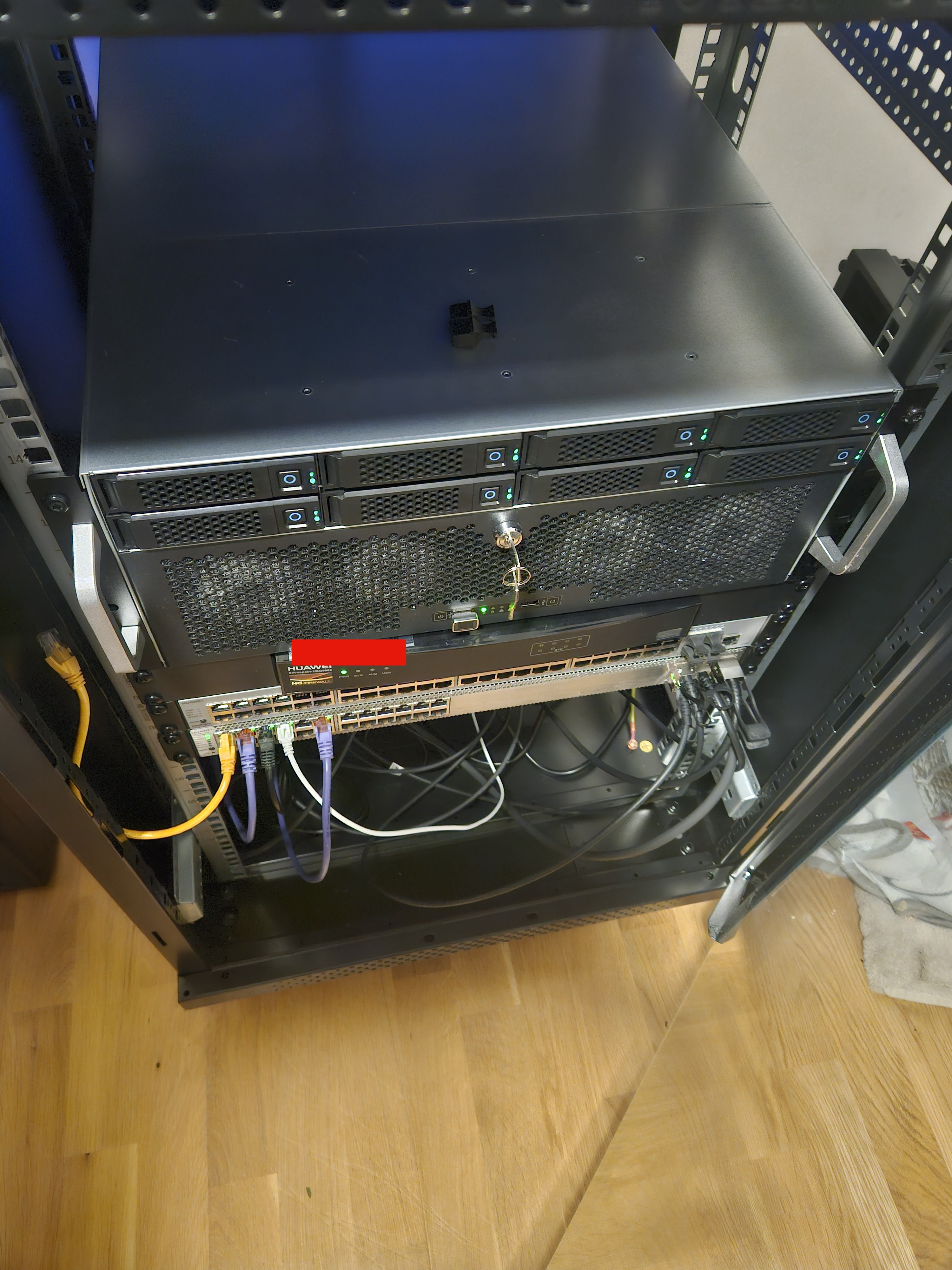
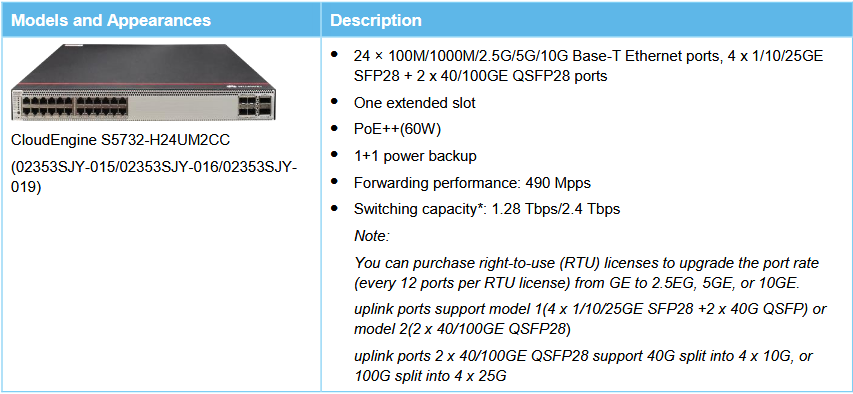
Current network speed 10 gbit via SFP+ from nas to router, 100 gbit from router to server and pc (QSFP+) - I was thinking about connecting the NAS with another 10gig SFP+ cable to the router for teaming/port trunking if that was possible. Router has 1.44 tbit throughput so it can handle the traffic just fine.
File sizes vary from audio files that are between 1MB and a few hundred MB per file, to ISO’s and RAW video files that max out at about 350 gigabytes per file. There are a few KB sized files too, typically text files dll’s and the like.
Well, enabling qtier was a mistake it seems.
I have two 1 TB NVME’s in raid 1
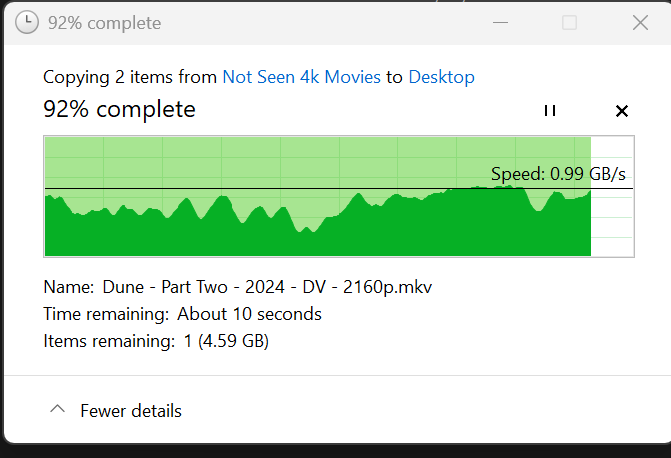
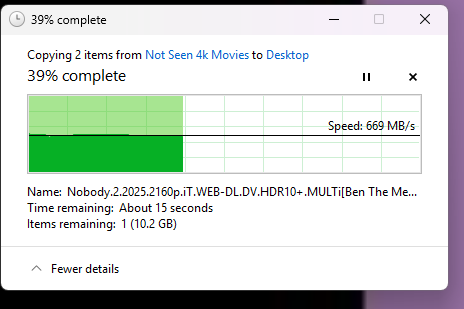
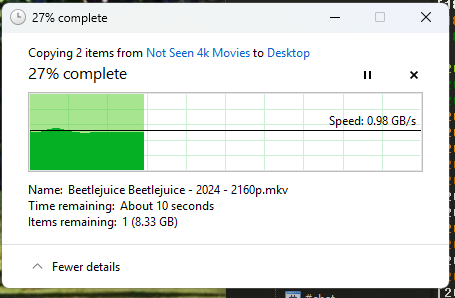
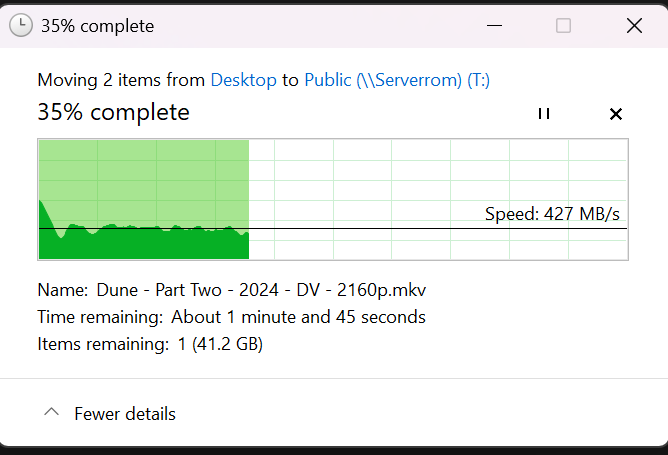
Max speed Transfering from the nas to the PC is about the same as before, though Speed jumps all over and is not rock solid like it used to be.:
Previously, it would be similar to the transfer speeds from the NAS.
I wonder if I am not seeing a speed improvement due to the PCI express link speed of the NVME card, or because the combined speed of the 8 drives I have in my Raid5 outperforms the NVME’s for some reason or other. The ssd’s are rated at 7000 MB/sec read and 5000 mb/sec write, they are gen 3 but should just run at the limited pci gen 2 capability of the NAS. But, in the nas, they seem to peak at 800 MB’sec, They report back as PCIe Gen.2x 4 (lanes) and that has a bandwith of 2000 MB’sec which is the speed I was somewhat expecting them to be at in the nas. But in stead, Transfering to the storage pool now, yelds speeds between 539 and 300 MB’sec vs a solid 700MB’sec - 0.98 GB’sec before depending on enabling NVME cache or not.
OK, so let’s just assume that the switching throughput of your network gear is not the issue.
I still think that the non cached performance that you see is pretty much in line what I would expect from this NAS. If you need/want substantially more performance you would need to get more bays (ultra 5/7/9 or Xeon/Ryzen or all flash EPYC NAS)