Two questions…
-
I know you can adjust fan speeds based on temperature but I’d like to be able to adjust the RPM speed. Possible?
-
How do I crack the fan module open to replace the 80mm fans with Noctua ones?
Two questions…
I know you can adjust fan speeds based on temperature but I’d like to be able to adjust the RPM speed. Possible?
How do I crack the fan module open to replace the 80mm fans with Noctua ones?
First, please make sure to post the correct model number. There’s no TVS-EC-1680U-SAS-RP. There is a TS-EC-1680U-SAS-RP which is what I assume you are asking about. 
QNAP’s search engine isn’t that great for “close” inquiries.
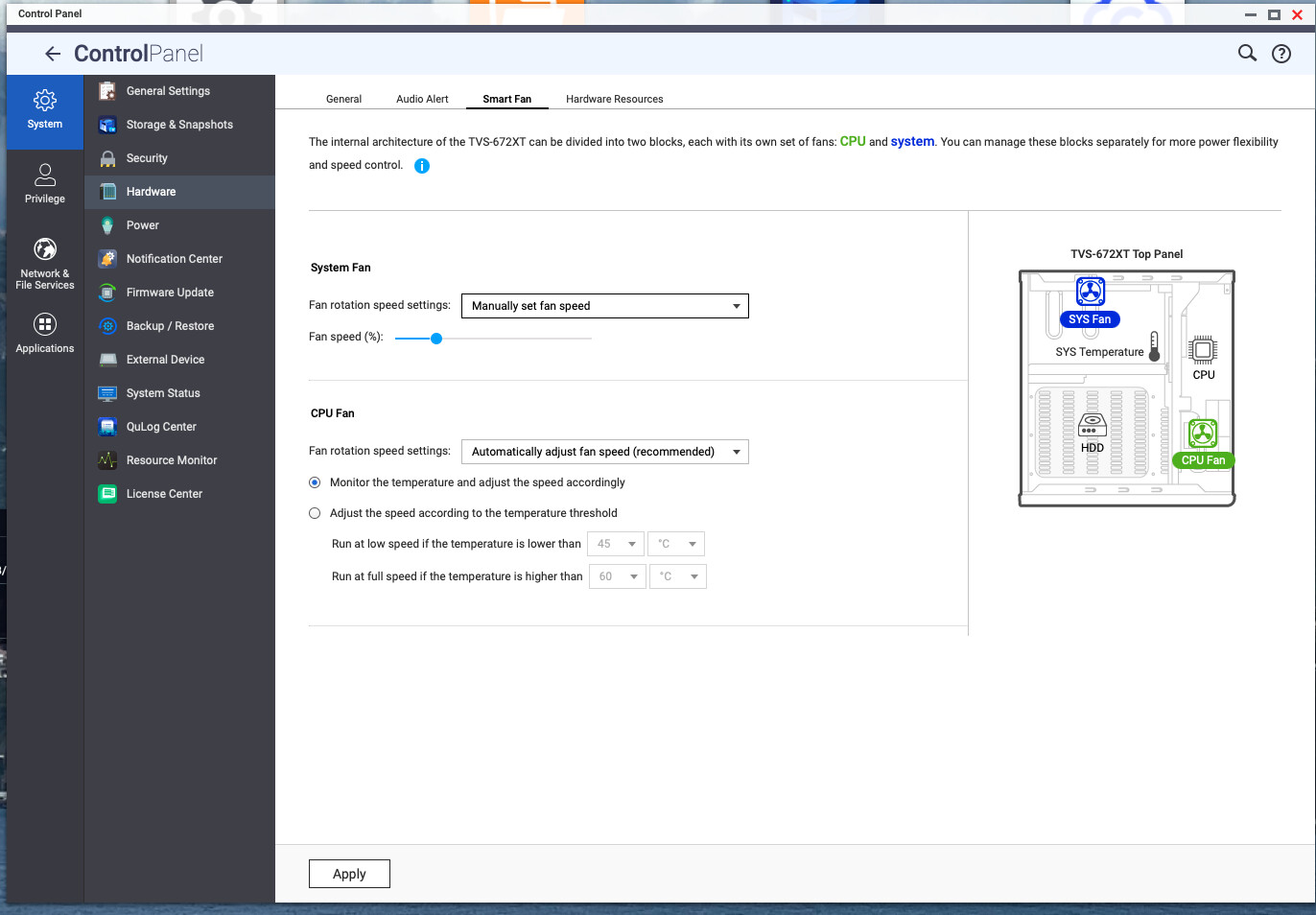
1.) Go into Control Panel - Hardware and select the Smart Fan tab. Change the fan speed from automatic setting to manual:
You can do the same for the CPU fan as well. This is on my TVS-672XT, so your system will have different settings or diagram but it should all be there.
2.) Download the repair manual here: https://eu1.qnap.com/TechnicalDocument/Storage/Repair%20Manual/nas-repair-manual-en-us.pdf
You can always find items in the download center for your NAS on the QNAP website.
I’m sure the repair manual shows you how to access the fans.
Thanks for the reply! I think it’s an older model.
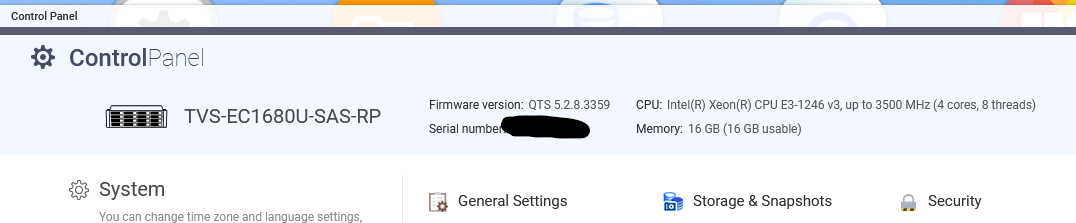
Here’s the unit I got:
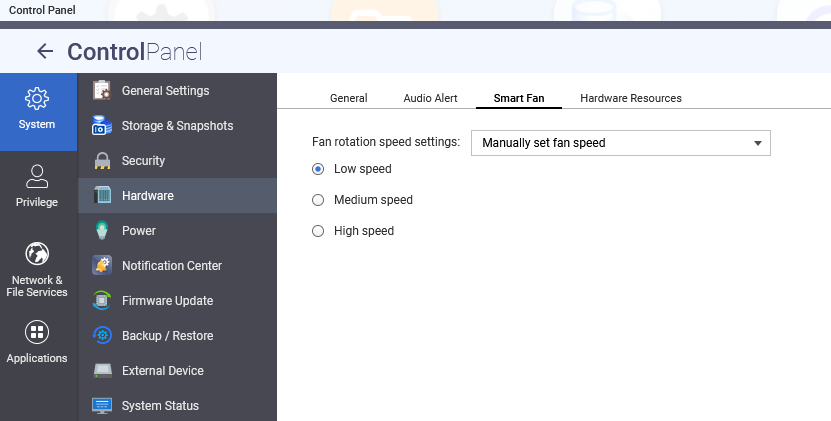
I don’t have an option to adjust the fan speed based on RPM. Even setting the fan speed to ‘low’, all 4 fans in the fan module spin at 4300’ish RPM. I can’t drop it below 35C either.
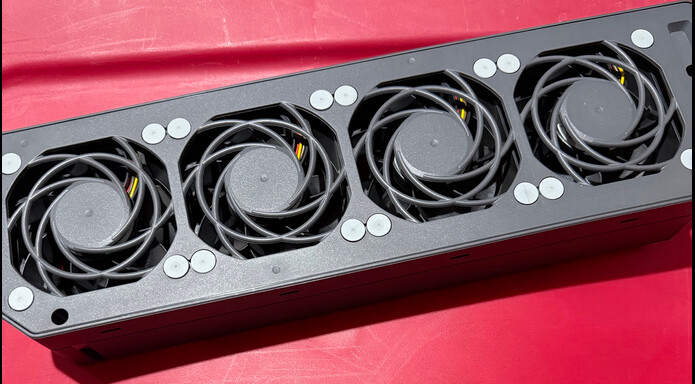
And here’s a picture of my fan module:
I couldn’t find my exact unit in the PDF you linked.
Aha! I see why I couldn’t find it. Your message title had TVS-EC-1680U-SAS-RP and the part number is TVS-EC1680U-SAS-RP.
Try this hardware manual:
That’s probably better…
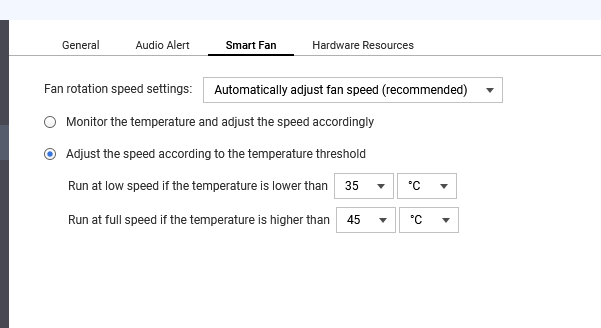
Looks like you just have a couple options in settings. Manual adjustment is low, medium or high. Or you adjust based on temperature.
Do you have an issue with the way the unit is set up?
The fans aren’t SUPER loud but I’d just like to quiet them down a tiny bit more. The QNAP is being used in my house and doesn’t have any heavy loads…. it’s just acting as a simple file server. I was able to figure out how to open the fan module. 
The San Ace fans are indeed normal 80mm fans and are 1.5 inches thick. Since the Noctua’s I’m looking at aren’t as thick, I’ll probably mount them on the side of the fan module closet to the motherboard as to minimize air turbulence.
Well, you are fortunate they aren’t crazy loud. Most rack mount stuff I have seen has ridiculously loud and high airflow fans. Because of less air space in the housing, they push more air through with the fans.
That’s a pretty high end unit for sitting in your house!
Although it’s amazing how CPU capabilities have increased since that unit was released.