The QNAP purchasing process is really sluggish—so hard to use that it makes me wonder if QNAP is even serious about wanting my money.
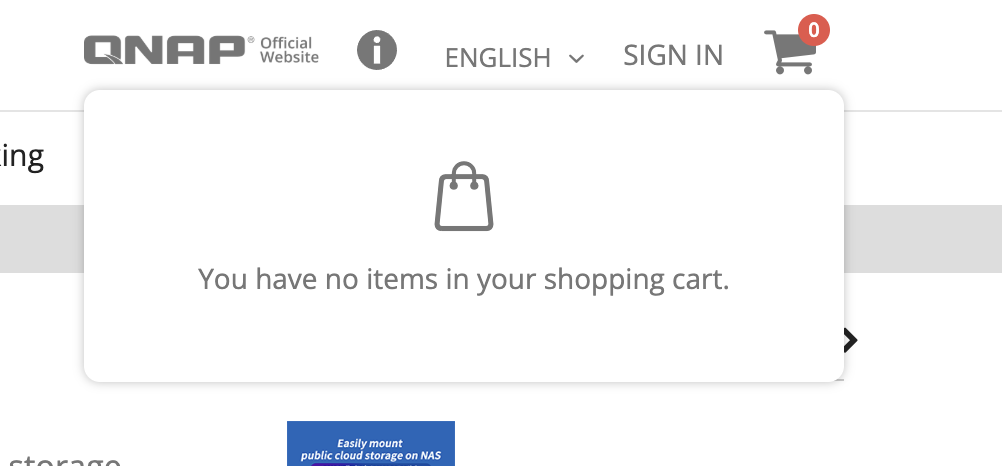
First, after I jumped from MyQNAPcloud to the Software Store to buy cloud storage, I found that clicking “Add to cart” did nothing. The cart was empty, and only then did I notice the “Sign in” button on the side.
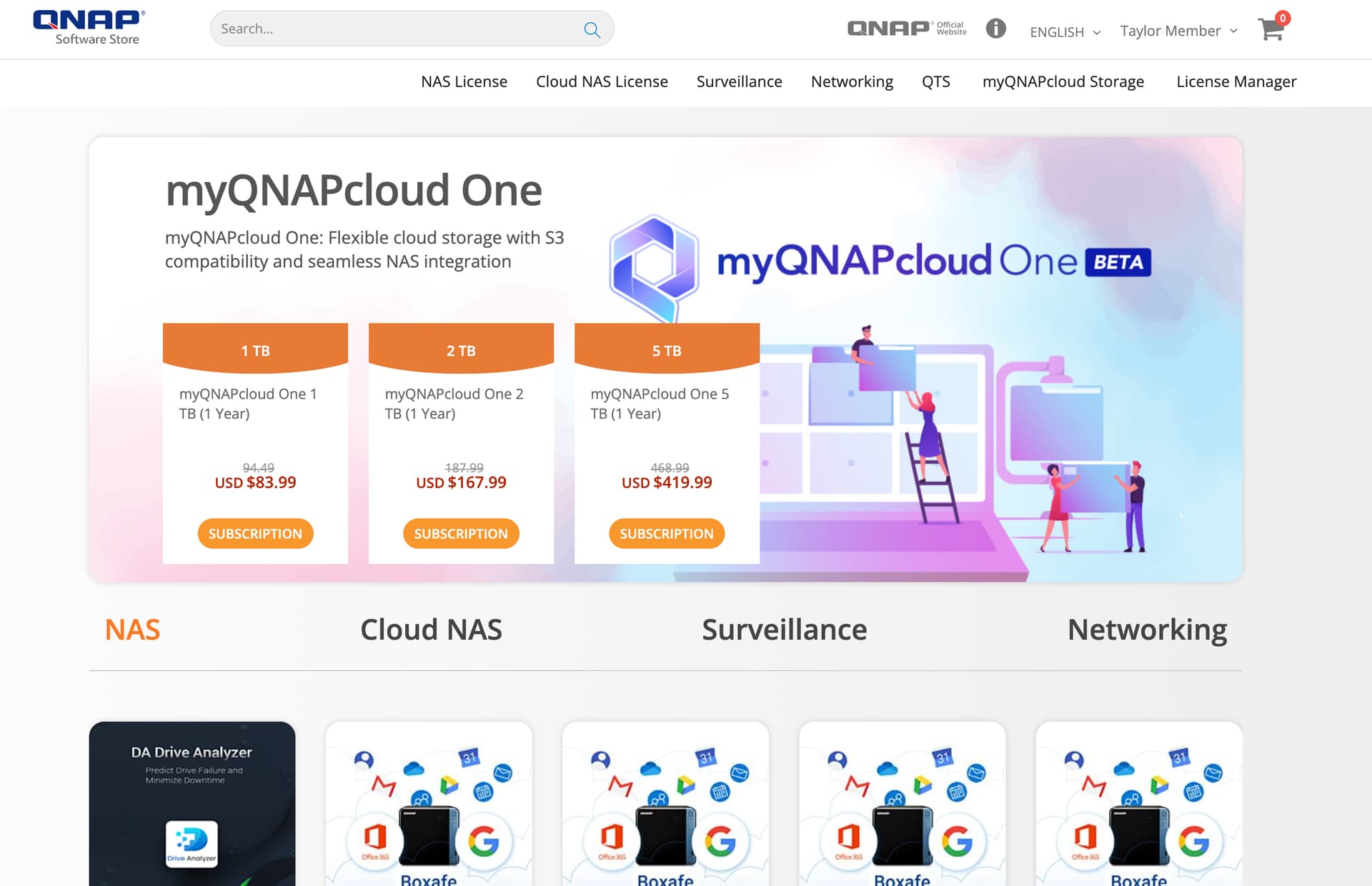
At this point, I thought, so the store login isn’t linked with other QNAP services and I have to log in again. Fine, I’ll log in. But after clicking, it immediately showed me as logged in—no need to enter my credentials… So actually, it is linked with other logins, right? Then why do I still have to manually click the login button?
Whatever, after logging in, I was redirected to the homepage and had to search for the purchase page all over again…
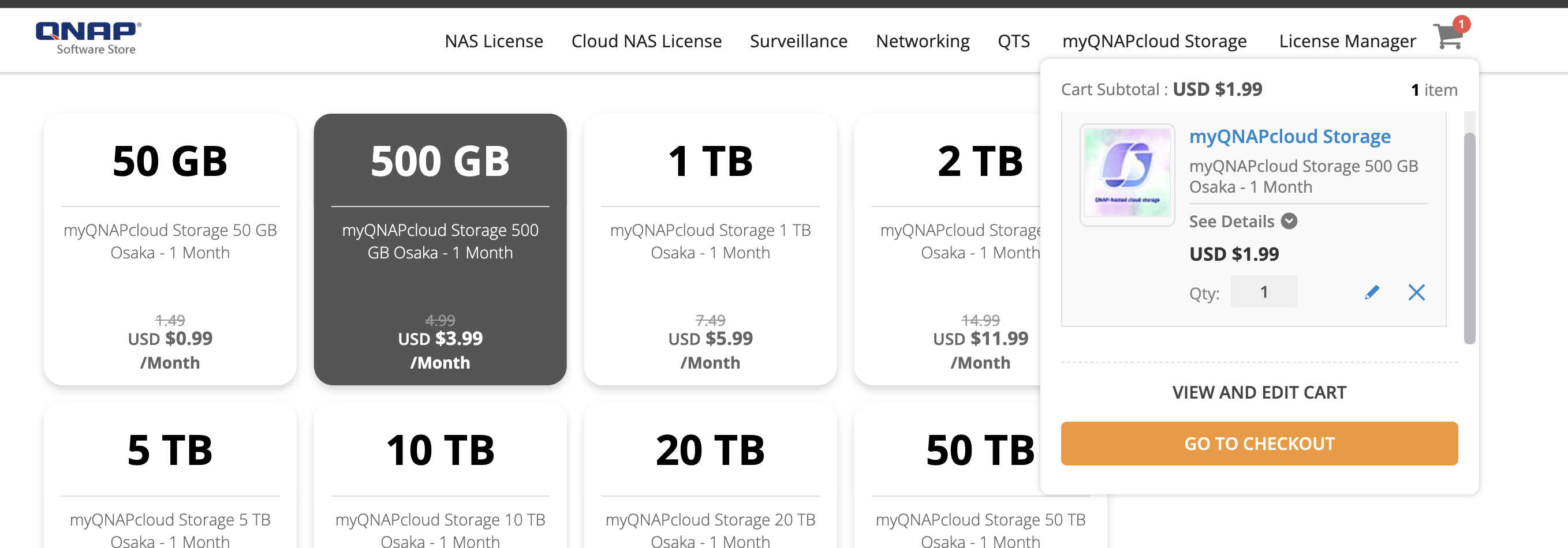
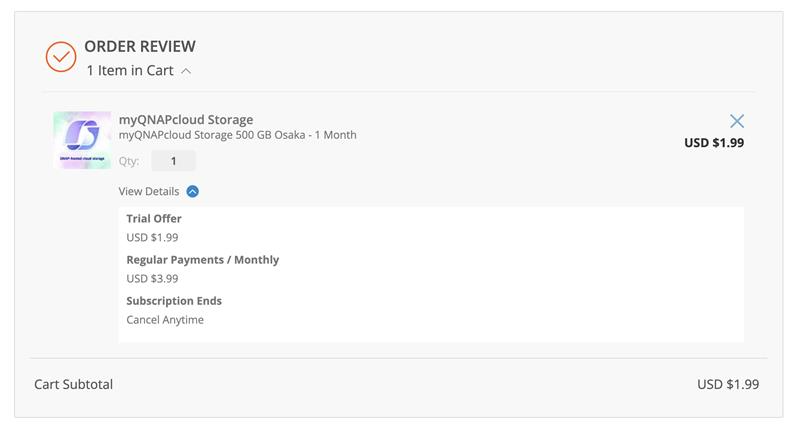
Finally, I got back and could add to the cart, but then I noticed the price in the cart was different from the product page?! So what’s the actual price??
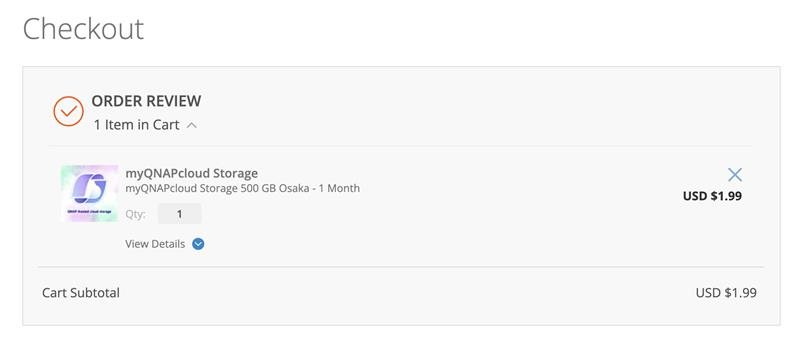
Then on the checkout page, I found out that the explanation was hidden in “view details,” but it’s way too inconspicuous… And why doesn’t it say how long the trial offer lasts?
Thank you for your valuable feedback and suggestions!
We greatly value every user’s opinion. In response to the issues you mentioned, our team has optimized the purchase process to make the discount amount and operational prompts clearer and smoother:
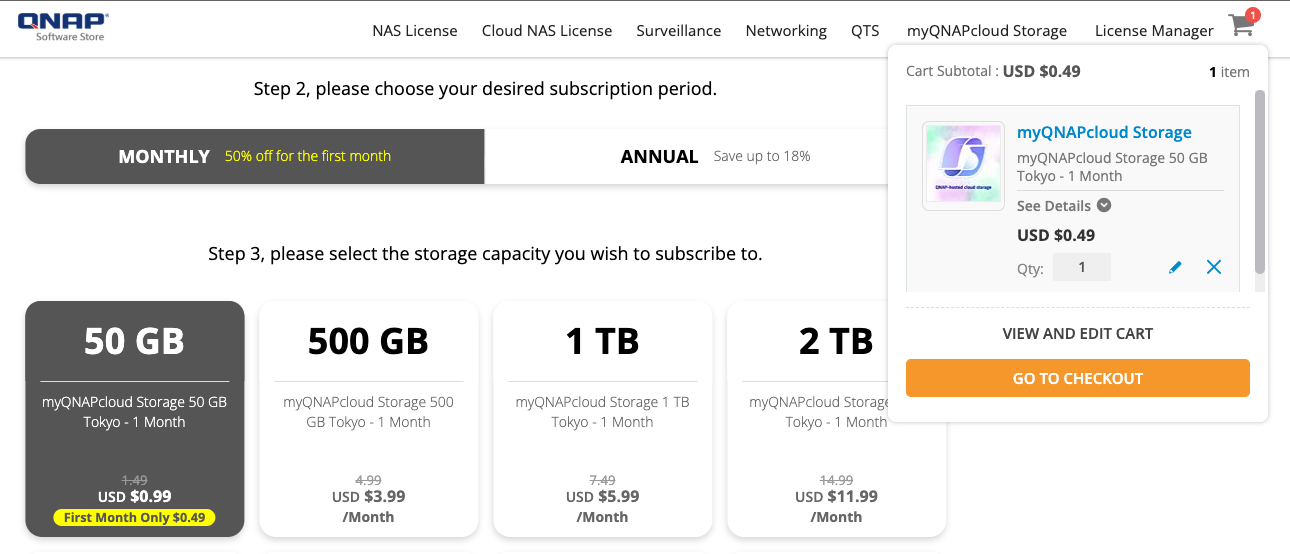
Price Display Optimization: The first month’s discount amount will be displayed prominently to avoid confusion.
Shopping Reminder Prompts: Improved the prompt content when adding items to the shopping cart to enhance the overall experience.
Login Process Optimization: Adjusted login and redirection behaviors to ensure more consistent login status across different services.
Below is a preview of the new interface (Screen for reference only; actual prices and discounts are subject to the official website)
Icon Description: In the new interface, the “First Month Only $0.49” label is clearer and the final amount is reflected in the shopping cart, helping users quickly understand the discount details.
The update has been scheduled for deployment and is expected to go live within 1–2 days.
Thank you again for your valuable feedback, which helps us continuously improve our service quality.
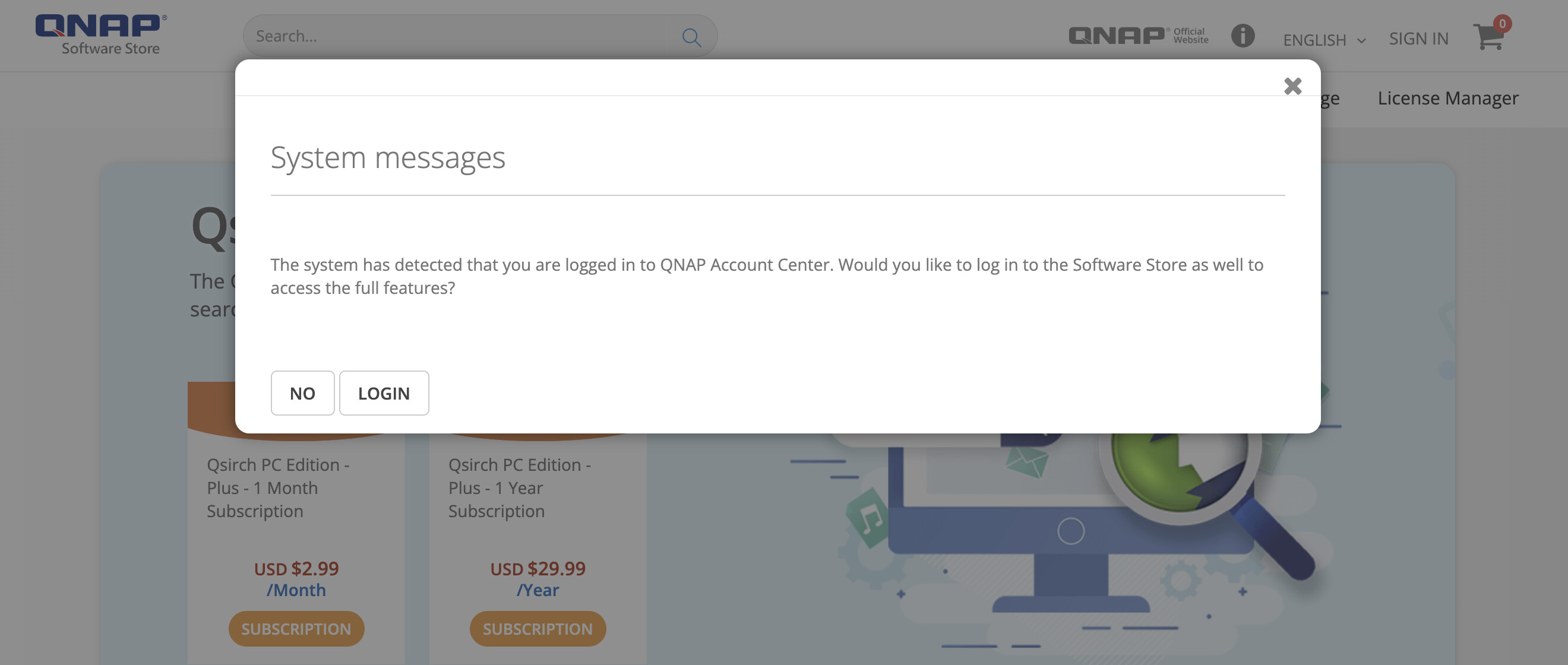
I noticed the update, but I have one more small suggestion. This login prompt feels a bit unnecessary to me; it would be better if you could just log me in directly.
When I open the store and see such a big System Message pop up, I think it’s some kind of system maintenance notice or that the website is down, but it just tells me I can log in.
However, QNAP responded very quickly this time, which surprised me. Thanks for the prompt handling.
We have adjusted the system to “automatic login” mode to avoid pop-up windows affecting the user experience.
Thank you very much for your valuable feedback. We will continue to optimize and improve our service quality.