StorageDiag Utilities (SDU)
Stop guessing. Start knowing. The ultimate diagnostic toolkit for your NAS.
WARNING… This toolkit will permanently alter how you view your storage. Side effects include ending the blame loop between network and disks, discovering what your NAS actually does at 3 AM, and an uncomfortable realization that you’ve been flying blind for years.
Meet StorageDiag Utilities (SDU) — six professional-grade workbenches packed into a single, native QPKG. No cloud, no Python bloat, no telemetry. From live performance monitoring to historical flight recording, deep memory testing, real CPU benchmarking, and packet-level network analysis. If your QNAP QTS or QuTS hero system has a problem, SDU will find it.
Pulse: The Cockpit You Deserve
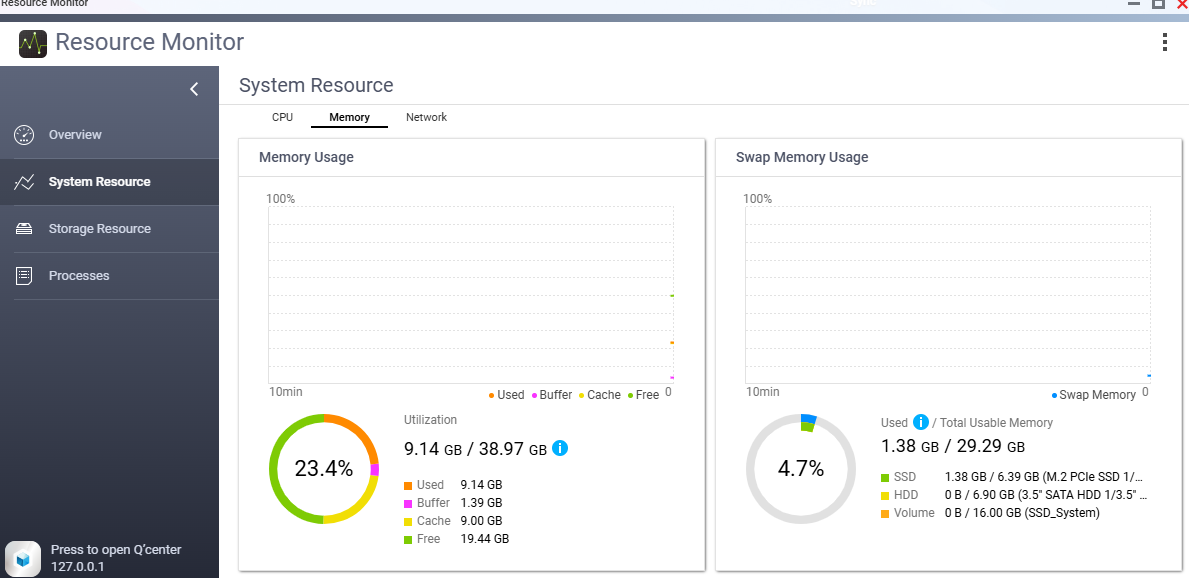
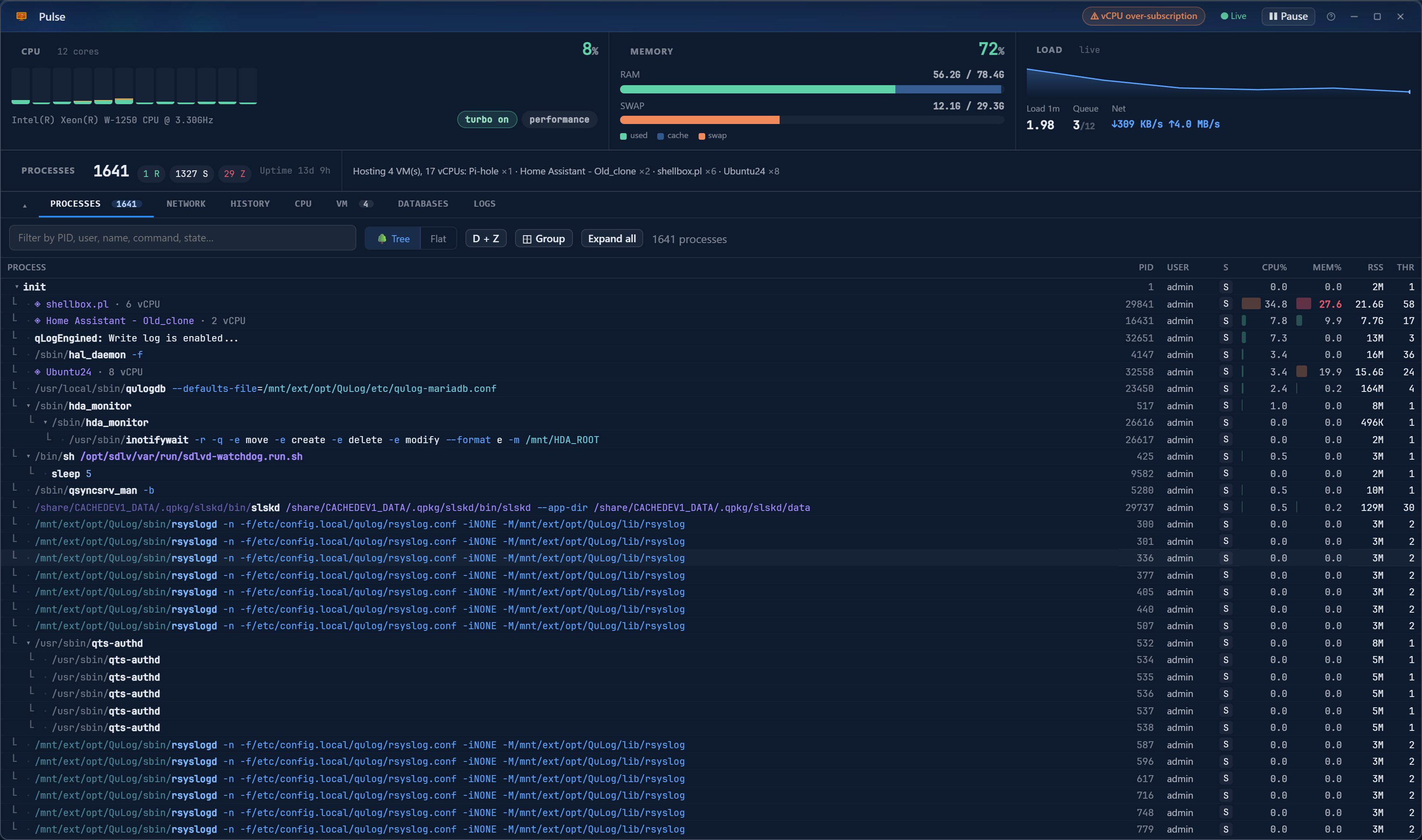
1641 processes. One screen. Pulse replaces top, htop, iotop, and netstat. See every core, every queue, every stuck thread, and every VM.Sockets, subnets, and exactly who is connected to what. It reads /proc directly without adding load.
BlackBox: The Flight Recorder
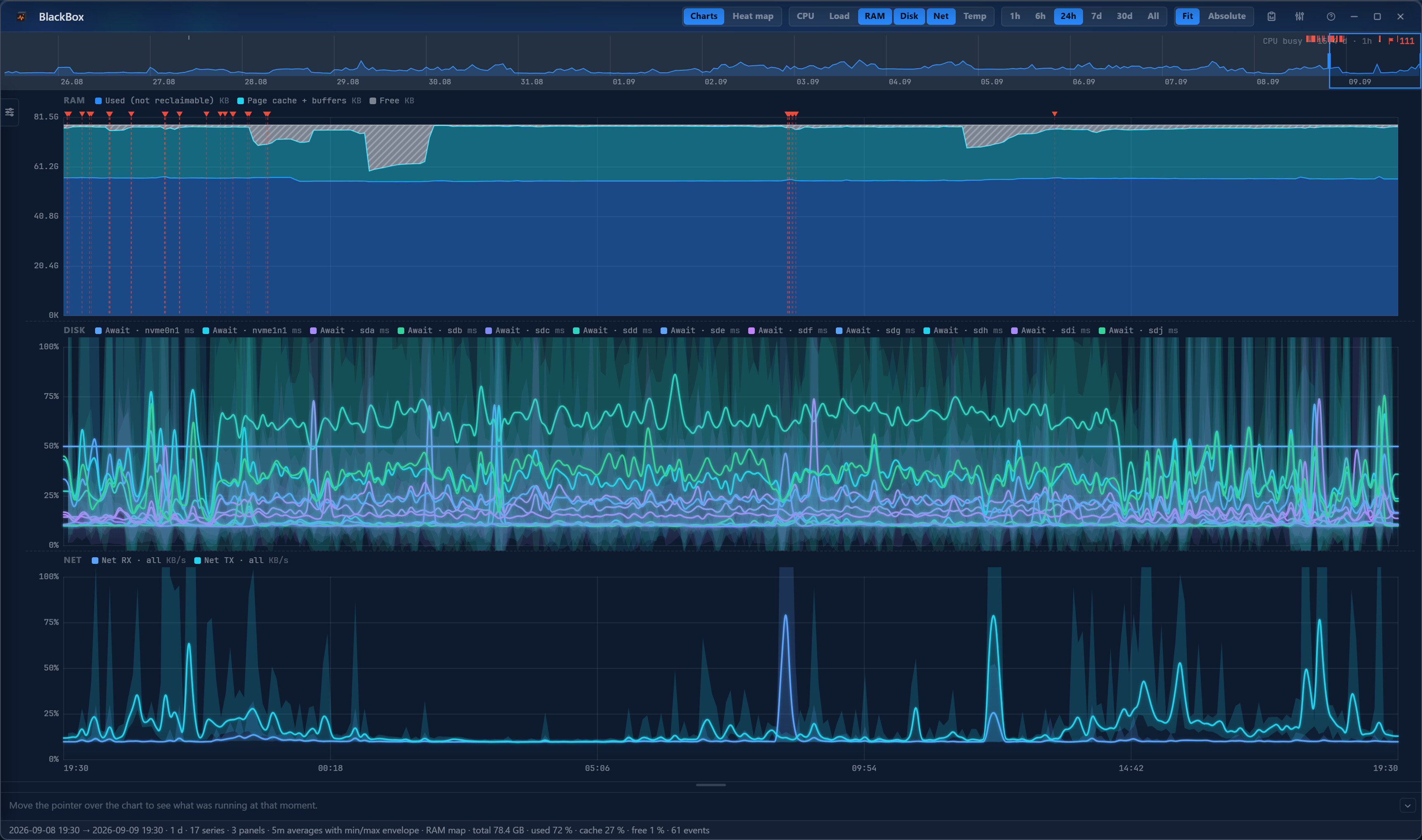
CAUTION… BlackBox remembers everything for a year. Prepare to win arguments about exactly when the slowdown happened last Tuesday.
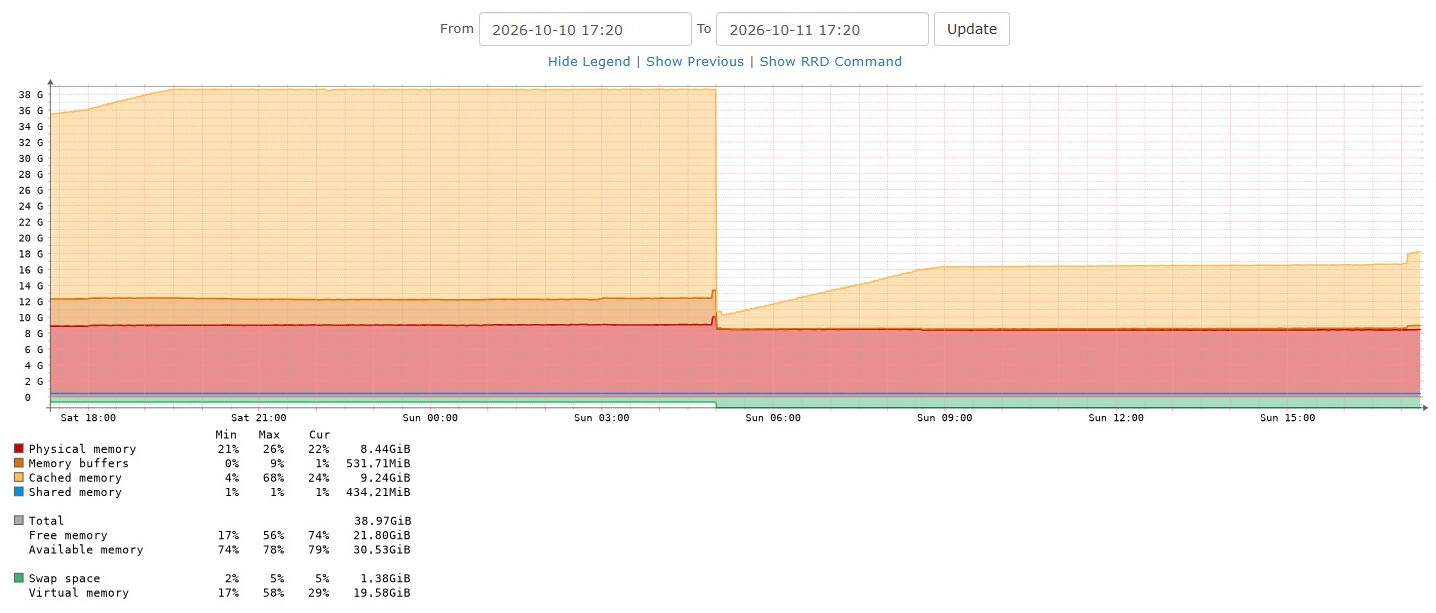
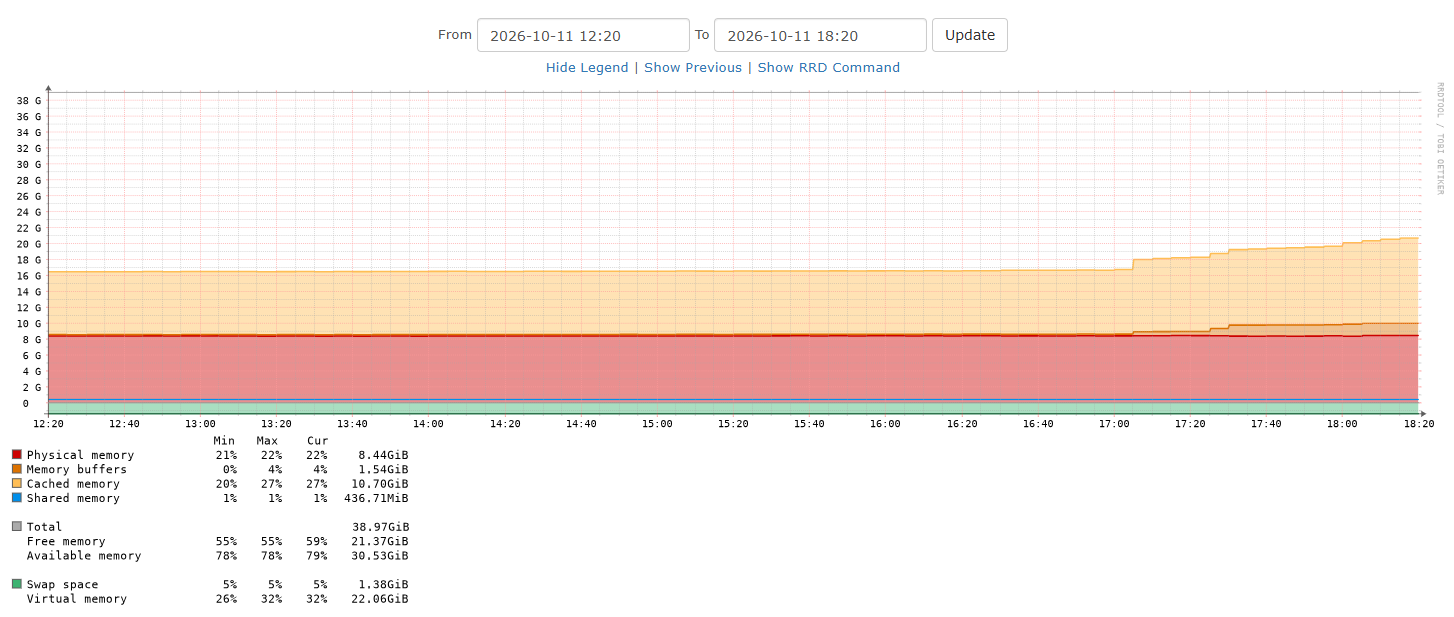
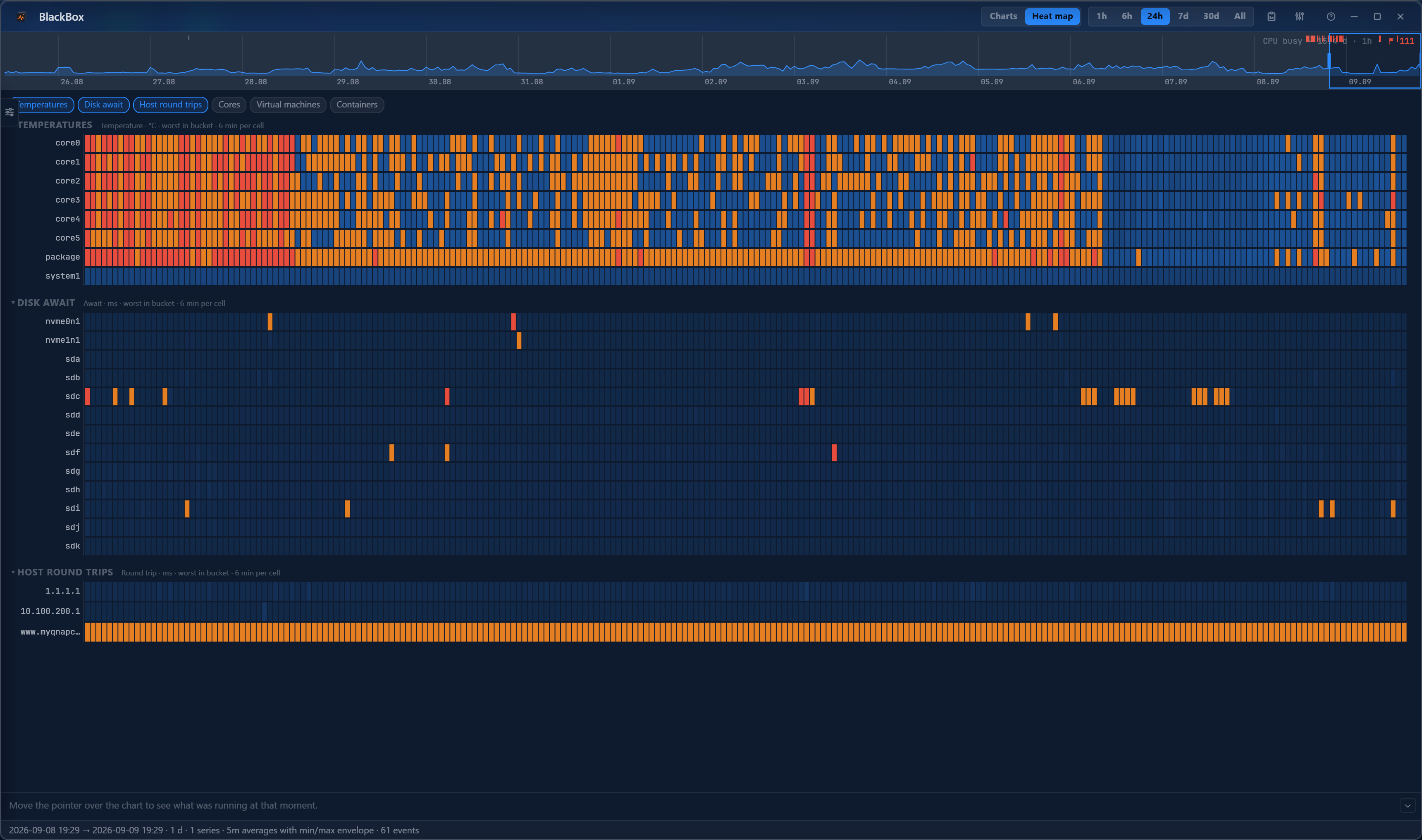
“Was it like this before?” Now you know. BlackBox continuously samples CPU, Load, RAM, Disk, Net, and Temp, keeping the data for a year. It tracks the worst values, not just averages, so a two-minute spike three months ago won’t hide from you.
DriveTime: Watch Disks Die, Before They Do
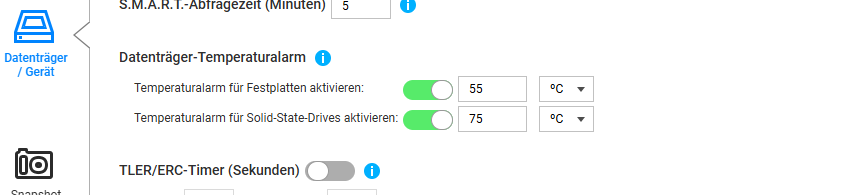
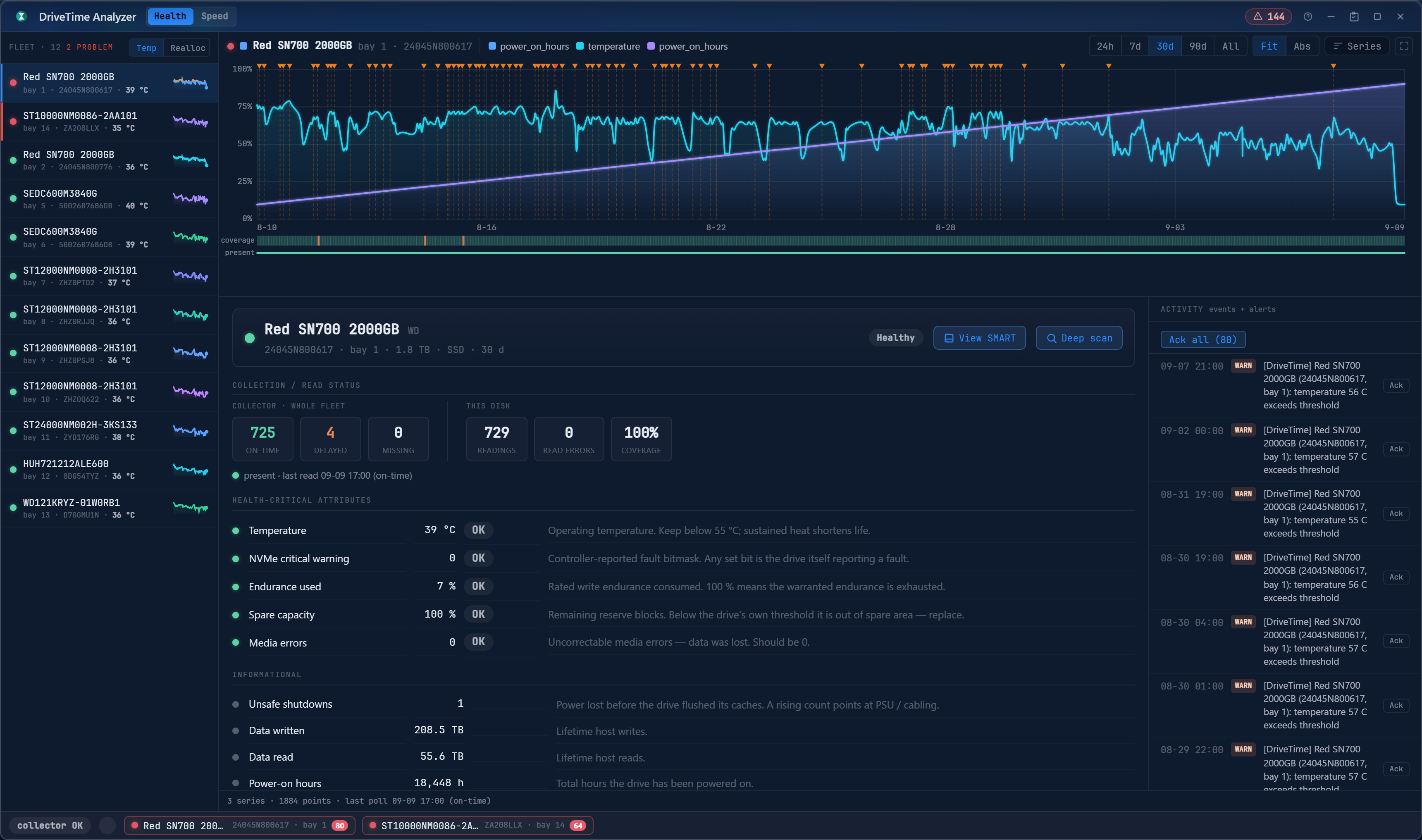
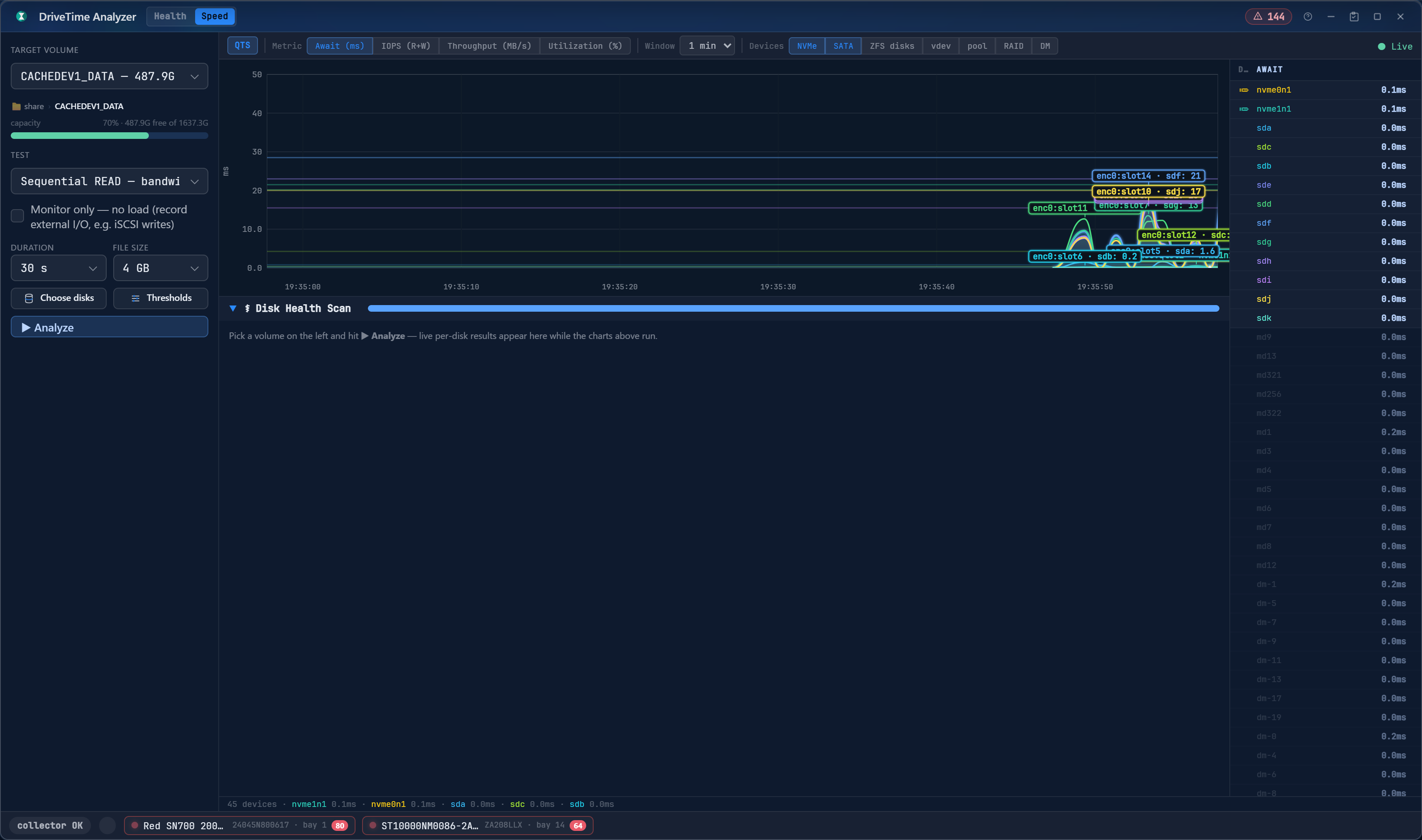
SMART saying “PASSED” means nothing. DriveTime turns attributes into time series. Watch temperatures creep and sectors reallocate weeks before failure. Use the Speed module to see live per-device latency to find out exactly which drive is dragging your array down.
NetScope: “The Network is Fine.” Prove It.
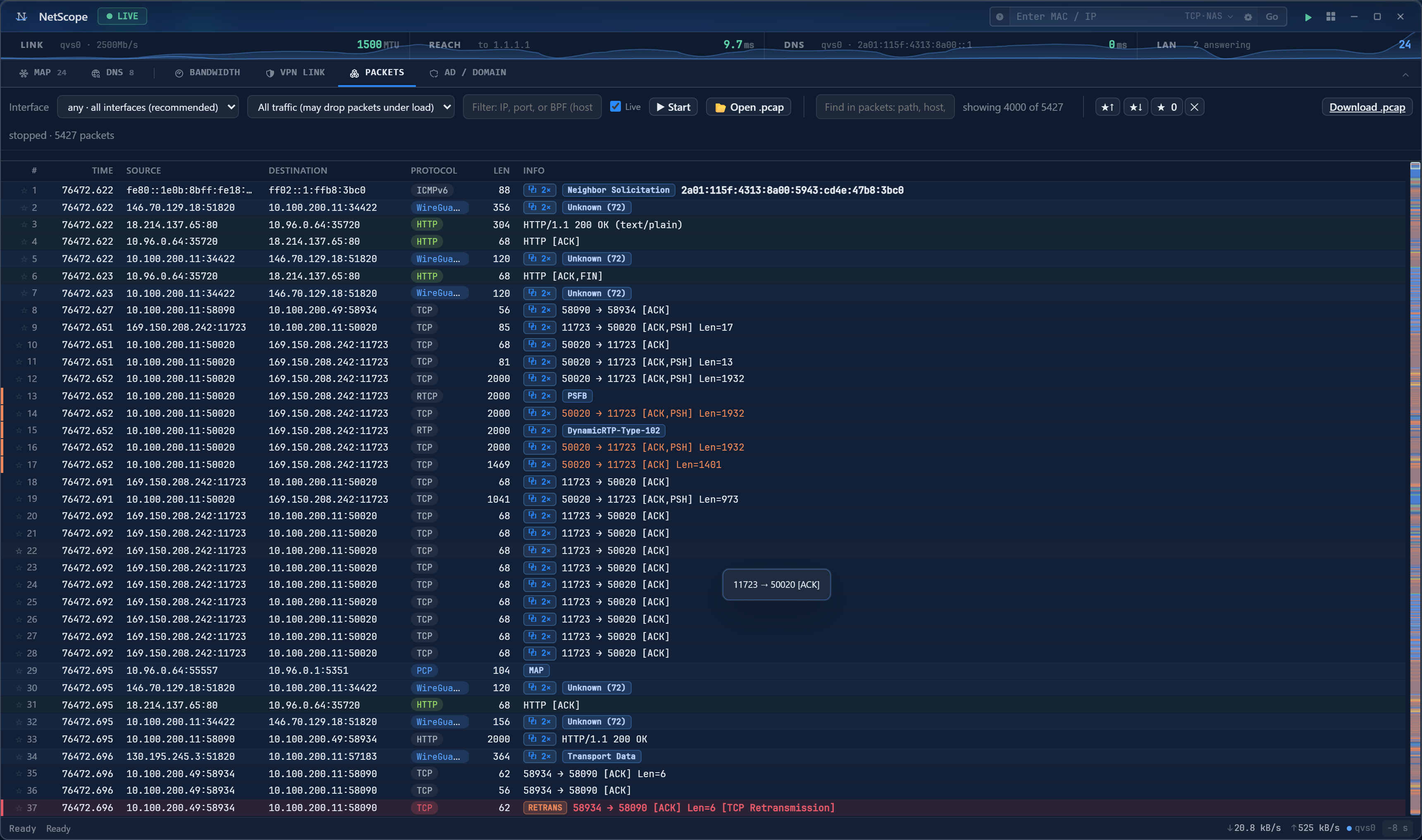
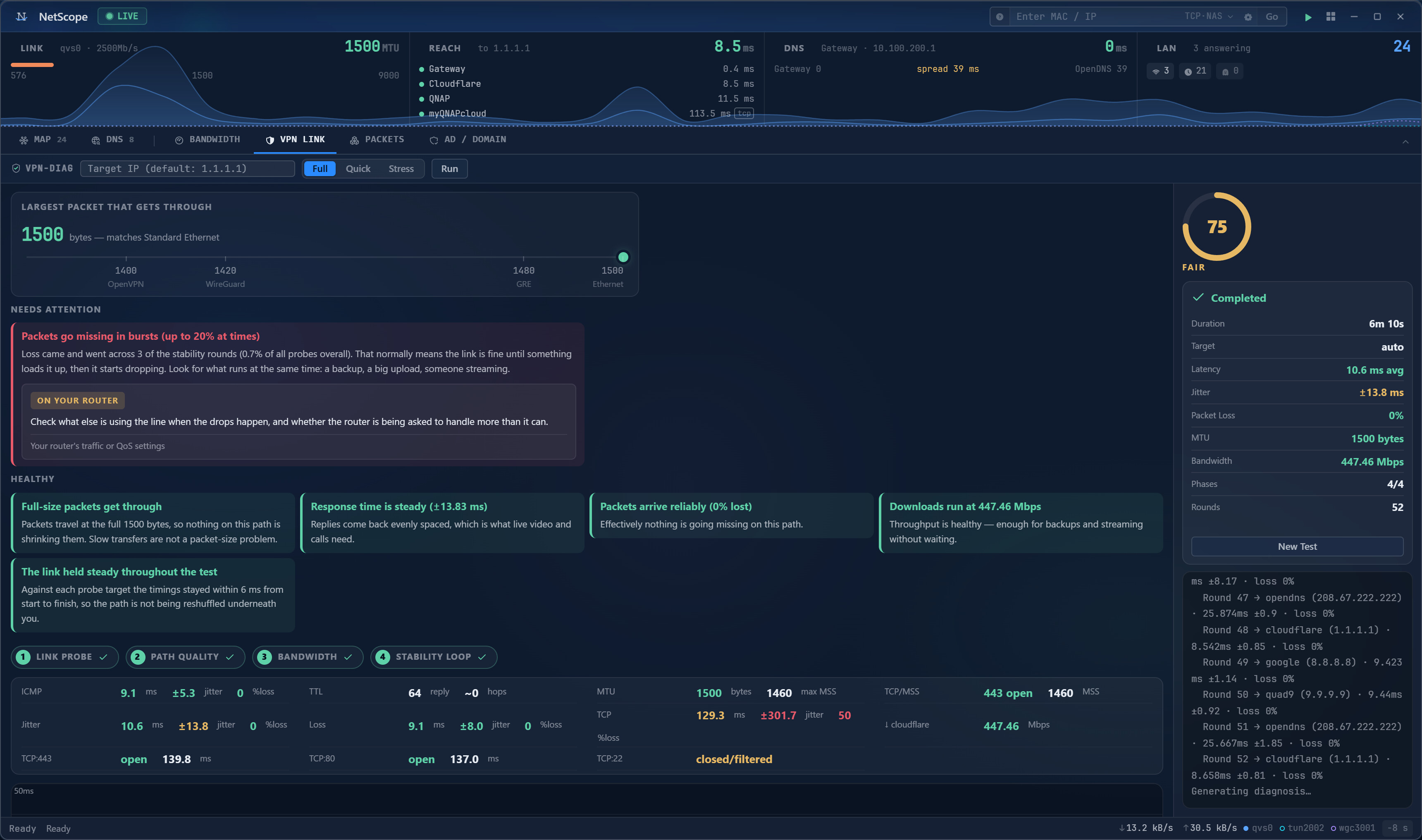
Is it the NAS, the switch, or the PC? NetScope gives you the link, path, throughput, and packets in one window. Map your segment, check DNS latency, test VPN drops, or run a full packet capture with Wireshark-style dissection right in the browser.
cpuhound: Honest Benchmarks, Finally
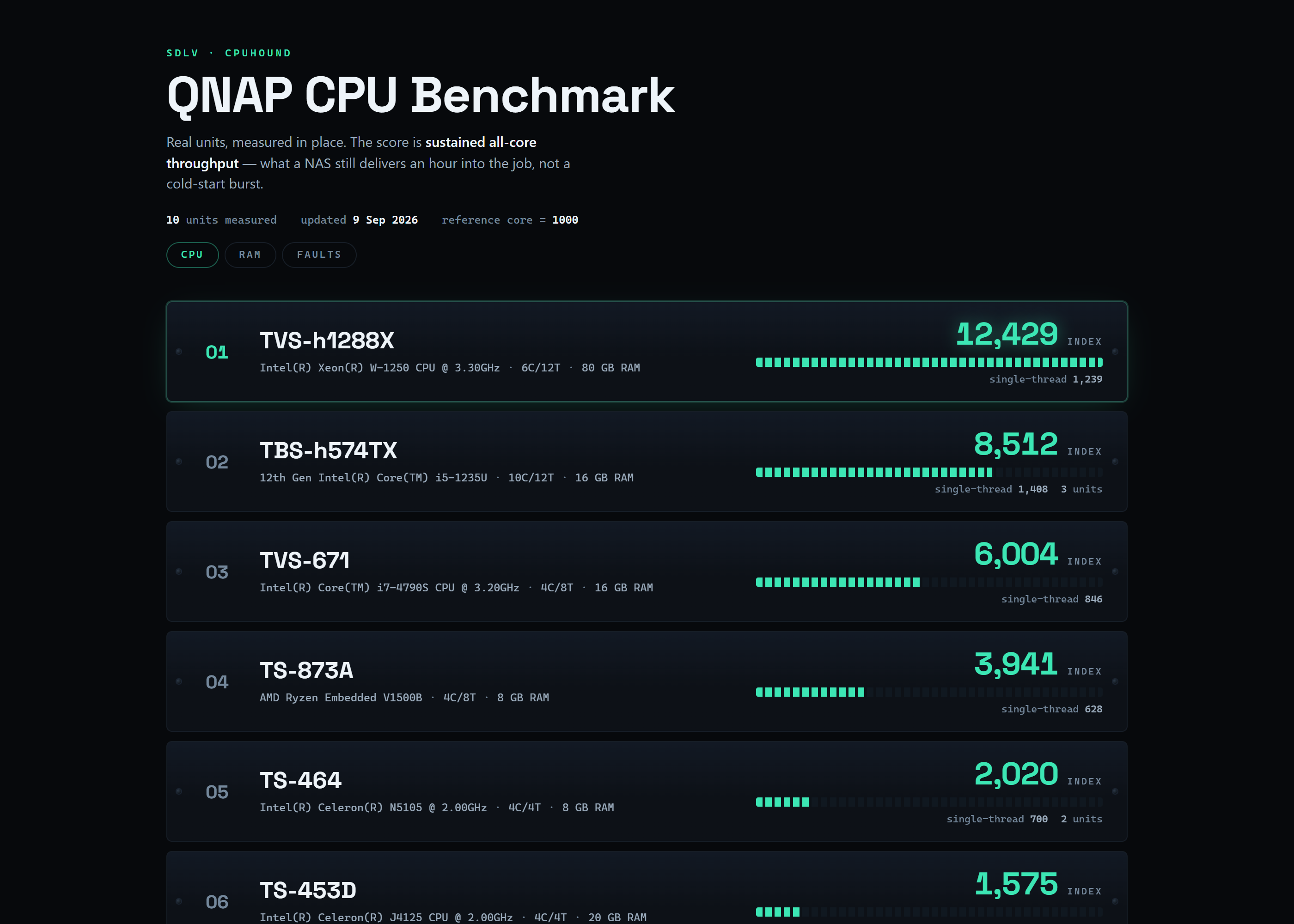
cpuhound runs until the score settles, not when the clock stops. It measures single-thread vs. all-core, identifies instructions sets actually used (like SHA-NI), and tells you if the CPU throttled due to heat. Compare your score on the public board.
memhound: No More False Positives
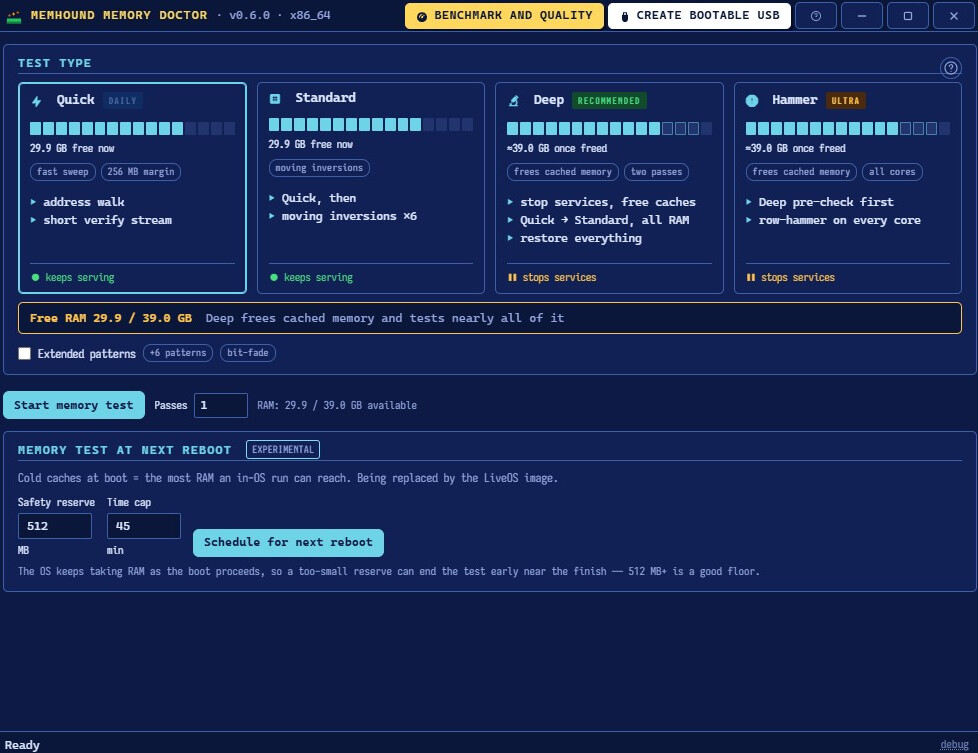
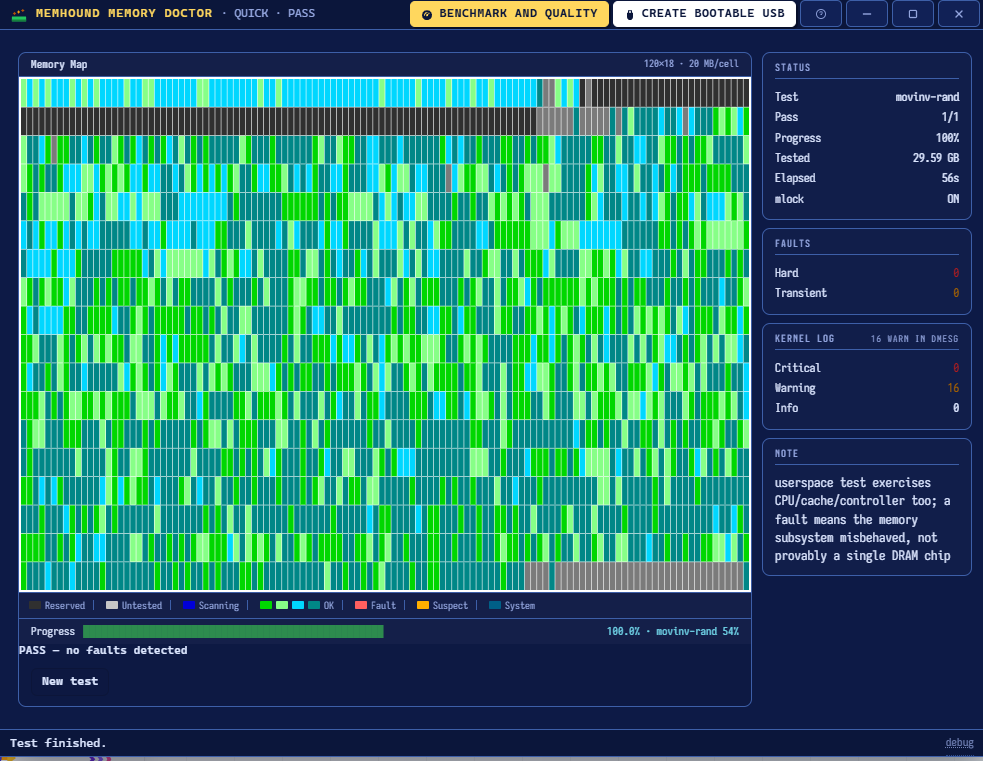
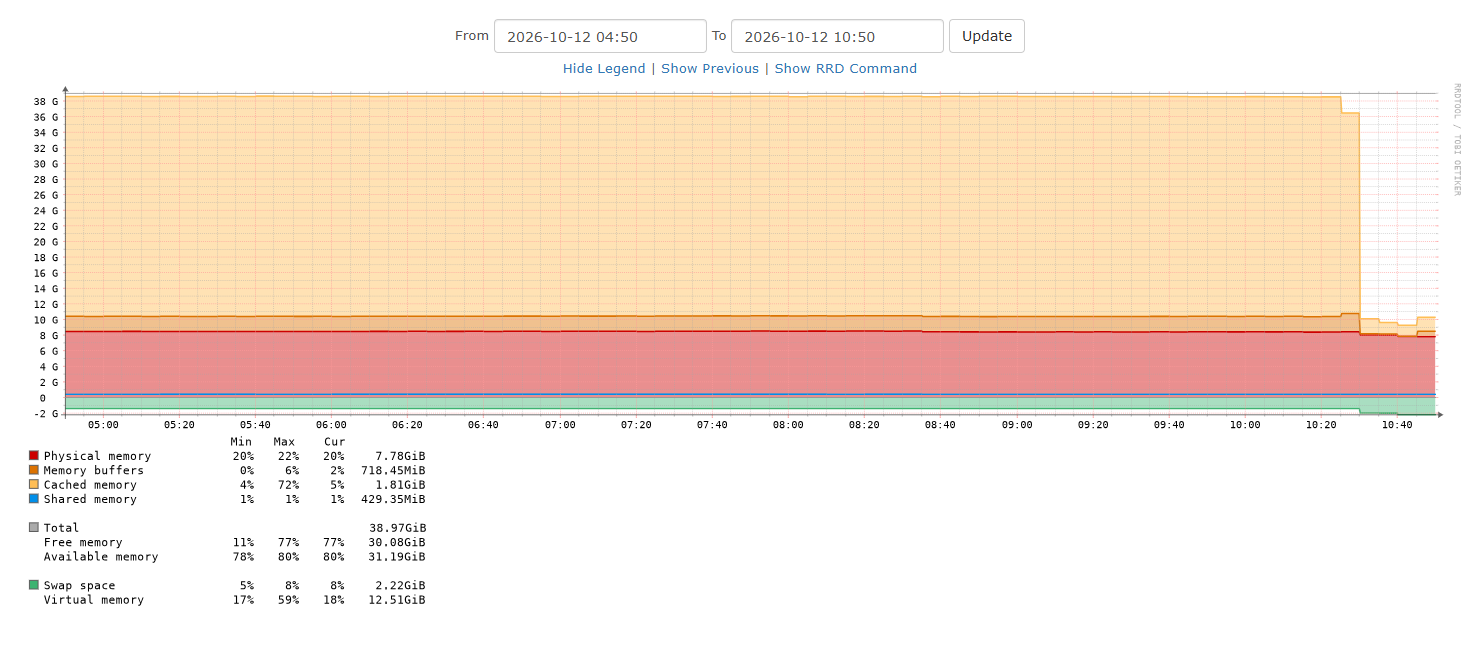
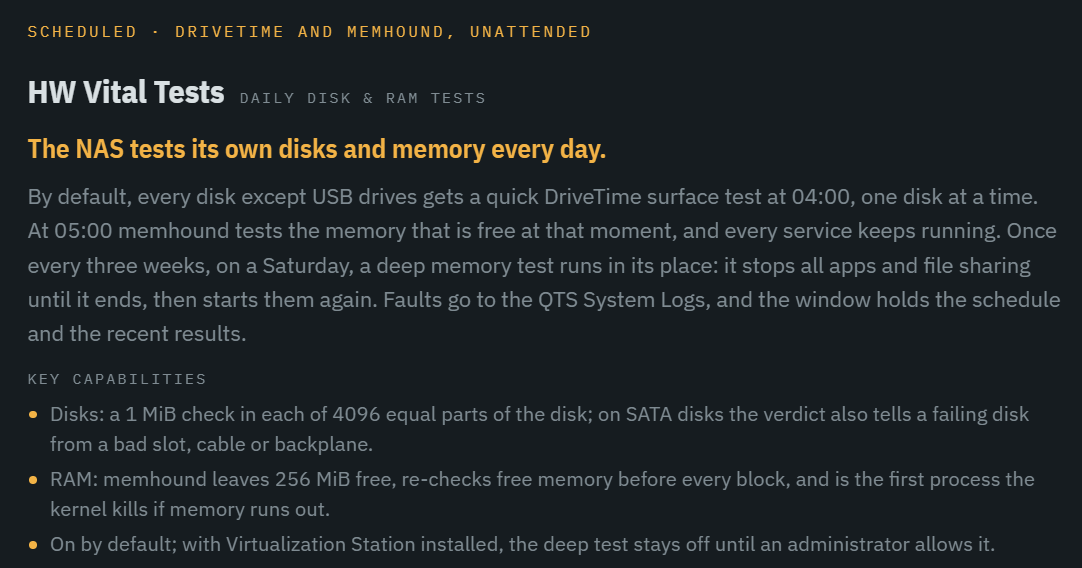
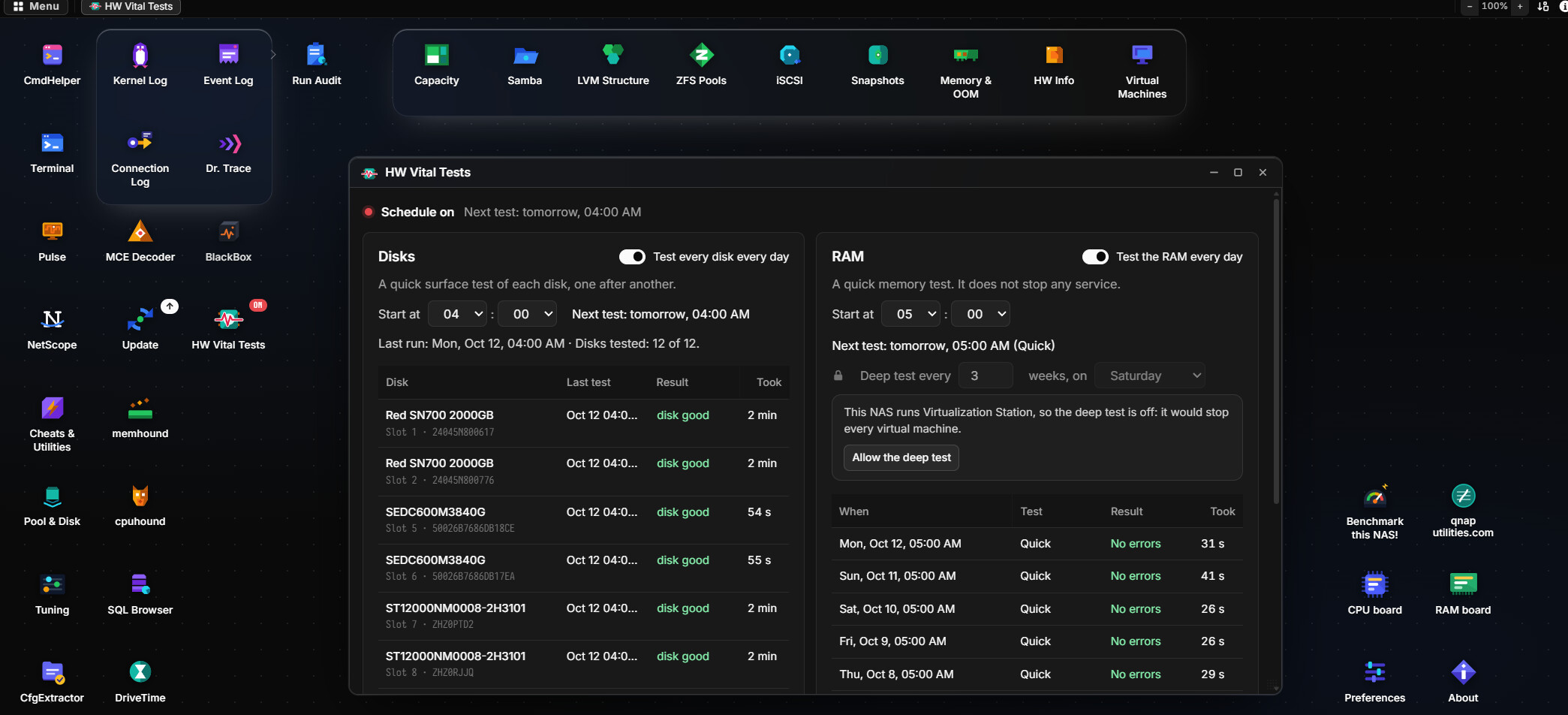
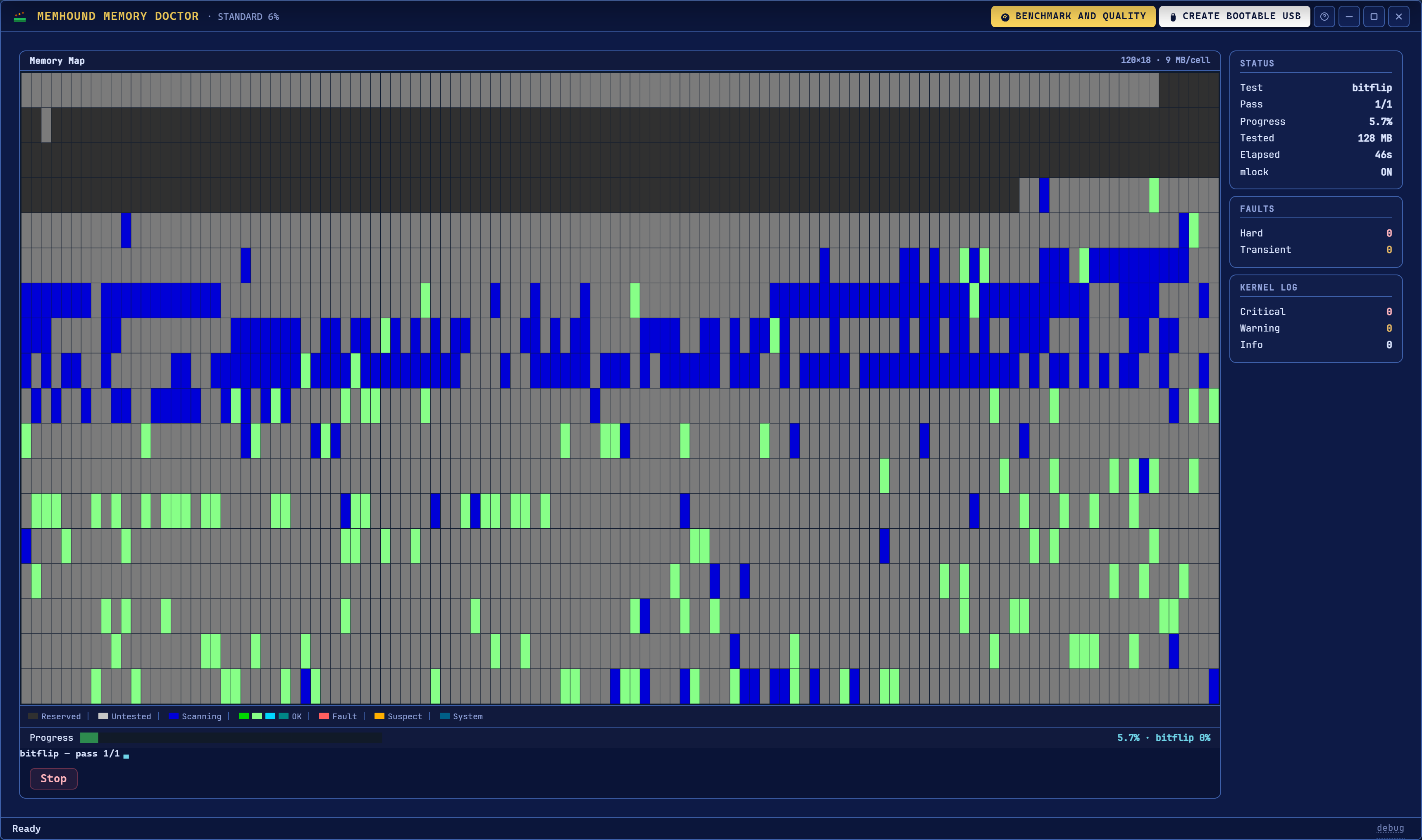
Run memtest86-style patterns live, without taking the NAS offline (for Quick/Standard tiers). Watch the memory map sweep in real-time. If memhound flags a fault, it’s real.
What’s Under the Hood
- Six Tools, One QPKG: Pulse, BlackBox, DriveTime, NetScope, cpuhound, and memhound.
- Native & Statically Built: C daemons for x86_64, aarch64, and armhf. No dependencies, no Python bloat.
- Zero Telemetry: Your data stays on your NAS.
- Safe Execution: Unprivileged web panel; actions handled by an allowlisted root daemon.
System Requirements
- Firmware: QNAP QTS or QuTS hero 5.2 and newer
- Architecture: x86_64 · ARMv8 (aarch64) · ARMv7 (armhf)
- Access: Admin-gated. Web panel through QTS proxy or local port.
Get It Now
CAUTION… *Install it now, on a healthy machine. A flight recorder is worthless the day you install it, and priceless a month later.