Qsync for Mac 6.0 Beta — open for community testing
We’re opening up the Qsync for Mac 6.0 Beta to community testers. This release is a significant rebuild — new backup capability, a redesigned task interface, and a Universal Binary that runs natively on Apple Silicon without Rosetta 2.
Backup and restore: You can now back up files from your Mac directly to your NAS and restore them at any time — separate from your existing sync tasks.
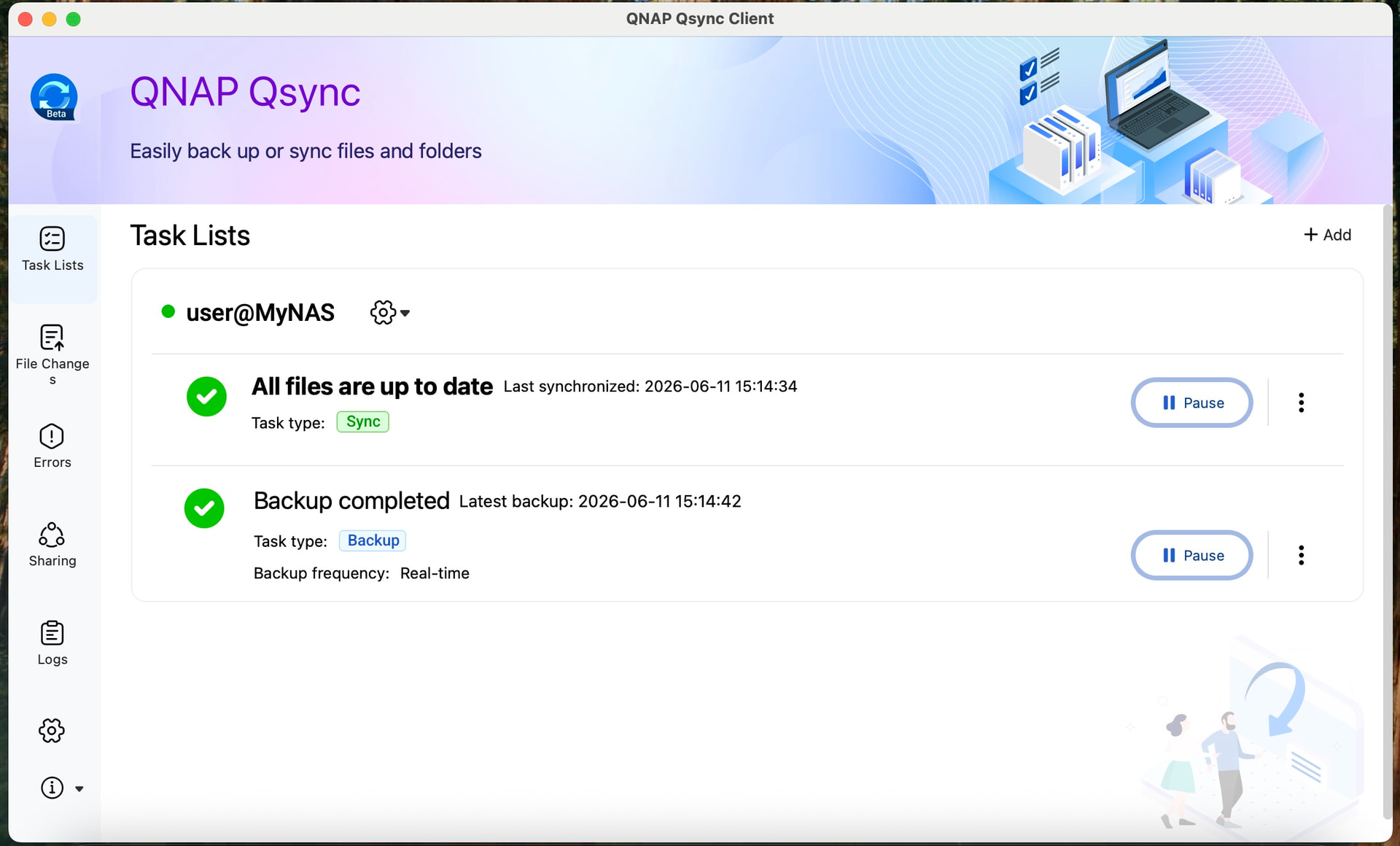
Redesigned task interface: A new Task Lists page gives you a single place to monitor and manage all your sync and backup jobs. Sync and Backup tasks are clearly labeled so you always know what’s running.
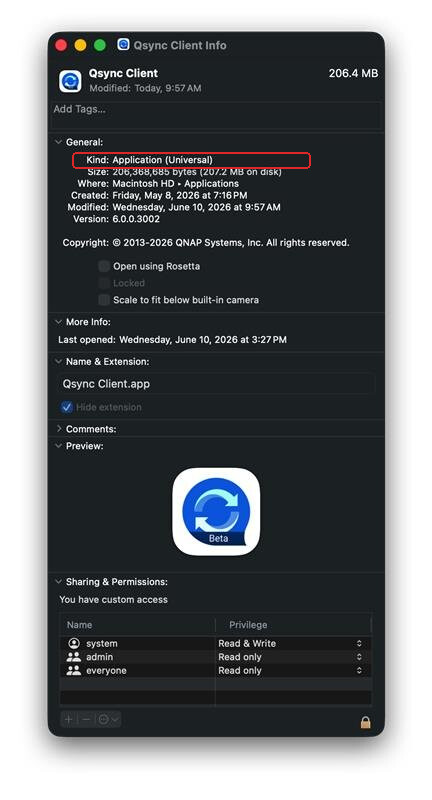
Native Apple Silicon support: The 6.0 installer is a Universal Binary. It runs natively on both Apple Silicon and Intel Macs — no Rosetta 2 translation layer needed.
NAS firmware: QTS / QuTS hero / QuTScloud 5.2.x or later
Qsync Central: 5.0.0.0 or later (via App Center)
Before you install
Back up your existing data first. If you’re currently using Qsync Central and Qsync Client for PC backup, make a second copy of that backup data before upgrading. Beta software can behave unexpectedly, and we want you to be covered.
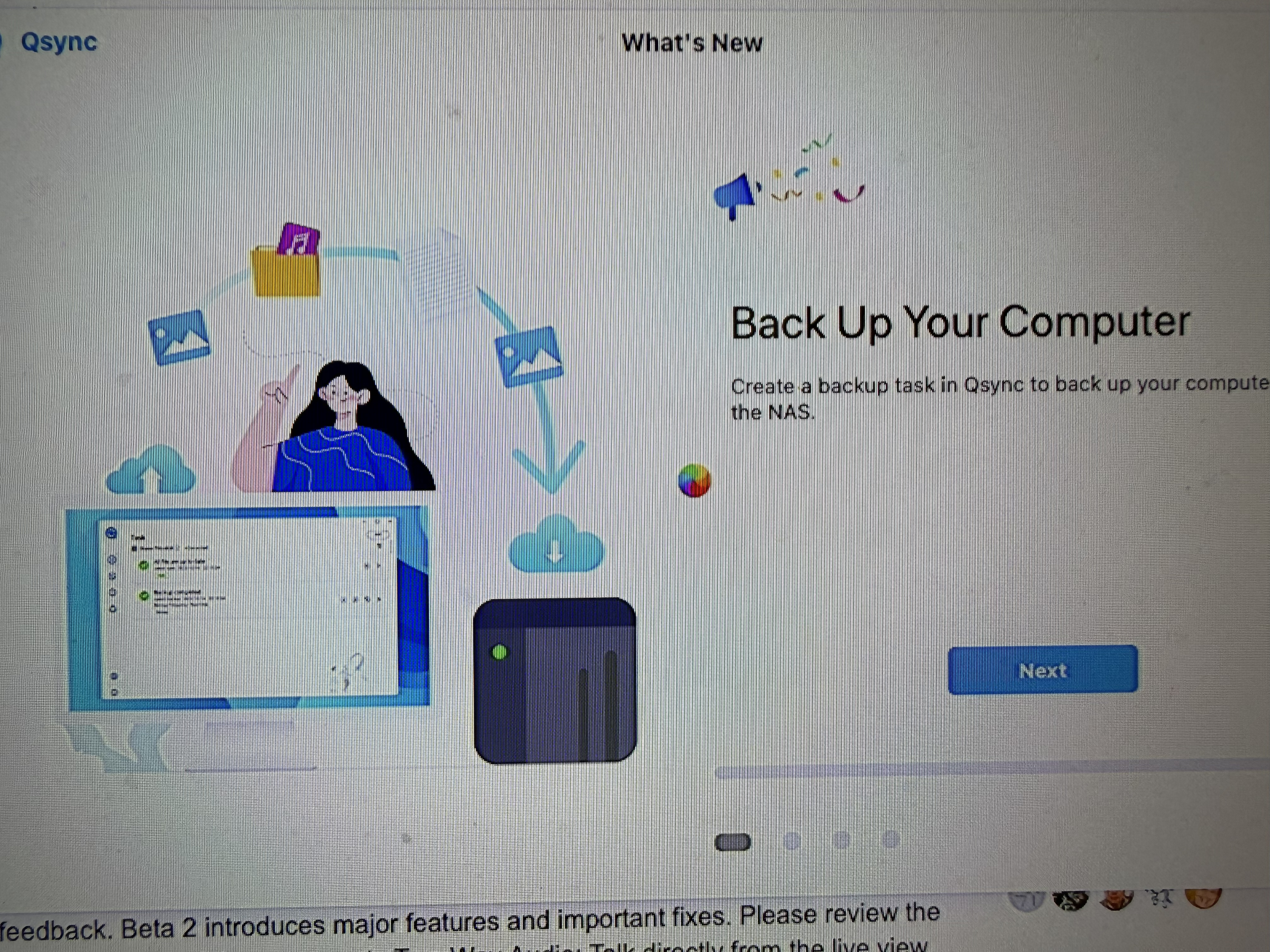
Well, so far this app update is striking out. It starts, brings up the “What’s New” page and then just has the spinning beach ball. Finder shows it as not responding.
OK. I got it to load, but it took several attempts to install. It looks like the app does several tasks when starting up that are 100% blocking. Come on guys - put those tasks in separate threads and let the UI proceed. This is really bad. It took several minutes of just sitting there with the spinning beach ball. If you are going to have it sit there in a blocking state then at least notify the user that it may appear frozen but to just let it run. Activity monitor showed the app as unresponsive as well and taking 95% CPU time.
So best is put this initial stuff in threads and not in the main program loop so the UI can be responsive.
This is just not ready for prime time. Lot of work needed. When trying to log into the NAS, the app just sits there. Finally after more than one attempt it worked. But it looks like I have to set up all my sync folders again?
Right now the app says, “Create Backup Task” - so is that to create a backup task or get my sync back and working? Very confusing. And if it’s a backup task - why are you forcing me to do that? Maybe I don’t want to use Qsync for backup… It is a backup task and if I try to exit w/o setting it up, you want to quit QSync. Please don’t force me to add a backup task!
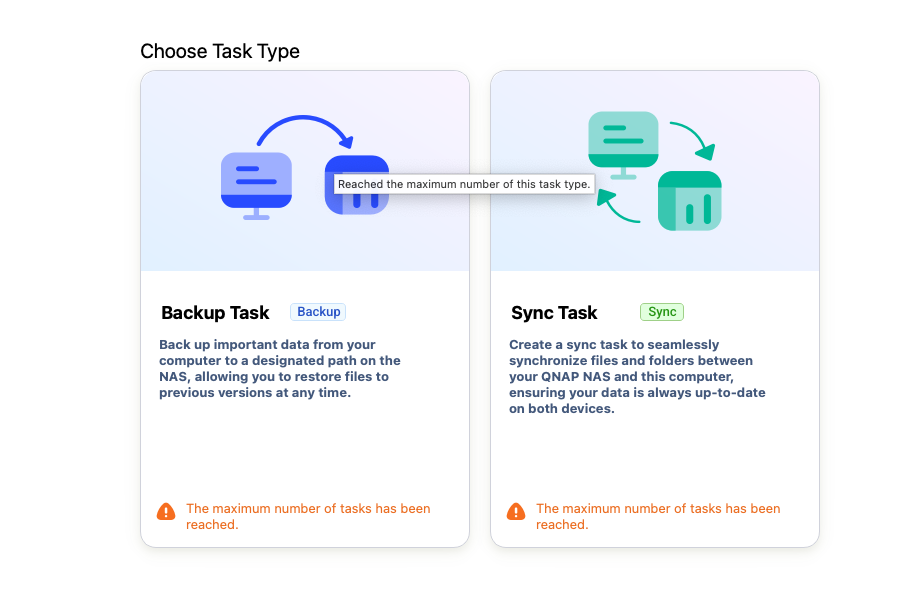
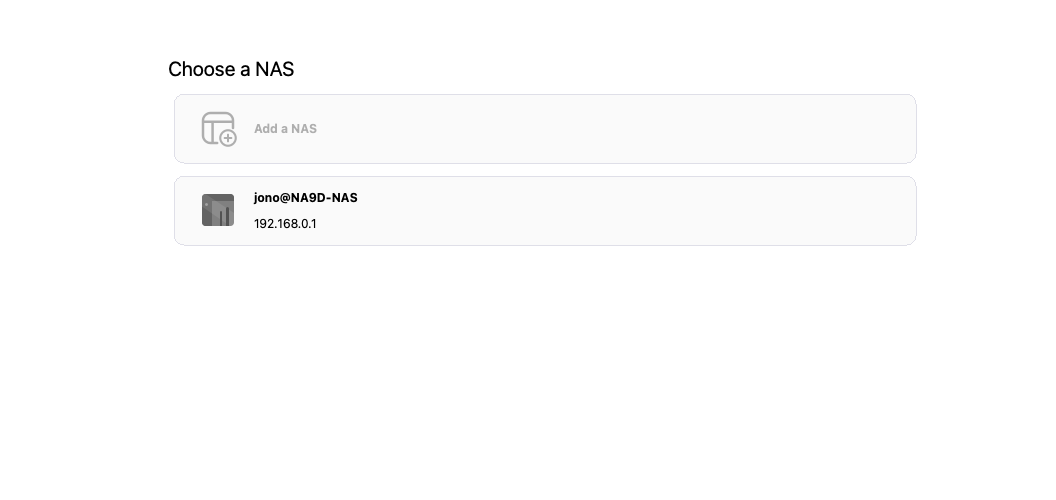
Since I can’t post more consecutive replies, I will keep going. So trying to figure out how to even see the NAS connection page once I have things running. If I try to add a new task I get this:
It won’t allow me! Come on QNAP. The Windows version of Qsync has supported syncing to multiple NAS units for a long time. Why are you not allowing this in MacOS? Gee.
I should be able to have as many tasks as I want to as many NAS units as I want.
Oh lovely. Now the QSync app just quit unexpectedly…
Thank you so much for your quick assistance with testing! The update getting stuck is mainly due to data migration that occurs after the upgrade. We acknowledge that our prompts in this area are not sufficient enough, and we will improve them in the upcoming official release.
Once again, thank you for your valuable feedback, and everyone is welcome to reach out to us if you have any questions or concerns!
After confirming with the PM, currently both Windows and Mac only support setting up one backup task. As for sync, Mac currently only supports one task as well — we will align this with the Windows functionality in the future to allow multiple sync tasks to be set up.
Regarding the other issues you mentioned, I’ll continue to follow up with the PM. Thanks again for your valuable feedback!