Qsync for Mac 6.0 Beta — Open for Community Trial
Qsync for Mac 6.0 Beta is now available for community testing. This is a major update—introducing a backup feature, a redesigned task interface, and an upgrade to Universal Binary, allowing Apple Silicon users to run the app natively without needing Rosetta 2.
Beta Version Features
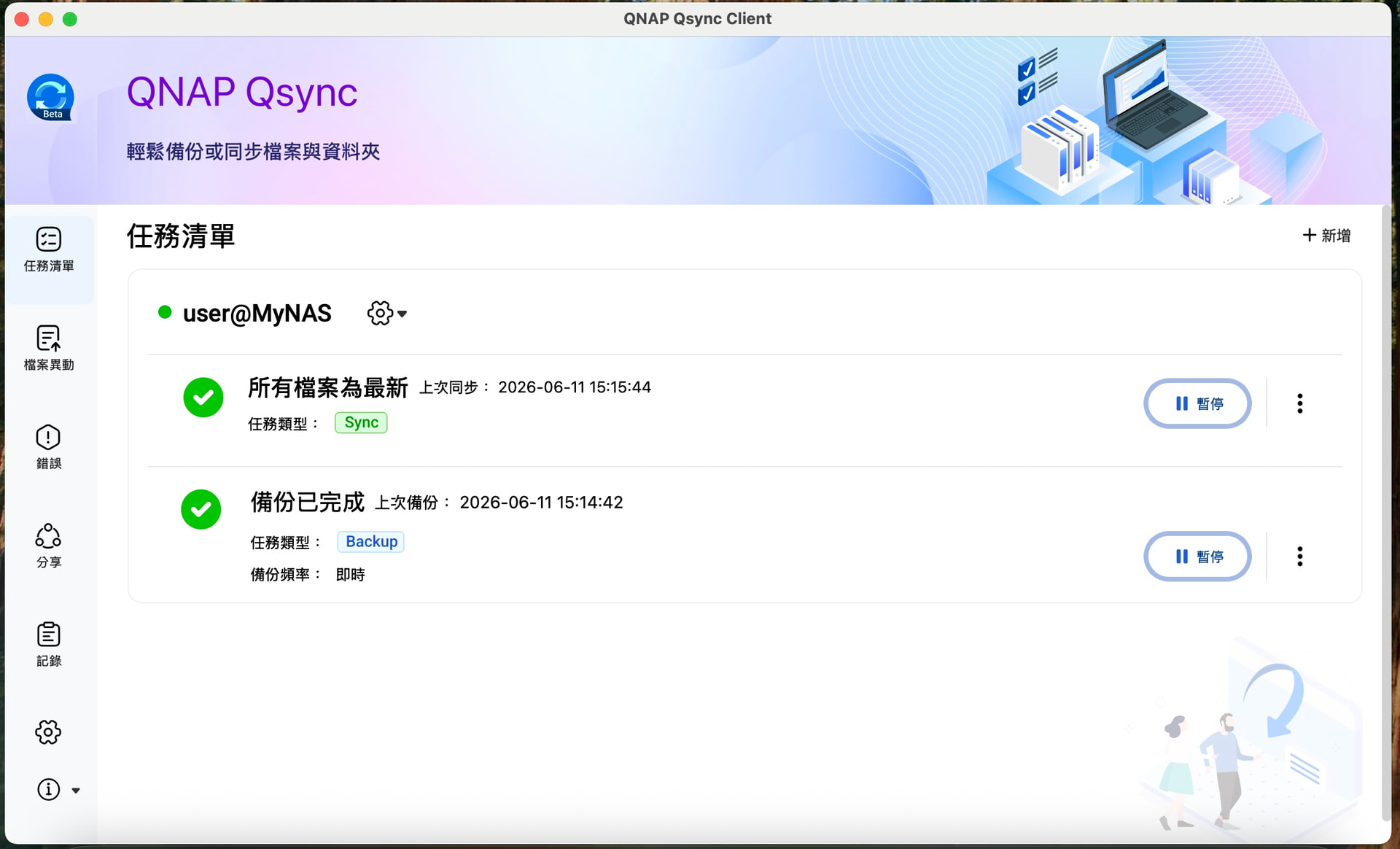
- Backup and Restore: You can now directly back up files from your Mac to your NAS, and restore them to your computer when needed. Backup tasks are managed separately from existing sync tasks, so they won’t interfere with each other.
- All-New Task Management Interface: A new task list page lets you manage all sync and backup tasks in a single view. Each task is labeled by type (Sync / Backup), and the current status is clearly displayed.
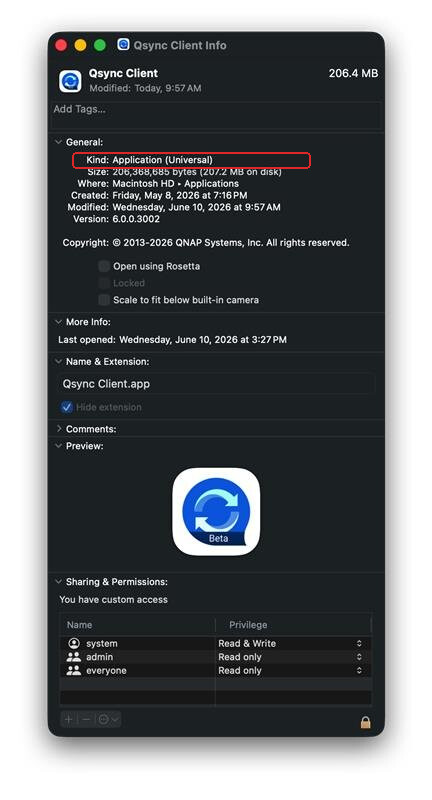
- Native Apple Silicon Support: This version is a Universal Binary, running natively on both Apple Silicon (ARM) and Intel processors—no need to install Rosetta 2.
System Requirements
- Client: macOS 12 or later
- NAS System: QTS / QuTS hero / QuTScloud 5.2.x or later
- Qsync Central: 5.0.0.0 or later (please download the update from App Center)
Important Information Before Testing
Please back up your existing data before installation. If you are currently using Qsync Central and Qsync Client for computer backups, be sure to save a separate copy of your backup data before upgrading. As this is a Beta version, unexpected behavior may occur—make sure your data is protected.
Download
Qsync Client 6.0 Beta (.dmg) Download Link
If you have any feedback after trying the beta, or encounter any unexpected issues, feel free to reply directly to this post and let us know.